Helping Elementary Students Understand the Internet
What is the internet anyway? Is it a black box on a pedestal? What actually happens when students type a website and hit enter? Most students don’t know.
However, understanding the internet is an essential skill for elementary students. As young learners navigate a landscape filled with vast information and various online platforms, it has become crucial to equip them with the knowledge and tools necessary to use the internet safely and responsibly. We will provide insights into the importance of internet literacy, explore foundational concepts, and highlight effective strategies for educators and parents to help children develop critical thinking skills. Finally, we’ll equip you with helpful resources to get started teaching these skills in your classroom. By fostering a strong understanding of the internet, we can empower elementary students to thrive in their educational journeys and beyond.
The Importance of Internet Literacy for Elementary Students
Why Internet Skills Matter in Today’s World
Kids today are considered digital natives, growing up with technology at their fingertips. However, many of them have very little actual knowledge about how the tech they use works or how to use it safely. Internet skills empower them to access information, communicate effectively, and think critically.
The Impact of Digital Literacy on Academic Success
Studies show that students with strong internet skills are more likely to excel academically. When they can research, collaborate, and present their ideas online, they’re not just passing grades; they’re building confidence and creativity.
Understanding the Basics: What is the Internet?
A Simple Explanation of Internet Functionality
Picture the internet as a giant web connecting millions of computers, like a digital spider spinning its threads across the globe. It allows us to share information, communicate, and explore new ideas at lightning speed. When you type in a website or send an email, you’re sending requests through this web, and voila—information comes back.
Key Terminology for Young Learners
Let’s break down some basic internet jargon:
Browser: This is the magic window we use to see the internet, like Chrome or Safari.
URL: Think of these as the internet’s addresses. Just like every home has a street address, websites have a unique URL.
Search Engine: Imagine it as a trusty guide—you type in what you’re looking for, and it helps you find it amidst the vast online universe.
Download: This means pulling things from the internet to your device.
Understanding these introductory terms will help young learners begin to feel more at home in the digital realm!
Navigating Online Safety: Teaching Responsible Internet Use
We have Ideas to Teach and Review Internet Safety to really sink you teeth into, and shown how useful immersive skill building games like Be Internet Awesome: Digital Citizenship Meets Gamification can be. Here are the quick & dirty focus points to get you started.
Identifying Safe Websites and Content
Equipping kids with the knowledge to recognize safe websites is crucial. Teach them to look for indicators like HTTPS and to avoid sites that seem sketchy or untrustworthy.
Recognizing and Avoiding Online Threats
Just as we teach kids to look both ways before crossing the street, we must arm them with the skills to spot online threats. Discuss common hazards like phishing scams and cyberbullying. Encourage them to always talk to a trusted adult if they encounter something troubling online—don’t just hope it’ll “turn out fine”.
Setting Boundaries: Screen Time and Privacy Rules
Establishing screen time limits and privacy rules helps kids navigate the internet responsibly. Discuss healthy device usage, encouraging breaks for fresh air and social interaction!
Recognizing Reliable Sources: Critical Thinking Skills for Young Learners
Teaching the Difference Between Fact and Opinion
In a world flooded with information, discerning fact from opinion is a superpower! Teach kids that facts can be proven and supported with evidence, while opinions are personal beliefs.
How to Spot Misinformation and Fake News
Misinformation can spread fast, so it’s crucial to give students the tools to spot it. Encourage them to check the source, look for multiple viewpoints, and question sensational headlines. Teach them that if a headline feels outrageous, it probably deserves a second look (and maybe a healthy dose of skepticism). They’ll be fact-checking like pros in no time!
Engaging Educational Resources and Activities
Interactive Websites and Games for Learning
The internet is full of engaging resources that can turn learning into a fun adventure. Websites like Code.org with their Internet Simulator or a Internet Safety on Kahoot! offer games and activities designed specifically for helping young minds make sense of these complicated computer science topics. With coding games that feel more like playtime and quizzes that can rattle even the smartest of brains, these platforms encourage students to explore the internet while developing critical thinking skills.
Classroom Activities to Enhance Understanding
Nothing solidifies knowledge like hands-on activities. Teachers can create scavenger hunts where students search for credible sources online or design projects where kids create their own websites about topics they love. Pair that with some team presentations, and you’ve got a recipe for collaborative learning.
The Role of Parents and Educators in Internet Education
Strategies for Effective Communication About the Internet
Use simple language and relatable examples, like comparing online communities to school playgrounds. Discuss the good, the bad, and the ugly of the web over dinner, and watch your kids’ eyes widen as they grasp both the excitement and challenges it presents.
Collaborative Approaches to Internet Literacy
Parents and educators should join forces to address digital literacy to present a truly united front Regular meetings or workshops can foster a unified approach. Share resources, discuss challenges, and maybe even create a “cool internet tips” newsletter. When everyone’s on the same page, kids will feel more supported and more likely to approach the internet with confidence.
Addressing Common Misconceptions About the Internet
Debunking Myths About Online Behavior
Let’s face it—the idea that everything online is true is like saying all pizza is healthy because there’s a veggie option! Educators can host discussions or create posters debunking these myths, helping students navigate misinformation like pros.
Clarifying the Line Between Privacy and Sharing
Kids often think the internet is their personal diary, but in reality, it’s more like a loudspeaker. Helping them understand what’s okay to share and what’s not is crucial. Use scenarios—like “Would you shout this in a crowded room?”—to illustrate the importance of good judgement. We also need to make sure they know that while sharing can be fun, it’s essential to protect personal information!
Brittany’s Own Resources
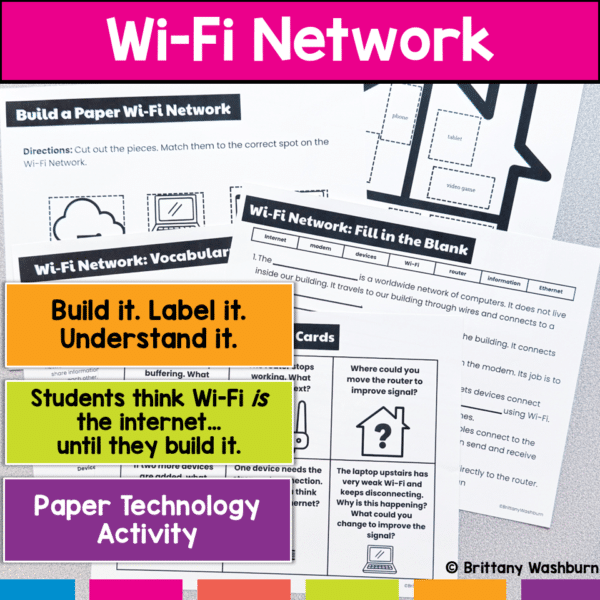
Create a Paper Wi-Fi Network Activity
Stop trying to explain Wi-Fi Networks over and over… and let students build it instead. This hands-on activity helps students finally understand how internet connections actually work by turning an invisible system into something they can see, touch, and explain. Students don’t just memorize vocabulary, they build a working model of a network, connect the parts, and solve real-world problems.
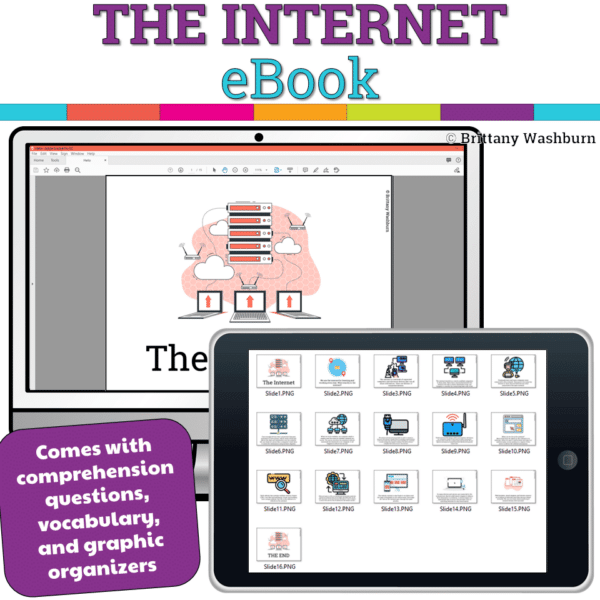
The Internet Booklet
Introduce a lesson on how the Internet works with this eBook that goes over how the internet started, how it works, and how we use it. Great for a warm up activity in the computer lab or classroom. Share the PDF with students for a paperless experience or print the nonfiction text out as a booklet.
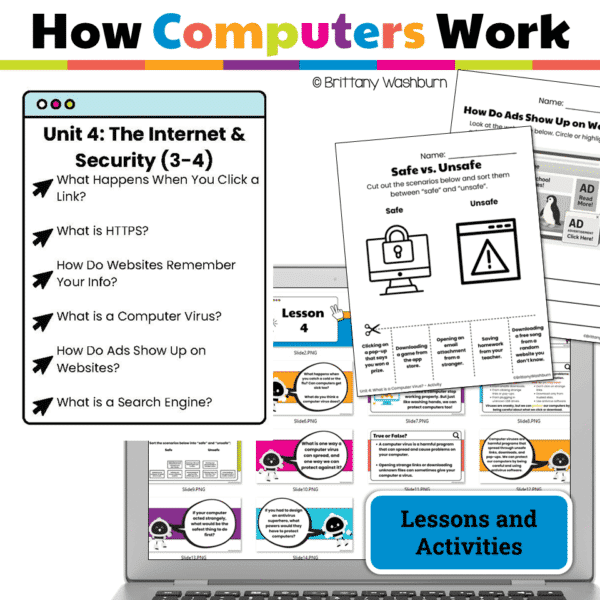
The Internet and Security – How Computers Work Series Unit 4
Help your students understand the online world in a safe, age-appropriate way with this Internet & Security unit from the How Computers Work series! Perfect for Grades 3–4 technology lessons or computer lab instruction, this resource introduces key internet concepts like links, search engines, cookies, cybersecurity, and online tracking through interactive Google Slides, engaging printables, and ISTE-aligned digital literacy lessons.
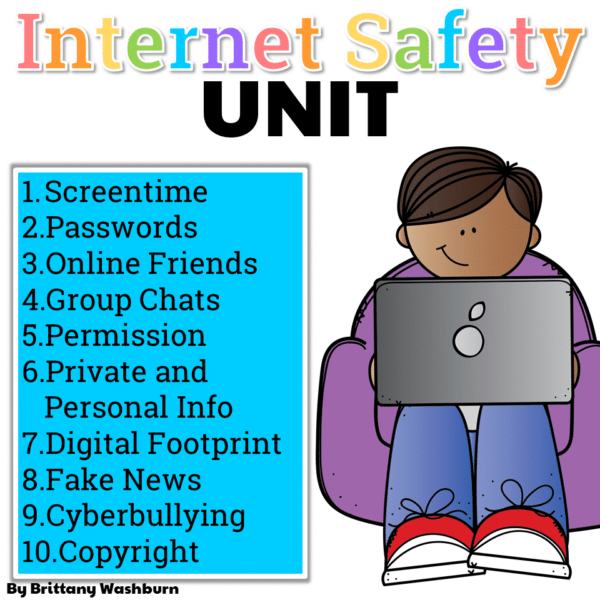
Internet Safety Unit
This complete unit has 10 reading passages, vocab cards, a multiple choice assessment, and 40 digital activity slides for internet safety and digital citizenship topics. It is ideal for computer lab teachers to use during tech class as you can choose which topics to complete with each grade level.
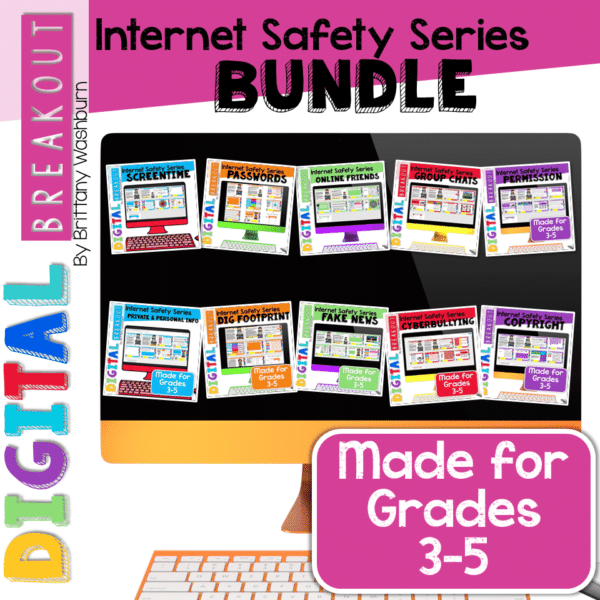
Internet Safety Topics Digital Breakouts Bundle
Using technology and problem solving skills, students decipher codes and complete activities to learn the internet safety topics. The activities are housed in a Google Slides file and students enter their codes into a locked Google Form.
Future Trends: Preparing Students for a Digital World
Emerging Technologies and Their Implications
Students should be made aware of how these innovations will impact their world, from future jobs to how they interact with each other. Incorporate discussions about emerging tech into the curriculum.
The Importance of Lifelong Learning in a Digital Age
Encouraging a mindset of lifelong learning is key. Whether it’s picking up a new coding language or exploring online courses, establishing a love for learning today will equip them to tackle whatever digital challenges come their way tomorrow.
Helping elementary students understand the internet is vital. By equipping them with essential skills, knowledge, and a sense of responsibility and with the right guidance from educators and parents, children can confidently navigate the online world, making the most of the opportunities it offers while staying protected from its challenges. Emphasizing internet literacy now will lay a strong foundation for their future success and engagement in an ever-evolving digital landscape.