
Free for tech teachers
Free tech activities for your K–5 lab
50 free lessons, posters and planning tools in one place. Sign up once and the password is yours to keep.
50 freebies
Already have the password?
Head straight in. Bookmark the library so it’s one click next time.
What’s inside
Seven topics, organized by grade, with a search box to find anything fast.
Planning & Classroom Setup
Standards chart, classroom management, decor
11 freebies
Computer Basics
Computer parts, file types, text formatting
10 freebies
Coding & Robotics
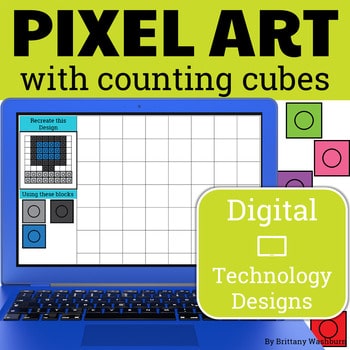
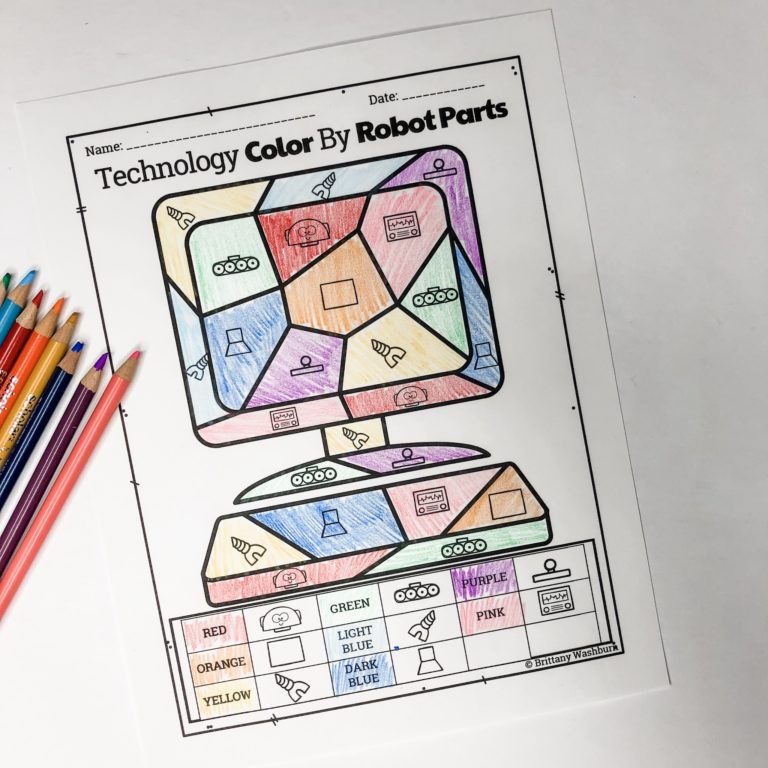
Pixel art, coding starter kit, robots
6 freebies
Keyboarding
Keyboard letters, typing posters, sight words
8 freebies
Mouse & Trackpad
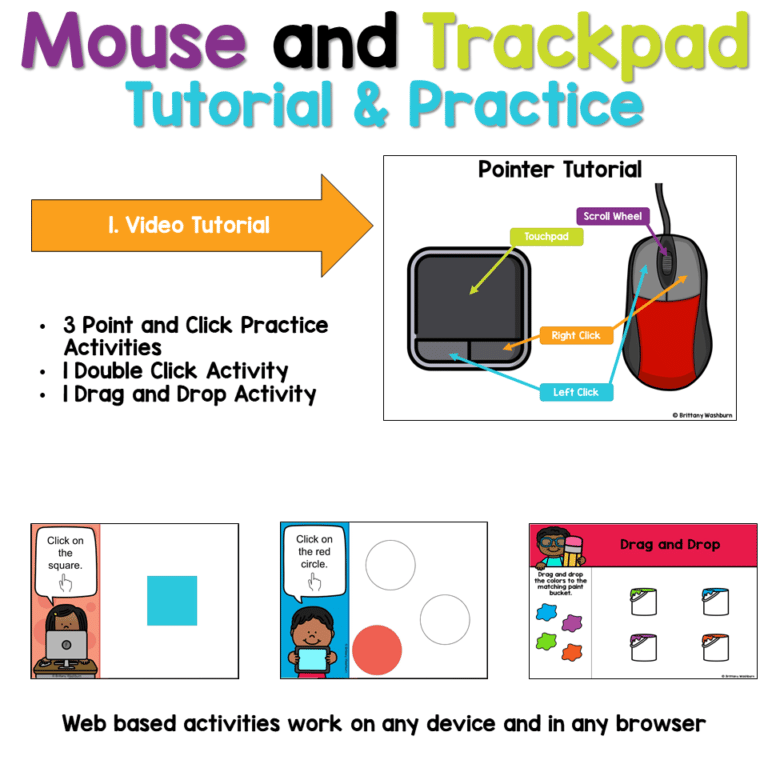
Click and drag, trackpad gestures, drawing app
5 freebies
Digital Citizenship
Passwords, screen time, safety posters
4 freebies
Cross-Curricular & Seasonal
CVC tiles, mystery pictures, graphing
6 freebies
Teachers’ favorites
The most-downloaded freebies this fall.
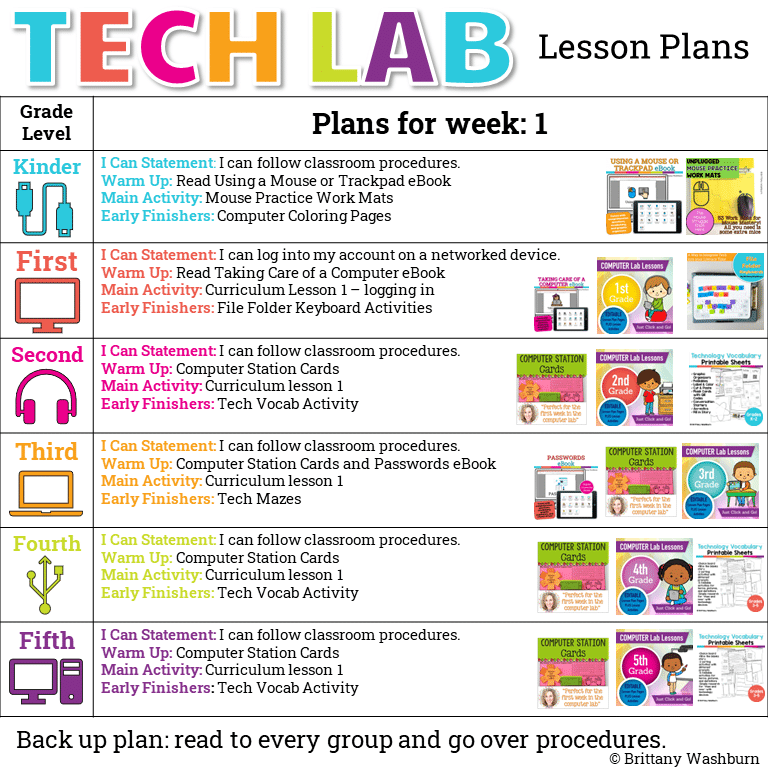
Weekly Tech Lab Plans
K–5 · 40 weeks
Sub Plans for the Tech Lab
K–5 · printable + digital
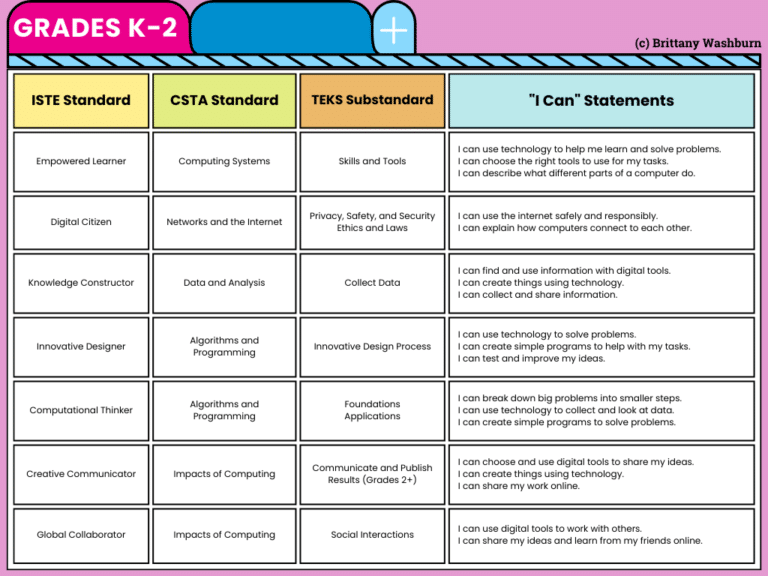
Tech Standards Chart
K–5 · ISTE, CSTA, TEKS
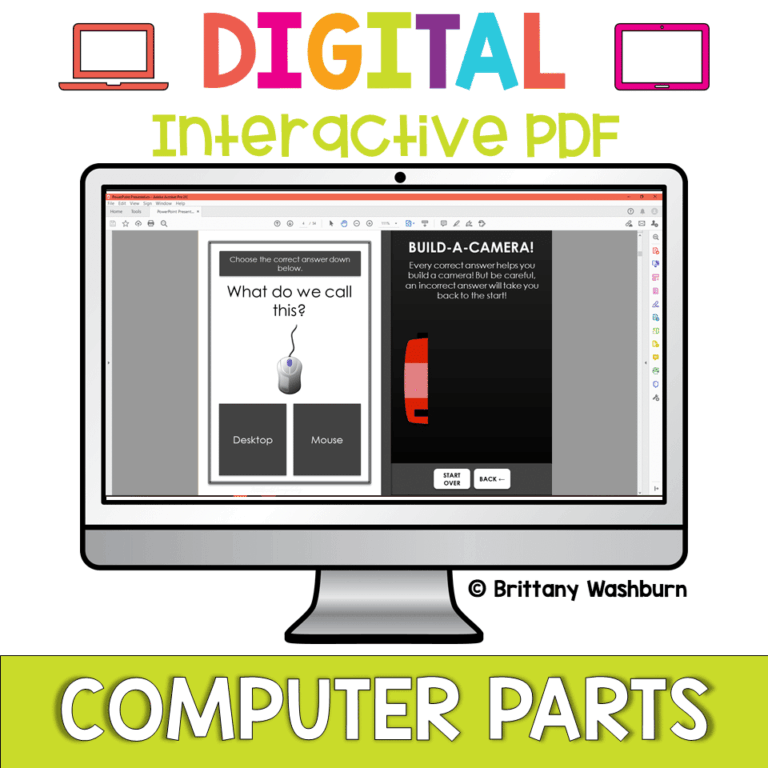
Computer Parts Interactive
K–2 · digital
How it works
1
Sign up
Enter your email. It takes ten seconds.
2
Check your inbox
The password arrives by email. Search for “Free Resource Library” if you don’t see it.
3
Bookmark the library
Same password every time. New freebies get added all year.
Questions
I signed up but didn’t get the password.
Search your inbox and spam folder for “Free Resource Library”. Still nothing after a few minutes? Email me at info@brittanywashburn.com and I’ll send it.
Can I share the library with teachers at my school?
Yes, please do! Send them to this page so they can sign up and get the password in their own inbox.
Why won’t a file open on my iPad?
Some freebies are zipped folders. Open those on a computer, then move the files wherever you need them.
Is it really free?
Yes. Every resource in the library is free to use with your students.
K–5 TECHNOLOGY CURRICULUM
Want the full lessons behind these freebies?
Every week of the year, planned and ready to teach, for every grade K–5.
About the Free Resource Library
A free collection of elementary technology activities from a former K–5 computer lab teacher: keyboarding and mouse practice, computer basics, coding and robotics, digital citizenship, classroom management and tech lab planning tools. Printable and digital, organized by grade.