Handling Off-Task Behavior When Students are Working on Computers
While teaching with technology is critical these days, students often find themselves distracted while working on computers. Off-task behavior can disrupt not only individual learning but also the overall classroom environment. Understanding the causes of these distractions and implementing effective strategies is essential for educators aiming to maintain focus and engagement. We will explore various aspects of off-task behavior on computers, from identifying common triggers to implementing monitoring techniques and collaborative strategies with parents. By addressing these challenges head-on, teachers can create a more productive digital learning space that fosters student accountability and enhances educational outcomes.
Understanding Off-Task Behavior in the Digital Classroom
Definition of Off-Task Behavior
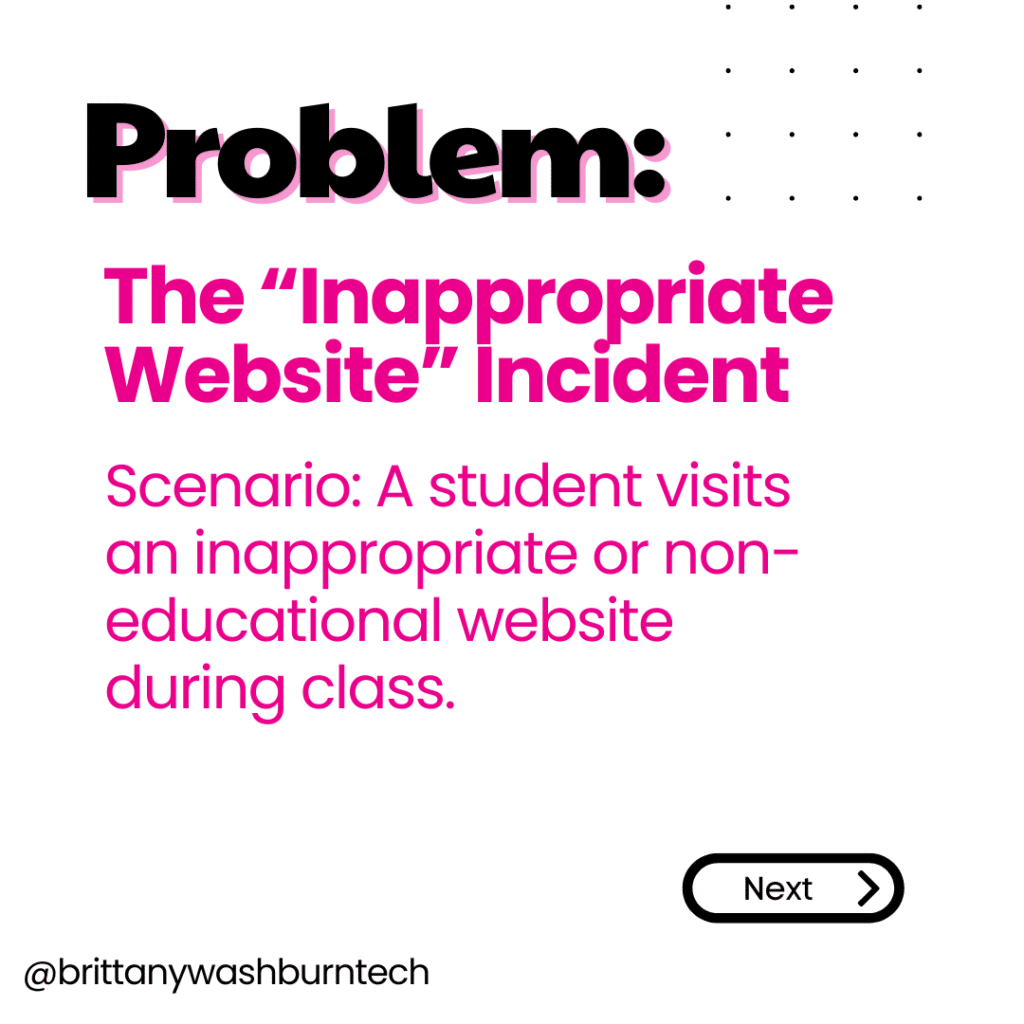
Off-task behavior refers to any action that diverts a student’s attention away from the task at hand, especially when they are supposed to be focused on academic work. This could mean anything from casually drifting to the non-educational games on a prescribed website to browsing cat videos on YouTube. Frequent off-task behavior can hinder learning and lead to a classroom environment that’s increasingly chaotic.
Impact of Technology on Student Focus
Technology can be a double-edged sword in the classroom. On one hand, it opens up a world of information and resources that facilitate learning. Even more important to consider is the role of technology in testing learning in all subjects.
On the other hand, it’s like turning a kid loose in a candy store—temptations are everywhere! The availability of distracting apps, games, and websites can lead students astray, often causing them to miss important lessons or assignments. Understanding this impact helps educators anticipate and address off-task behavior before it spirals out of control.
Identifying Common Triggers for Distraction
Internal Factors: Motivation and Attention
Motivation and attention are like the dynamic duo of focus. When a student’s internal drive is low, or if they’re finding the material boring, it’s no surprise they’d rather daydream about their plans to become a professional gamer. Challenges with attention span can also play a role, so make sure your lessons and activities are of both appropriate length and rigor for the age group you are with. Recognizing these internal factors can help teachers intervene more effectively.
External Factors: Environment and Peer Influence
Who knew that sitting next to a friend could be so distracting? External factors like classroom environment—think noise levels, seating arrangements, and even that pesky sunlight streaming through the window—can seriously influence student focus. Additionally, peers can either be a source of motivation or complete chaos. Group dynamics play a huge role in off-task behavior, so it’s essential to keep an eye on how student relationships might be fueling distractions.
Strategies for Preventing Off-Task Behavior
Setting Clear Expectations
Setting clear expectations helps students know what’s on the menu for the day, which can encourage them budget their time more responsibly. Outlining what off-task behavior on computers looks like and what is expected during computer work can also create a framework for keeping everyone on track. Reminding students of these guidelines regularly is key as well!
Designing Engaging Digital Activities
One surefire way to keep students glued to their screens for the right reasons is to create engaging digital activities. These should be interactive, relevant, and just challenging enough to keep things interesting without inducing a meltdown. Think gamified learning, multimedia projects, or collaborative platforms that foster creativity. If students find the work engaging, they’ll be less likely to wander off into the realm of distractions and more focused on completing their tasks.
Effective Monitoring Techniques for Computer Use
Utilizing Software Tools for Oversight
Teachers can embrace technology for monitoring as well. There are numerous software tools available that allow educators to keep an eye on student screens without appearing overbearing. GoGuardian, Securly and other similar tools can track online activity, provide insights into productivity, and even lock screens if a student veers too far off the path.
Observational Techniques in the Classroom
While software is great, nothing beats good old-fashioned observation. Walk around the classroom and engage with students about what they’re working on; a simple chat can remind them to stay on task. Pay attention to body language—distracted students often lean back with glazed eyes or in contrast are excessively animated as they lean way in towards the screen. By being present and observant, teachers can swiftly address off-task behavior on computers before it becomes an epidemic, ensuring everyone stays focused and learning.
Interventions for Redirecting Off-Task Students
Immediate Redirection Strategies
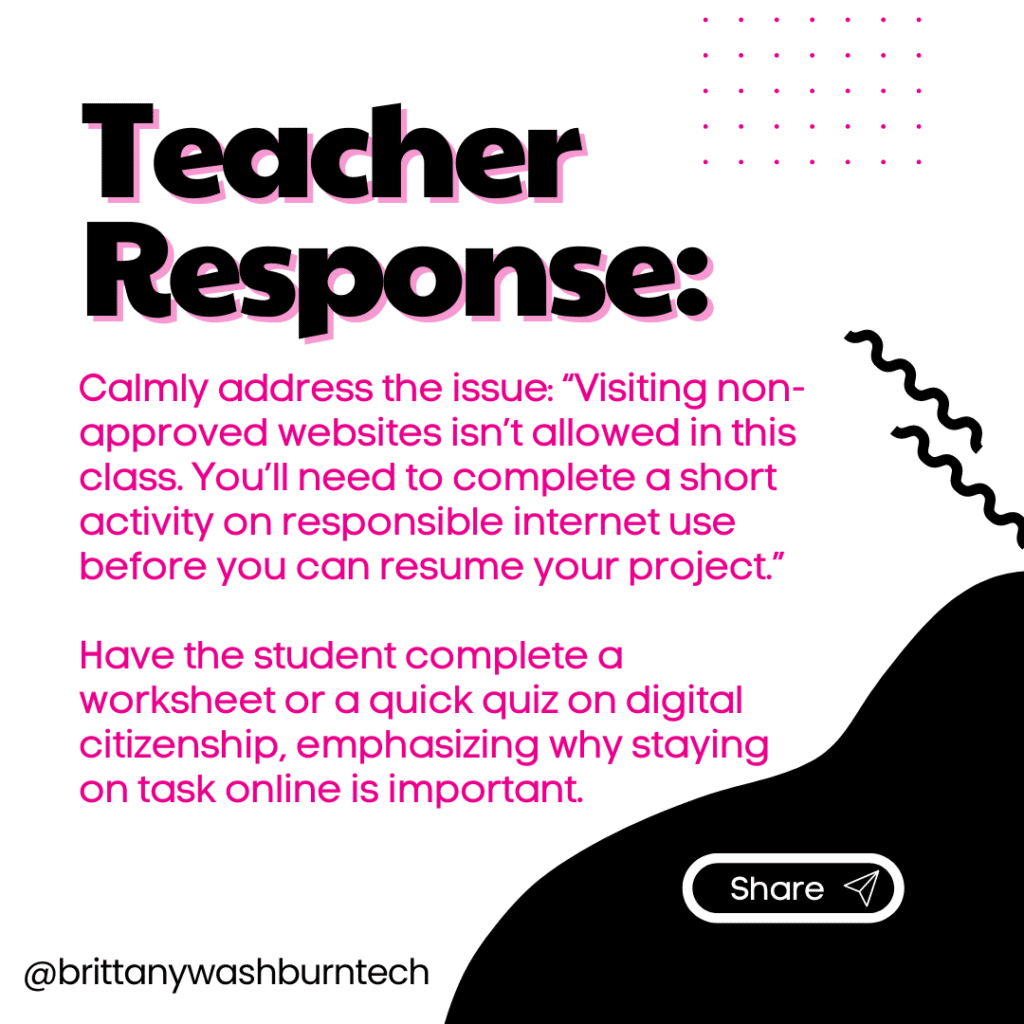
When students are simply lost in a rabbit hole of internet memes instead of finding the one relevant image required by their assignment, it’s time for some immediate redirection strategies.
- A simple approach is to discreetly walk around the classroom and tap a student’s shoulder or make eye contact to bring them back to the task.
- Alternatively, using verbal prompts like, “Let’s refocus on our project!” can serve as an effective nudge.
- For students who respond well to visual cues, you can place a sticky note on their screen as a gentle reminder of what they should be doing.
- Set a timer, either on your monitoring software or directly on their device. A timer helps you know how long they have left so you can be ready to talk and redirect them once the timer went off.
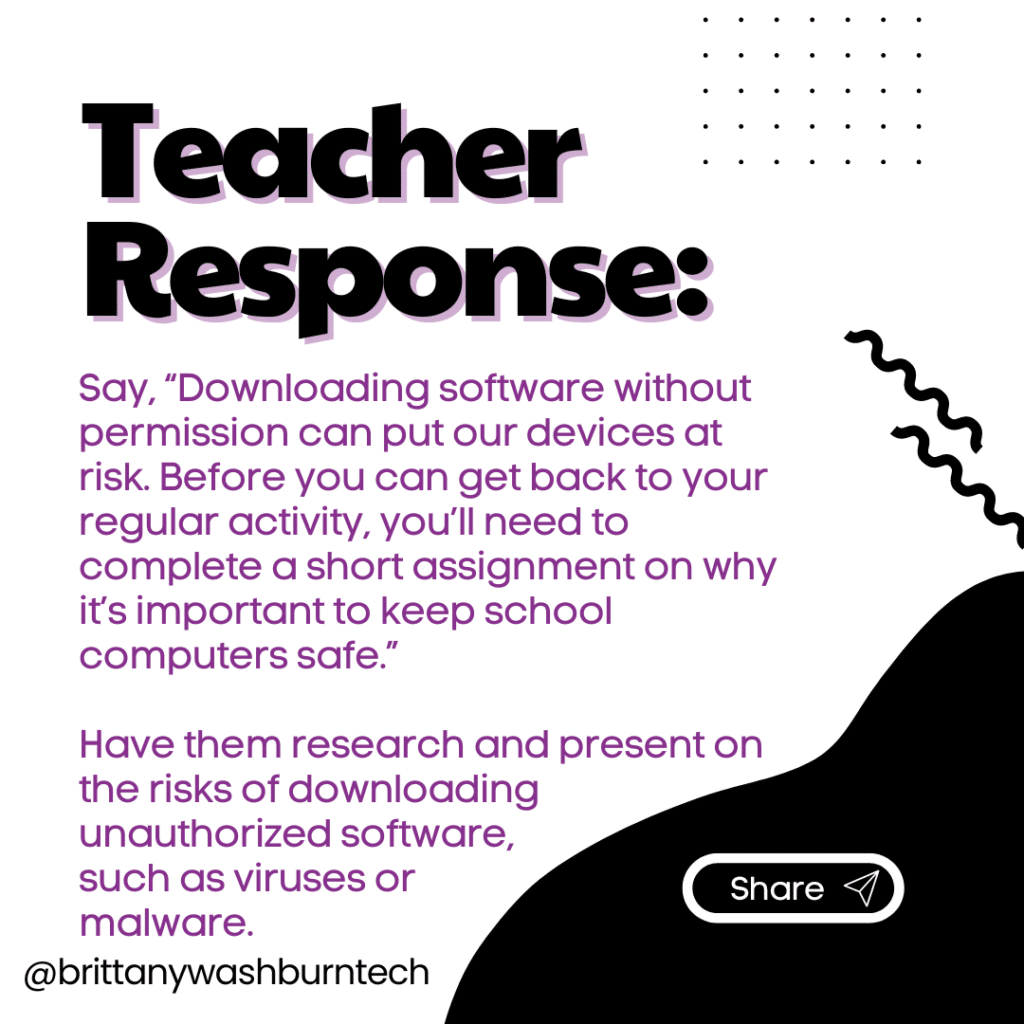
- When a student is on such a short tech break, give them a worksheet to complete in the meantime. They still have to complete the online assignment but now they will be behind because they couldn’t stay focused.
- This technique works especially well if students know they have to finish their assignment before they can earn free tech time at the end of class!
- When a student is on such a short tech break, give them a worksheet to complete in the meantime. They still have to complete the online assignment but now they will be behind because they couldn’t stay focused.
Scripted Re-Focusing Conversations
This genius strategy was shared by Geneva S. in our Tech Teacher’s Facebook Group:
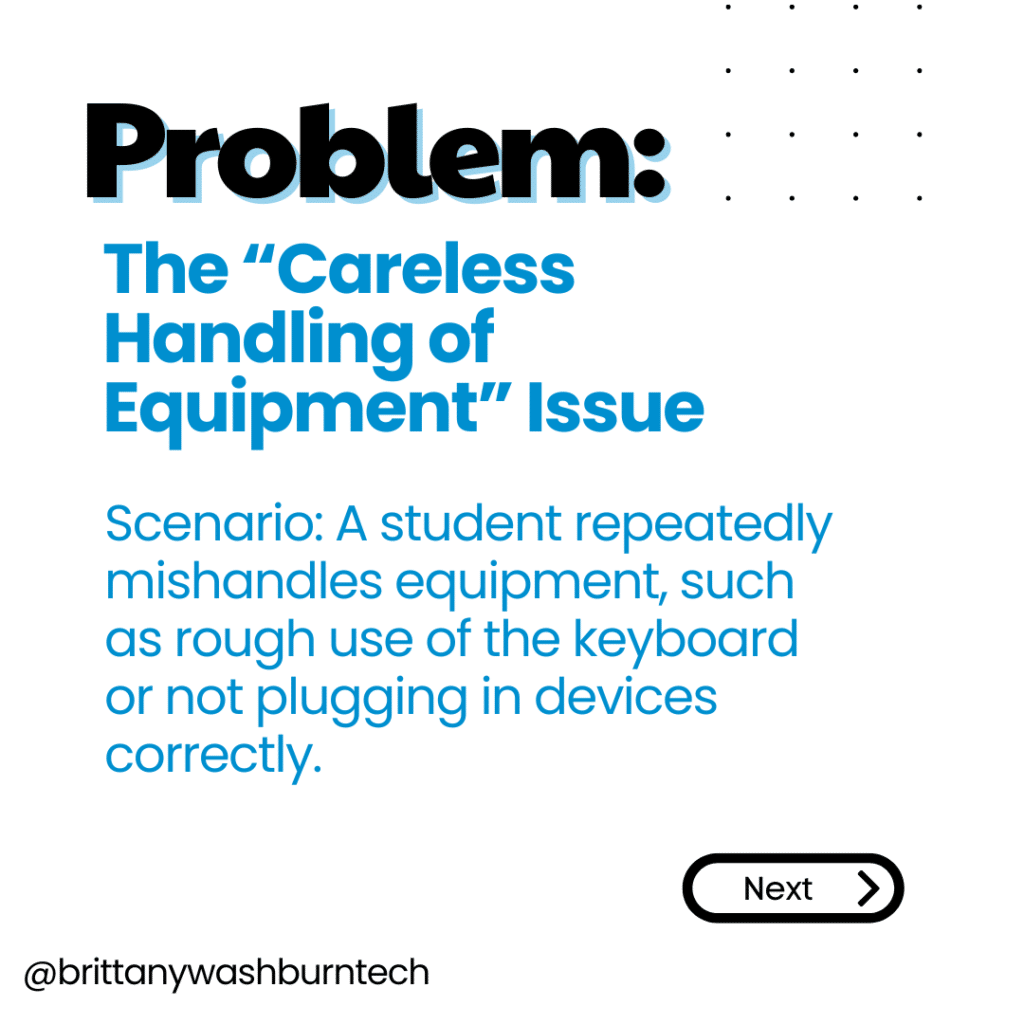
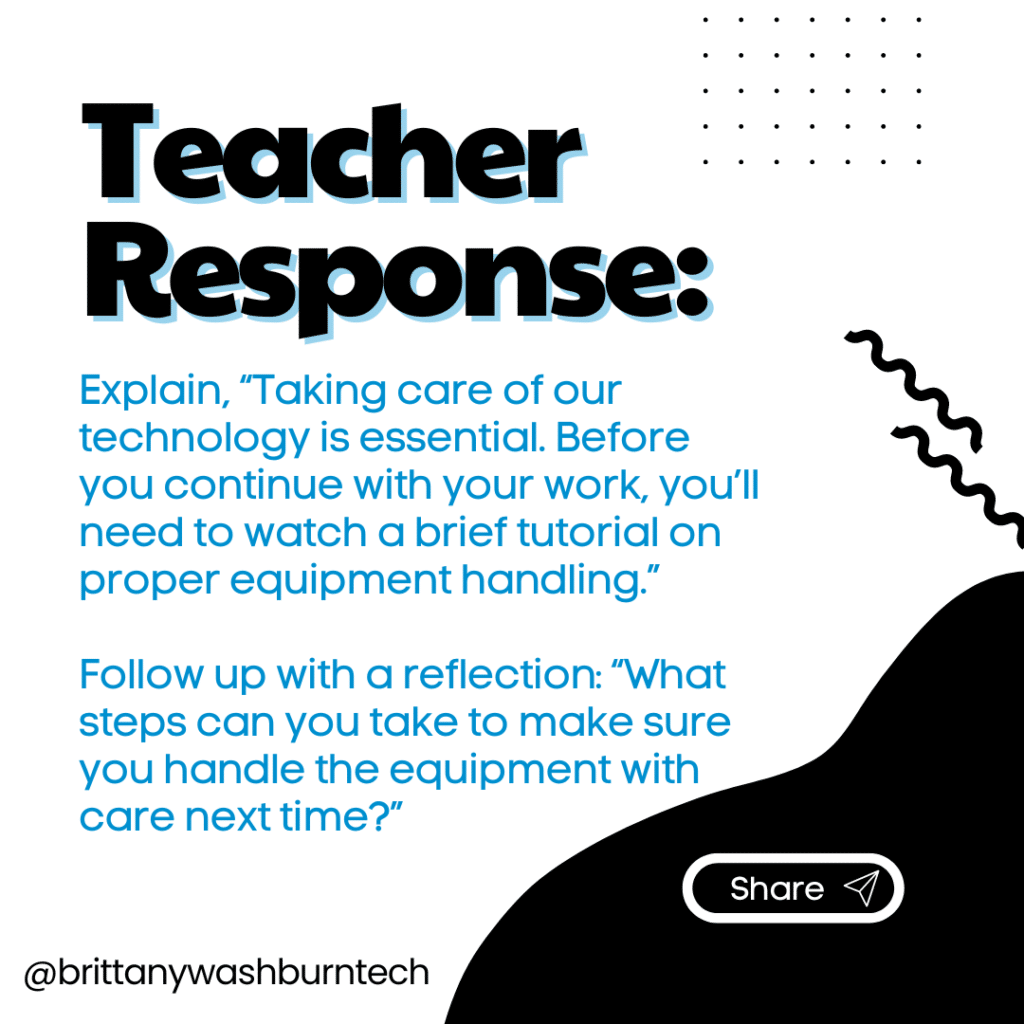
If a student is off task, I calmly ask them to bring me their device and ask them to set it down on the counter at the front of the room. It’s very important that I don’t “take” their device, as this can cause a power struggle. This move also promotes responsibility on the student’s part.
After about five minutes (depending on the situation), I approach the student if they are calm. Then, I have this conversation:
Me: “What were you doing?”
Student: *Names what they were doing*
Me: “What were you supposed to be doing?”
Student: *Names what they were supposed to be doing*
Me: “What will you do next time instead?”
Student: *Repeats what the expectation is*
If the student is not able to have this conversation (emotions running high, or not ready to take responsibility yet) I will say calmly, “Okay. It seems like you’re not ready to earn your device back yet. It’s important to have a conversation first. You raise your hand and let me know when you’re ready, and I’ll come back.”
If the student is able to have that short conversation (sometimes I will give the younger kids more prompts to help) they can earn their device back.
If they cannot follow the expectation after that conversation, the device gets put away by the student and I find time in their schedule for the makeup work to happen.
Long-Term Support Plans
For the persistent off-task student, a more structured long-term support plan may be necessary. Start by understanding the root cause of their distractions—are they bored, overwhelmed, or maybe battling a case of the ‘tech-itis’? Collaborate with the student to set personal goals, such as limiting non-academic web browsing to designated times. Pair this with periodic check-ins and progress charts to track their engagement. Consider involving peers in study groups, where students can keep each other accountable while working on their projects.
Encouraging Student Accountability and Self-Regulation
Teaching Self-Monitoring Skills
Help them develop these Self-monitoring skills by introducing tools such as checklists or digital apps that track task completion. Encourage students to set specific academic goals (e.g., “I will complete two sections of my assignment today”) and regularly assess their own progress. This not only cultivates independence but also teaches them the valuable lesson of self-regulation.
Incorporating Reflection Practices
Reflection practices are essential for turning off-task behavior into learning opportunities. Set aside time for students to reflect on their day-to-day experiences, asking questions like, “What helped me stay focused?” or “What distracted me the most?” Journaling or participating in group discussions can spark insightful conversations. Encourage students to consider how their off-task habits affect their learning and what changes they can implement moving forward. It’s less about assigning blame and more about fostering a growth mindset—after all, nobody’s perfect!
Collaborating with Parents and Guardians
Communication Strategies for Engagement
Engaging parents and guardians in the battle against off-task behavior on computers is crucial. Start by establishing open lines of communication, whether through emails, newsletters, or parent-teacher conferences. Share specific observations about their child’s engagement and suggest strategies they can implement at home. A friendly reminder about the importance of creating a distraction-free workspace can go a long way!
Creating a Supportive Home Environment
Encourage parents to establish routines that promote focused study time, complete with minimal distractions. Share resources or tips on how to create an ideal study atmosphere—good lighting, comfy seating, and perhaps a snack station (because who doesn’t work better with a little fuel?). When students feel supported at home, they’re more likely to bring that same level of focus to their schoolwork.
Evaluating the Effectiveness of Your Approaches
Assessing Student Engagement and Performance
To know if your strategies are hitting the mark, it’s important to assess student engagement and performance regularly. This can be as simple as observing participation during class discussions or tracking progress on assignments. Consider using exit tickets where students rate their focus and engagement during the lesson—this quick feedback can be invaluable. If students are still wandering off task, it might be time to rethink your approach!
Adjusting Strategies Based on Feedback
Feedback is your best friend in the quest for improved focus! Gather feedback not only from students but also from fellow educators. Are there common trends in off-task behavior? Adjust your strategies accordingly—sometimes a fresh approach can reignite interest. Be open to experimenting with different techniques, whether it’s incorporating gamification elements or using collaborative projects to bridge the focus gap. Remember, the goal is continual improvement, and in the world of education, adaptability is key!
Effectively handling off-task behavior on computers in the classroom requires a proactive and multi-faceted approach. By understanding the underlying causes of distractions, implementing engaging activities, and fostering communication with students and their families, educators can create a more focused learning environment. Continual assessment and adjustment of strategies will ensure that students remain engaged and accountable in their digital learning journeys, ultimately promoting their academic success.
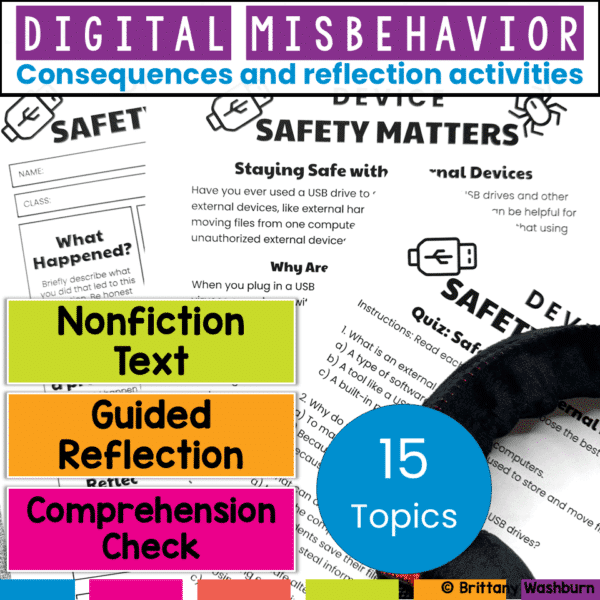
Digital Tech Misbehavior Reflection Activities Bundle
Teach digital responsibility and redirect tech misbehavior with this restorative reflection bundle. Includes nonfiction reading, reflection sheets, comprehension checks, and bonus digital tools! Build digital citizenship skills while addressing tech misbehavior—without taking devices away.
This bundle includes 15 complete reflection activities designed to help students understand and take responsibility for their actions in the computer lab or any tech-integrated classroom.