Managing Students When They are Without Devices in the Tech Lab
The reliance on digital devices for learning in our current educational landscape is increasingly prevalent. However, there are times when students may find themselves without access to these essential tools, whether due to technical issues, device policies, or other factors. This situation presents unique challenges for technology teachers striving to maintain effectiveness in their teaching. We’ll explore strategies for managing students in device free environments both class-wide and for individual students. Teachers can foster creativity, collaboration, and critical thinking skills while ensuring that all students have the opportunity to thrive, regardless of their access to technology.
Outages, Violations & Logistics Oh My!
There are a variety of issues can result in your class, or that one student in your class, being without devices for a while. When this happens, you can give up and take them out to the playground or you can have a few resources in your back pocket to make sure learning continues with or without devices.
Outages
Wifi woes are usually the main culprit in this category, but far be it from me to limit the technological problems that can descend upon you.
Logistics
Dead batteries, devices out for cataloguing or updates, new devices that haven’t arrived yet, non-critical wifi use banned during testing to ensure things run smoothly for those benchmarks… and who knows what else.
Violations
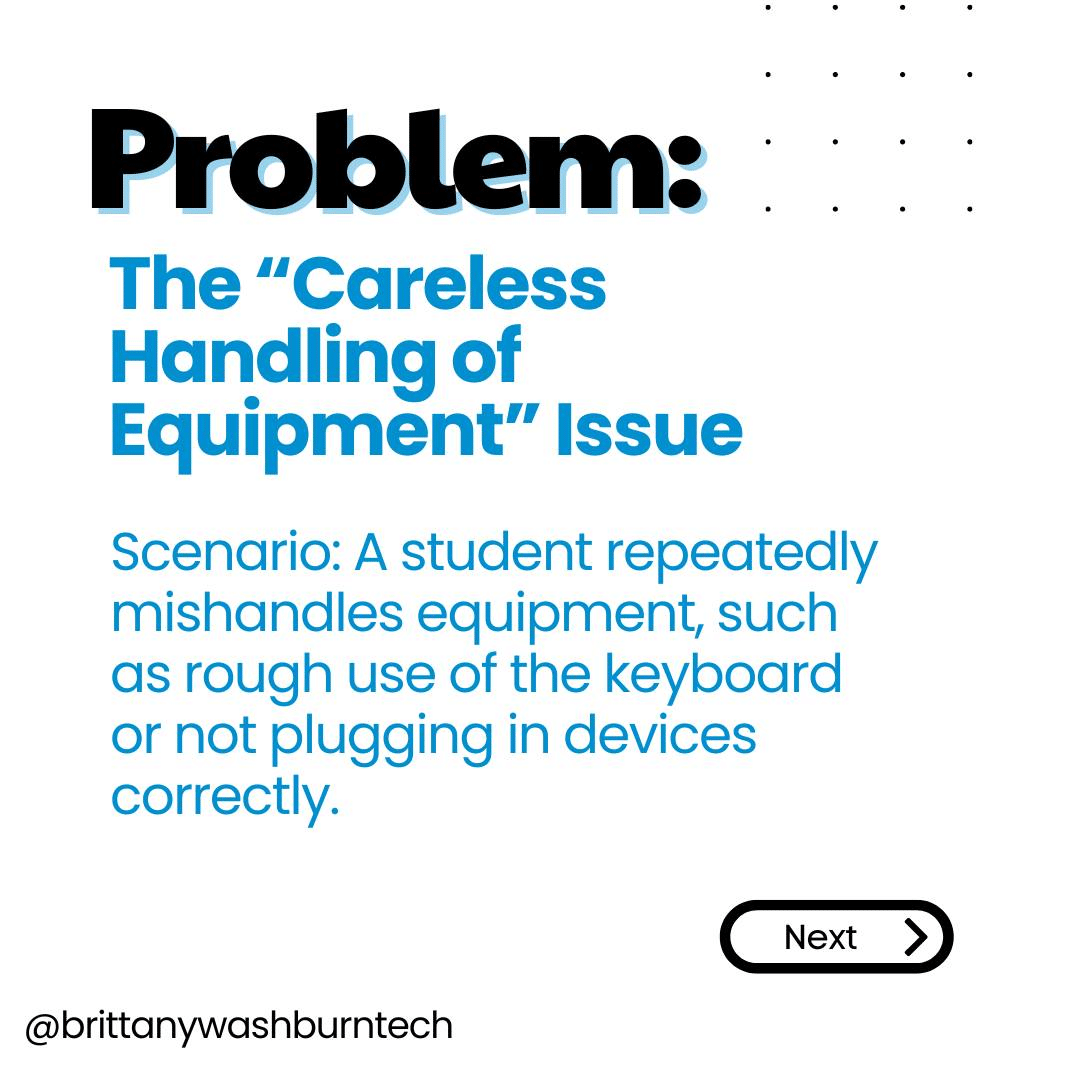
When a student habitually behaves inappropriately with their device, whether it be a digital citizenship issue or even a hardware care issue, it may require disciplinary action. School policies or decision made by other stakeholders may result in a students having a long-term ban on the use of devices.
Alternatives to Removing Devices for Tech Violations
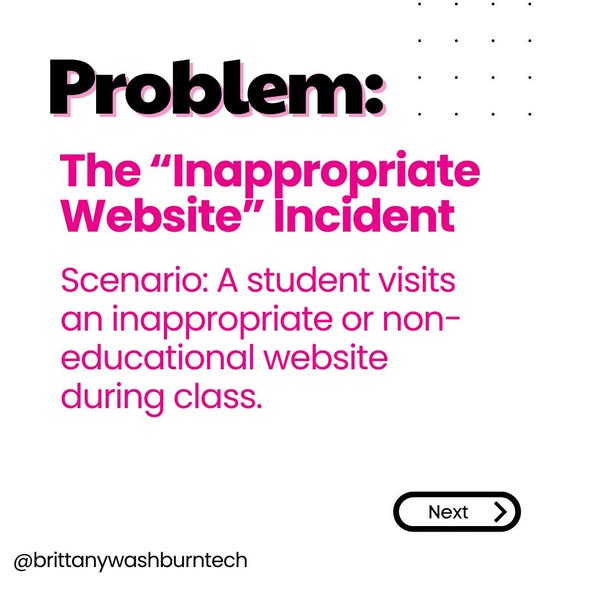
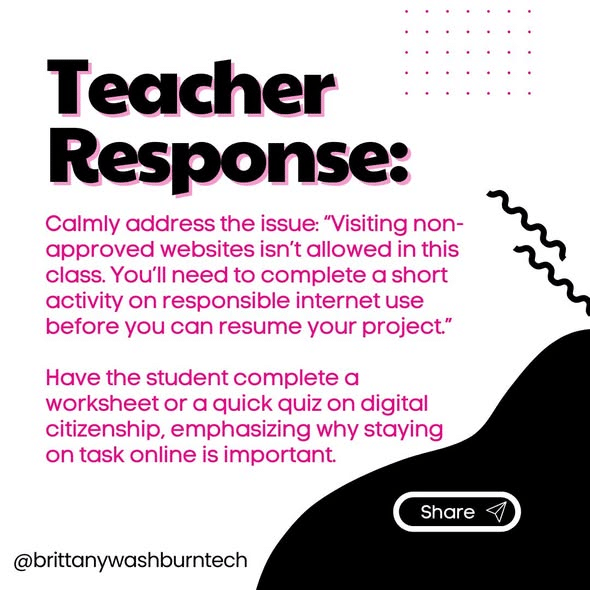
I am not a fan of just taking away the device. We wouldn’t just take away a pencil or a notebook if a student was playing with it. Here are some other ideas to try first.
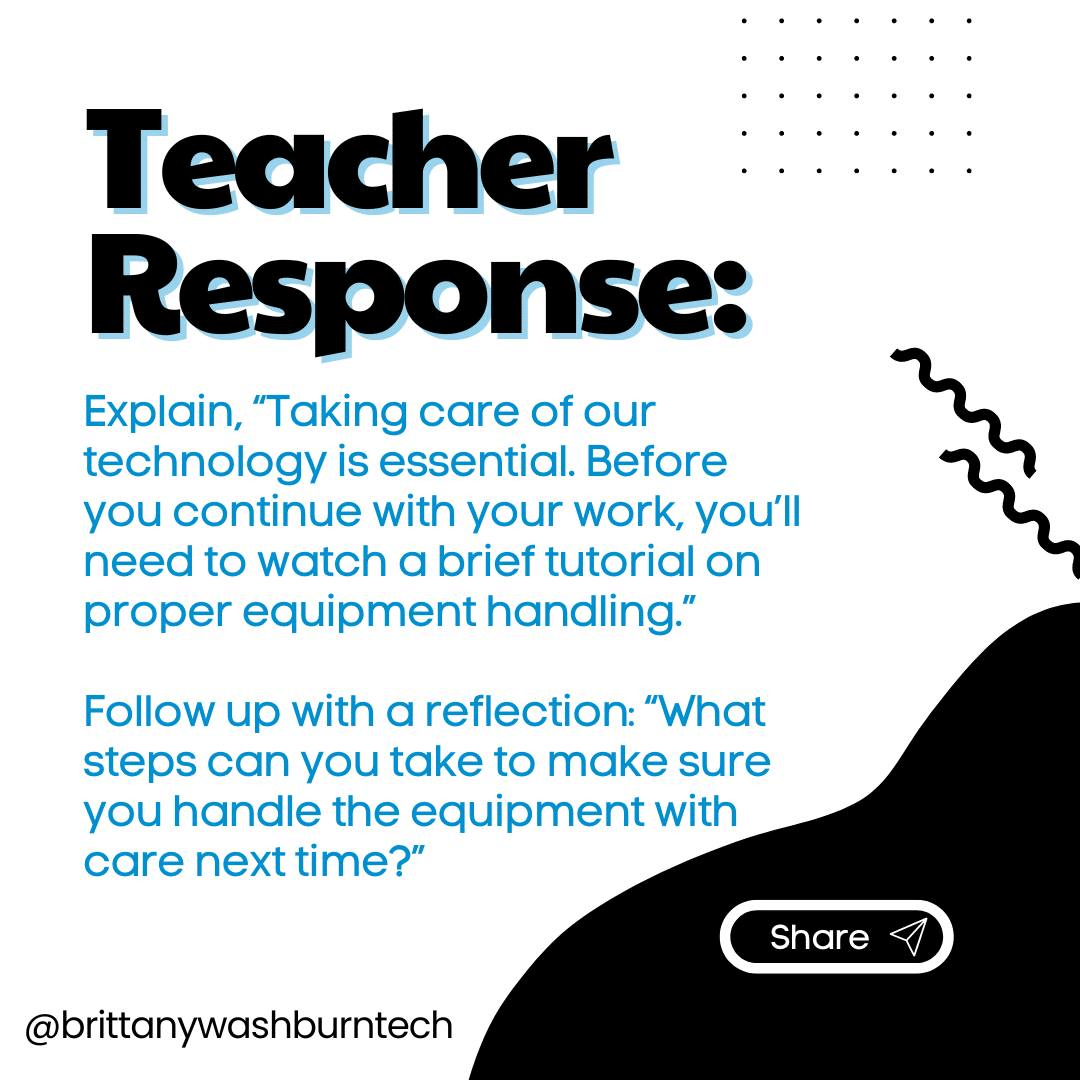
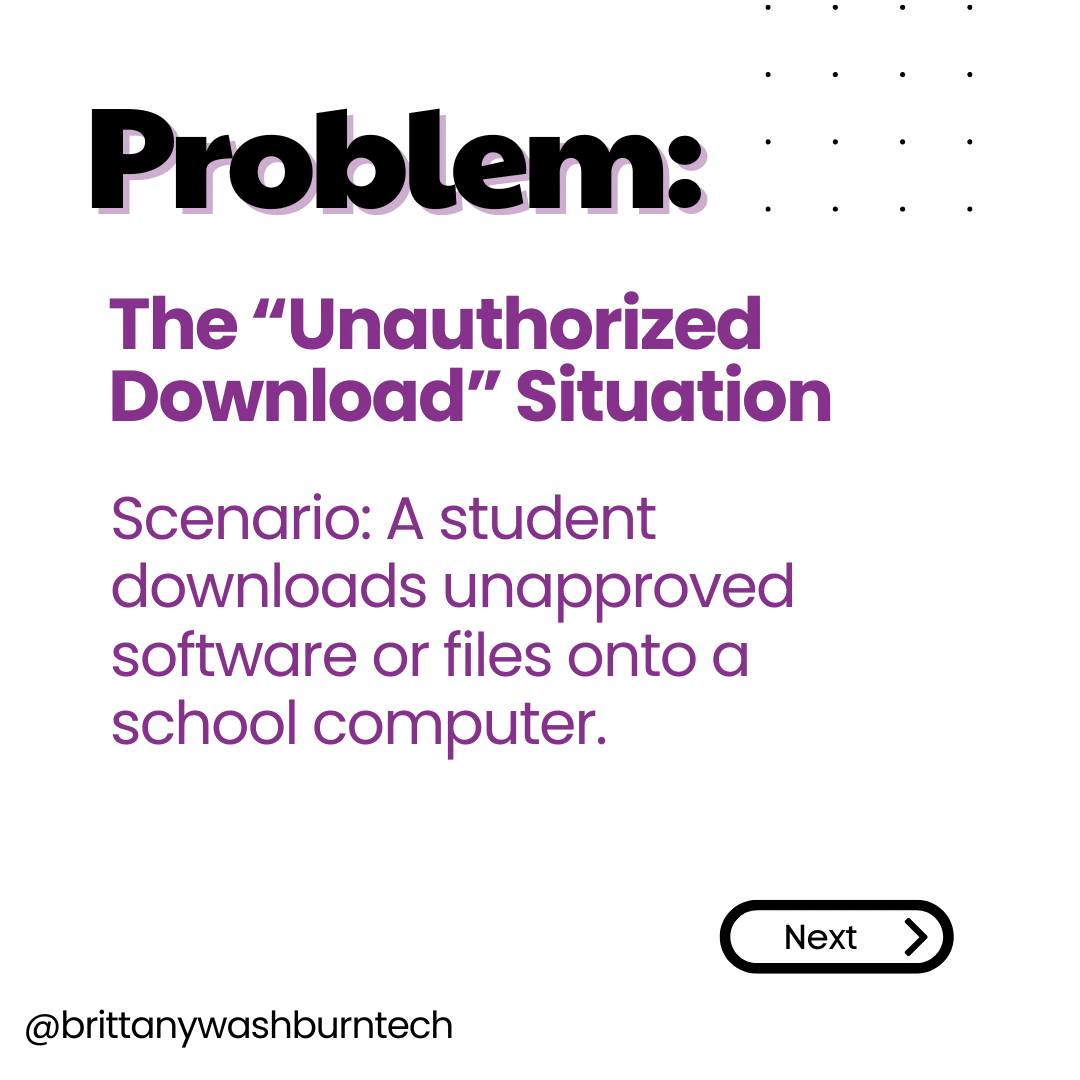
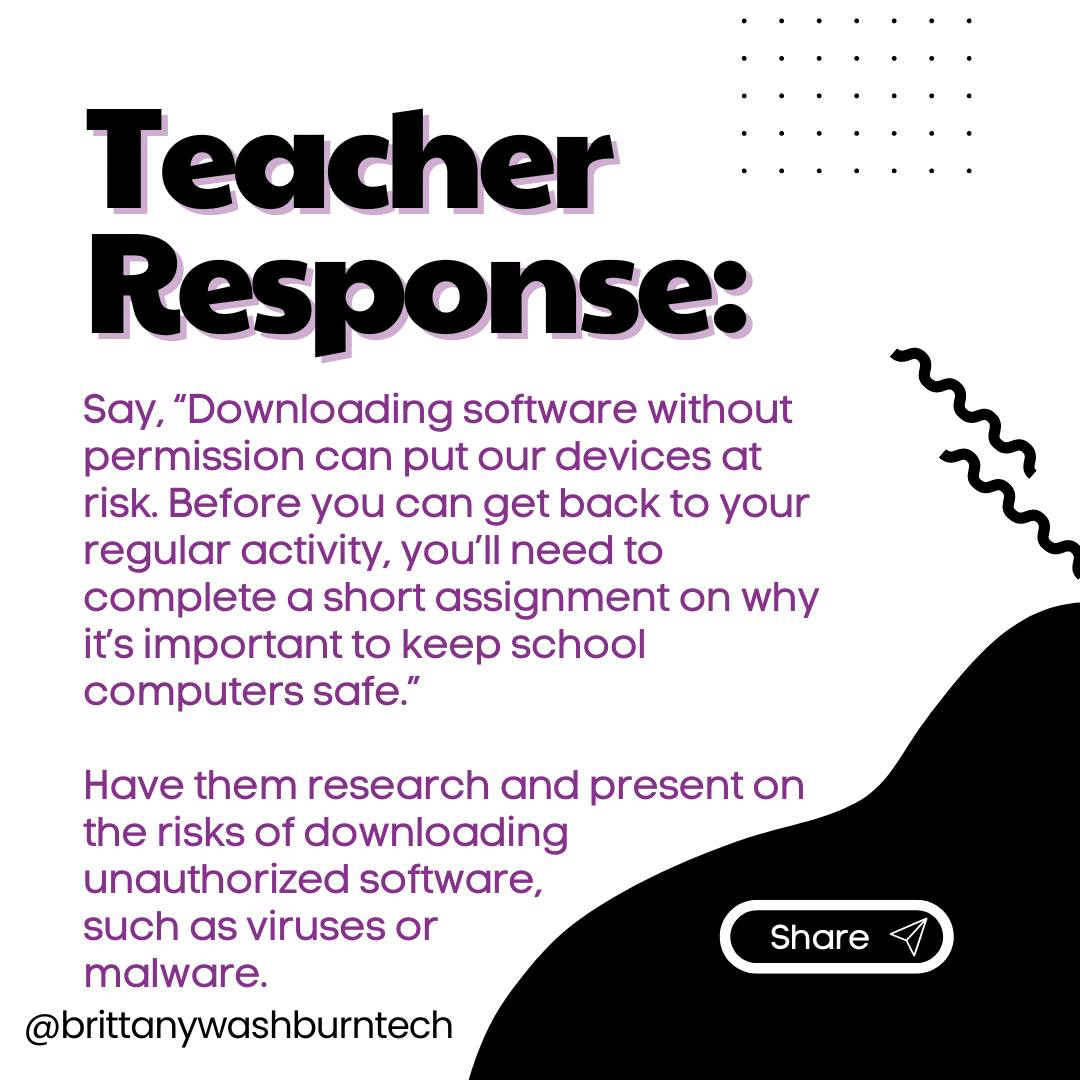
Focus on Repair, not Punishment
When the reason a student doesn’t have devices is not a “fun” one, it can seem like doing STEM challenges and board games is rewarding their misbehavior.
In this situation doing some unplugged digital citizenship and correct use lessons may be the way to go. Talk about why they lost the privilege to use devices and how they can earn them back.
Temporary Measures
GoGuardian and similar software are powerful platforms designed to help teachers manage and monitor student devices. They also give you the ability to lock devices remotely when you notice inappropriate behavior.
Other teachers use a physical crate or other contained area as a “device jail”.
These measures can be used to stop behavior in its tracks, giving you time to set in motion a pathway to earning back their device.
Screen-Free Activity Ideas
Unplugged Technology Activities can still be very effective teaching tools, and are great to have in your arsenal as a backup even if you use them for nothing else.
Whole Group
In the event that your whole class needs to be off technology, here are a few of the best ideas from our Facebook Community:
- Set up a tech-themed “Would you Rather”.
- Play 4 corners with digital citizenship scenarios.
- Team or partner screen free coding activities are usually fun for students. You can use the tiles on the floor if you have them and have students give other students (or even you) instructions.
- Send a pair of kids out to the hall. All other students agree on a movement or “tic” for when the pair come back in and ask them questions. All students except the pair stands in a circle in the middle of the class. For instance, if you’re wearing glasses, you have to look at the ceiling when they ask you a question before you answer. Or if you’re wearing crocs, you have to put your hands in your pockets when they ask you a question. We all agree on the action and who does it. The pair comes back in and starts asking random questions, like “what’s your favorite color? How many pets do you have?” To random kids. They will work to figure out the “bug” in the program. This leads to discussions about finding bugs in code.
- Put students in random groups. Each group gets a small jigsaw puzzle from dollar store. Before class, mix the puzzle pieces into 4 baggies. Do this for each group’s puzzle so each group gets a different puzzle. Each kid in their group gets a baggie with pieces and they have to work together SILENTLY to put their groups puzzle together without giving them the box – so they don’t know what the puzzle is until it’s complete. Start class by saying it’s a communication activity in which they cannot talk. At end of class discuss the “soft skills” they used.
- Read TEK by Patrick McDonnell and talk about benefits to taking breaks from screen time. You can also make connections to password safety: every student will be able to guess Tek’s password on the iPad-like book (and then you can talk about what makes a strong password).
- Do How to Draw videos from YouTube! Start every time with reminding them to draw lightly, not only because it’s easier to erase mistakes but it also allows them to change things afterwards. Students have to follow the guys instructions step-by-step, just like coding. Before they color it, check their drawing to make sure they followed directions before they are allowed to move on. Once you’ve checked that they followed his exact steps, then they can make their own creative changes, add backgrounds, color, etc. The only rules at that point is that it still needs to be what the drawing is (Ex. If they drew a robot, it must stay a robot but can become a radio active robot, Super Mario robot, and more) and it needs to be school appropriate.
- You and your students can listen to podcasts like this one from Tinkercast.
Individual Student
Sometimes, you have just one or two students who need alternate activities. The following suggestions are suited for use by any amount of students:
- Algorithm worksheets for reading and writing step by step instructions.
- Paper keyboards, fill in the keyboard activities and other unplugged typing resources.
- See if you can procure a typewriter or a 90s word processor and allow students to have independent typing practice during your class with printed typing exercises.
- Imagine tech in the future with your students. Give students 2 squares of paper (1/2 sheet halved). They have to draw and color a tech device that is currently in use, then on the 2nd piece they have to draw and label how it would change in 5 years due to tech advances. Using this video can help guide discussion.
- Create unplugged centers. Develop a collection of center activities, starting with just pen paper and maybe craft activities that relate to tech. Add on tech books and response activities. Also, centers are useful for more than just those that can’t use tech. You can have them available for fast finishers, students that are on spectrum and resist using tech, students that need a time out/ SEL break, etc…
- Binary code mystery pictures or secret messages. Check my shop for examples!
- Digital Citizenship can be taught for all students without devices.
- Print out the work pages from CSM (Common Sense Media) instead of having them answer on your learning management platform.
- Typing Club site resources has TONS of free printable worksheets covering lots of tech concepts.
- Code.org Unplugged and Hour of Code Unplugged
- CS Unplugged
- That student could be assigned a second day of art or music. They don’t even come to you.
Understanding the Challenges of Device-Free Learning
Student Engagement Levels Without Devices
Many of today’s learners are used to instant gratification and interactive experiences, making it tricky to keep them interested in traditional methods. It’s crucial to recognize that we can’t expect the same engagement levels without the shiny gadgets, but with a little ingenuity, we can still capture their attention and enthusiasm.
Strategies for Engaging Students Without Devices
Interactive Learning Activities
Incorporating interactive activities, such as group discussions, role-playing, or hands-on experiments, we can turn the classroom into a vibrant hub of engagement. Imagine your students actively participating and collaborating to solve problems, all while having a blast.
Incorporating Hands-On Projects
Nothing beats the satisfaction of creating something tangible—unless we count chocolate, but that’s a different discussion. Hands-on projects help students connect theoretical knowledge to real-world applications. Whether it’s building a model, conducting a science experiment, or participating in a community service project, these activities allow students to explore concepts in a fun, interactive way. Plus, hands-on projects are perfect for teaching teamwork and problem-solving skills—bringing the whole class together while we’re at it!
Creating a Device-Free Friendly Learning Environment
Redesigning Classroom Layouts
By creating flexible seating arrangements and designated areas for group work, educators can foster collaboration and communication among students. A layout that encourages movement and interaction can work wonders for maintaining focus in a device-free setting.
Establishing Clear Rules and Expectations
Establishing clear expectations helps students understand what’s required of them both on and off their devices. If they know the plan, they’re more likely to stay focused and participate actively.
Encouraging Collaborative Learning Among Students
Group Projects and Peer Discussions
Group projects are like group hugs: everyone needs a little connection. Divide students into small teams and assign them a project that requires collaboration. This fosters teamwork and helps them learn from each other’s ideas. Peer discussions can also bring out diverse perspectives, allowing students to argue, reason, and maybe even agree to disagree.
Building Communication Skills
Communication is a vital skill to nurture. Encourage students to express their thoughts verbally during discussions or presentations. Activities like role-playing can make this process engaging and fun. It’s a chance for them to practice articulating their ideas and listening, which is just as important.
Utilizing Traditional Teaching Aids and Resources
Books, Worksheets, and Physical Materials
Dust off those textbooks and worksheets; they’re still gold! Use printed materials to delve into subjects and keep students engaged. Incorporating physical materials like maps, models, or STEM kits can add a tactile element to learning, bringing concepts to life without a screen in sight.
Assessing Student Progress Without Digital Tools
Alternative Assessment Methods
Digital quizzes and online assessments may be convenient, but they’re not the only game in town. Alternative methods like oral exams, presentations, and even creative projects where students can demonstrate their understanding. You can also use low-pressure methods like using exit tickets or journals.
Feedback Mechanisms and Student Reflections
Encourage them to reflect on their learning processes and outcomes through written reflections or class discussions. This can be an enlightening experience, allowing them to self-assess while also hearing different viewpoints. Feedback should be constructive and encouraging.
Building Resilience and Adaptability in Students
With or without digital devices, it’s time to embrace the art of critical thinking. Challenge students with scenarios or puzzles that require creative problem-solving. This not only sharpens their analytical skills but also teaches them to think on their feet. Teach students that mistakes are not failures but opportunities for learning and growth.
Managing students without devices presents both challenges and opportunities for educators. By implementing engaging, hands-on activities and fostering a collaborative learning environment, teachers can not only maintain student interest but also cultivate essential skills that extend beyond the classroom.