When Art and Tech Collide – K-2 Technology Project Ideas
When Art and Tech Collide – K-2 Technology Project Ideas
Guest Blog Post by Lisa Fox
Greetings All! I am a technology teacher in Sandwich, Massachusetts at a K-2 School. I have a background in elementary education, where I have taught second and fifth grade. I also have a Master’s in Instructional Technology from the University of Maryland. I am a certified Google Certified Educator Level 2, Brainpop Trainer, PLTW Certified Teacher, and Discovery Education Ambassador.
While Art and Technology may appear worlds apart, they can easily be fused together to enhance student learning. As a teacher in a primary K-2 school, students have creative juices flowing at all times! When I first became a technology teacher, I could not wrap my head around designing lessons for Kindergarteners that involved home row typing. With the liberty from my principal, I was able to develop a curriculum that integrated a lot of art concepts.
Custom Wrapping Paper Project with Technology
One unique project we did with 1st graders was a custom wrapping paper project. Students designed BW designs with Sharpies and white paper. We then scanned and colored them with Pixlr, a free photo editing program. Teaching photoshop to 1st graders… I must be crazy right? In reality, the tools for filling in colors is relatively simple, especially after demonstrating the steps. With a colorful digital copy we uploaded our designs to Spoonflower and got custom wrapping paper for the students to use in time for Mother’s and Father’s Day! What a perfect and personal way to wrap presents for parents 🙂 This project did have a cost to it since we purchased the wrapping paper but it was a great learning experience for the kids. They learned about the design process and how to revise their art.

Digital Animation Project
 Another project I do with students is digital animation, in which we bring to life a standard pixelated drawing. In K-2, I introduce the basic concepts of the application Piskel. Piskel is a great application for engaging students who love video games but dislike art. In the application, you design a sprite, a 2D graphic that typically is seen in simple video games like Pac-Man. By introducing Piskel as a way to design a component of a video game, students immediately get hooked and engaged. Digital animation not only teaches students about the design process, but forces them to think about how a smaller piece can fit into a bigger picture. In other words how can one frame affect the rest of the animation? Students love sharing their ideas and working with one another to design a sprite that is unique!
 3D Art and Printing Project
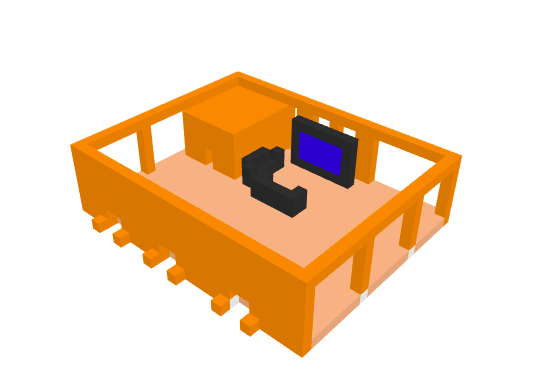
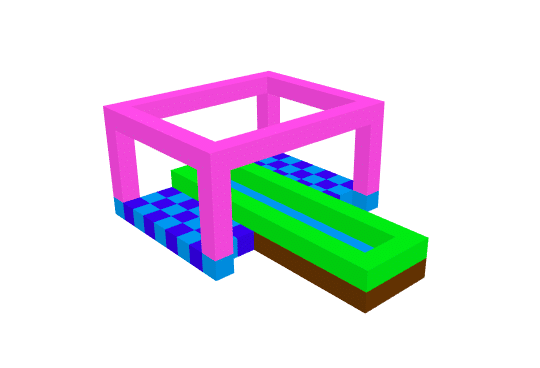
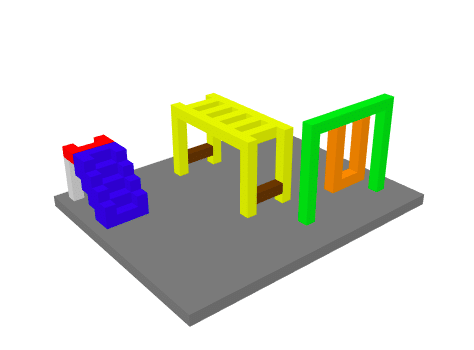 3D art and printing is one of the last “big” projects I do with all of my students. Last year I used a program called usecubes which allows students to build 3D models with blocks. It is pretty simple for K and 1 students but also has opportunities to be more complex for 2nd graders. Students designed 3D models, then built their models with Lego bricks, and finally drew the front and side view. The entire project not only reinforces the design process but encourages students to learn how digital tools can be used for various uses. I can tell there are some future architects among my students :). This year, I am going to use Tinkercad to design keychains that will be printed on my new 3D printer !