$7.50Original price was: $7.50.$3.25Current price is: $3.25.
Ignite creativity and spark meaningful conversations about digital art, music, and storytelling with this set of 42 Digital Creativity discussion prompts. Perfect for encouraging young students to explore technology and express their ideas in the computer lab or classroom.
What’s Included:
42 printable discussion prompt cards (7 pages with 6 cards per page).
Each card features an open-ended question designed to inspire students to think critically about digital creativity, content creation, and responsible sharing online.
3-page guide on how to use discussion prompts effectively with students in both small group and whole-class settings.
Printable PDF format, ready to be printed, cut, and used for engaging class discussions.
$28.00Original price was: $28.00.$22.40Current price is: $22.40.
Introduce lessons on Technology Software with these eBooks that go over 9 different types of software. Share the PDF with students for a paperless experience or print the nonfiction text out as a booklet.
Introduce a lesson on Software with this eBook that teaches about spreadsheet software, including what it is and how we use it. Share the PDF with students for a paperless experience or print the nonfiction text out as a booklet.
Introduce a lesson on Software with this eBook that teaches about different types of software and how we use them. Share the PDF with students for a paperless experience or print the nonfiction text out as a booklet.
Introduce a lesson on Software with this eBook that teaches about different types of multimedia and how we use them. Share the PDF with students for a paperless experience or print the nonfiction text out as a booklet.
Introduce a lesson on Software with this eBook that teaches about different types of audio files and how we use them. Share the PDF with students for a paperless experience or print the nonfiction text out as a booklet.
Introduce a lesson on Software with this eBook that teaches about file sizes, how we name them, and how we use them. Share the PDF with students for a paperless experience or print the nonfiction text out as a booklet.
Try digital animation with your students with a simple and engaging Cinco de Mayo theme project! Students choose from background options and then add shapes, text, and clip art graphics to make a scene. Then they duplicate the slide and make a small change over and over (about 50 times) to animate the scene. Once the stop motion animation is complete students publish it to the web and can optionally make it into a GIF using a website tool.
STEM goes digital with these fun and engaging design challenges for May. 5 engineering design websites and 5 editable challenges perfect for grades 3 and up. If you are in a paperless classroom or 1:1 with laptops or Chromebooks then these are ideal for you, but can also be used during computer lab time or with the laptop cart.
Coding meets Social Studies instruction with VoCode! Integrate those robots you have (or turn students into robots) to complete these phonics coding challenges. 3 Options for the activities mean that you can use this with ANY movable Bots and ANY grade level of students. Be sure to check out the images to see which ones are included!
Coding meets ELA instruction with VoCode! Integrate those robots you have (or turn students into robots) to complete these phonics coding challenges. 3 Options for the activities mean that you can use this with ANY movable Bots and ANY grade level of students. Be sure to check out the images!
This set includes Homophones. Check out the images to see which ones are included.
Coding meets science vocabulary instruction with VoCode! Integrate those robots you have (or turn students into robots) to complete these coding challenges. 3 Options for the activities mean that you can use this with ANY movable Bots and ANY grade level of students. Be sure to check out the images!
Coding meets vocabulary instruction with VoCode! Integrate those robots you have (or turn students into robots) to complete these coding challenges. 3 Options for the activities mean that you can use this with ANY movable Bots and ANY grade level of students. Be sure to check out the preview!
This set includes 10+ MS Office Icons in 3 different styles. Check out page 5 of the preview to see which ones are included.
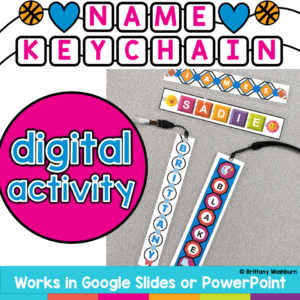
Create something students will actually want to keep while practicing essential Google Slides skills! In this Custom Name Charms Digital Design Activity, students use Google Slides to create a personalized name charm using shapes, colors, patterns, fonts, letters, and decorative icons. Along the way, they practice important digital design and computer skills such as moving, resizing, rotating, layering, formatting, and grouping objects.
Once the designs are finished, print them on cardstock and laminate them to create a bookmark, name tag, backpack tag, or keychain-style charm. Add a hole punch and string, ribbon, or key ring for an easy hands-on extension!
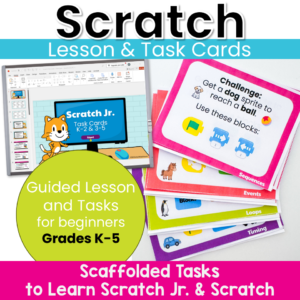
Move beyond step-by-step tutorials and help students become confident computational thinkers! These Scratch Jr. and Scratch Task Cards are designed to teach the foundational concepts of computer science through short, engaging coding challenges. Instead of simply copying a project, students learn to predict, test, debug, and improve their code while building a deep understanding of how programs work.
$22.00Original price was: $22.00.$17.60Current price is: $17.60.
Struggling with constant “It’s not working!” interruptions during your tech time? Tired of students relying on you for every small tech issue? This Technology Troubleshooting Unit Kit helps students build independence, problem-solving skills, and confidence when using technology so they can start solving simple issues on their own.
WHAT THIS RESOURCE IS
This is a complete, ready-to-teach unit designed to help students learn how to troubleshoot common technology problems in a structured, engaging way.
$63.00Original price was: $63.00.$50.40Current price is: $50.40.
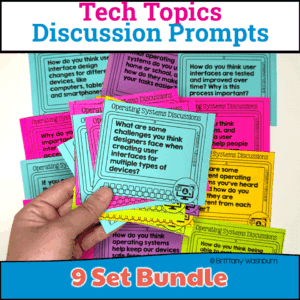
Spark meaningful conversations and build digital literacy with this ready-to-use bundle of Technology Discussion Prompts! Perfect for upper elementary and middle school students, these prompts encourage critical thinking, collaboration, and communication—key 21st-century skills.
This bundle includes 9 high-interest topics, each with engaging, open-ended discussion questions that are great for bell ringers, exit slips, morning meetings, small group work, or Socratic seminars. Whether you’re teaching in a computer lab, STEM classroom, or general tech class, these prompts help students connect real-world technology with their own experiences.
Teach upper elementary students how to stay safe online with this Online Privacy & Security lesson! Includes a reading passage, vocabulary, slides, and student response activities. Perfect for grades 3–5 digital citizenship and internet safety units.
Take your students on an exciting journey without ever leaving the classroom! This Virtual Field Trips & Explorations Lesson introduces students to interactive maps, VR, and 360-degree videos, helping them understand how technology can bring learning to life.
Help students develop essential file management skills with this engaging, no-prep digital lesson! This resource includes ready-to-use instructional materials and a structured teacher guide to teach students how to save, organize, name, and protect their digital files.
$6.00Original price was: $6.00.$3.00Current price is: $3.00.
Introduce your students to the fascinating world of robotics with this set of 24 Basic Robotics Task Cards! Designed for elementary and middle-grade learners, this engaging resource guides students through the core concepts of robotics, including what robots are, how sensors work, and the basics of programming simple sequences. Through these task cards, students will explore the fundamental elements of robotics, such as understanding programming commands, the role of sensors, and solving problems using block-based coding platforms.
$6.00Original price was: $6.00.$3.00Current price is: $3.00.
Immerse your students in the exciting world of Augmented Reality (AR) and Virtual Reality (VR) with this set of 24 Interactive AR & VR Task Cards! Perfect for elementary and middle-grade learners, these task cards introduce students to the basic concepts of AR and VR, exploring how each technology works, their real-world applications, and the unique ways they can transform learning and exploration.
Empower your students with essential digital organization skills using this set of 24 Digital File Management Task Cards! Perfect for elementary and middle grade students, these task cards introduce the fundamentals of file management, helping students learn how to save, organize, rename, delete, and restore files. Through hands-on practice, students will build critical organizational skills that are invaluable for schoolwork, personal projects, and digital literacy.
$6.00Original price was: $6.00.$3.00Current price is: $3.00.
Introduce your students to the world of digital art and animation with this engaging set of 24 Digital Art & Animation Task Cards! Perfect for elementary and middle grade learners, these task cards guide students through the basics of digital drawing, using layers, experimenting with digital brushes, and exploring simple animation techniques. Each task encourages hands-on practice and creativity, helping students build foundational skills in digital artistry and bring their ideas to life through movement.
Empower your students to become confident digital creators with this set of 24 Digital Tools & Apps Task Cards! Perfect for elementary and middle grade students, this activity introduces learners to essential software and applications, helping them build foundational digital skills. Each task card guides students through the basic functions of commonly used tools, such as word processors, presentation software, digital painting apps, and spreadsheets.
$6.50Original price was: $6.50.$3.25Current price is: $3.25.
Inspire creativity and innovation in your students with these 24 Makerspace discussion prompts. Perfect for fostering hands-on learning and collaborative thinking, these printable cards will ignite your students’ imaginations and encourage them to explore, design, and create.
What’s Included:
A set of 24 creatively designed printable cards featuring open-ended discussion prompts focused on Makerspace activities for elementary students.
Each card presents a question or challenge designed to encourage students to think critically and creatively about making, building, and designing.
The cards are provided in PDF format, ready to print and use in your classroom or Makerspace.
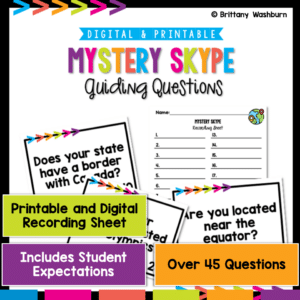
Embark on a global learning journey with Mystery Skype! This engaging activity is designed to connect classrooms worldwide, fostering cultural understanding and digital citizenship. Perfect for enhancing global awareness and communication skills in a fun, interactive way.
Mystery Skype is an educational game where students use Skype (or other video conferencing tools) to connect with another classroom somewhere else in the world. The goal is for each class to guess the location of the other by asking questions. There are two versions – one for a global Mystery Skype and one specific to the United States. Pick the question set that best matches the location of your Mystery Skype.
$30.00Original price was: $30.00.$24.00Current price is: $24.00.
Teachers looking to integrate technology skills and content areas with love this review of PowerPoint/Google Slides skills for students with science topics. While these are simple research projects, the real goal of this activity is for students to put their notes into a Presentation template (using either Google Slides or PowerPoint) and make it look professional.
Teachers looking to integrate technology skills and content areas with love this review of PowerPoint/Google Slides skills for students with the topic of Muscles and Bones. While this is a simple research project, the real goal of this activity is for students to put their notes into a Presentation template (using either Google Slides or PowerPoint) and make it look professional.
Teachers looking to integrate technology skills and content areas with love this review of PowerPoint/Google Slides skills for students with the topic of Biomes and Ecosystem. While this is a simple research project, the real goal of this activity is for students to put their notes into a Presentation template (using either Google Slides or PowerPoint) and make it look professional.
Coding meets Social Studies instruction with VoCode! Integrate those robots you have (or turn students into robots) to complete these phonics coding challenges. 3 Options for the activities mean that you can use this with ANY movable Bots and ANY grade level of students. Be sure to check out the images!
Coding meets science vocabulary instruction with VoCode! Integrate those robots you have (or turn students into robots) to complete these coding challenges. 3 Options for the activities mean that you can use this with ANY movable Bots and ANY grade level of students. Be sure to check out the images!
Coding meets science vocabulary instruction with VoCode! Integrate those robots you have (or turn students into robots) to complete these coding challenges. 3 Options for the activities mean that you can use this with ANY movable Bots and ANY grade level of students. Be sure to check out the images!
Coding meets science vocabulary instruction with VoCode! Integrate those robots you have (or turn students into robots) to complete these coding challenges. 3 Options for the activities mean that you can use this with ANY movable Bots and ANY grade level of students. Be sure to check out the images!
$16.00Original price was: $16.00.$12.80Current price is: $12.80.
5th Grade Reading Google Folder that includes 16 different interactive activity files, which I am calling a digital resource library. These are ideal for a paperless (or almost) classroom using Google or Microsoft. Access them any time, anywhere you have a wifi connection. The best part is that they also work downloaded as PowerPoint files!
$5.00Original price was: $5.00.$3.00Current price is: $3.00.
Digital Mystery Pictures with a June Theme for Multiplication and Division Practice. Your students will love discovering what is hidden in the boxes after completing rigorous multi-digit multiplication and division problems.
$5.00Original price was: $5.00.$3.00Current price is: $3.00.
Digital Mystery Pictures with a Patriotic Theme for Multiplication and Division Practice. Your students will love discovering what is hidden in the boxes after completing rigorous multi-digit multiplication and division problems.
$70.00Original price was: $70.00.$49.00Current price is: $49.00.
Digital Mystery Pictures for Multiplication and Division Practice. Your students will love discovering what is hidden in the boxes after completing rigorous multi-digit multiplication and division problems. Each student will need a separate sheet of paper to complete the problems (or a calculator if you’re using this as a technology lesson) and a device with access to either Google Slides or PowerPoint.
$12.00Original price was: $12.00.$6.00Current price is: $6.00.
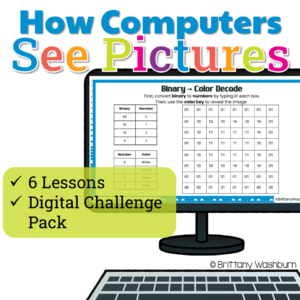
How do computers turn 0s and 1s into colorful pictures? Help students discover the science behind digital images with this engaging Pixel Art, Binary Code, and Image Coding Unit!
This hands-on computer science resource takes students beyond simply coloring pixel grids. Through guided lessons, mystery picture puzzles, binary decoding activities, and creative coding challenges, students explore how computers use pixels, numbers, binary code, and compression to represent digital images.
Designed for upper elementary technology and computer science classes (grades 3–6), this unit makes abstract computing concepts visual, approachable, and fun!
$22.00Original price was: $22.00.$17.60Current price is: $17.60.
Need a meaningful way to teach internet safety and online privacy, not just surface-level rules? Struggling to help students understand why protecting personal information online actually matters? This Digital Citizenship Unit Kit gives you everything you need to teach online safety and privacy in a clear, engaging, and age-appropriate way, without planning from scratch.
$16.00Original price was: $16.00.$12.80Current price is: $12.80.
Want your students to see how technology connects to real-world careers? Looking for a meaningful way to introduce tech jobs beyond just “coding”? This Technology Careers Unit Kit gives you everything you need to teach students about real technology careers while guiding them through a structured, engaging research project.
This is a complete, ready-to-teach unit designed to help students explore technology careers, understand real-world applications, and connect their interests to future opportunities.
$100.00Original price was: $100.00.$80.00Current price is: $80.00.
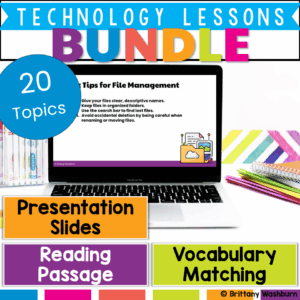
Engage your students with real-world technology lessons that build 21st-century skills! This comprehensive bundle includes 20 ready-to-teach lessons, each designed to introduce key technology concepts through reading, vocabulary, interactive slides, and discussion. Whether you’re teaching in a computer lab, library, STEM classroom, or integrated tech block, this bundle gives you the tools to confidently lead engaging, standards-aligned instruction.
Each lesson includes a teacher guide, editable presentation slides, reading passage, vocabulary matching sheet, and student response activities, making planning a breeze and learning purposeful.
$120.00Original price was: $120.00.$96.00Current price is: $96.00.
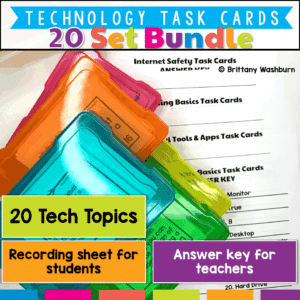
Looking for an engaging, time-saving way to teach essential technology and digital literacy skills? This Printable Technology Task Card Bundle includes 20 sets of ready-to-use task cards covering everything from Augmented Reality to Time Management—all at a 20% discount!
Designed for upper elementary and middle school students, these task cards are perfect for review, stations, fast finishers, or technology centers. Each set includes a mix of multiple-choice, short answer, and scenario-based questions that get students thinking critically about the digital world.
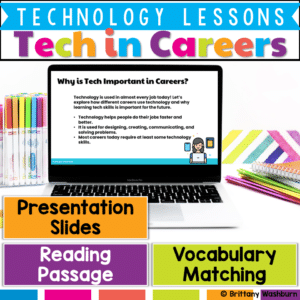
Prepare your students for the future with this engaging and ready-to-use Technology in Careers lesson! This resource introduces learners to how technology is used across a wide variety of jobs—from artists and doctors to engineers and game designers. Perfect for upper elementary students, this lesson builds digital literacy, career awareness, and critical thinking skills in a fun and interactive way.
Through vocabulary-building, reading comprehension, and creative discussions, students will gain a deeper understanding of how technology impacts modern careers and how it might shape their own futures.
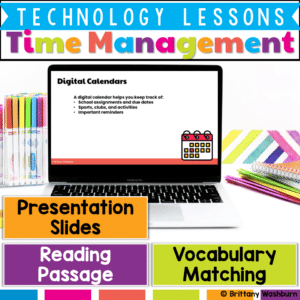
Help your students take control of their time with this engaging, no-prep Time Management with Digital Tools lesson! Designed for upper elementary learners, this resource introduces the importance of time management and explores how digital tools—like calendars, reminders, and task lists—can help students stay organized and reduce stress.
Students will build essential digital literacy and executive functioning skills through vocabulary, a reading passage, interactive discussions, and optional practice tasks like creating a schedule or using a digital calendar.
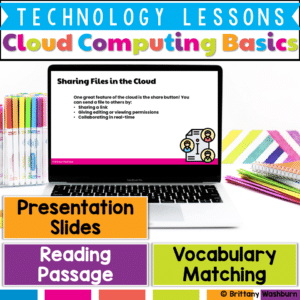
Introduce your students to one of the most important concepts in modern technology with this Cloud Computing Basics lesson! This beginner-friendly resource is designed to help elementary learners understand how cloud computing works, why it’s useful, and how it connects to their daily digital experiences. Students will build essential vocabulary, explore real-world examples, and reflect on the benefits and challenges of using the cloud—all in an engaging, age-appropriate format.
What’s Included in This Resource:
✅ Cloud Computing Vocabulary List – Student-friendly terms like server, sync, and cloud storage ✅ Reading Passage – Informative and accessible text explaining the basics of cloud computing ✅ Presentation Slides – Visual slides with built-in discussion questions and real-life connections ✅ Student Handouts – Worksheets or digital response sheets for comprehension and review
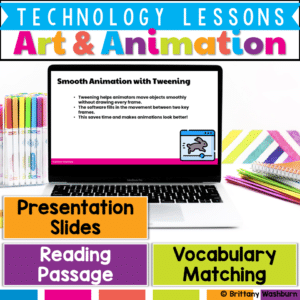
Bring creativity to life with this Digital Art & Animation Lesson, designed to introduce elementary students to the exciting world of digital design! This beginner-friendly resource helps students explore how digital tools like layers, brushes, and timelines are used to create artwork and animation. Through vocabulary-building, guided reading, interactive slides, and optional creative practice, students will gain foundational knowledge of how cartoons, games, and animations are made.
What’s Included in This Resource:
✅ Vocabulary List – Key terms like layers, tweening, timeline, and brush ✅ Reading Passage – Engaging, age-appropriate text explaining digital art and animation basics ✅ Presentation Slides – Visual slides with built-in discussion questions and examples ✅ Student Handouts – Printable or digital response sheets for comprehension and reflection
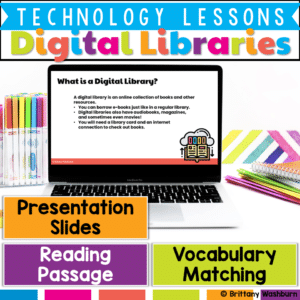
Help your students confidently navigate the world of digital reading with this E-Books and Digital Libraries Lesson! Designed to support digital literacy skills, this engaging resource teaches what e-books and digital libraries are, how they work, and how they compare to traditional print books. Students will build vocabulary, strengthen comprehension, and reflect on the benefits of digital resources.









%20&%20Virtual%20Reality%20(VR)%20Printable%20Task%20Cards&url=https://brittanywashburn.com/product/augmented-reality-ar-virtual-reality-vr-printable-task-cards/&media=https://brittanywashburn.com/wp-content/uploads/2024/11/AR-and-VR-task-cards-1.png)


