
✅ Shop with Confidence
- 🔒 Secure Checkout – Your payment is safe and protected.
- ⭐ Quality Guaranteed – Store credit refunds if something isn’t right.
- 🎉 Earn Rewards – Get points for every dollar spent & redeem as store credit!
👉 Add to Cart and start using this resource today
How Computers See Pictures | Binary Code, Pixel Art & Computer Science Lessons
Original price was: $12.00.$6.00Current price is: $6.00.
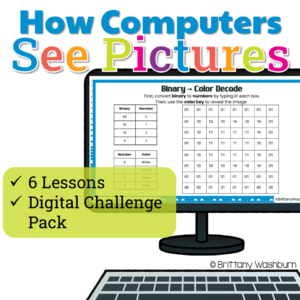
How do computers turn 0s and 1s into colorful pictures? Help students discover the science behind digital images with this engaging Pixel Art, Binary Code, and Image Coding Unit!
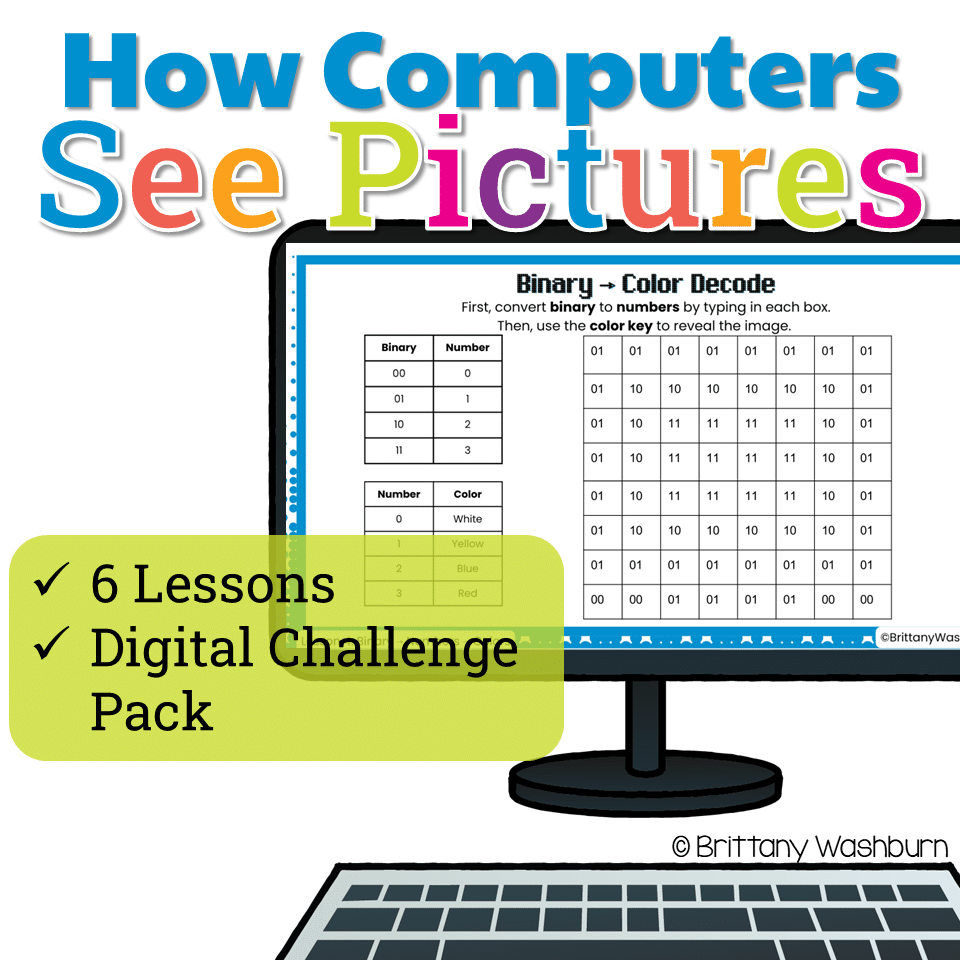
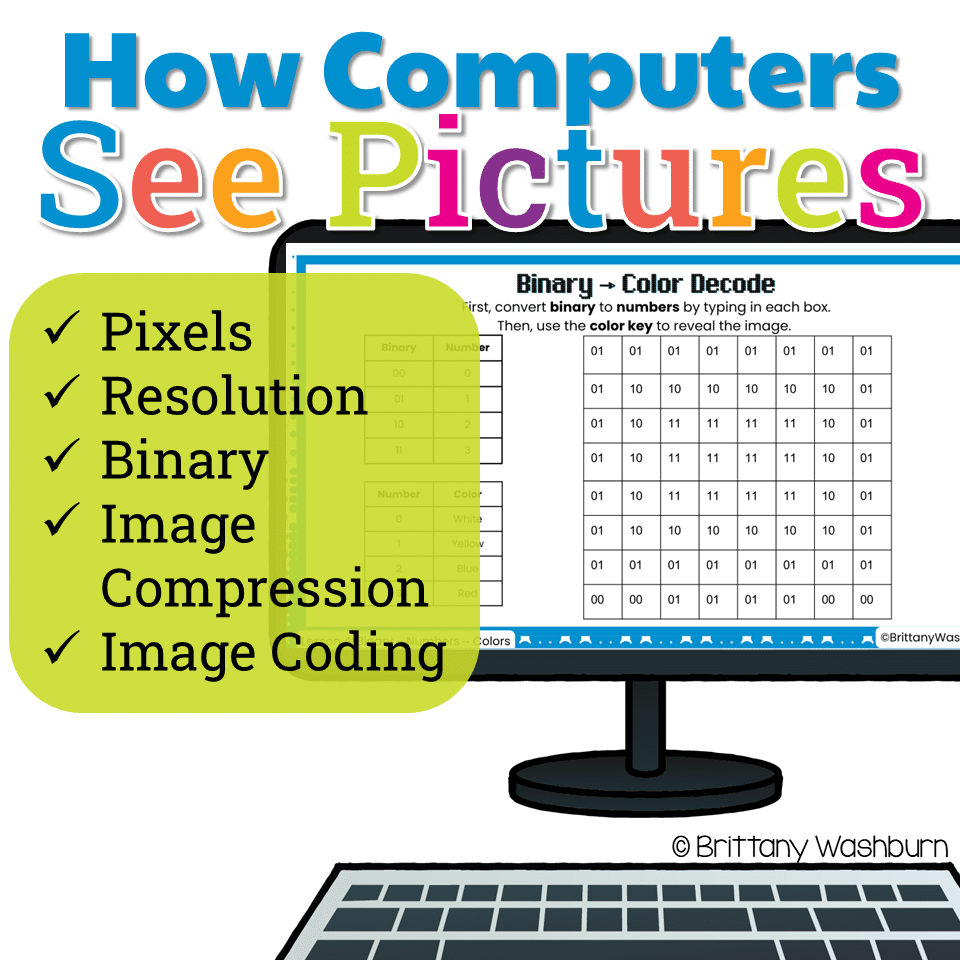
This hands-on computer science resource takes students beyond simply coloring pixel grids. Through guided lessons, mystery picture puzzles, binary decoding activities, and creative coding challenges, students explore how computers use pixels, numbers, binary code, and compression to represent digital images.
Designed for upper elementary technology and computer science classes (grades 3–6), this unit makes abstract computing concepts visual, approachable, and fun!
How Computers See Pictures | Binary Code, Pixel Art & Computer Science Lessons
Original price was: $12.00.$6.00Current price is: $6.00.
Description
How do computers turn 0s and 1s into colorful pictures? Help students discover the science behind digital images with this engaging Pixel Art, Binary Code, and Image Coding Unit!
This hands-on computer science resource takes students beyond simply coloring pixel grids. Through guided lessons, mystery picture puzzles, binary decoding activities, and creative coding challenges, students explore how computers use pixels, numbers, binary code, and compression to represent digital images.
Designed for upper elementary technology and computer science classes (grades 3–6), this unit makes abstract computing concepts visual, approachable, and fun!
What’s Included?
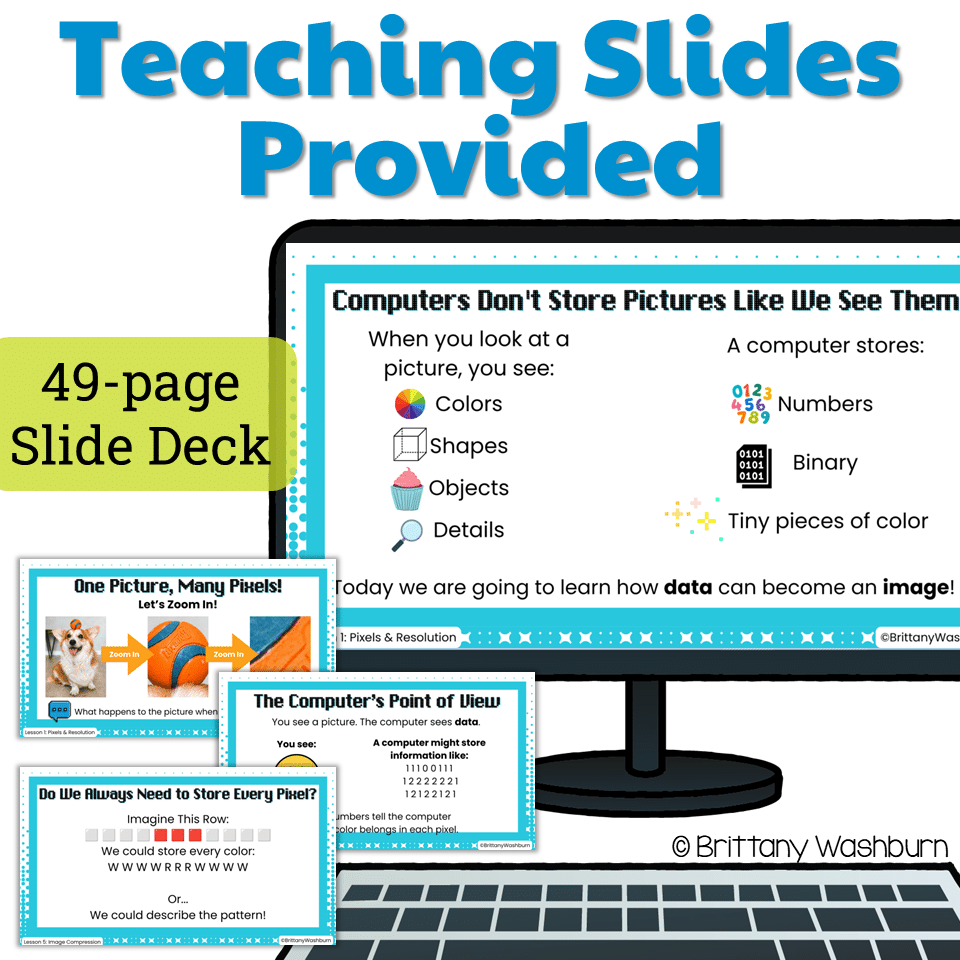
This resource includes 2 PowerPoint presentations that can also be converted to Google Slides:
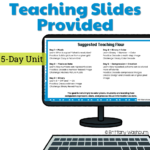
- 49-slide Teacher Unit + Challenge Pack – Instructional slides, explanations, examples, discussion questions, and guided lessons.
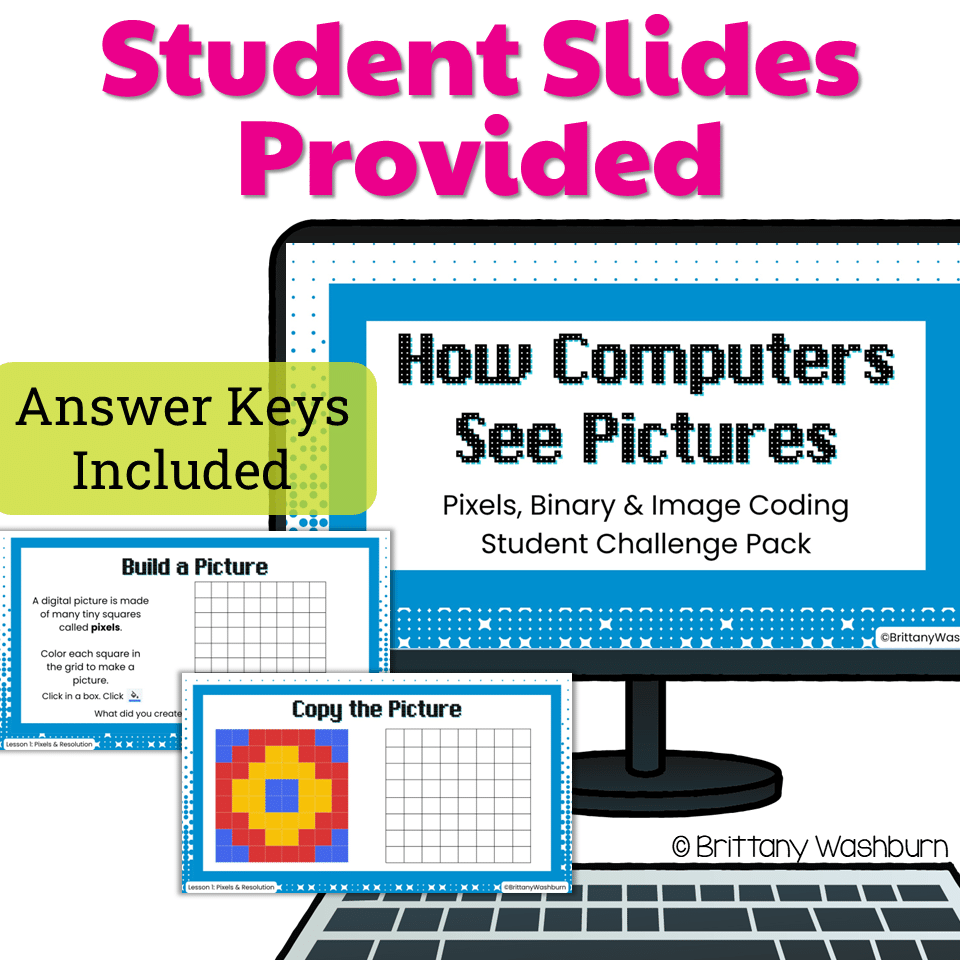
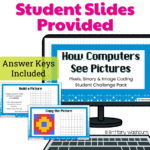
- 26-slide Student Challenge Pack – Digital pixel art activities, coding practice, decoding puzzles, and opportunities for students to apply what they’ve learned.
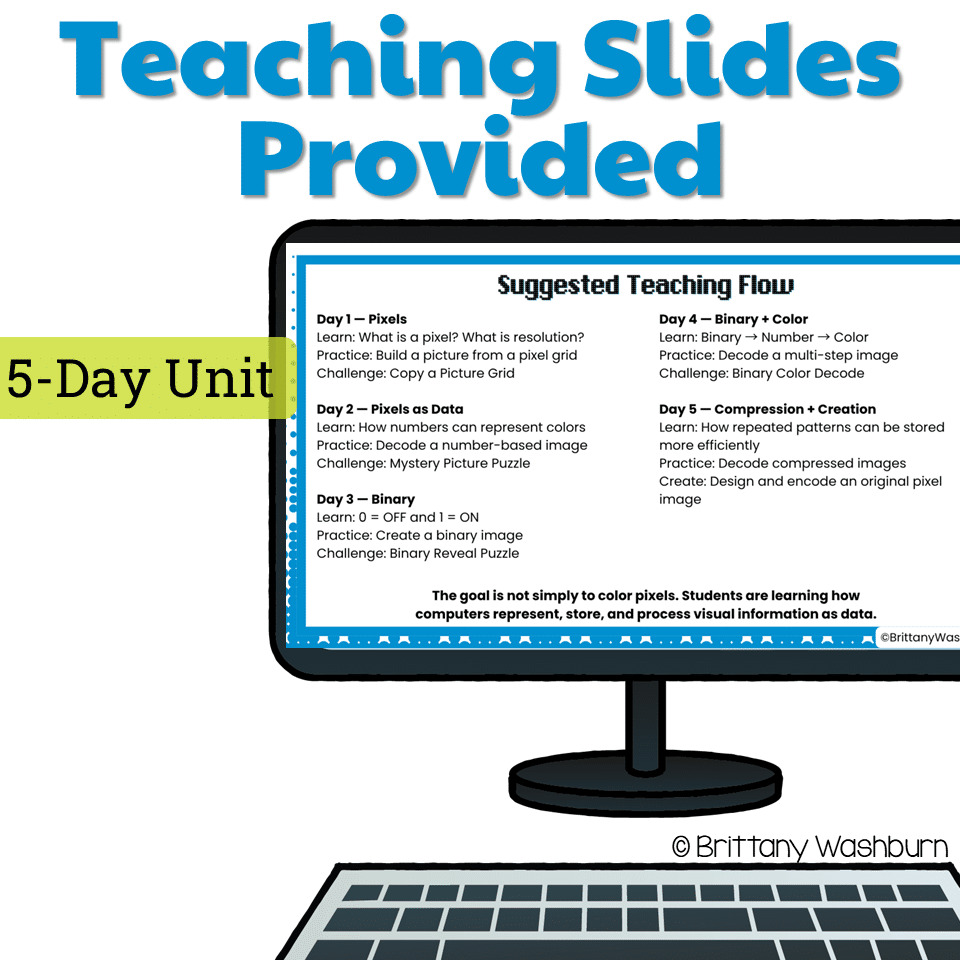
Part 1: Six Core Computer Science Lessons
Lesson 1: Pixels & Resolution
- Students discover how digital images are made of tiny pixels and explore how those pixels work together to form recognizable pictures.
Lesson 2: Pixels Store Numbers
- Students learn how numbers can represent different colors. They use color keys to decode numerical data and reveal mystery pixel art images.
Lesson 3: Binary Pixels
- Students explore binary code using 0s and 1s, learning how simple on/off information can represent an image.
Lesson 4: Binary → Numbers → Colors
- Students connect binary numbers to color values, discovering how computers can represent more than just black-and-white images.
Lesson 5: Image Compression
- Students investigate how repeating patterns can be represented more efficiently and practice decoding compressed pixel art instructions.
Lesson 6: Create & Encode
- Students apply their new knowledge by designing original pixel art and representing their images using numerical or binary data.
Part 2: Student Pixel Art Challenge Pack
Students reinforce their learning through digital activities that encourage problem-solving, logical thinking, and creativity.
Activities include:
- Build a Picture – Recreate a colorful image using a pixel grid.
- Mystery Pixel Puzzles – Follow numerical color codes to reveal hidden images.
- Binary Image Decoding – Use 0s and 1s to construct pixel pictures.
- Binary Color Challenges – Convert binary information into numbers and colors.
- Compression Decoding – Interpret coded instructions to reconstruct images.
- Create Your Own Pixel Art – Design and encode an original picture for someone else to decode.
Students Will Learn To:
- Identify pixels and explain their role in digital images.
- Understand the relationship between pixels and image resolution.
- Explain how numbers can represent colors.
- Recognize and interpret simple binary code.
- Decode pixel art using numerical and binary information.
- Understand how repeated patterns can help reduce the amount of data needed to represent an image.
- Create and encode original digital pictures.
- Apply logical thinking, pattern recognition, and problem-solving skills.
Perfect For:
- Elementary technology and computer lab lessons
- Computer science and STEM instruction
- Binary code introductions
- Digital literacy units
- Coding and computational thinking activities
- Technology enrichment and early finisher activities
- Upper elementary and introductory middle school computer science
Digital Format & Compatibility
This is a digital resource. You will receive two PowerPoint (.pptx) files.
The presentations can be opened in Microsoft PowerPoint or uploaded to Google Drive and converted to Google Slides.
Students complete the pixel art activities using digital slide editing tools, including coloring grid cells and entering coded information.
Teaching Tip: The six lessons can be taught in sequence as a complete mini-unit, or individual lessons and challenges can be assigned independently for review, enrichment, or additional practice.
Why Teach How Computers See Pictures?
Students interact with digital images every day, but few stop to consider how those images are stored inside a computer.
This unit helps students make the connection between the pictures they see on their screens and the data computers use to represent them.
Instead of simply following directions to color squares, students develop a deeper understanding of how digital technology works while practicing essential computer science skills.
Make binary code meaningful, turn pixel art into problem-solving, and help students discover how computers transform data into pictures!
Additional information
| Format | PowerPoint |
|---|---|
| Resource Type | Digital, Digital Activity, Lesson/Unit |
You must be logged in to post a review.
You may be interested in…
-

Digital Pixel Art Holidays Bundle
Original price was: $40.00.$28.00Current price is: $28.00. -
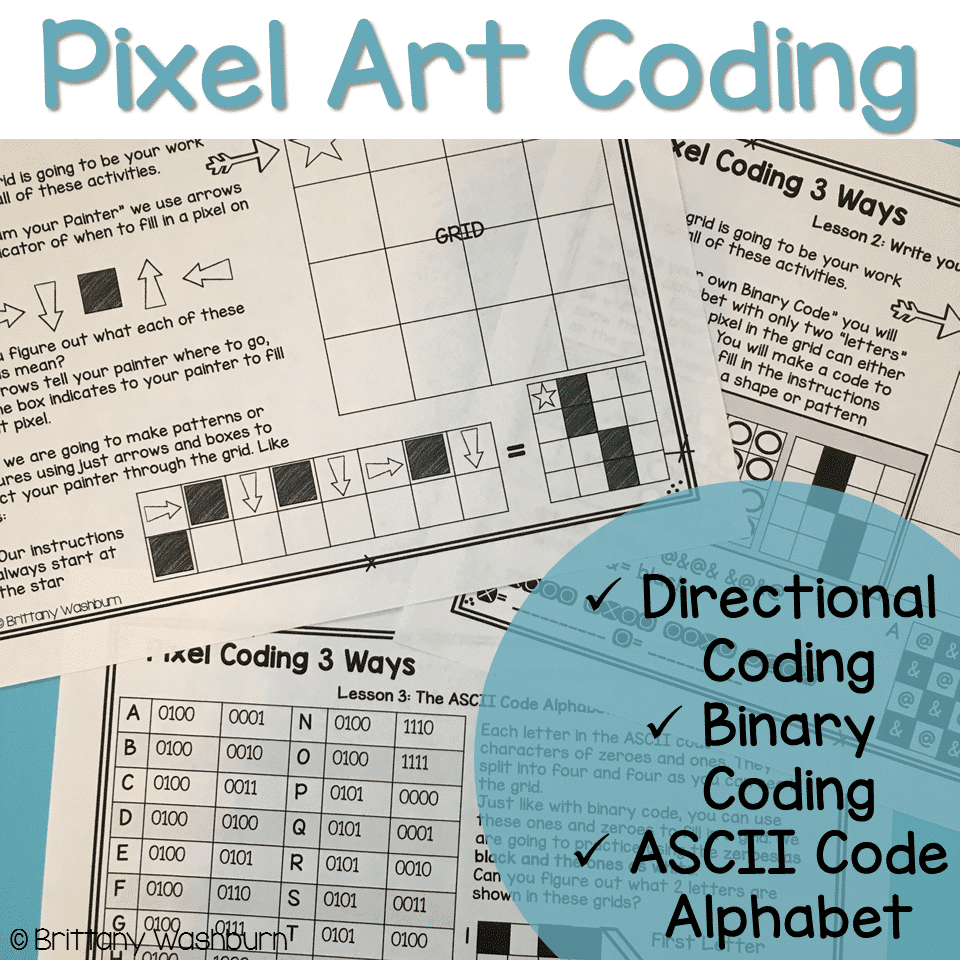
Pixel Art Coding – 3 unplugged computer science lessons
$7.00

Related Products
-

Full Year Timely Tech All in One
Original price was: $198.00.$158.40Current price is: $158.40. -
5th Grade ELA Standards Digital Resource Library BUNDLE
Original price was: $27.20.$24.48Current price is: $24.48. -
5th Grade Language Standards Digital Resource Library
Original price was: $16.00.$14.40Current price is: $14.40. -
5th Grade Reading Standards Digital Resource Library
Original price was: $16.00.$12.80Current price is: $12.80.



You didn’t become a tech teacher to spend your weekends building lessons from scratch. I’m Brittany, a technology curriculum specialist with 1,000+ ISTE-aligned resources designed specifically for K–8 computer lab teachers.
My ready-made digital and printable resources cover everything from digital citizenship and coding fundamentals to multimedia creation and computer essentials, so your planning is handled and your students stay engaged.
Every resource is built to align with ISTE Standards, save you time, and actually work in a computer lab setting, because I’ve taught in one myself.
Browse my bestsellers, or explore by grade level or topic to find exactly what you need.
Reviews
There are no reviews yet.