
✅ Shop with Confidence
- 🔒 Secure Checkout – Your payment is safe and protected.
- ⭐ Quality Guaranteed – Store credit refunds if something isn’t right.
- 🎉 Earn Rewards – Get points for every dollar spent & redeem as store credit!
👉 Add to Cart and start using this resource today
Scratch Jr. & Scratch Computational Thinking Task Cards
$7.00
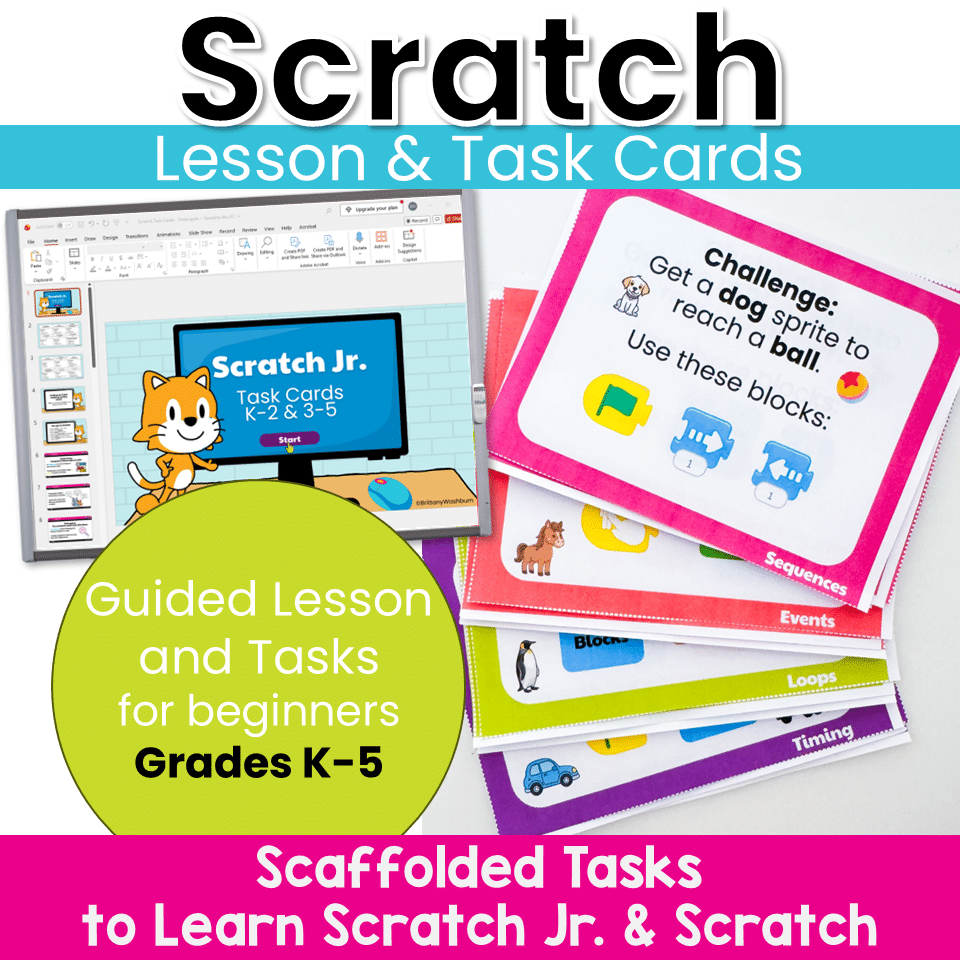
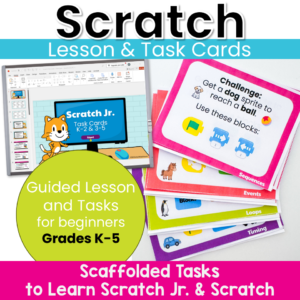
Move beyond step-by-step tutorials and help students become confident computational thinkers! These Scratch Jr. and Scratch Task Cards are designed to teach the foundational concepts of computer science through short, engaging coding challenges. Instead of simply copying a project, students learn to predict, test, debug, and improve their code while building a deep understanding of how programs work.
Scratch Jr. & Scratch Computational Thinking Task Cards
$7.00
Description
Move beyond step-by-step tutorials and help students become confident computational thinkers! These Scratch Jr. and Scratch Task Cards are designed to teach the foundational concepts of computer science through short, engaging coding challenges. Instead of simply copying a project, students learn to predict, test, debug, and improve their code while building a deep understanding of how programs work.
Perfect for computer labs, STEM classes, coding clubs, library media, technology classes, and classroom coding lessons, these task cards help students build coding skills from Kindergarten through 5th Grade.
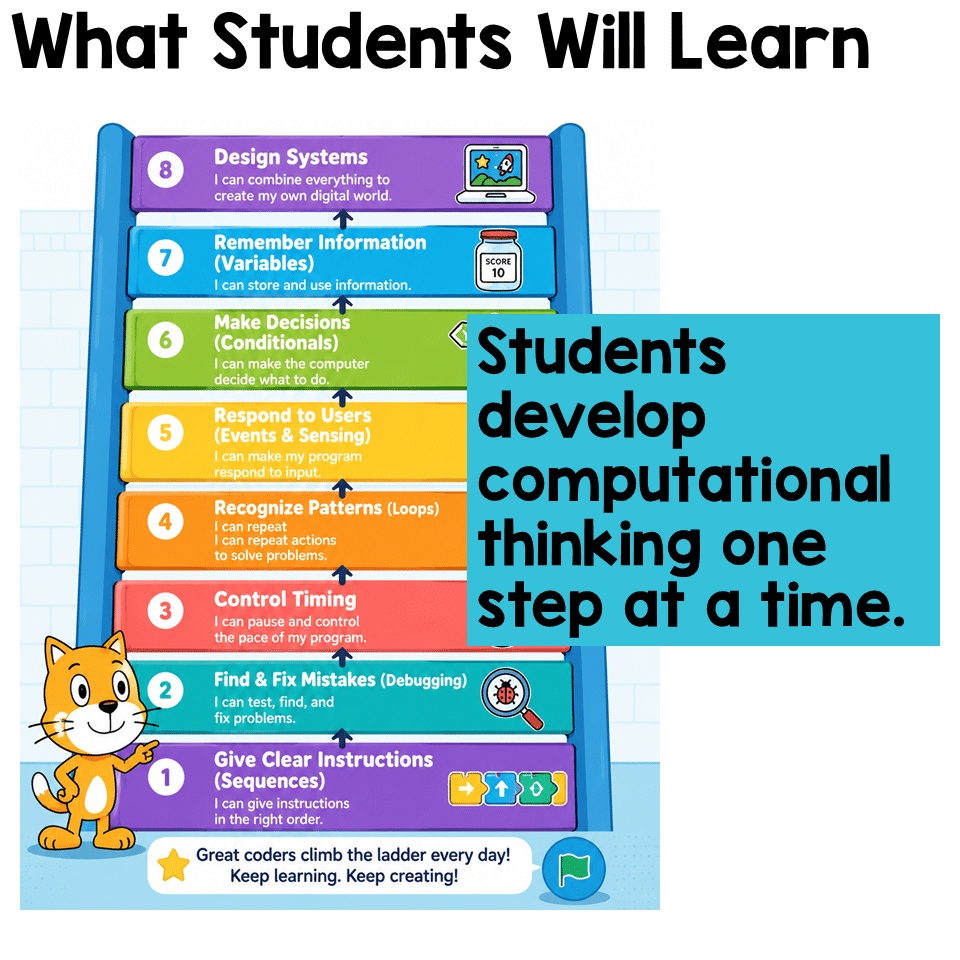
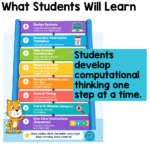
What Students Will Learn
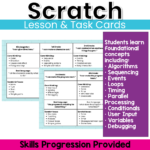
Students develop computational thinking one concept at a time, including:
- ✔ Sequencing (algorithms)
- ✔ Debugging
- ✔ Events
- ✔ Parallel Actions
- ✔ Loops
- ✔ Timing
- ✔ Conditionals (if/then logic)
- ✔ Sensing & User Input
- ✔ Variables
- ✔ Designing complete interactive systems
Rather than asking students to simply “make a game,” these activities help them understand why code works and how programmers think.
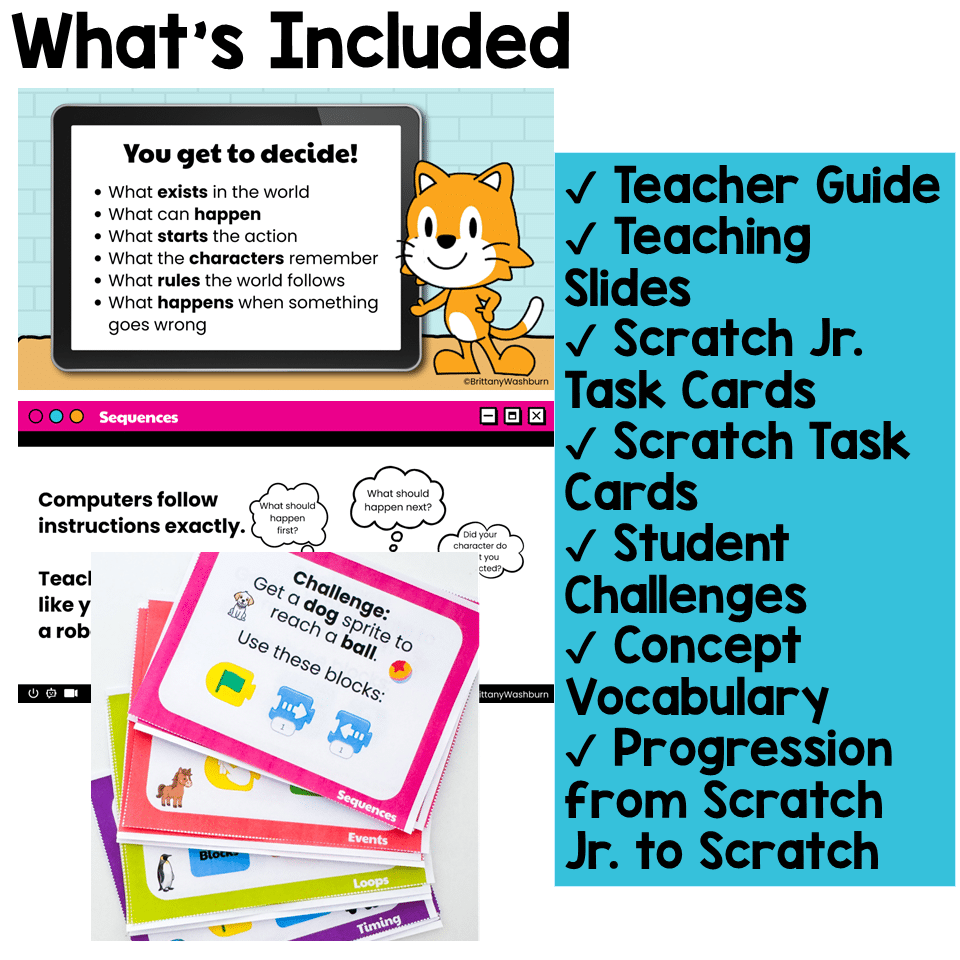
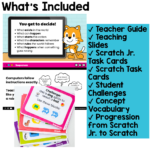
What’s Included
Teacher Guide
- Teaching philosophy
- Computational thinking progression
- K–5 skills progression
- Suggested lesson structure
- Teacher questioning strategies
- Reflection prompts
- Assessment ideas
- Vocabulary
Teaching Slides
Explicit instruction for each coding concept, including:
- Student-friendly explanations
- Real-world technology connections
- Scratch Jr. examples
- Scratch examples
- Discussion questions
Scratch Jr. Task Cards (K–2)
Students complete coding challenges focused on:
- Sequences
- Events
- Loops
- Timing
Scratch Task Cards (Grades 3–5)
Students complete coding challenges focused on:
- Sequences
- Events
- Loops
- Timing
- Conditionals
- Sensing & Input
- Variables
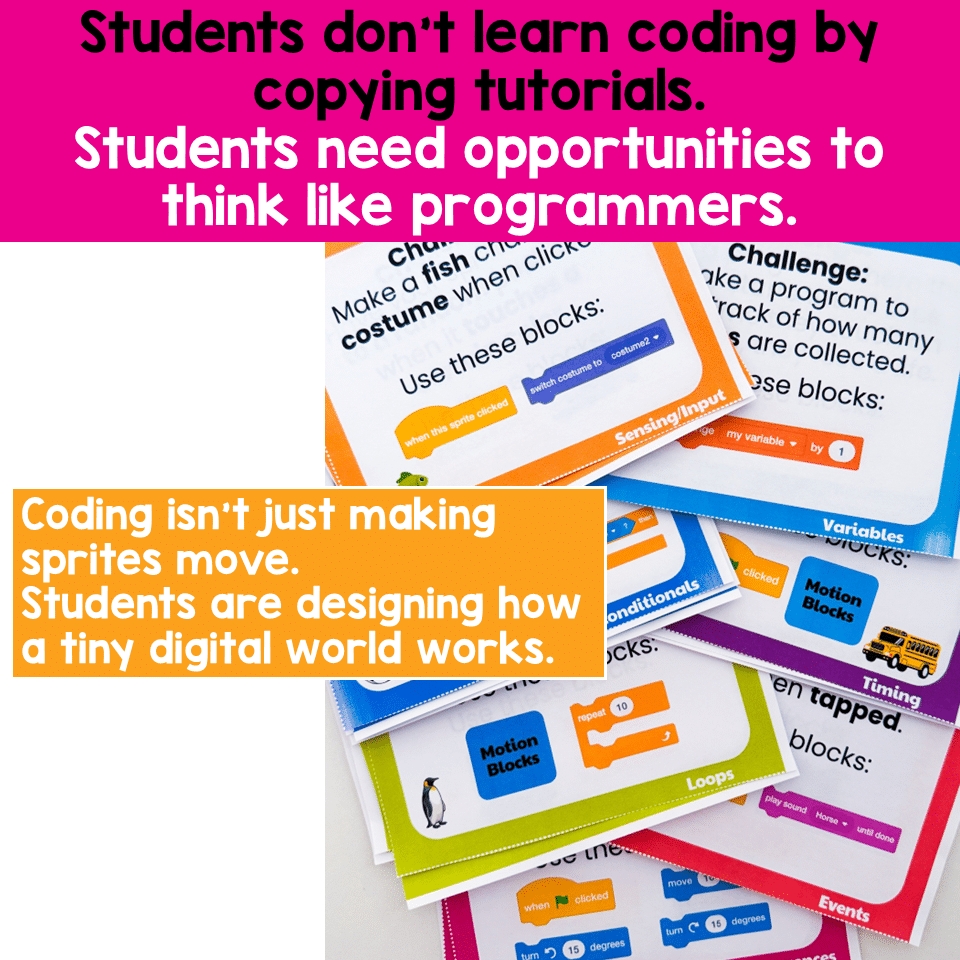
Each challenge encourages students to solve a problem independently instead of following a tutorial step-by-step.
Perfect For
- Elementary Technology Teachers
- Computer Lab Teachers
- STEM Teachers
- Library Media Specialists
- Classroom Teachers
- Coding Clubs
- Gifted Programs
- Homeschool Learning
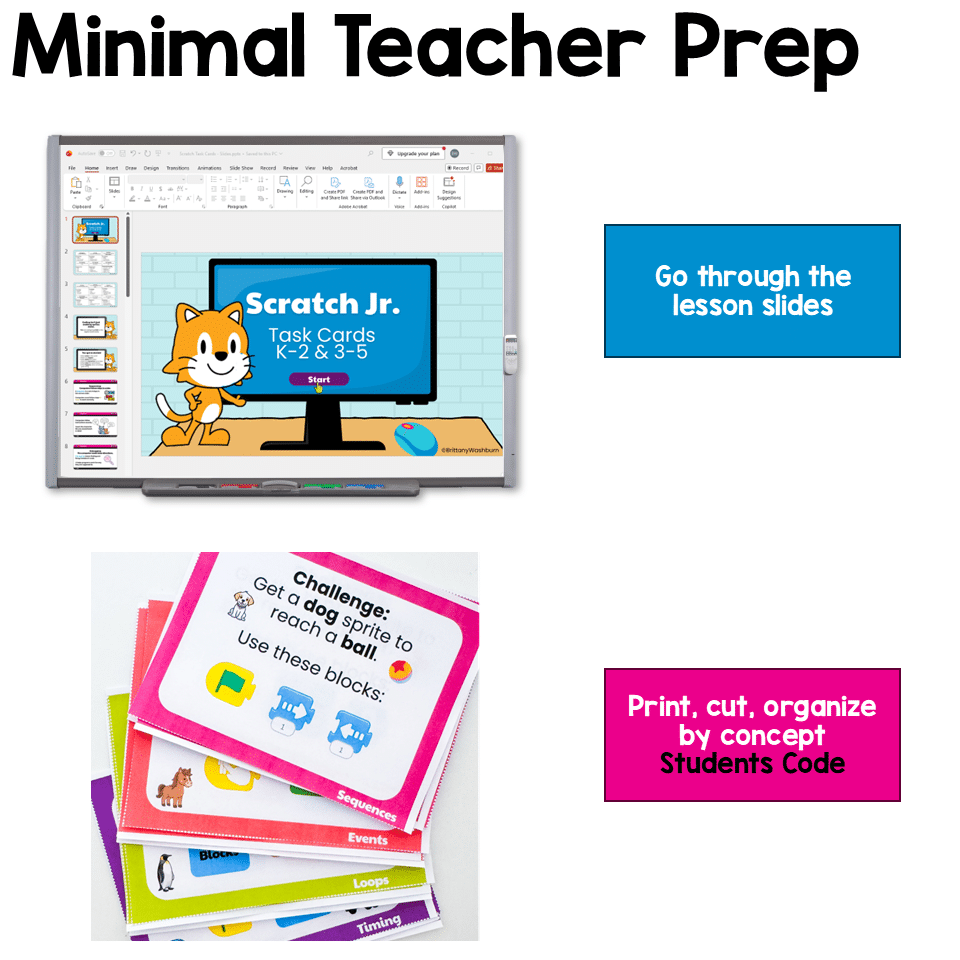
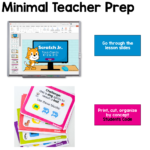
Minimal Teacher Prep
Simply:
- Print the task cards (or display digitally)
- Introduce the coding concept using the included slides
- Model one example
- Let students complete the challenges
- Reflect and discuss
Great for:
- ✔ Independent practice
- ✔ Partner work
- ✔ Coding centers
- ✔ Early finishers
- ✔ Small groups
- ✔ Whole-class instruction
- ✔ Assessment
Why Teachers Love These Task Cards
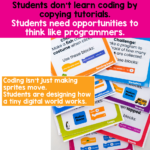
Unlike traditional Scratch lessons that focus on copying a project, these activities encourage students to think like programmers.
Students learn to:
- Predict what their code will do
- Test their ideas
- Find and fix bugs
- Recognize patterns
- Explain their thinking
- Apply coding concepts to new challenges
This approach builds confidence while preparing students for future computer science learning.
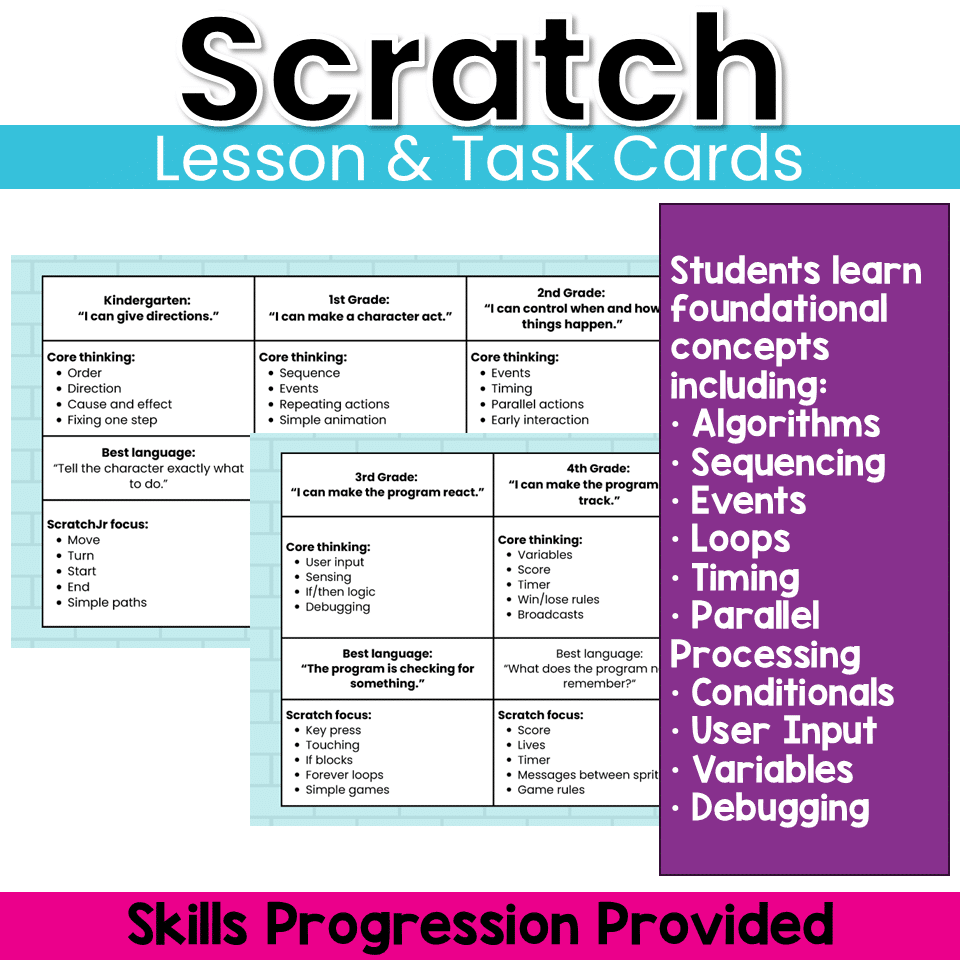
Skills Progression
This resource intentionally builds computational thinking across elementary grades.
- Kindergarten: Give clear directions
- 1st Grade: Make characters act
- 2nd Grade: Control when and how things happen
- 3rd Grade: Make programs react
- 4th Grade: Help programs remember information
- 5th Grade: Design complete interactive systems
Students progress naturally from Scratch Jr. to Scratch, developing the same foundational coding concepts in developmentally appropriate ways.
Standards Alignment
These activities support elementary computer science instruction and reinforce computational thinking skills found in many state standards, including concepts aligned with CSTA Computer Science Standards and ISTE Standards for Students.
Additional information
| Resource Type | Lesson/Unit, Task Cards |
|---|---|
| Format |
You must be logged in to post a review.
What teachers said on TPT
Rated 5.0 out of 5 by 3 teachers on Teachers Pay Teachers.
“This is a great way to introduce and practice computational thinking.”
— Kathryn A., TPT review
“We are loving this resource and have so much fun using them.”
— theresa B., TPT review
“Students get to explore animation in a fun program.”
— Carissa B., TPT review
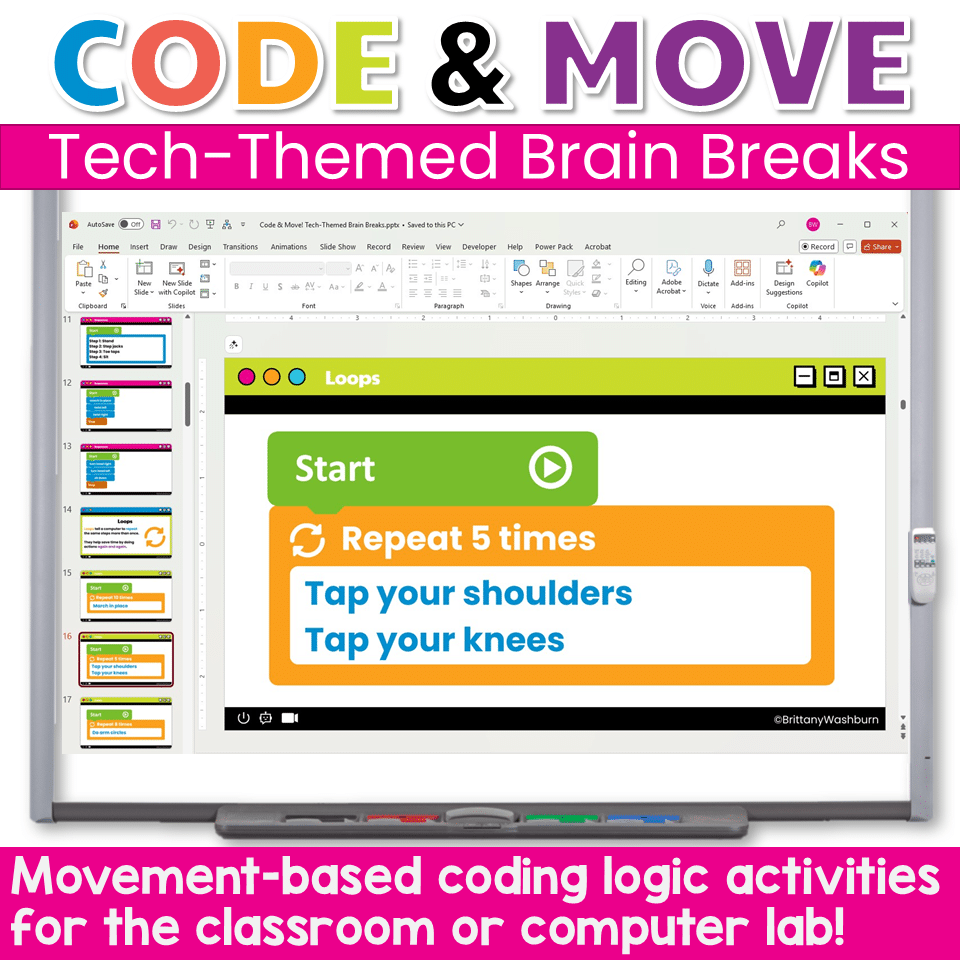
Related Products
-

Full Year Timely Tech All in One
Original price was: $198.00.$158.40Current price is: $158.40. -

5th Grade ELA Standards Digital Resource Library BUNDLE
Original price was: $27.20.$24.48Current price is: $24.48. -
5th Grade Language Standards Digital Resource Library
Original price was: $16.00.$14.40Current price is: $14.40. -
5th Grade Reading Standards Digital Resource Library
Original price was: $16.00.$12.80Current price is: $12.80.


You didn’t become a tech teacher to spend your weekends building lessons from scratch. I’m Brittany, a technology curriculum specialist with 1,000+ ISTE-aligned resources designed specifically for K–8 computer lab teachers.
My ready-made digital and printable resources cover everything from digital citizenship and coding fundamentals to multimedia creation and computer essentials, so your planning is handled and your students stay engaged.
Every resource is built to align with ISTE Standards, save you time, and actually work in a computer lab setting, because I’ve taught in one myself.
Browse my bestsellers, or explore by grade level or topic to find exactly what you need.
Reviews
There are no reviews yet.