
✅ Shop with Confidence
- 🔒 Secure Checkout – Your payment is safe and protected.
- ⭐ Quality Guaranteed – Store credit refunds if something isn’t right.
- 🎉 Earn Rewards – Get points for every dollar spent & redeem as store credit!
👉 Add to Cart and start using this resource today
Digital Design Activity | Custom Name Keychains & Bookmarks
$3.00
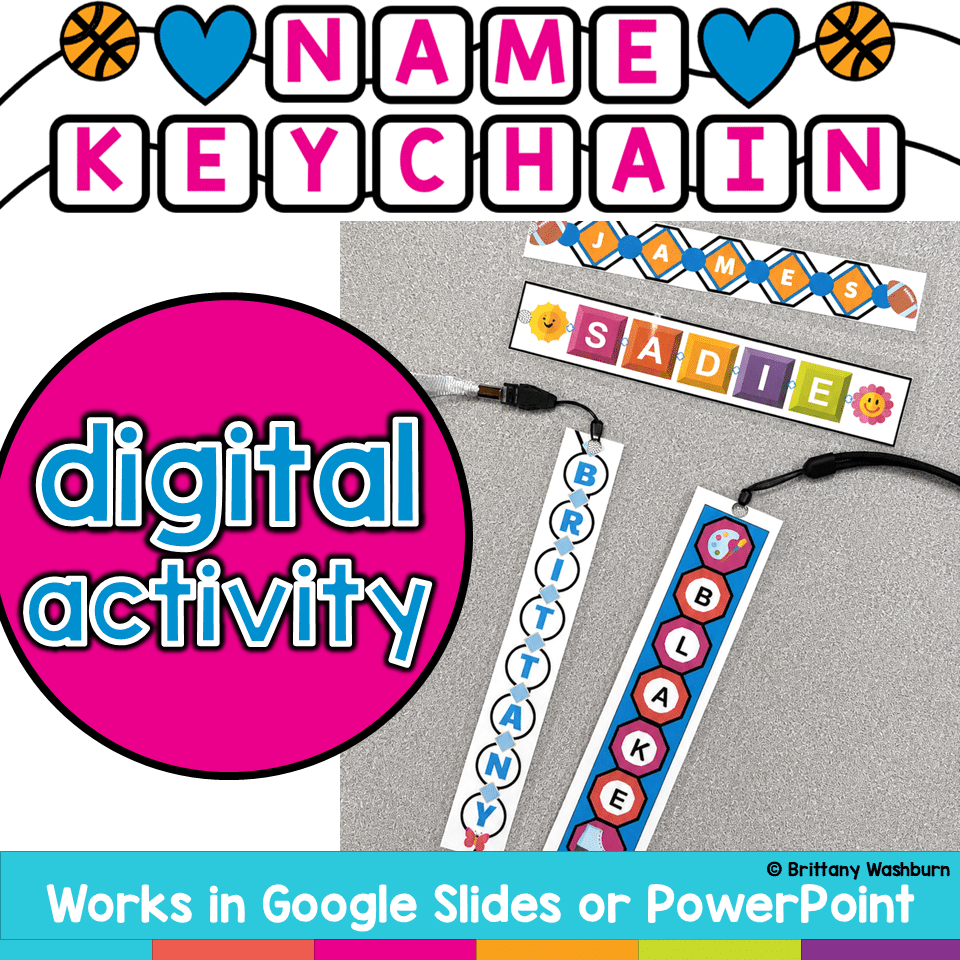
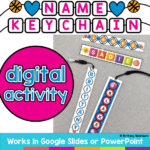
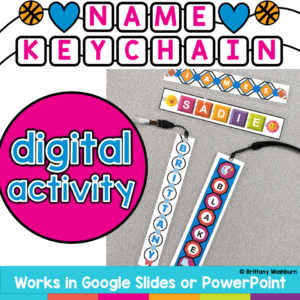
Create something students will actually want to keep while practicing essential Google Slides skills! In this Custom Name Charms Digital Design Activity, students use Google Slides to create a personalized name charm using shapes, colors, patterns, fonts, letters, and decorative icons. Along the way, they practice important digital design and computer skills such as moving, resizing, rotating, layering, formatting, and grouping objects.
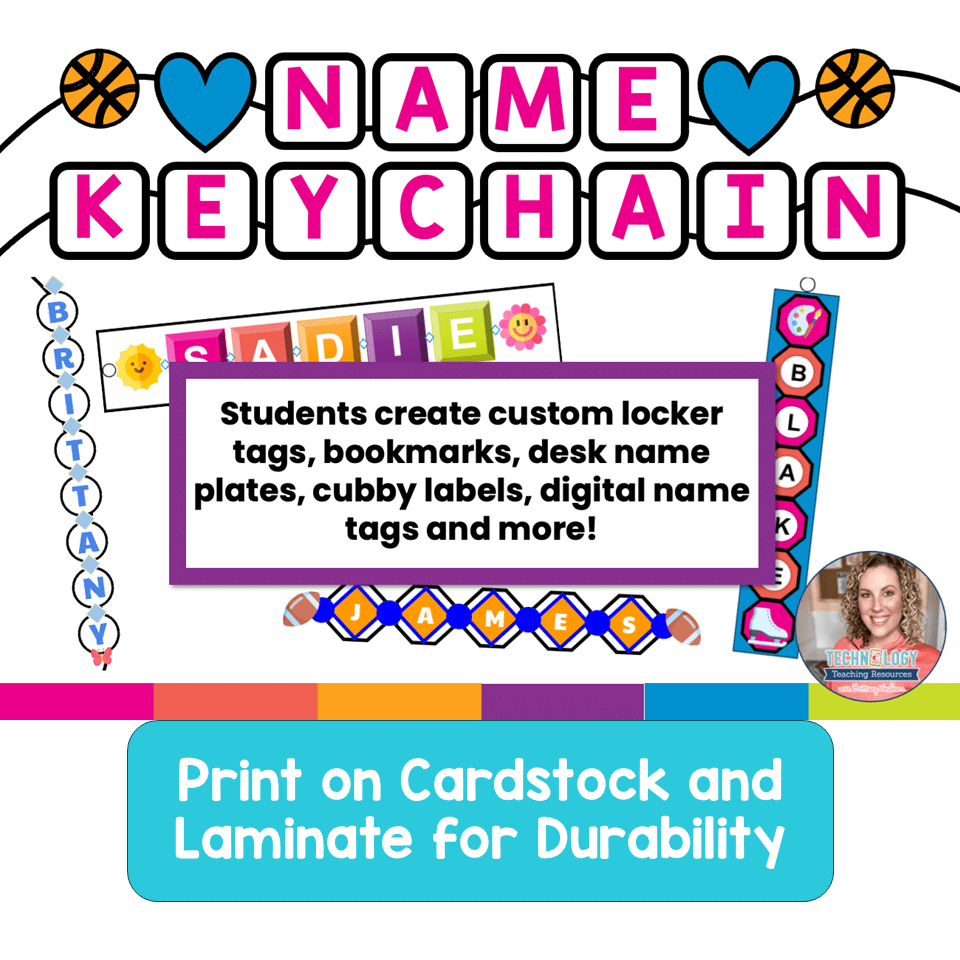
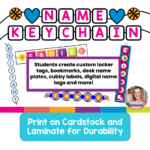
Once the designs are finished, print them on cardstock and laminate them to create a bookmark, name tag, backpack tag, or keychain-style charm. Add a hole punch and string, ribbon, or key ring for an easy hands-on extension!
Digital Design Activity | Custom Name Keychains & Bookmarks
$3.00
Description
Create something students will actually want to keep while practicing essential Google Slides skills! In this Custom Name Charms Digital Design Activity, students use Google Slides to create a personalized name charm using shapes, colors, patterns, fonts, letters, and decorative icons. Along the way, they practice important digital design and computer skills such as moving, resizing, rotating, layering, formatting, and grouping objects.
Once the designs are finished, print them on cardstock and laminate them to create a bookmark, name tag, backpack tag, or keychain-style charm. Add a hole punch and string, ribbon, or key ring for an easy hands-on extension!
This activity works especially well as a beginning-of-the-year technology project, Google Slides skills practice, digital design challenge, early finisher activity, or creative computer lab lesson.
WHAT STUDENTS DO
Students will:
• Choose a base shape for their name charm
• Select colors and patterns
• Add the letters of their name
• Choose and customize fonts
• Add decorative icons and small charms
• Move, resize, rotate, and arrange digital objects
• Practice using forward and backward layering tools
• Group multiple objects into one completed design
• Make creative choices to personalize their finished project
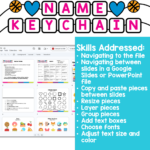
COMPUTER SKILLS PRACTICED
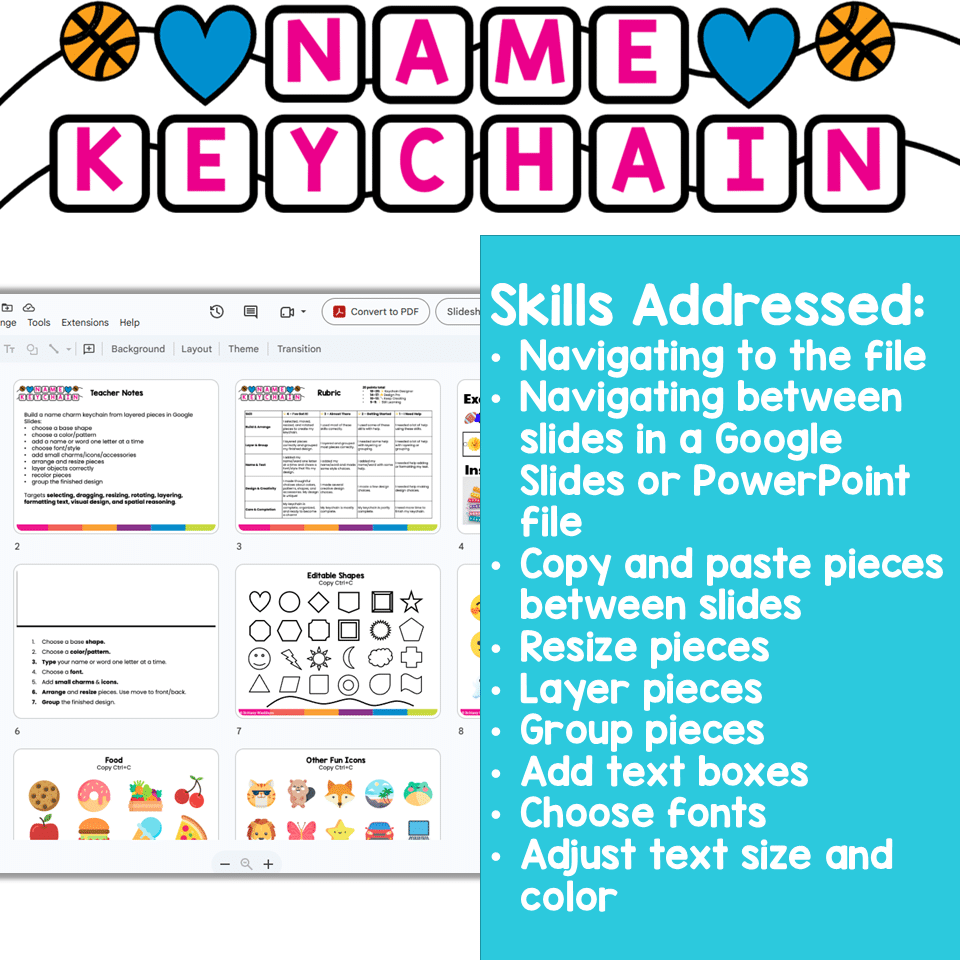
This project gives students meaningful practice with common Google Slides and digital design skills, including:
• Selecting objects
• Clicking and dragging
• Copying and pasting
• Resizing objects
• Rotating objects
• Formatting text
• Changing colors and styles
• Arranging objects
• Layering objects forward and backward
• Selecting multiple objects
• Grouping objects
• Creating an organized digital composition
Rather than practicing these tools in isolation, students use them together to create a finished product with a real purpose.
WHAT IS INCLUDED
• Student digital design activity
• Customizable name charm pieces and design elements
• Multiple design options for student choice
• Completed examples for inspiration
• Student directions
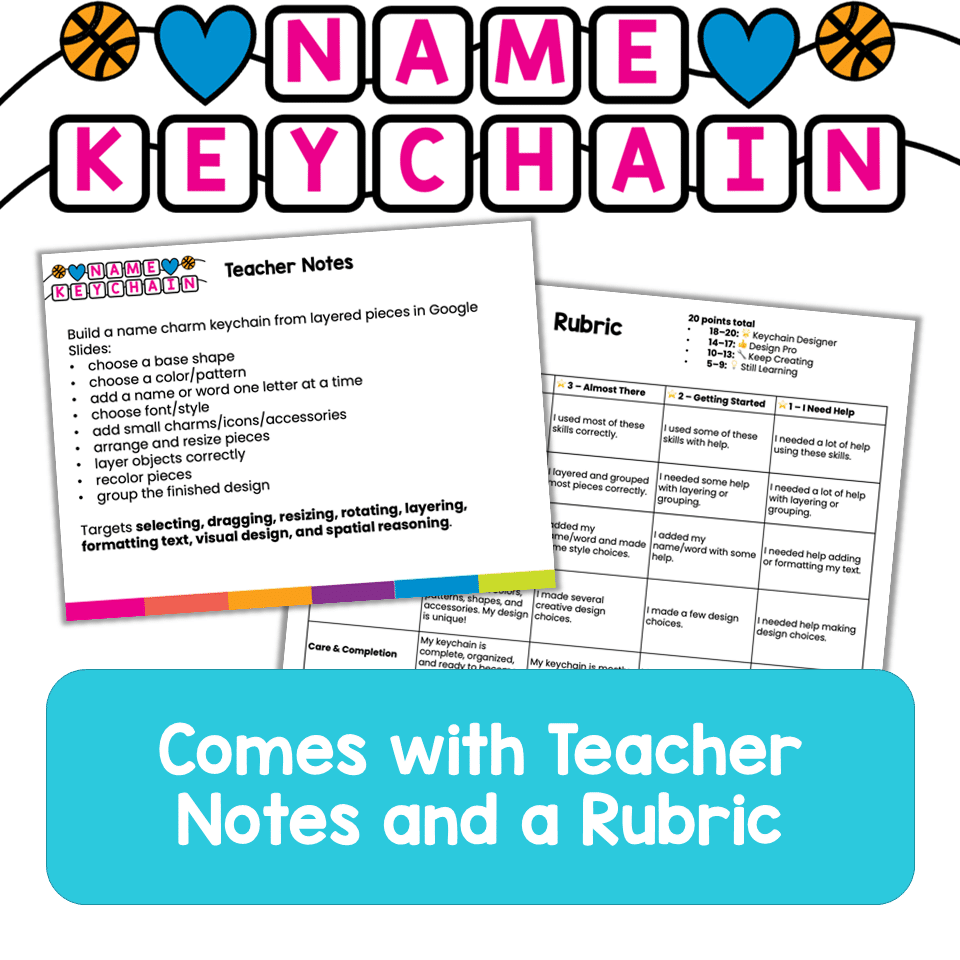
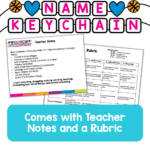
• Project rubric
• Brief teacher lesson plan
• Learning objectives
• ISTE Standards for Students alignment
• Suggested lesson structure
• Google Slides troubleshooting tips
• Teacher tips for collecting, printing, and finishing student designs
ISTE STANDARDS CONNECTIONS
This activity supports the following ISTE Standards for Students:
• 1.4 Innovative Designer – Students use a digital design process to create, arrange, revise, and customize a finished product.
• 1.6 Creative Communicator – Students express themselves creatively through purposeful choices involving text, color, imagery, and layout.
• 1.1 Empowered Learner – Students build technology fluency by using common digital creation and editing tools.
SUGGESTED GRADE LEVELS
This activity is designed with elementary students in grades 2–5 in mind.
Younger students may benefit from a teacher demonstration of the Google Slides tools before beginning. Older or more experienced students can work more independently and spend additional time refining their designs.
SUGGESTED LESSON LENGTH
Approximately 30–45 minutes, depending on student experience and how much time you allow for customization.
This makes a great one-class-period technology activity!
TURN THE DIGITAL DESIGN INTO A FINISHED PROJECT!
The fun does not have to end when students finish designing.
Print completed designs on cardstock and laminate them for durability. Then cut them out and hole-punch the top or side.
Students can add:
• Key rings
• Binder rings
• Ribbon
• Yarn or string
• Beads
• Letter beads
• Tassels
• Small craft charms
Students can turn their finished design into a bookmark, backpack tag, name tag, keychain-style accessory, or classroom keepsake.
Adding physical beads and charms is also a fun maker-style extension that gives students another opportunity to make their creation completely their own.
GREAT FOR
• Elementary computer lab
• Technology class
• Google Slides practice
• Digital design lessons
• Back to school
• Beginning-of-the-year activities
• Student name activities
• Digital art projects
• Maker activities
• Early finishers
• Sub plans
• End-of-year activities
• Creative technology projects
WHY TEACHERS WILL LOVE IT
Students get excited about creating something personalized, while teachers get a purposeful way to practice a surprisingly large number of Google Slides skills in one activity.
The project is structured enough to make it manageable for elementary students but open-ended enough that the finished designs can look completely different from one another.
Students aren’t just learning where the tools are—they’re learning how to use digital tools together to plan, create, customize, and refine an original design.
Tech Smarts Start Here!
By Brittany Washburn
Additional information
| Resource Type | Digital Activity |
|---|
You must be logged in to post a review.

Related Products
-

Full Year Timely Tech All in One
Original price was: $198.00.$158.40Current price is: $158.40. -

5th Grade ELA Standards Digital Resource Library BUNDLE
Original price was: $27.20.$24.48Current price is: $24.48. -
5th Grade Language Standards Digital Resource Library
Original price was: $16.00.$14.40Current price is: $14.40. -
5th Grade Reading Standards Digital Resource Library
Original price was: $16.00.$12.80Current price is: $12.80.



You didn’t become a tech teacher to spend your weekends building lessons from scratch. I’m Brittany, a technology curriculum specialist with 1,000+ ISTE-aligned resources designed specifically for K–8 computer lab teachers.
My ready-made digital and printable resources cover everything from digital citizenship and coding fundamentals to multimedia creation and computer essentials, so your planning is handled and your students stay engaged.
Every resource is built to align with ISTE Standards, save you time, and actually work in a computer lab setting, because I’ve taught in one myself.
Browse my bestsellers, or explore by grade level or topic to find exactly what you need.
Reviews
There are no reviews yet.