Navigating Screen Time Limits as a Tech Teacher
Navigating screen time limits has become a significant concern given certain recent initiatives, especially for tech teachers. As technology becomes an integral part of our classrooms, finding the right balance between educational screen time and traditional learning methods is crucial. It’s essential to ensure that students harness the benefits of technology while mitigating potential drawbacks related to excessive screen exposure.
Understanding Screen Time Perspectives
First and foremost, it’s crucial to define what “screen time” entails. Screen time includes various activities like instructional videos, interactive lessons, online research, and even educational gaming. The American Academy of Pediatrics recommends that children aged 2 to 5 have no more than one hour of high-quality programming each day. However, these guidelines can be quite general, especially for the elementary classroom where screens serve multifaceted functions.
In anticipation of laws that may pass soon, some schools have begun deciding how to revise their policies on tech use. One school mentioned by our Facebook Community is implementing a “Tech Free Tuesday” initiative. Others have decided that general education classes are not allowed to use screens in grades K-3, and have limited their use in computer science class to only when standards allow the use.
As a tech teacher, it’s important to recognize that educational screen time can be productive if done correctly. The key is to differentiate between types of screen time: passive versus active screen time. Passive screen time involves activities like watching videos without engagement, while active screen time includes interactive programs that promote creativity, critical thinking, and problem-solving skills.
Establishing a Balanced Approach
To navigate screen time limits effectively, incorporate a balanced approach to technology use in the classroom. Balancing Tech Use and Play-Based Learning can help you evaluate these issues and develop a well-thought-out pedagogy. To get you started, however, here are some recommended strategies:
Set Clear Objectives:
Before incorporating technology into lessons, clarify what you hope to achieve from the activity. Whether to enhance understanding of a concept, foster group collaboration, or promote creativity, setting clear objectives will help guide your choices on when and how to use screens.
Integrate Breaks:
Incorporating regular breaks during tech activities can help to mitigate screen fatigue and keep students engaged. Utilize these pauses for physical movement or mindfulness exercises to refresh students’ minds and bodies.
Integrate Screen Time with Hands-On Activities:
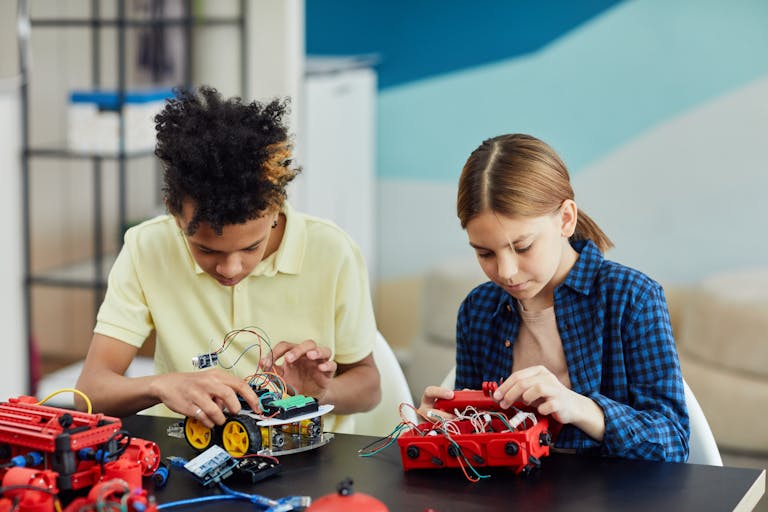
Blend screen activities with hands-on projects. For instance, if students are learning coding through an online platform, follow it up with a hands-on coding activity using unplugged coding games or robotics kits. This combination allows students to apply knowledge gained from the screen in a tangible way.
Encourage Reflection:
After tech-based lessons, prompt students to reflect on their experiences. Discuss what they learned, how they felt about the activity, and if they believe the screen time was beneficial. This practice encourages critical thinking about technology usage.
Communicate with Parents:
Engaging parents in discussions about technology use at school is important. Provide them with insights on screen time during lessons and share tips for managing healthy tech habits at home. Regular communication fosters a collaborative approach to monitoring screen time.
Stay Informed and Flexible:
Technology is constantly evolving, and as a tech teacher, it’s vital to stay updated on the latest research and tools that promote effective learning without compromising students’ well-being. Being adaptable allows you to incorporate new strategies and resources into your teaching.
Optimizing Screen-Free Learning in Tech Class
Teachers can foster creativity, collaboration, and critical thinking skills while ensuring that all students have the opportunity to thrive, regardless of their access to technology.
Several teachers we talked to don’t use devices with their littles at all! Some created a play based classroom & set up stations. They start off with a read aloud and a discussion about a relevant concept (patterns, debugging, etc.) then students rotate between whatever stations are set up for them… usually Lego, a STEM challenge, screen-free coding robots & something creative. Others do whole group activities on their smartboards… anything from Brain Pop, activities on Brittany’s Curriculum, label the tech slides, digital pixel art, or digital citizenship on NetSmartzKids and Common Sense Media.
We have tons of fantastic read aloud options for you in our Computer Basics Book List, Digital Citizenship Grades K-5 Book List, and Coding Book List. You can then use our book companion activities, or get AI to generate basic drag and drop games to go with a story or concept yourself.
Other teachers mention that they spend several screen-free classes on recognizing patterns and how coders need to know what comes next. Then they started having their students fix the pattern and talk about debugging.
Check out these other Unplugged Technology Activities as well as our tips for Managing Students When They are Without Devices in the Tech Lab for more ideas.
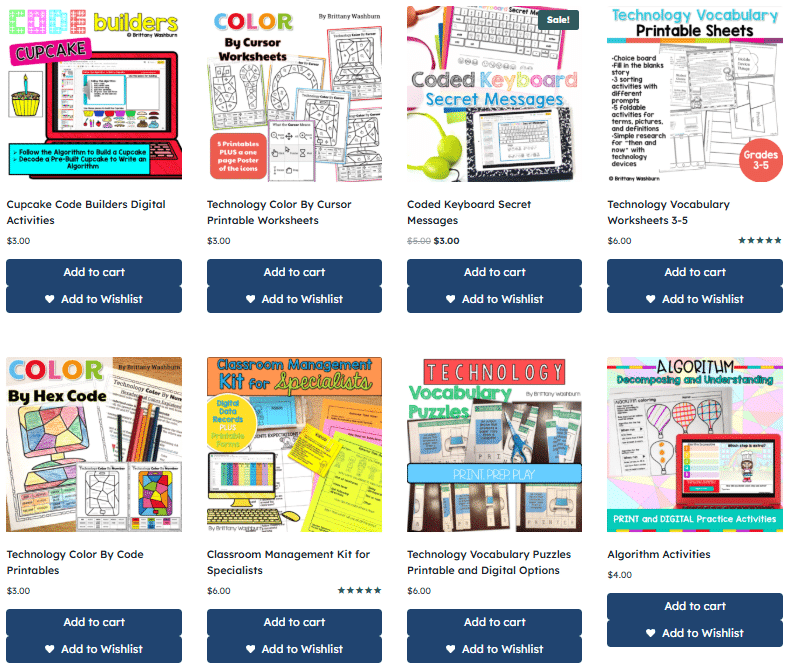
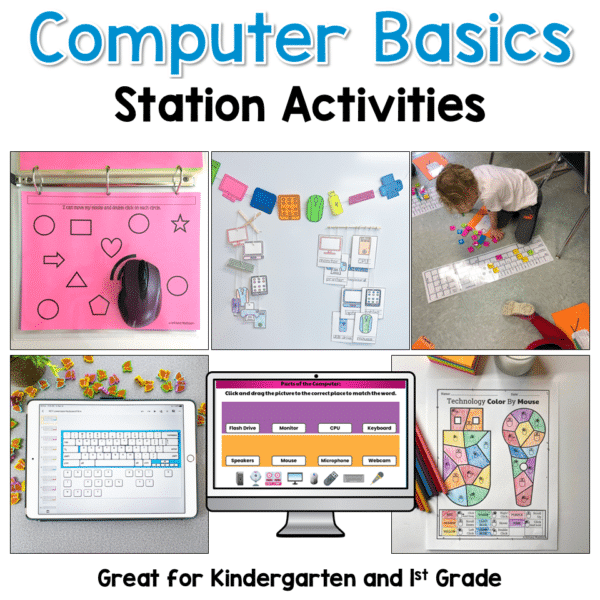
Brittany’s Own Resources
Printable Computer Science Activities
Parting Thoughts
As elementary tech teachers, navigating screen time limits is not merely about reducing hours in front of screens, but about maximizing the educational value of that time. By establishing a balanced approach that includes clear objectives, active engagement, and regular communication, we can create a learning environment that values both technology and the well-being of our students. With thoughtful implementation, we can make sure the time we spend on devices is put to the best possible use. This way, we can ensure technology serves as a powerful ally in our educational efforts.