
✅ Shop with Confidence
- 🔒 Secure Checkout – Your payment is safe and protected.
- ⭐ Quality Guaranteed – Store credit refunds if something isn’t right.
- 🎉 Earn Rewards – Get points for every dollar spent & redeem as store credit!
👉 Add to Cart and start using this resource today
Mouse Keyboard and Computer Parts Basics Lessons
Original price was: $51.49.$40.50Current price is: $40.50.
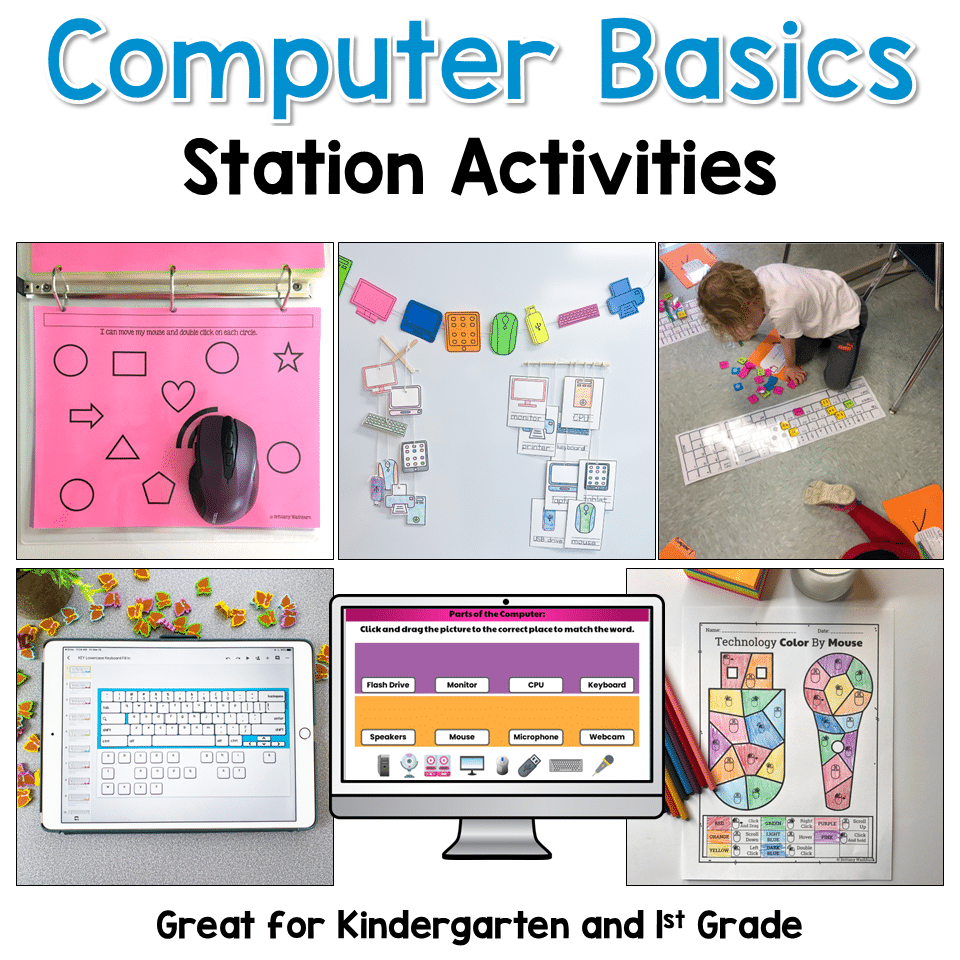
Looking for an engaging way to teach foundational computer skills in your computer lab or classroom? This Computer Basics Activities Bundle includes printable and digital lessons that help beginning technology students learn the essential skills they need before using computers independently.
Mouse Keyboard and Computer Parts Basics Lessons
Original price was: $51.49.$40.50Current price is: $40.50.
Description
Looking for an engaging way to teach foundational computer skills in your computer lab or classroom? This Computer Basics Activities Bundle includes printable and digital lessons that help beginning technology students learn the essential skills they need before using computers independently.
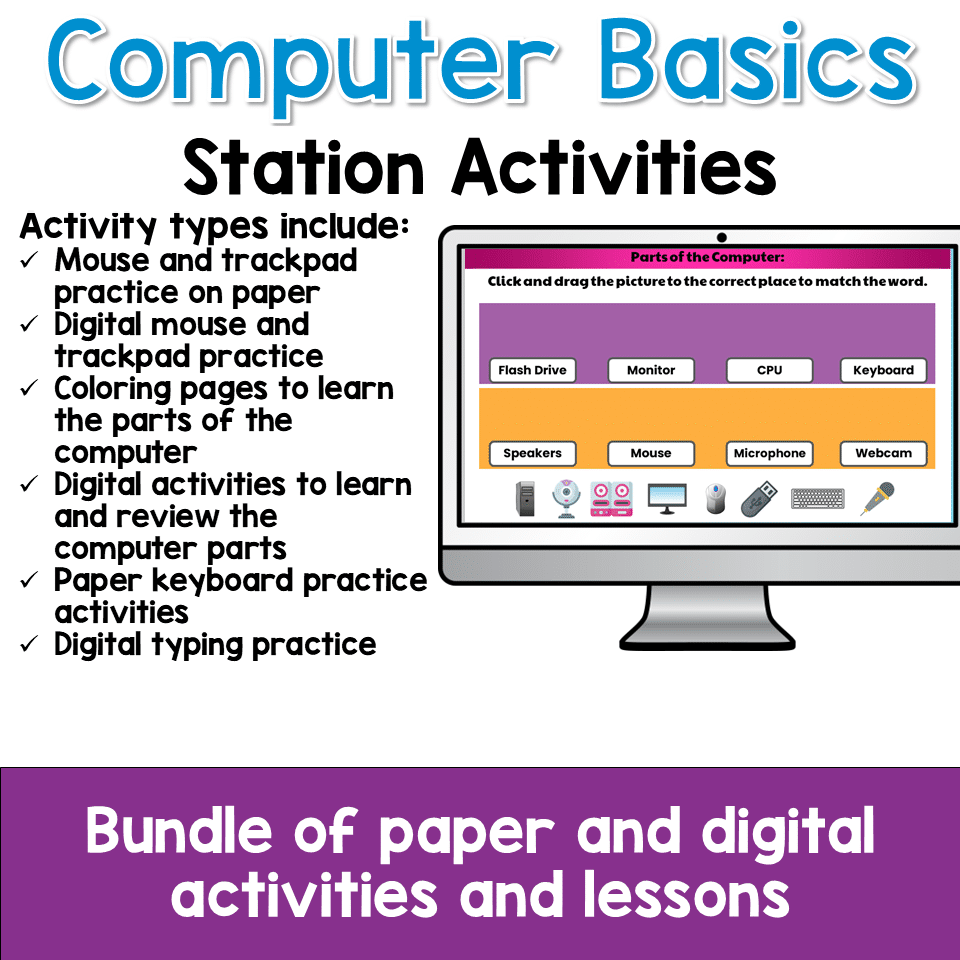
Students practice:
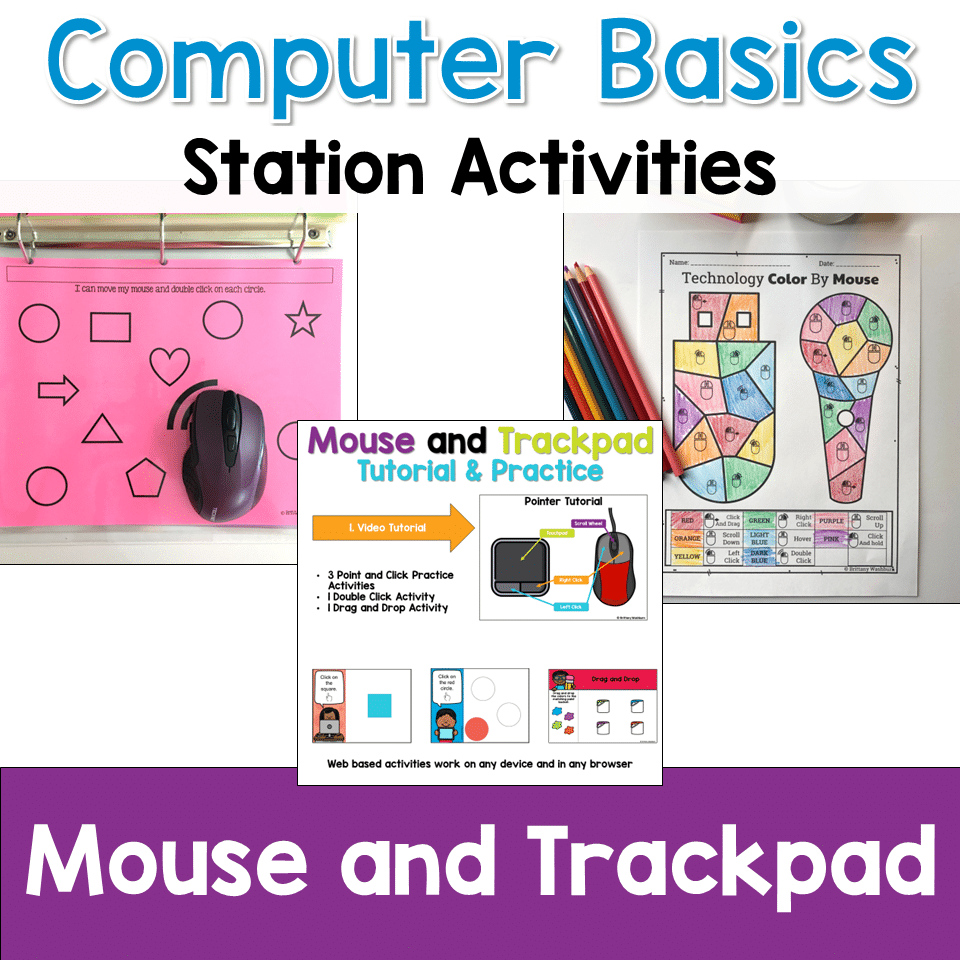
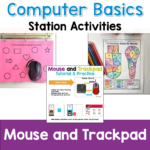
• mouse and trackpad control
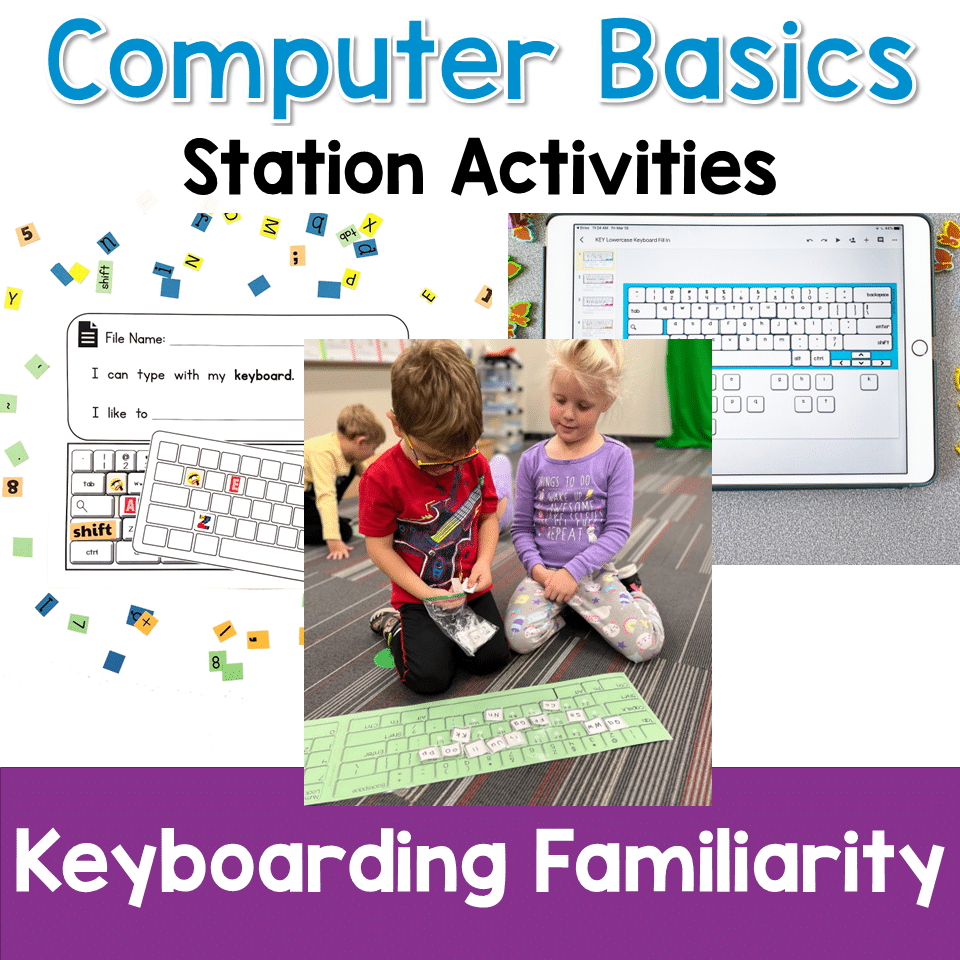
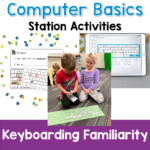
• keyboard familiarity
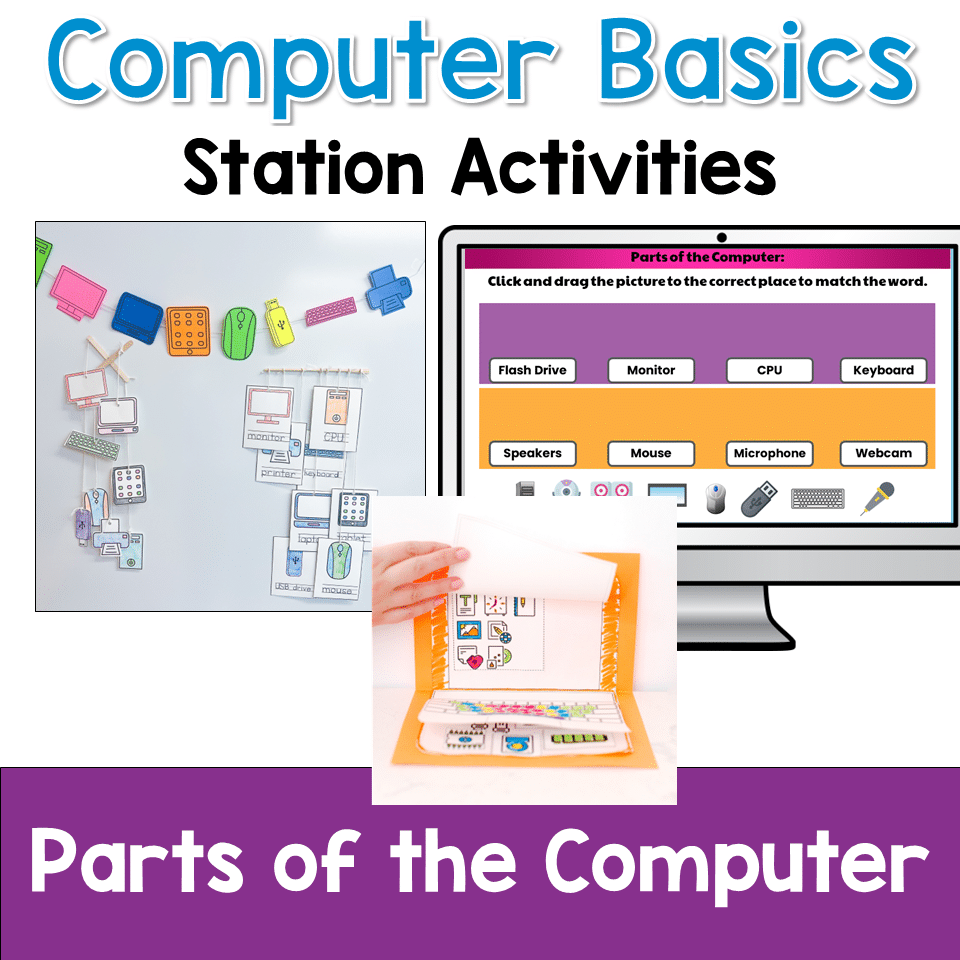
• identifying the parts of a computer
These hands-on and digital activities are perfect for introducing young learners to technology in a fun and approachable way.
Perfect for Beginning Computer Users
This bundle is ideal for:
• kindergarten computer lab
• first grade technology lessons
• early elementary STEM classes
• introducing computers to new students
• technology centers or stations
The activities can be used as a complete mini unit or taught individually throughout the year.
Skills Students Practice
Students build foundational digital literacy skills including:
🖱 Mouse and Trackpad Skills
• clicking
• dragging
• trackpad gestures
• cursor control
⌨ Keyboard Familiarity
• recognizing keyboard letters
• locating keys
• keyboard layout awareness
💻 Computer Parts
• identifying hardware components
• understanding basic computer vocabulary
These lessons help students develop the confidence they need before moving into more advanced computer tasks.
What’s Included
This bundle includes both printable and digital activities, giving teachers flexible options for their computer lab.
Printable activities include:
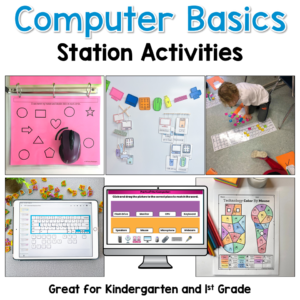
• Mouse Skills Practice Mats
• Trackpad Gesture Practice Mats
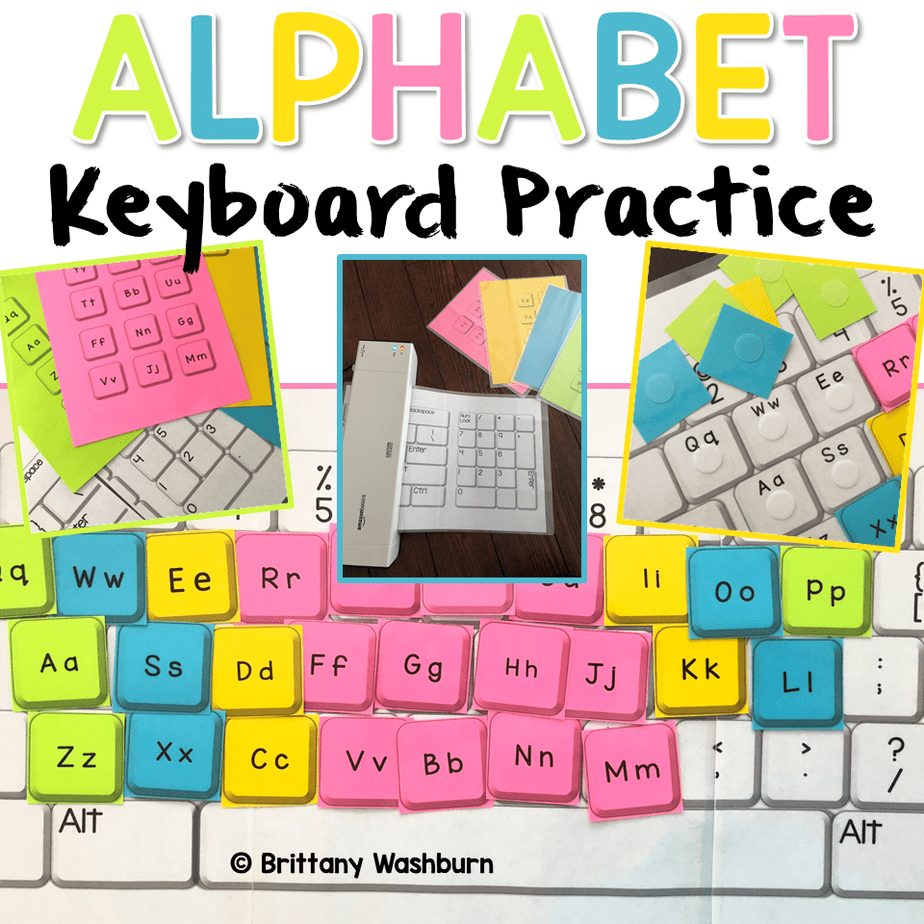
• Keyboard Collage Craft
• Build a Paper Computer Activity
• Computer Parts Mobile Craft
• Color by Mouse Icons Worksheets
• Color by Trackpad Gestures Worksheets
Digital activities include:
• Keyboard Practice Chromebook Bootcamp
• Computer Parts and Types of Technology Digital Activities
• Label the Parts of a Computer Interactive Activity
Also included:
• keyboard task cards
• classroom keyboard display
• beginner-friendly computer activities
Great for Technology Centers and Stations
Many teachers use these activities for:
• technology rotations
• computer lab stations
• early finisher work
• unplugged computer science lessons
The mix of printable and digital lessons makes it easy to adapt this bundle for different classroom setups.
Teach Computer Basics as a Mini Unit
These activities work well together as a short Computer Basics unit for elementary students.
Example lesson sequence:
1️⃣ Mouse and Trackpad Practice
2️⃣ Keyboard Familiarity Activities
3️⃣ Build a Paper Computer Project
4️⃣ Computer Parts Digital Activities
This progression helps students build confidence while learning how computers work.
Why Teachers Love This Bundle
✔ Hands-on and digital activities included
✔ Perfect for beginners learning computer skills
✔ Easy to use for technology centers or stations
✔ Helps students understand computer hardware and input devices
✔ Flexible lessons for computer lab schedules
Additional information
| Resource Type | Bundle, Digital Activity, Lesson/Unit, Printable |
|---|---|
| Format | Google Apps |
| Standards | ISTE, CSTA, TEKS Technology Applications |
This resource supports the following standards.
ISTE Standards for Students
- 1.1.d – Understand technology operations and troubleshoot
CSTA K-12 Computer Science Standards
- 1A-CS-01 – Select and operate software for a variety of tasks
- 1A-CS-02 – Name and describe hardware components
Texas TEKS: Technology Applications (19 TAC Chapter 126)
- K: (c)(8) Practical technology skills (devices, software, keyboarding)
- Gr 1: (c)(9) Practical technology skills (devices, software, keyboarding)
- Gr 2: (c)(10) Practical technology skills (devices, software, keyboarding)
You must be logged in to post a review.
Related Products
-

Full Year Timely Tech All in One
Original price was: $198.00.$158.40Current price is: $158.40. -

7 Technology Standards Student Created Bulletin Boards
Original price was: $21.00.$14.00Current price is: $14.00. -

Alphabet Keyboard Practice
$5.00 -
Christmas Digital Pixel Art STEM Challenges
$4.00


You didn’t become a tech teacher to spend your weekends building lessons from scratch. I’m Brittany, a technology curriculum specialist with 1,000+ ISTE-aligned resources designed specifically for K–8 computer lab teachers.
My ready-made digital and printable resources cover everything from digital citizenship and coding fundamentals to multimedia creation and computer essentials, so your planning is handled and your students stay engaged.
Every resource is built to align with ISTE Standards, save you time, and actually work in a computer lab setting, because I’ve taught in one myself.
Browse my bestsellers, or explore by grade level or topic to find exactly what you need.
Reviews
There are no reviews yet.