How to Build a Kindergarten Digital Citizenship Unit
Fostering responsible online behavior among young learners is more important than ever. As kindergarteners begin to engage with technology, it is essential to teach them the principles of digital citizenship. We’ll outline a comprehensive unit designed to introduce kindergarten students to key concepts such as online safety, respectful communication, and introducing them to the idea of a digital footprint. Through engaging activities, interactive lessons, and meaningful parental involvement, educators can help young children navigate the digital world safely and responsibly, laying the foundation for lifelong digital literacy.
Understanding Digital Citizenship for Young Learners
Definition and Importance
Digital citizenship refers to the responsible use of technology by anyone who uses computers, the internet, and digital devices. For young learners, this concept is crucial because they are just beginning to step into a digital world that’s as expansive as it is exciting. By understanding digital citizenship, kindergarteners can navigate online spaces safely, recognize appropriate online behavior, and appreciate the importance of being kind and respectful, much like they would in person.
Age-Appropriate Concepts
When teaching kindergarteners about digital citizenship, it’s essential to keep things simple and relatable. Start with basic ideas like the concept of sharing, understanding that not everything online is true, and knowing what to do if they encounter something that makes them uncomfortable. Use fun analogies, like comparing online safety to wearing a helmet when riding a bike. This way, kids can begin to grasp these concepts!
Setting Goals for a Kindergarten Digital Citizenship Unit
Learning Outcomes
Establish clear learning outcomes for your digital citizenship unit. Aim for students to recognize the difference between safe and unsafe online behaviors, identify that personal information should remain private, and demonstrate respectful communication online.
Aligning with Curriculum Standards
When crafting your digital citizenship unit, ensure it aligns with existing curriculum standards to maintain academic integrity while still having fun. Check for local or national guidelines that encourage technology literacy and social-emotional learning. Incorporating these standards will not only boost your unit’s credibility but also make it easier to justify to any skeptical parents who find the idea of teaching five-year-olds about the internet a bit eyebrow-raising.
Key Concepts of Digital Citizenship
Online Safety and Privacy
Teach kindergarteners about the importance of keeping personal information private from the start! While there are many steps along this road in digital citizenship journey, a great place to begin is by teaching them about passwords.
Respectful Communication
Communication online should mirror the polite and kind words they have been taught to use in their daily lives. Use stories and role-playing to reinforce that emojis, tone, and even the timing of their replies matter. Encourage them to think before they type, just like they would before speaking to a friend. Remember, “please” and “thank you” can go a long way in both digital and physical environments.
Digital Footprint Awareness
Help children understand that their actions online leave a mark—much like the glitter they accidentally spread everywhere! Teach them that each click, comment, and post contributes to their digital footprint. Use engaging visuals and stories to illustrate how their footprint can be both positive (sharing happy memories) and negative (posting unkind things), and why they should strive to leave a footprint that sparkles.
Creating Engaging Lesson Plans and Activities
Interactive Storytelling
Craft interactive stories that incorporate scenarios where characters face digital dilemmas, then involve students by letting them suggest the character’s next move. This not only keeps them engaged but also lets them explore the concepts of digital citizenship in a safe, imaginative way.
Hands-On Projects
Hands-on projects can solidify concepts in fun and memorable ways. Consider creating a “Digital Citizenship Book” where students illustrate and dictate important lessons they’ve learned. You could also have them design a poster about online safety, which they can display proudly in the classroom! This tactile approach helps reinforce their understanding and makes them feel like true digital citizens in training.
Games and Simulations
Use role-playing games or simulations that mimic real-life online interactions! Create scenarios where they must decide what to do in various situations (e.g., receiving a friend request from a stranger). Bonus points if you can find a way to incorporate movement, like a game of “Simon Says,” to get them physically active while they learn to navigate the digital world responsibly.
Integrating Technology in the Classroom
Choosing Appropriate Tools and Resources
When selecting tools and resources for your kindergarten digital citizenship unit, it’s vital to choose those that are age-appropriate and engaging. Think colorful, interactive platforms that make learning feel like playtime. Websites like Khan Academy Kids, ABCmouse and Starfall are fantastic options that provide fun, educational content tailored for young minds.
Balancing Screen Time
Let’s be real: screens are practically glued to our kids’ hands these days. But while technology can be a great teacher, too much screen time can turn those little brains into mush. Aim for a balance! The American Academy of Pediatrics recommends no more than one hour of high-quality programming for kids ages 2 to 5. Incorporate hands-on activities alongside digital lessons, such as crafting a digital citizenship poster or role-playing scenarios.
Brittany’s Own Digital Citizenship Resources for Kindergarten
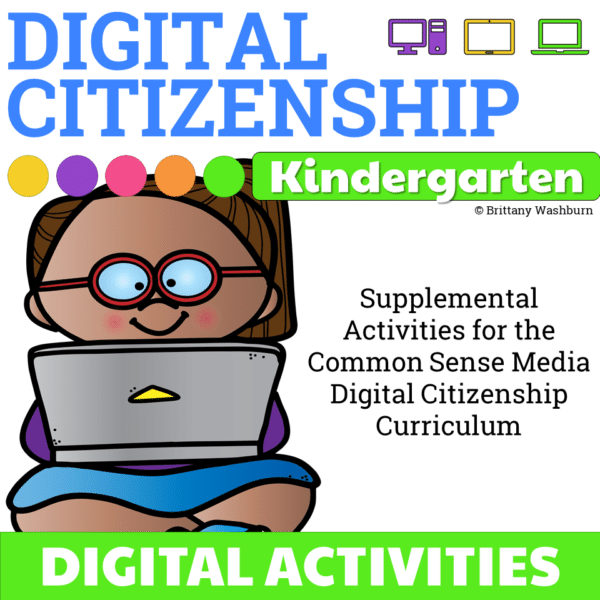
Kindergarten Digital Citizenship Activities
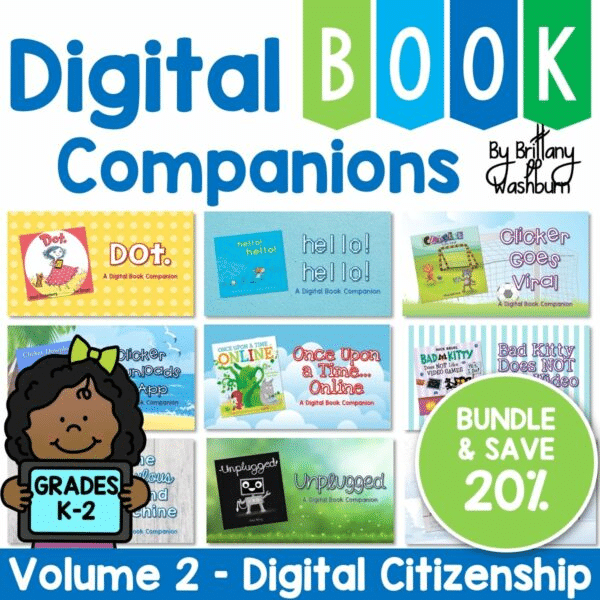
Digital Citizenship K-2 Digital Book Companions Bundle
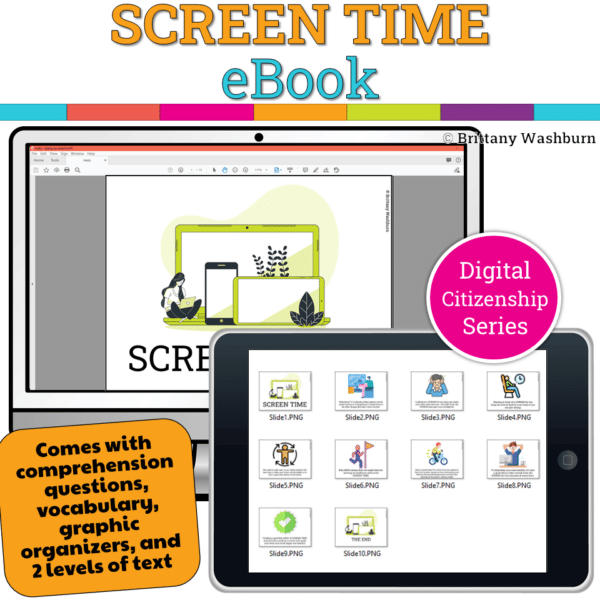
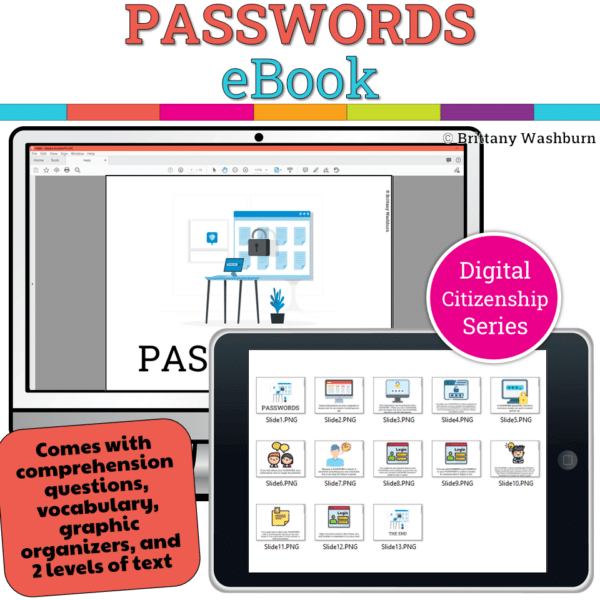
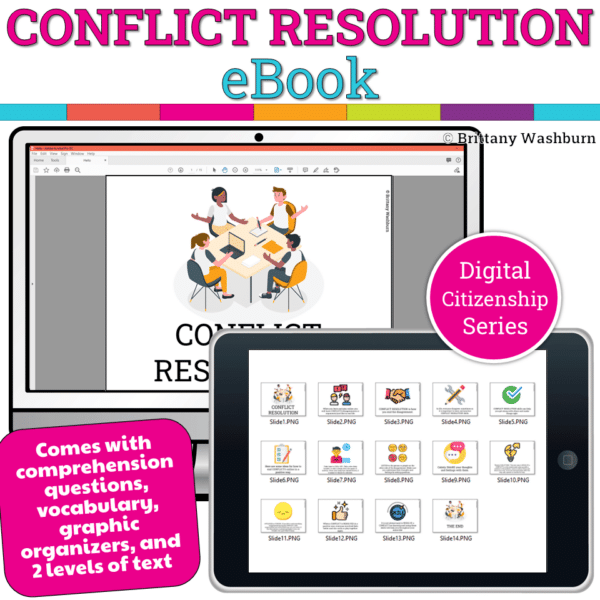
Assessing Student Understanding and Progress
Formative Assessment Strategies
Formative assessments are like tiny checkpoints on the learning journey, helping you gauge how well your kindergarteners are grasping digital citizenship concepts. Think fun and interactive! Use techniques such as thumbs up/thumbs down, exit tickets, or even digital quizzes with tools like Kahoot! You can also observe their participation during group discussions or projects to gather insights on their understanding.
Using Portfolios and Reflections
Creating digital portfolios can be a fantastic way to track student progress throughout your unit. Encourage students to include projects, artwork, or even videos that showcase what they’ve learned about being good digital citizens. Pair this with oral reflection activities where kids can share their thoughts on what they enjoyed and what they found challenging. Not only does this promote self-assessment, but it also makes for some adorable narratives.
Involving Parents and Guardians in Digital Citizenship
Communicating Expectations
Getting parents on board with digital citizenship can make all the difference. Be sure to communicate expectations effectively, hold a fun workshop or send home a simple guide outlining what digital citizenship looks like and why it’s essential. Include tips for monitoring and discussing their child’s digital activities. Make sure to highlight the importance of open conversations about online behavior!
Providing Resources for Home Learning
Equip parents with resources they can use at home to reinforce digital citizenship lessons. Share websites, apps, and books that promote responsible online behavior. You might even consider creating a “Digital Family Challenge” that encourages families to explore technology together, fostering those conversations around digital etiquette. Teamwork makes the dream work when it comes to keeping kids safe online!
Resources and Tools for Educators
Recommended Books and Websites
Dive into the treasure chest of resources! Books can provide a solid foundation, while websites like Common Sense Education offer a wealth of lesson plans and guides tailored specifically for young learners. Don’t forget to check out kid-friendly resources like the NetSmartz Kids for engaging, age-appropriate content that parents can also explore with their little ones.
Professional Development Opportunities
Engage in professional development opportunities that focus on digital citizenship. Look for workshops, online courses, or conferences that offer insights into teaching this vital topic effectively. Connecting with fellow educators can spark ideas, share best practices, and make you feel less like you’re reinventing the wheel.
Creating a Lasting Impact
Building a digital citizenship unit for kindergarteners is a vital step in equipping young learners with the skills they need to thrive. By focusing on key concepts, engaging activities, and strong parental involvement, educators can create a supportive environment that encourages responsible online behavior. If we nurture digital citizens from an early age, we help ensure that they not only use technology wisely but also contribute positively to their communities.