Tools to Manage Pacing During Activities in the Classroom
Effective pacing is crucial in an elementary classroom. It ensures that lessons maintain momentum, keeps students engaged, and allows for meaningful learning experiences. Managing the pace of activities helps in maximizing student participation while ensuring that no child feels overwhelmed or left behind. Here are several tools and strategies that can help elementary teachers manage pacing during classroom activities!
Why Teach Time Management to Kids?
Kids who have practiced managing their time effectively in order to completing assignments on schedule also feel more in control, which reduces anxiety and helps them approach tasks with confidence.
In addition, this skill sets the foundation for lifelong success in school and beyond. You may even begin to notice them taking ownership of tasks like homework, chores, and other activities!
Practical Strategies for Pacing Activities Effectively
Structuring and pacing your lessons appropriately can be so hard! Check out these 3 Parts to Structuring a 45 Minute Technology Lesson for some tips on how to implement best practices for designing effective lessons.
Teach Task Prioritization
Help your students distinguish between must-do tasks to complete an assignment (directions followed, prepped to turn in) and want-to-do activities (adding extra details, colors, explanations etc.). This builds decision-making and organizational skills in an academic setting.
Break Tasks into Smaller Steps
Large projects can overwhelm anyone! Show your students how to break their tasks into smaller, more manageable steps.
Breaking lessons into smaller, more manageable parts can make a big difference in pacing. Chunking activities allows students to focus on one specific task at a time without feeling overwhelmed. By allocating time for each chunk and incorporating breaks in between, teachers can facilitate a better pace that accommodates all learners. For example, a reading session might include 10 minutes of reading, followed by a 5-minute discussion, and then another 10 minutes of guided practice. This structure supports sustained attention.
Model Good Time Management
An underrated method of supporting children is to give them a way to imitate what they see. Leave room to explain what planning, sticking to schedules, and balancing responsibilities looks like as their teacher whenever you can.
Use Timer Apps
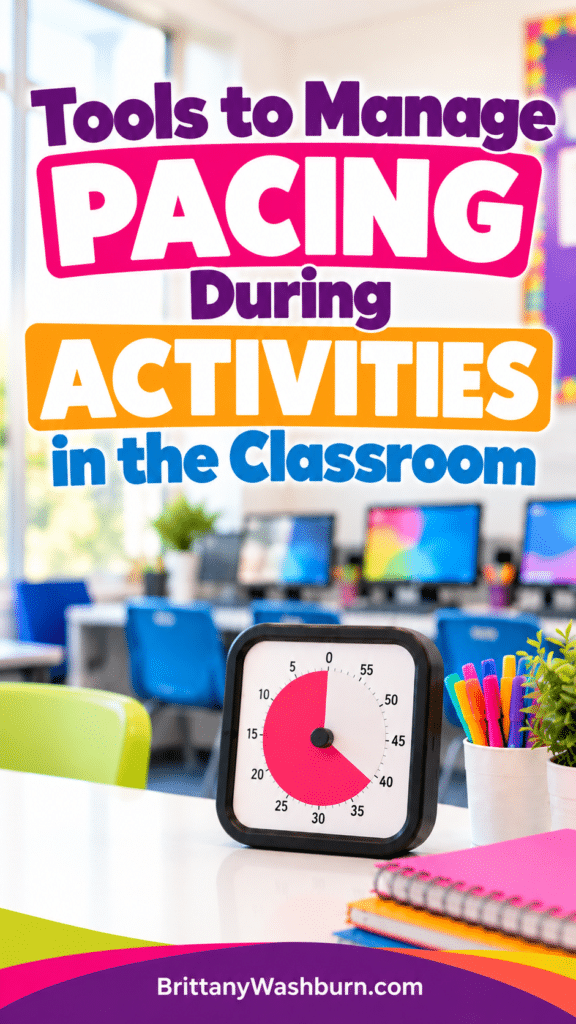
Using a timer can be an effective way to keep both teachers and students aware of the time allocated for specific activities. Timer apps allow you to set clear time limits while also giving a visual cue to students. A visual timer, such as a sand timer or a digital countdown that displays on a screen, can help students understand how much time remains for an activity. This encourages them to stay focused and work efficiently.
There are a variety of online timers, from diverse to basic, including Youtube timers. Digital sand timers and other visual timers for those who lack number sense and/or time sense. There’s even Classroomscreen, an online whiteboard that has a timer function as only one of many game-changing classroom management tools!
Implement Pacing Guides & Routines
Having a predictable class routine makes it easier for kids to know what comes next, which can mitigate procrastination as well as resistance to task-switching.
Pacing Guides
Pacing guides might make you think of your yearly plans, but they can be used on a smaller scale as well! Creating a pacing guide for your lessons can serve as a roadmap for the day. These guides outline what needs to be covered in each segment of the class and assign a time frame for each activity. This ensures that you cover all necessary content. You can then reflect afterwards on where you may need to build in a time buffer to allow for flexibility based on student engagement and understanding.
Routines
Students and teachers alike benefit from having less instructions required, because they already know exactly what to do every time they need to transition from paper work to computer work, or how to turn completed work in. Routines also help minimize the lag time between activities, which creates opportunities for students to come up with their own unfortunate methods of entertaining themselves. If you’re looking for a place to start, try establishing routines for how class begins or ends. When putting a new routine in place, consider:
- Writing instructions for how to complete it on a slide you can display the first few times you go through the routine.
- Pairing a visual or auditory cue with the routine so it’s very clear when that routine is to be carried out.
Transition Signals
Creating consistent and clear signals for transitioning from one activity to another helps maintain pace. These signals can be auditory (like a bell or chime), visual (like raising a hand or using a specific hand signal), or even a song cue. Establishing a routine for transitions allows students to become familiar with the timing and expectations. It also provides a clear framework for when they need to switch gears, reducing wasted time and confusion.
Warm Up Activities for the Computer Lab, such as these Elementary Technology Bell Ringers & Discussion Prompts and Advanced Technology Topics Prompts for Bell Ringers and Exit Tickets for older students are another great way to minimize wasted time and make sure everyone knows how to get straight to work.
Engagement Strategies
Incorporating engaging activities that allow for interaction, such as group work or discussion circles, can help maintain energy and focus. Techniques like think-pair-share and active student responses, such as whiteboard work or clickers, can energize the classroom and allow for varied learning paces. These strategies not only engage students, keeping them focused on the lesson, but also give teachers real-time feedback on their understanding, helping to adjust pacing accordingly.
Creating Stations in the Tech Lab is another great way to spice up your lessons. As a bonus, stations are also a great way to incorporate a variety of activities that are easy to fit into the time you have available for that particular class period.
Set up bonus learning opportunities for students who need an extra challenge, if the majority of your students need the pace right where it is. Handling Students who Finish their Work Early in the Tech Lab has all the tips you need.
Build in Breaks
Balance is essential! Schedule short breaks between tasks to keep kids energized and focused.
The Pomodoro Method
Pomodoro apps include the simplistic web-based Pomodor, Forest for mobile, or organization apps with pomodoro features such as Engross or Pomello set within Trello. Pomodoro timers are promoting wellness in schools by guiding students towards a productive balance between work and breaks. To complete one Pomodoro cycle:
- Set a timer for 25 minutes and work diligently until it’s up
- Take a 5 minute break
- Repeat the process three more times
- Finally, take a 15-30 minute break
Get Moving & Foster Mindfulness
GoNoodle seeks to bring lessons around personal and community wellness, mental and physical health, and bring those lessons to elementary school kids in ways that are native, fun, exploratory, and highlight their unique, natural epicness.
vsGRAPHICS has over 100 videos of varying lengths designed for and featuring kids.
Calm puts the tools to achieve mindfulness in your back pocket with guided meditations, soothing music, and daily guided programs designed to fit into your lifestyle in practical ways.
Super Stretch Yoga is a fun, interactive yoga app created for kids.
Reflection and Adjustment
Taking time at regular intervals to reflect on what worked and what didn’t in terms of pacing is beneficial. Also consider collecting feedback from students to see where they may have felt rushed or where they lost interest. This can then guide future lesson planning, allowing for adjustments in pacing that better suit the needs of your classroom.
With careful pacing, teachers can create an atmosphere that not only encourages learning but also respects students’ varied needs and learning styles. By being intentional about pacing, we empower our students to maximize their potential and thrive in the classroom.