Grades 2–5GoogleMicrosoftNo device needed
$4.00
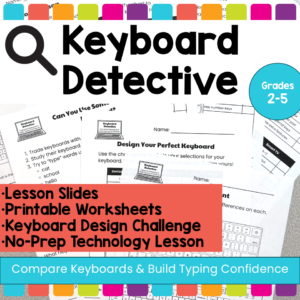
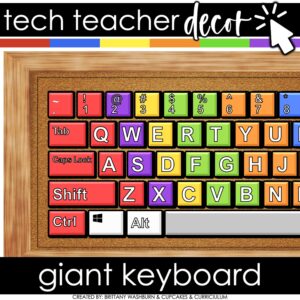
Help students build keyboard confidence with these no-prep keyboard activities that teach them to compare different keyboards, recognize the QWERTY layout, and understand how typing skills transfer across devices.
In this elementary technology lesson, students become Keyboard Detectives as they examine different types of keyboards, look for similarities and differences, and learn that keyboards may look different across laptops, desktops, Chromebooks, iPads, phones, and Smart TVs, but the important parts often stay in familiar places.
This resource is perfect for helping students understand that they do not have to relearn typing every time they use a new device. The lesson focuses on comparing keyboards, identifying key features, and building confidence with unfamiliar keyboard designs. The included teacher lesson plan is designed for 2nd–5th grade and includes student goals such as comparing keyboards, identifying similarities and differences, and using typing skills across devices.