




✅ Shop with Confidence
- 🔒 Secure Checkout – Your payment is safe and protected.
- ⭐ Quality Guaranteed – Store credit refunds if something isn’t right.
- 🎉 Earn Rewards – Get points for every dollar spent & redeem as store credit!
👉 Add to Cart and start using this resource today
Keyboards Digital Breakout Challenges
$6.00
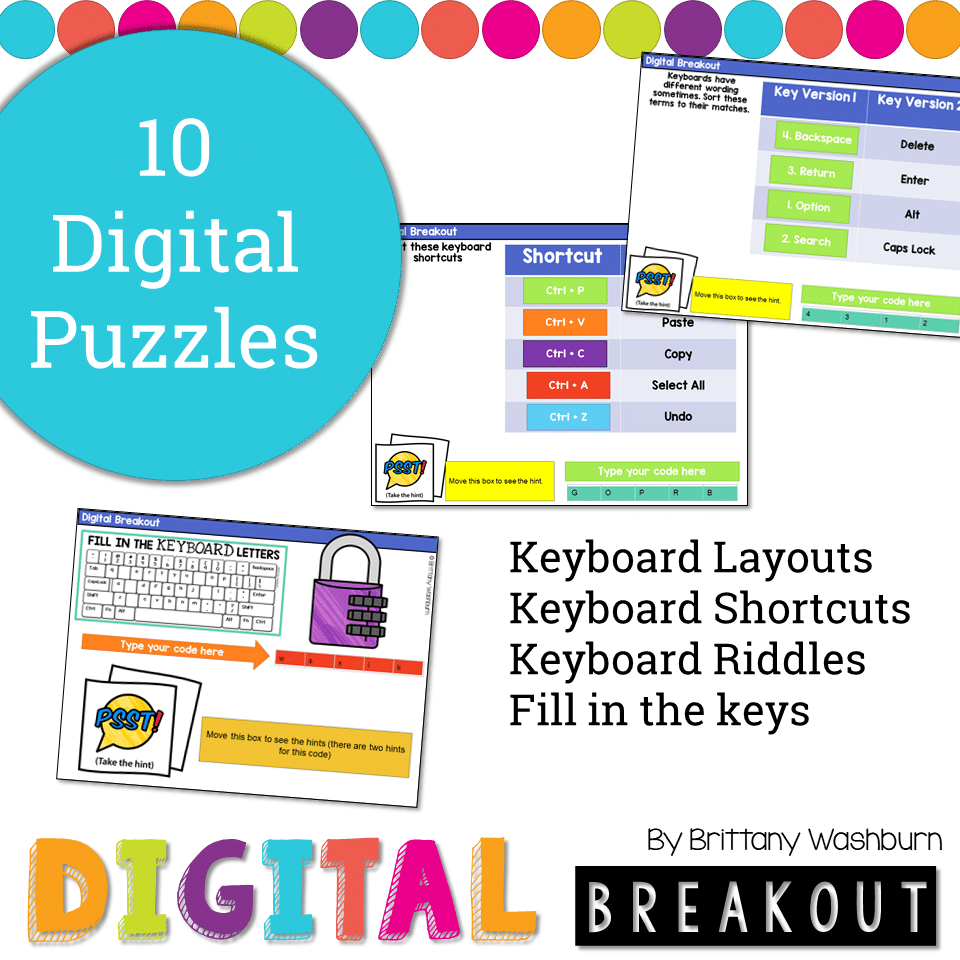
Using technology and problem solving skills, students decipher codes and complete activities to learn about computer keyboards. The activities are housed in a Google Slides file and students enter their codes into a locked Google Form. If you’ve been wanting to try an escape room or digital breakout with your students, this is a great place to start.
Keyboards Digital Breakout Challenges
$6.00
Description
Using technology and problem solving skills, students decipher codes and complete activities to learn about computer keyboards. The activities are housed in a Google Slides file and students enter their codes into a locked Google Form. If you’ve been wanting to try an escape room or digital breakout with your students, this is a great place to start.
Resource Format
- This activity can be done in Google Slides or PowerPoint, so it is flexible to meet your technology needs.
Resource Includes:
- There are 10 codes to find and they require a mix of technology skills, so this makes a great partner or small group activity.
- Students learn about and practice making decisions about the different keyboard layouts, keyboard shortcuts, Keyboard riddles, fill in the keys, and more.
Info for the teacher to consider:
- Most groups should be able to complete it in 30-45 minutes.
- If this is your first digital breakout then I recommend solving the puzzles as a whole group activity.
- The hints are meant to be used! Most puzzles can’t be solved without taking the hint. It is designed this way on purpose.
- With this resource you will receive a link to a Google Slides file. From there you can share your copy of the Slides file with your students, or download it as a PowerPoint file to share that way.
Copyright Brittany Washburn. All rights reserved by author. This product is to be used by the original downloader only. Copying for more than one teacher, classroom, department, school, or school system is prohibited. This product may not be distributed or displayed digitally for public view. Failure to comply is a copyright infringement and a violation of the Digital Millennium Copyright Act (DMCA). Clipart and elements found in this file are copyrighted and cannot be extracted and used outside of this file without permission or license. Intended for classroom and personal use ONLY. See product file for clip art and font credits.
Connect with other Technology Teachers
If you’re interested in connecting with other technology teachers, check out the Technology Teacher Tribe Group on Facebook.
Additional information
| Resource Type | Digital Activity |
|---|---|
| Format | Google Apps, PDF |
5 reviews for Keyboards Digital Breakout Challenges
You must be logged in to post a review.
What teachers said on TPT
Rated 4.8 out of 5 by 102 teachers on Teachers Pay Teachers.
“This was a great enrichment activity for my technology classes. I used it at the end of the year as a review activity. Students really enjoyed it. I am a big fan of all of your resources!”
— Ann B., TPT review
“My students loved the Keyboarding Digital Breakout activity. It caused them to stop and think about what they knew about the keyboard and how to apply it to answer the questions. They were very engaged as they collaborated to solve the puzzles.”
— Ashley D., TPT review
“Although most students today are very tech-savvy when it comes to apps on cell phones, they are not necessarily tech-savvy on a computer and have to "hunt and peck" to type an essay. Thank you for this resource!”
— Cheryl C., TPT review
Related Products
-

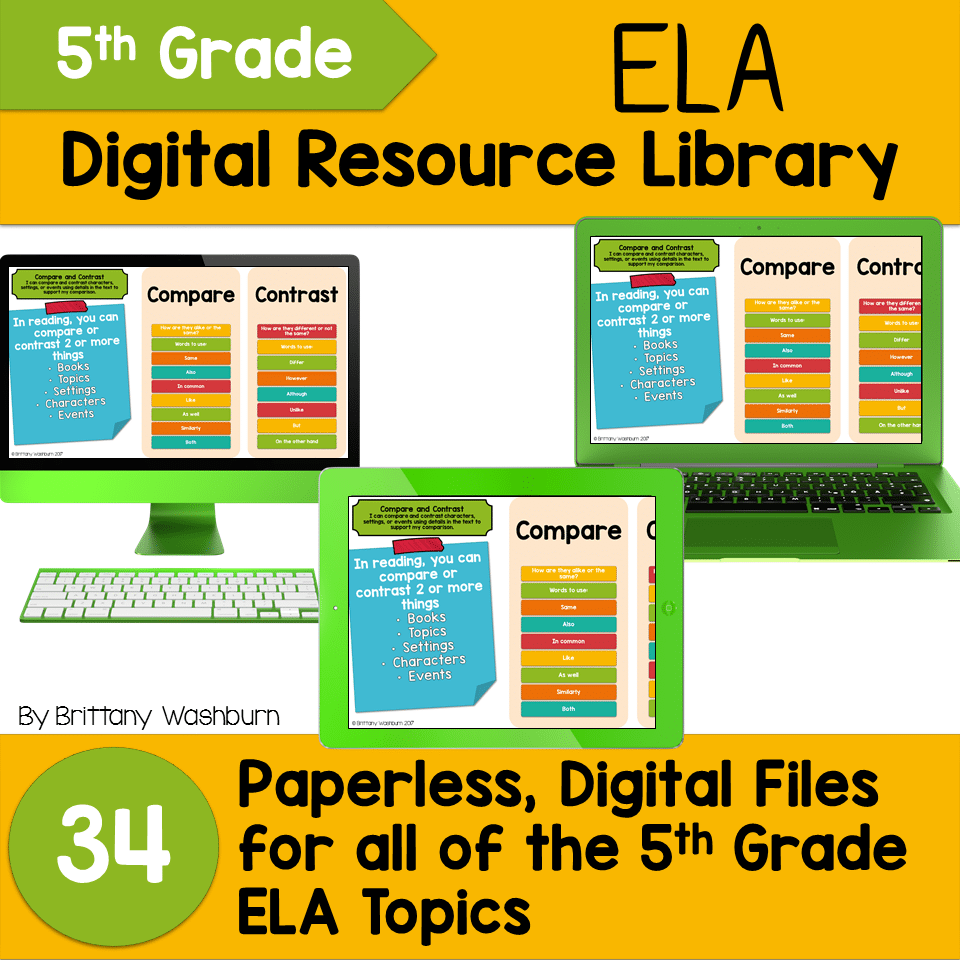
5th Grade ELA Standards Digital Resource Library BUNDLE
Original price was: $27.20.$24.48Current price is: $24.48. -
5th Grade Language Standards Digital Resource Library
Original price was: $16.00.$14.40Current price is: $14.40. -
5th Grade Reading Standards Digital Resource Library
Original price was: $16.00.$12.80Current price is: $12.80. -

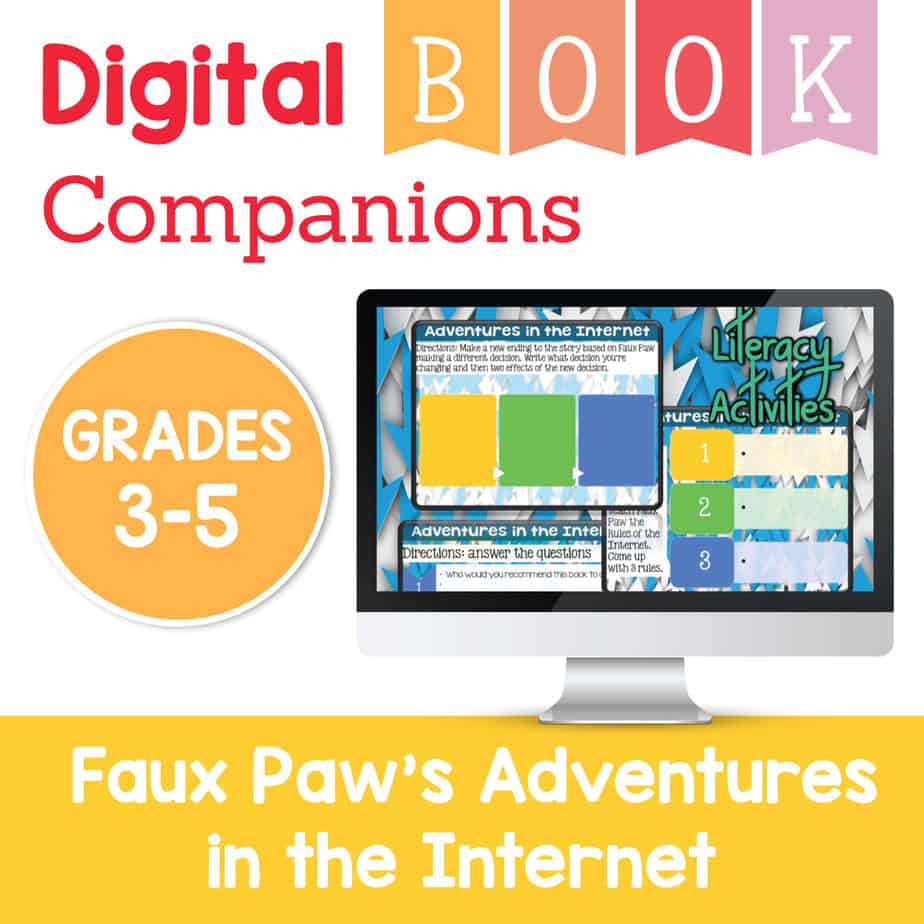
Adventures in the Internet Digital Book Companion – Grades 3-5
$3.00



You didn’t become a tech teacher to spend your weekends building lessons from scratch. I’m Brittany, a technology curriculum specialist with 1,000+ ISTE-aligned resources designed specifically for K–8 computer lab teachers.
My ready-made digital and printable resources cover everything from digital citizenship and coding fundamentals to multimedia creation and computer essentials, so your planning is handled and your students stay engaged.
Every resource is built to align with ISTE Standards, save you time, and actually work in a computer lab setting, because I’ve taught in one myself.
Browse my bestsellers, or explore by grade level or topic to find exactly what you need.

Shelby M. (verified owner) –
My students love the digital breakouts!! Everyone of my students were engaged and loved working on this with their classmates!
Sherry M. (verified owner) –
I really like your breakout challenges! This one is yet another one that is great. Love the keyboarding theme. Kids love it. Thank you for providing this resource!
Lisa C. (verified owner) –
My students loved using this for keyboarding review! The challenges were fun and they enjoyed some team time to solve the riddles.
Travis W. (verified owner) –
I used this resource in small groups with my 6th graders. I put a little bit of a competitive spin on it with the 1st to finish getting a prize. I thought this resource was great and took an entire class period.
Jennifer M. (verified owner) –
I work with students with emotional and behavioral disabilities and am always looking for ways to keep them engaged and actively participating in the lessons. Thanks so much!