


✅ Shop with Confidence
- 🔒 Secure Checkout – Your payment is safe and protected.
- ⭐ Quality Guaranteed – Store credit refunds if something isn’t right.
- 🎉 Earn Rewards – Get points for every dollar spent & redeem as store credit!
👉 Add to Cart and start using this resource today
Fill in the Keyboards UNPLUGGED Task Cards
$3.00
On each printable worksheet there are 3 keyboards for a total of 60 fill in the keyboards activities. There are 3 different keyboard layouts (PC, Chromebook, and Mac) so that students are exposed to different keyboard types. Great for exit ticket, sub activity, early finisher option, low-tech day, and the list goes on!
Fill in the Keyboards UNPLUGGED Task Cards
$3.00
Description
On each printable worksheet there are 3 keyboards for a total of 60 fill in the keyboards activities. There are 3 different keyboard layouts (PC, Chromebook, and Mac) so that students are exposed to different keyboard types. Great for exit ticket, sub activity, early finisher option, low-tech day, and the list goes on!
OPTIONS FOR PREPPING
•Print, laminate, hole punch, and put on a ring to use with dry or wet erase markers.
•Print and hand out as-is for a quick exit ticket or in-class activity.
What is included:
- 15 Windows keyboards with lowercase letters
- 15 Windows keyboards with uppercase letters
- 15 Chromebook keyboards
- 15 Mac keyboards
- Each card has a letter and number indicator so that you can quickly track progress.
Copyright Brittany Washburn. All rights reserved by author. This product is to be used by the original downloader only. Copying for more than one teacher, classroom, department, school, or school system is prohibited. This product may not be distributed or displayed digitally for public view. Failure to comply is a copyright infringement and a violation of the Digital Millennium Copyright Act (DMCA). Clipart and elements found in this file are copyrighted and cannot be extracted and used outside of this file without permission or license. Intended for classroom and personal use ONLY. See product file for clip art and font credits.
If you’re interested in connecting with other technology teachers, check out the Technology Teacher Tribe Group on Facebook.
Connect with me on social media!
Additional information
| Resource Type | Assessment, Printable, Task Cards |
|---|---|
| Topic | Coding & Computer Science, Keyboarding & Typing |
44 reviews for Fill in the Keyboards UNPLUGGED Task Cards
You must be logged in to post a review.
What teachers said on TPT
Rated 4.8 out of 5 by 44 teachers on Teachers Pay Teachers.
“I always love to have unplugged activities on hand for substitutes or if technology fails, which can happen! These are a great way to quiz students on the letters of the keyboard.”
— Jenny Q., TPT review
“Great fast finisher/starter for my 8th graders learning keyboarding. I had them compete in tables for prizes and they were really engage.”
— The Rae Way, TPT review
“Students love any activities involving the keyboard! Especially helpful in the primary grades to learn their letters and help log in!”
— Computer Science Cait, TPT review
Related Products
-

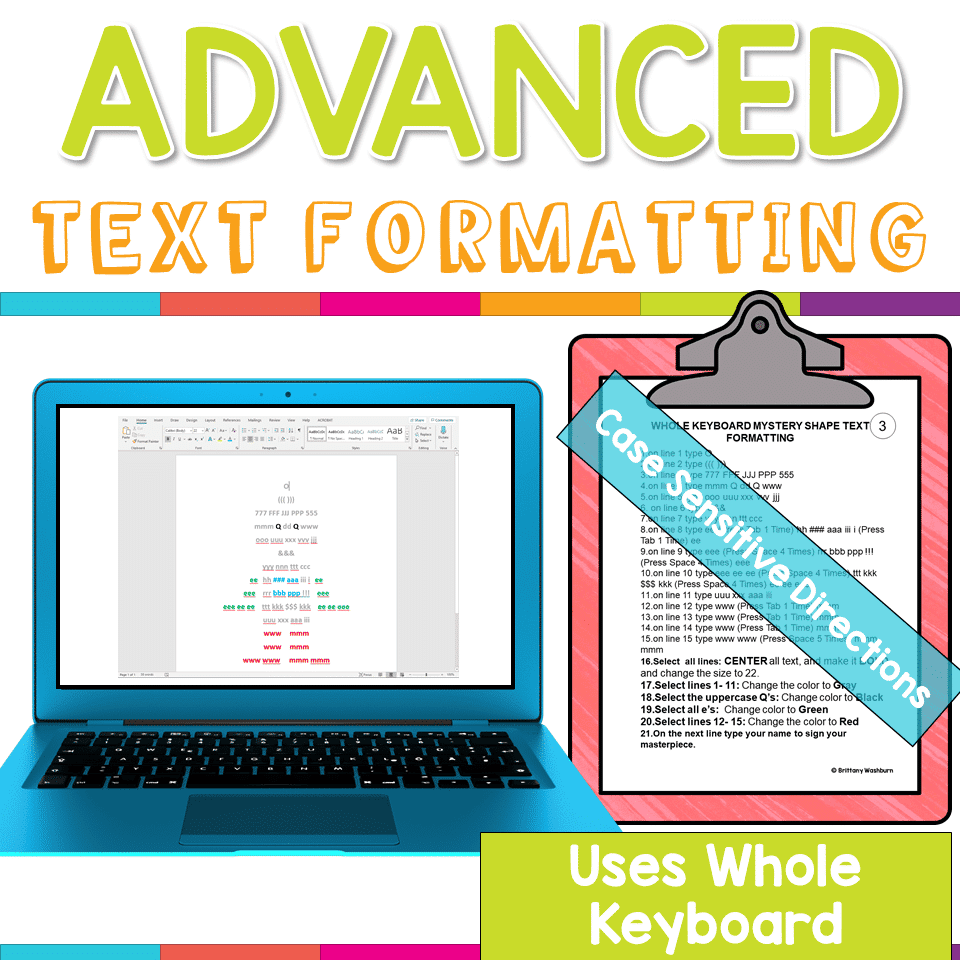
Advanced Keyboarding Text Formatting Activities
$7.00 -

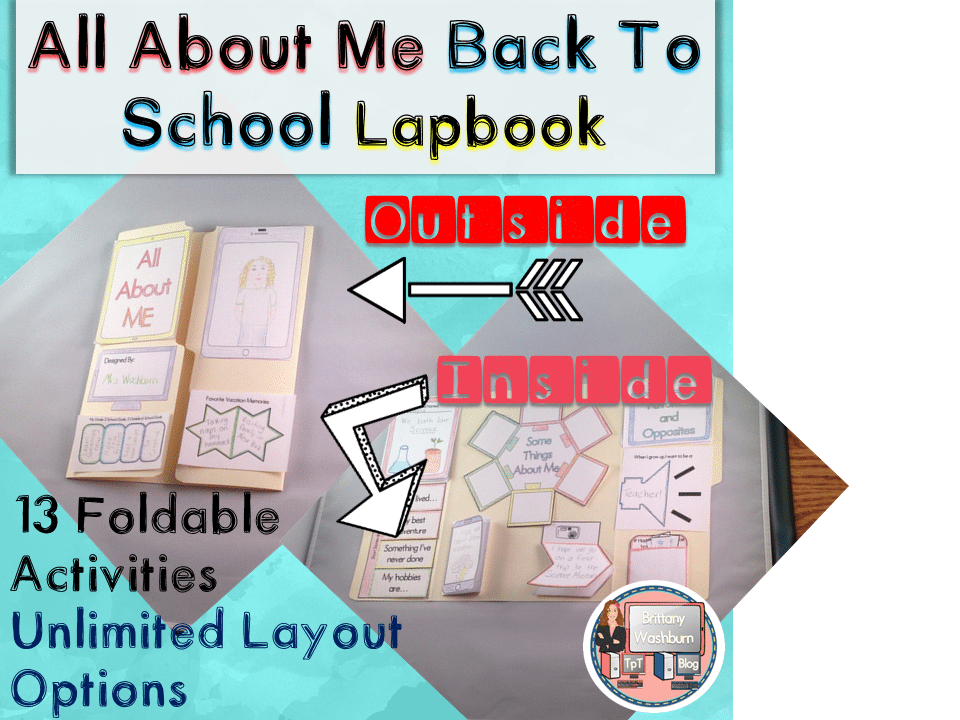
All About Me Book with Technology Theme
$3.50 -

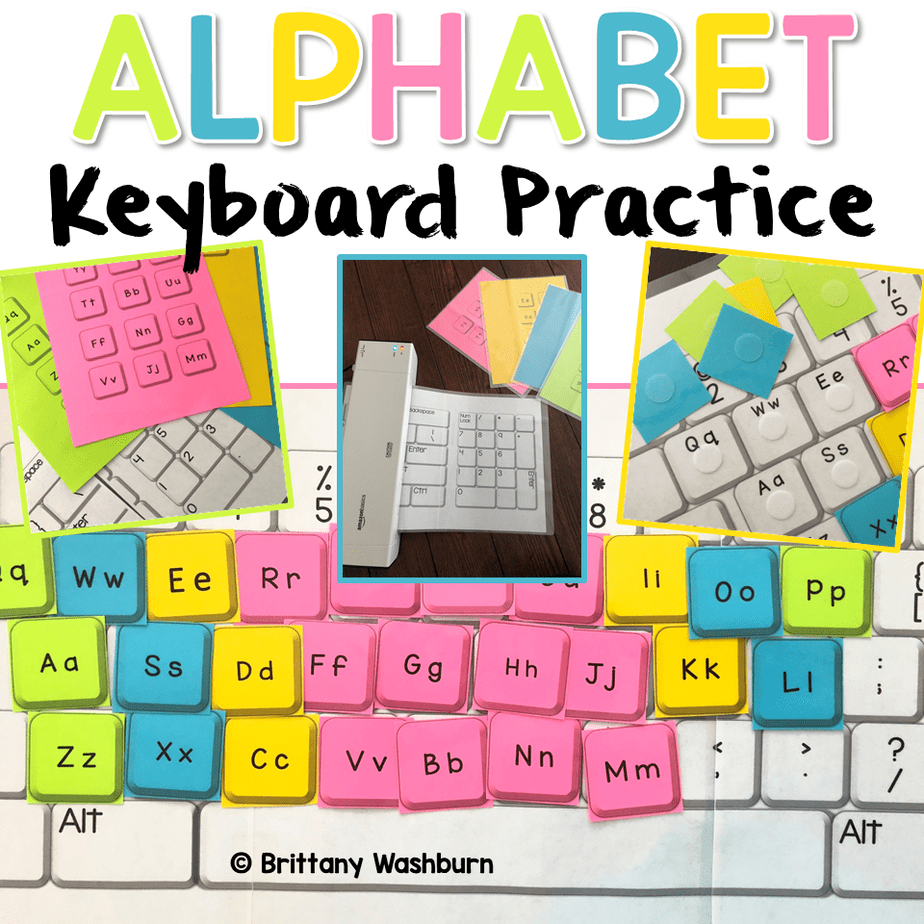
Alphabet Keyboard Practice
$5.00 -
Basic Robotics Printable Task Cards
Original price was: $6.00.$3.00Current price is: $3.00.


You didn’t become a tech teacher to spend your weekends building lessons from scratch. I’m Brittany, a technology curriculum specialist with 1,000+ ISTE-aligned resources designed specifically for K–8 computer lab teachers.
My ready-made digital and printable resources cover everything from digital citizenship and coding fundamentals to multimedia creation and computer essentials, so your planning is handled and your students stay engaged.
Every resource is built to align with ISTE Standards, save you time, and actually work in a computer lab setting, because I’ve taught in one myself.
Browse my bestsellers, or explore by grade level or topic to find exactly what you need.

Shelby S. –
Verified TPT reviewThis was good
I wish there were “harder” ones where more and more keys were missing. I wish it was like a progression. The ones at the beginning only had a few keys missing, and by the end most of the keys would be missing.
Lindsay B. –
Verified TPT reviewGreat for reviewing the keyboard
This was a great activity that we did during our Kindergarten parent day to show the parents how well the students have been working on learning the keys on their keyboard to get them ready for online typing activites.
The Rae Way –
Verified TPT reviewFun Fast Finisher
Great fast finisher/starter for my 8th graders learning keyboarding. I had them compete in tables for prizes and they were really engage.
Quintana B. –
Verified TPT reviewI use this resource for morning club time as well as class time. It’s challenging enough for a broad range of students. Even my Kindergartners took on the challenge of finding the missing letters.
Tech Fun With Lindsey –
Verified TPT reviewUsed this when I didn’t have computers to use and it was a great resource.
Kristen Evans –
Verified TPT reviewI love this addition to my Tech Time centers/rotations for my K-2nd grade students. They love them and I love that they are fully engaged.
Tactile TVI –
Verified TPT reviewEngaging way for students to ‘test’ themselves on the keyboard! Thank you!
Cynthia P. –
Verified TPT reviewThis activity was great for my Keyboarding class. I will use it again.
Melissa R. –
Verified TPT reviewI used this resource in my computer science class, and the students loved it!
Susan M K. –
Verified TPT reviewGreat center activity. It was a hit with my students!
DAVID C. –
Verified TPT reviewA great resource for using with Kindergarten and teaching them how to find the keys to use for their username and password.
FUNdamental Phonics –
Verified TPT reviewThis is the perfect unplugged activity! I use it one on one to check individual knowledge.
Jenny Q. –
Verified TPT reviewI always love to have unplugged activities on hand for substitutes or if technology fails, which can happen! These are a great way to quiz students on the letters of the keyboard.
Computer Science Cait –
Verified TPT reviewStudents love any activities involving the keyboard! Especially helpful in the primary grades to learn their letters and help log in!
Nichole A. –
Verified TPT reviewThanks!
Laura K. –
Verified TPT reviewGreat activity. I use for early finishers. I’ve also used when we don’t have wifi or have been kicked out of the computer lab.
The Mathtermind Teacher –
Verified TPT reviewI love to use these on the interactive board as a warm up!
Molli T. –
Verified TPT reviewMy students loved this activity! It is perfect for practicing keyboarding without a device!
The Teaching Techie –
Verified TPT reviewI would like to have more options of missing letters. I like the different types of keyboards but having one type of keyboard but multiple missing keys would be better.
Morgan A. –
Verified TPT reviewThis is a very useful resource I use during centers. The students love them. I can see that they are better with the keys on their Chromebook.