


✅ Shop with Confidence
- 🔒 Secure Checkout – Your payment is safe and protected.
- ⭐ Quality Guaranteed – Store credit refunds if something isn’t right.
- 🎉 Earn Rewards – Get points for every dollar spent & redeem as store credit!
👉 Add to Cart and start using this resource today
Build and Type Sight Words Digital Activity
$4.00
Digital sight word builders work on so many great technology skills including drag and drop, working with shapes, and finding letters on the keyboard. While students may be familiar with hands on block building activities, it takes it to a whole new level to do it digitally. 4 sets of 25 sight words.
Build and Type Sight Words Digital Activity
$4.00
Description
Digital sight word builders work on so many great technology skills including drag and drop, working with shapes, and finding letters on the keyboard. While students may be familiar with hands on block building activities, it takes it to a whole new level to do it digitally. 4 sets of 25 sight words.
Students will be asked to drag and drop the digital building block pieces over the letters they see on the screen. There are 4 of each color piece, so students may need to duplicate the LEGO blocks. They will also need to rotate the larger pieces to fit horizontally or vertically. Finally, students will type the sight words on each slide for keyboarding practice.
Teacher Prep:
1. There are 4 of each LEGO piece layered over each other. Show students how to duplicate the pieces if they need more. Also show students how to rotate the larger LEGO pieces to horizontal.
2. Plan how you want to share the file with your students. I’m providing the Google Slides file links (on page 3) but you can also use this as a PowerPoint file. Using Google Classroom makes it really easy, but any learning management system can be used to send the file to students.
STANDARDS ADDRESSED
Strand: Empowered Learner
Standard: 1.c. use technology to seek feedback that informs and improves their practice and to demonstrate their learning in a variety of ways.
Standard: 1.d. understand the fundamental concepts of technology operations, demonstrate the ability to choose, use and troubleshoot current technologies and are able to transfer their knowledge to explore emerging technologies.
I Can Statements:
I can drag and drop digital images in a presentation program.
I can copy and paste clip art in a presentation program.
I can rotate pieces in a presentation program.
I can find any letter on the keyboard.
I can navigate between slides in a presentation program.
Product Terms:
Copyright © Brittany Washburn 2020. Purchasing this file entitles you to ONE classroom use. You may use this with multiple classes but may not share with any other teachers. Copying for more than one teacher, classroom, department, school, or school system is prohibited. This product may not be distributed or displayed digitally for public view. Failure to comply is a copyright infringement and a violation of the Digital Millennium Copyright Act (DMCA). Clipart and elements found in this PDF are copyrighted and cannot be extracted and used outside of this file without permission or license. If multiple licenses are needed for use my more than one teacher or in more than one computer lab, additional licenses are discounted.
Connect with other Technology Teachers:
If you’re interested in connecting with other technology teachers, check out the Technology Teacher Tribe Group on Facebook.
Connect with me on social media!
Additional information
| Resource Type | Centers/Stations, Digital Activity |
|---|---|
| Format | Google Apps, PDF |
You must be logged in to post a review.
What teachers said on TPT
Rated 4.8 out of 5 by 58 teachers on Teachers Pay Teachers.
“I used this resource last year during our 'Learn From Home' time. I have a few students who were struggling with sight words from their classroom work, so I partnered with the classroom teacher to use this resource as an additional resource in their Google Classroom. The teachers & myself were equally impressed with how well this resource helped majority of those students. Thank you for such an awesome resource!”
— Valentina J., TPT review
“There's a LOT of slides for students to practice. I deleted many slides before giving it to the students to practice with. Kindergarteners could only manage about 2-3 slides in a 45 minute class session. Students loved the lego theme and it helped keep them engaged.”
— Jennifer B., TPT review
“Most my students aren’t on the autism spectrum or have some learning disabilities. They found this easy to use and really enjoyed the fact that they could make some of them very large and very small.”
— Megan E., TPT review
Related Products
-

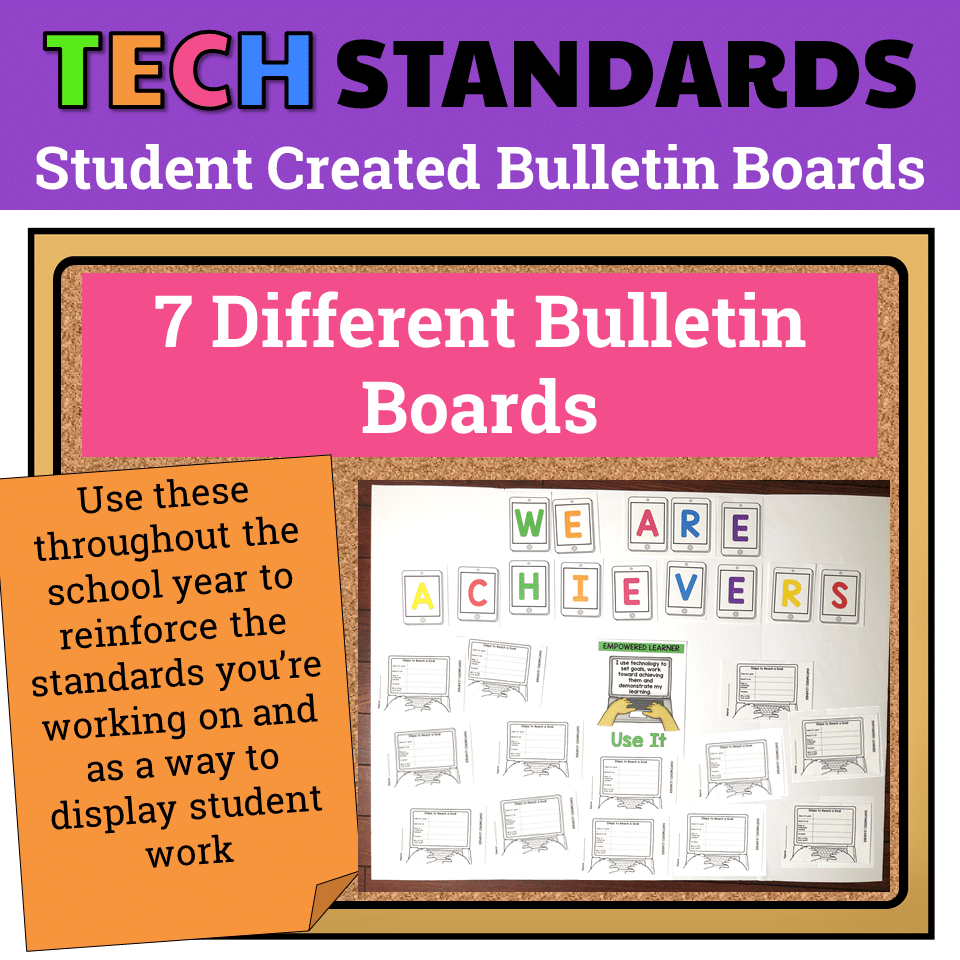
7 Technology Standards Student Created Bulletin Boards
Original price was: $21.00.$14.00Current price is: $14.00. -

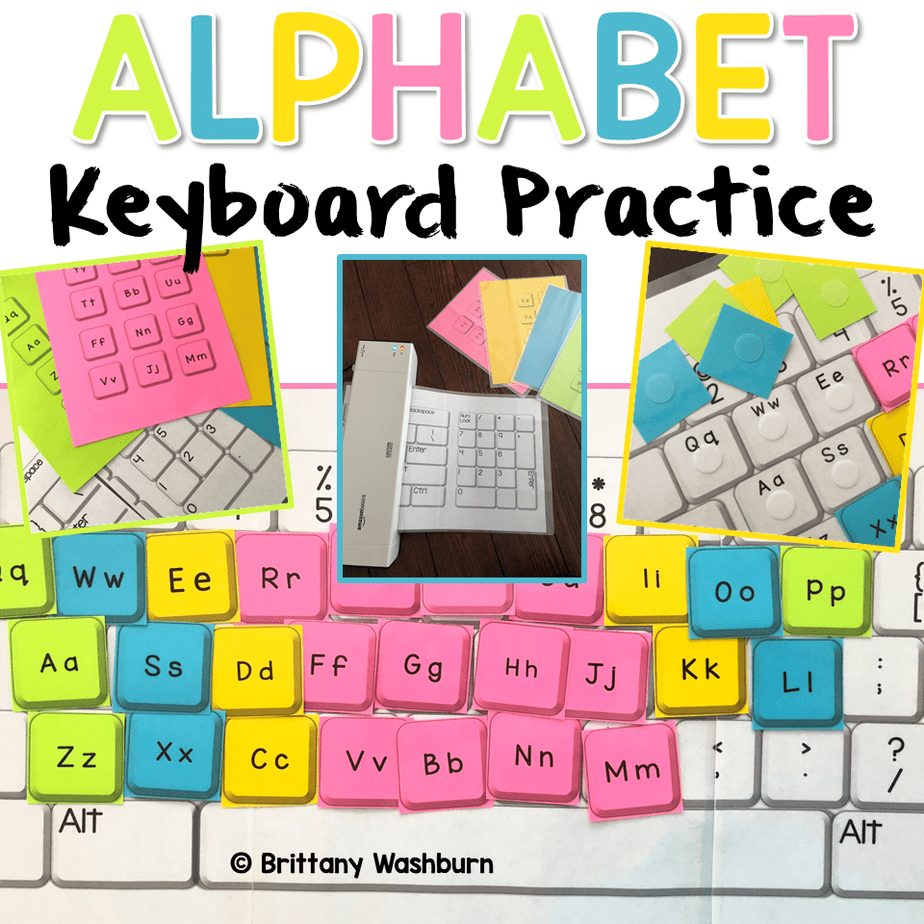
Alphabet Keyboard Practice
$5.00 -
Christmas Digital Pixel Art STEM Challenges
$4.00 -
Cinco de Mayo Digital Pixel Art STEM Challenges
$4.00


You didn’t become a tech teacher to spend your weekends building lessons from scratch. I’m Brittany, a technology curriculum specialist with 1,000+ ISTE-aligned resources designed specifically for K–8 computer lab teachers.
My ready-made digital and printable resources cover everything from digital citizenship and coding fundamentals to multimedia creation and computer essentials, so your planning is handled and your students stay engaged.
Every resource is built to align with ISTE Standards, save you time, and actually work in a computer lab setting, because I’ve taught in one myself.
Browse my bestsellers, or explore by grade level or topic to find exactly what you need.

Reviews
There are no reviews yet.