


✅ Shop with Confidence
- 🔒 Secure Checkout – Your payment is safe and protected.
- ⭐ Quality Guaranteed – Store credit refunds if something isn’t right.
- 🎉 Earn Rewards – Get points for every dollar spent & redeem as store credit!
👉 Add to Cart and start using this resource today
Time Management with Digital Tools Printable Task Cards
Original price was: $6.00.$3.00Current price is: $3.00.
Equip your students with essential time management skills using this engaging set of 24 Time Management with Digital Tools Task Cards! Designed for elementary and middle school students, this activity introduces practical, real-life strategies to stay organized and productive with the help of digital tools. Through these interactive task cards, students will explore digital calendars, to-do lists, reminders, and other time-saving technologies to help them balance schoolwork, personal tasks, and responsibilities.
Time Management with Digital Tools Printable Task Cards
Original price was: $6.00.$3.00Current price is: $3.00.
Description
-
24 Task Cards exploring time management with digital tools
-
Printable and Digital Formats for easy integration in any classroom setting
-
Teacher Guide with instructions, discussion prompts, and extension activities
-
Answer Key with example responses for guidance
-
Standards-Aligned: Meets ISTE standards for Empowered Learner, Digital Citizen, and Creative Communicator, helping students become proactive with their productivity.
-
Practical Skills: Teaches students to use digital calendars, set reminders, create to-do lists, and prioritize tasks for better time management.
-
Real-Life Application: Students gain valuable skills they can apply both in school and at home, promoting a sense of responsibility and independence.
-
Flexible Use: Ideal for individual work, small group discussions, or whole-class activities, providing versatile learning options for your schedule.
-
Digital Calendars: Tips for scheduling and organizing tasks in a digital calendar.
-
To-Do Lists and Task Prioritization: Creating and prioritizing tasks to focus on what matters most.
-
Setting Reminders: Using reminders to keep track of deadlines, activities, and personal goals.
-
Color-Coding and Organizing: Techniques for categorizing tasks to make time management easy and efficient.
-
Introduction: Begin with a class discussion on why time management is important in school and everyday life. Ask students what strategies or tools they currently use to manage their tasks and introduce digital time management tools they might find helpful.
-
Task Card Activity:
-
Individual or Pair Work: Hand out the task cards to students for independent practice or partner discussions. Encourage them to share strategies and ideas as they go through each question.
-
Hands-On Examples: For practical application, have students try using digital calendars, setting reminders, or creating to-do lists on their devices.
-
Wrap-Up Discussion: After completing the task cards, bring the class together for a group discussion. Ask students to share the tools they found most helpful and any new strategies they’re interested in trying.
-
Extension Activity:
-
Create a Digital Weekly Schedule: Have students use a digital calendar or planner to set up a schedule for the upcoming week. Encourage them to include three key tasks, set reminders, and try using color-coding for subjects or priorities.
-
Printed or digital task cards
-
Access to digital calendars or planning tools (optional but helpful)
-
Task Card Review: Collect and review completed task cards to assess students’ understanding of time management and digital organization tools.
-
Reflection Assignment: Have students write a brief reflection on one digital time management tool they found helpful and why they would use it in their daily routine.
-
Weekly Schedule Creation: Evaluate students’ digital weekly schedules to ensure they understand key concepts like setting tasks, reminders, and using organization techniques.
-
Classroom Calendar Project: Have students collaborate on a class project to create a shared digital calendar, including important deadlines, events, and reminders.
-
Digital Goal-Setting Workshop: Encourage students to set a personal academic or life goal and plan it out using digital tools, tracking their progress throughout the term.
You must be logged in to post a review.
You may be interested in…
-

Augmented Reality (AR) & Virtual Reality (VR) Printable Task Cards
Original price was: $6.00.$3.00Current price is: $3.00. -
Basic Robotics Printable Task Cards
Original price was: $6.00.$3.00Current price is: $3.00. -
Basic Troubleshooting Printable Task Cards
$6.00


Related Products
-
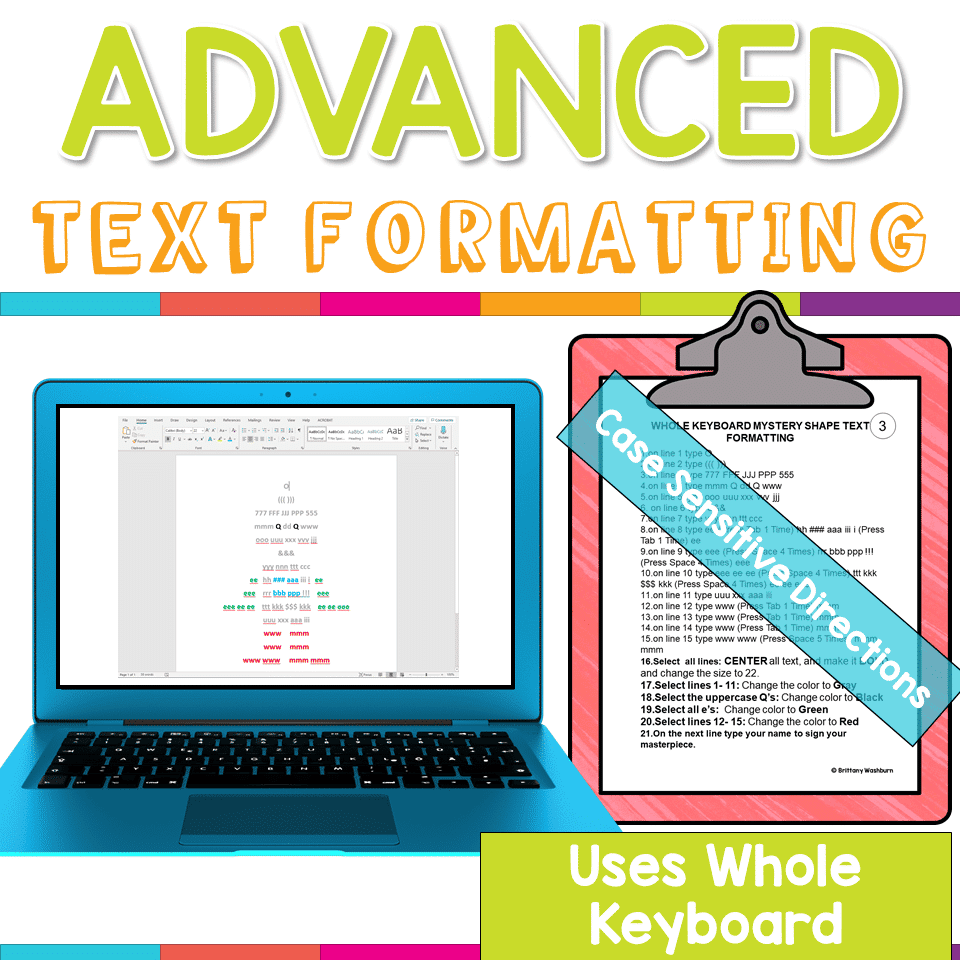
Advanced Keyboarding Text Formatting Activities
$7.00 -

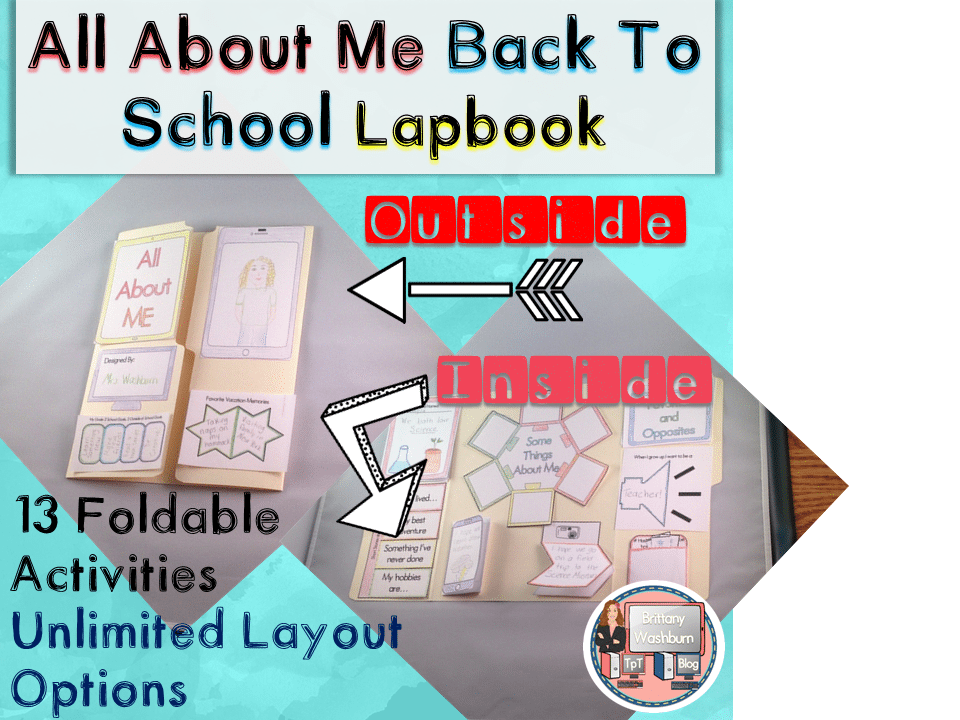
All About Me Book with Technology Theme
$3.50 -

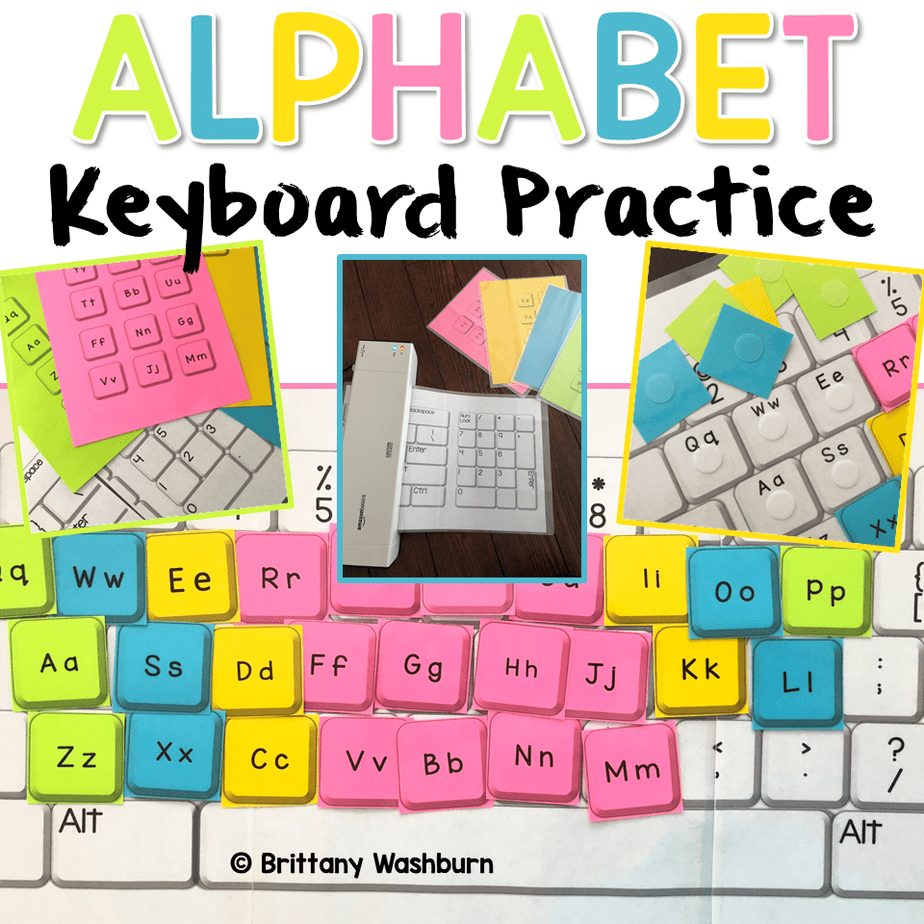
Alphabet Keyboard Practice
$5.00 -
Basic Robotics Printable Task Cards
Original price was: $6.00.$3.00Current price is: $3.00.

You didn’t become a tech teacher to spend your weekends building lessons from scratch. I’m Brittany, a technology curriculum specialist with 1,000+ ISTE-aligned resources designed specifically for K–8 computer lab teachers.
My ready-made digital and printable resources cover everything from digital citizenship and coding fundamentals to multimedia creation and computer essentials, so your planning is handled and your students stay engaged.
Every resource is built to align with ISTE Standards, save you time, and actually work in a computer lab setting, because I’ve taught in one myself.
Browse my bestsellers, or explore by grade level or topic to find exactly what you need.

Reviews
There are no reviews yet.