



✅ Shop with Confidence
- 🔒 Secure Checkout – Your payment is safe and protected.
- ⭐ Quality Guaranteed – Store credit refunds if something isn’t right.
- 🎉 Earn Rewards – Get points for every dollar spent & redeem as store credit!
👉 Add to Cart and start using this resource today
Valentine’s Day Digital Phonics Click and Drag Practice
$4.50
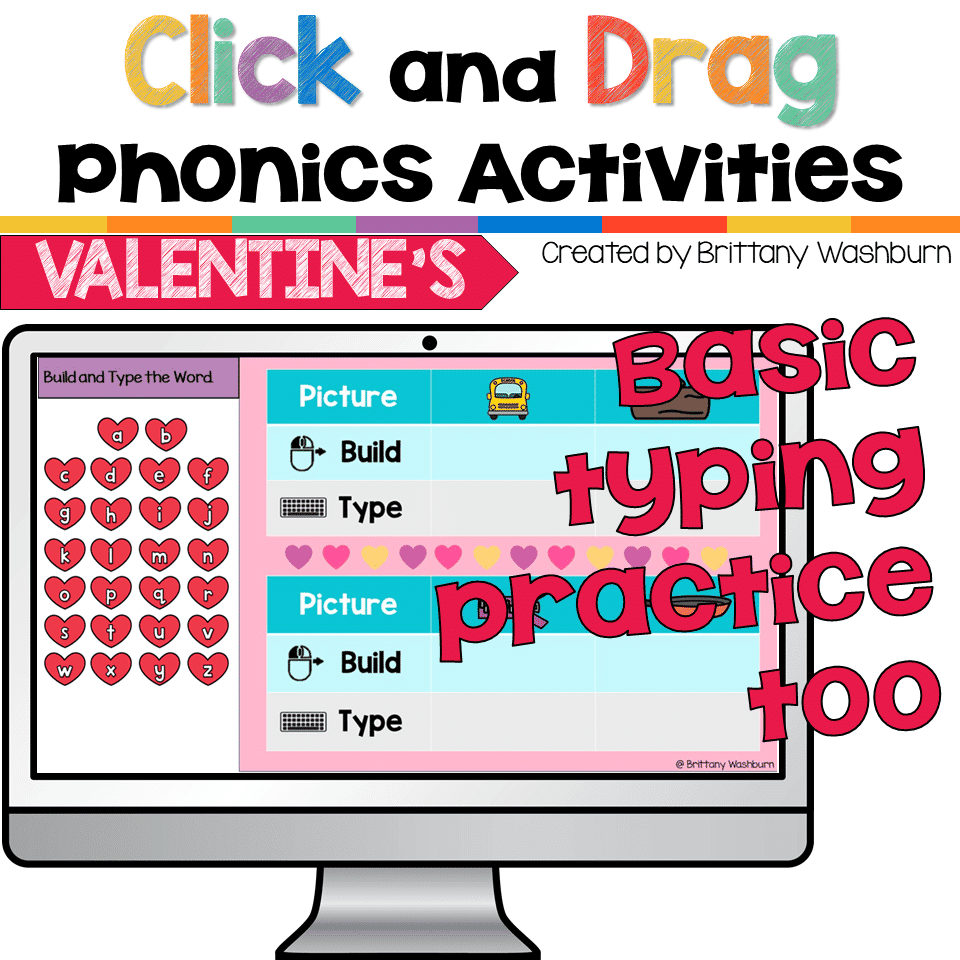
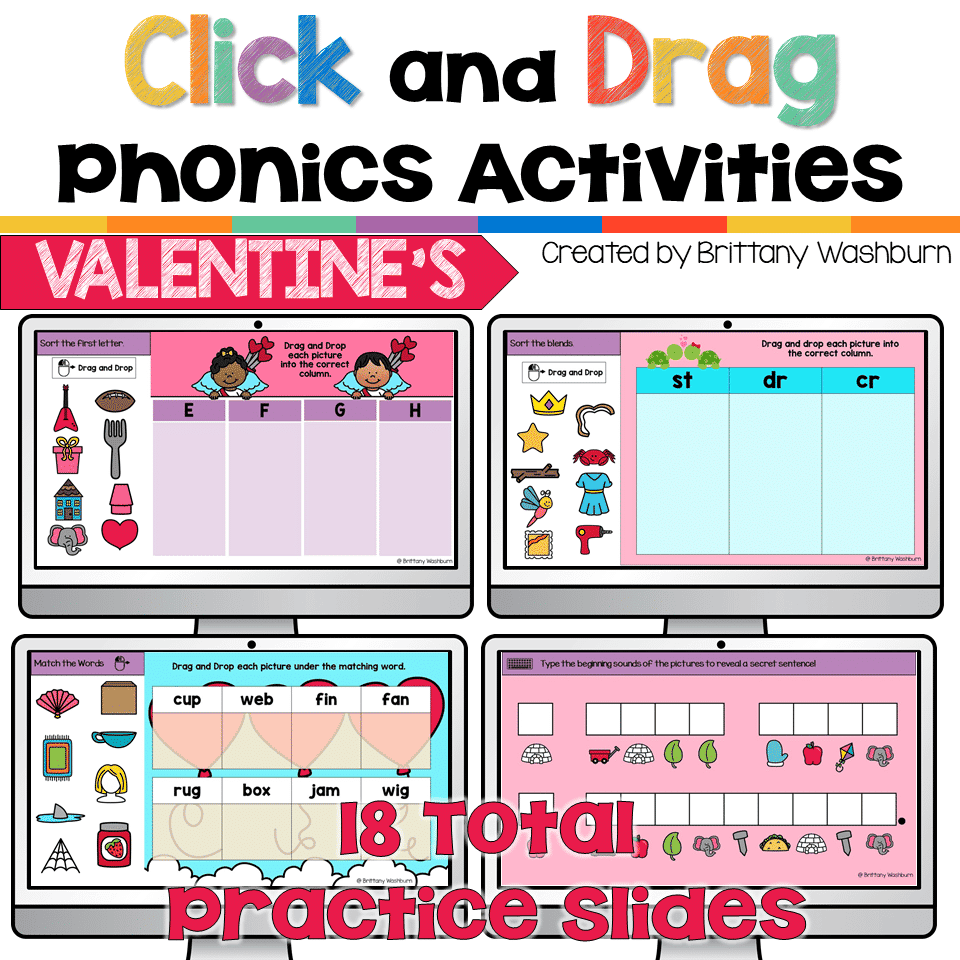
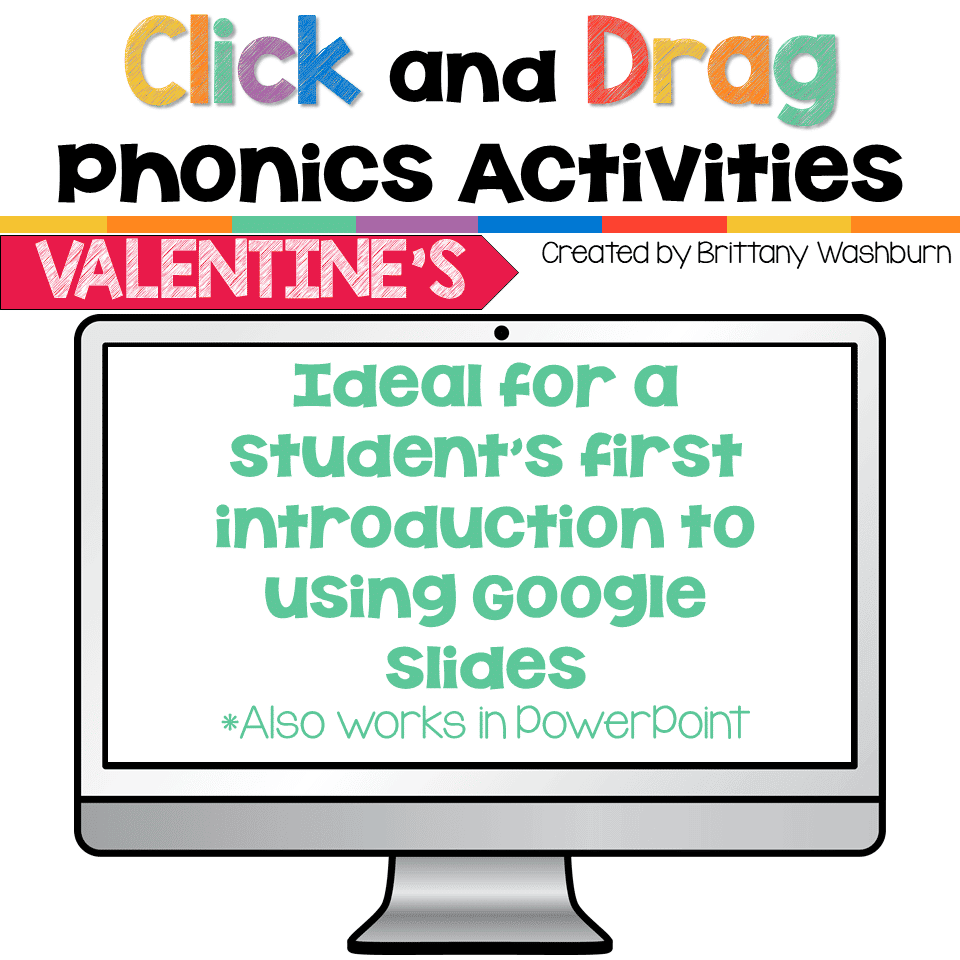
Students can practice both academic and technology skills together with the right activities. These Valentine’s Day theme digital phonics activities work in Google Slides or as an interactive PowerPoint on any type of device that has these programs. There are 18 Valentine’s Day themed activity slides to help them practice click and drag and basic typing skills. Students will also navigate between slides in the software program.
You may also like…
-
Sale!

Valentine’s Day Computer Lab Activities K-5
Original price was: $28.50.$22.80Current price is: $22.80.

Valentine’s Day Digital Phonics Click and Drag Practice
$4.50
Description
Students can practice both academic and technology skills together with the right activities. These Valentine’s Day theme digital phonics activities work in Google Slides or as an interactive PowerPoint on any type of device that has these programs. There are 18 Valentine’s Day themed activity slides to help them practice click and drag and basic typing skills. Students will also navigate between slides in the software program.
What is included?
18 Valentine’s Day themed activity slides in Google Slides (which you can download as PowerPoint if needed)
- Add a vowel to make a word (with a picture prompt)
- Sort blends
- Sort words that start with a certain letter
- Sort word family pictures
- Match blends to pictures
- Match pictures to blends
- Match CVC picture to word
- Build and type CVC words
- Match beginning diagraphs and blends to complete a word
- Match ending diagraphs and blends to complete a word
- First letter secret message typing
There are also extra letters available to add or take away student options as needed. The movable letters are included on the last slide for easy copy and paste to make extra slides.
What you will need
iPads, laptops, or desktop computers with access to Google Slides or PowerPoint.
How to Use:
In this activity we are using Google Slides (or PowerPoint) like a digital interactive notebook. This means that the file needs to be in “edit” mode the entire time in order for the pieces to be movable. Show students how to drag and drop the pieces. If a student accidentally resizes or deletes the clip art, show them where the undo button is.
Copyright Brittany Washburn. All rights reserved by author. This product is to be used by the original downloader only. Copying for more than one teacher, classroom, department, school, or school system is prohibited. This product may not be distributed or displayed digitally for public view. Failure to comply is a copyright infringement and a violation of the Digital Millennium Copyright Act (DMCA). Clipart and elements found in this file are copyrighted and cannot be extracted and used outside of this file without permission or license. Intended for classroom and personal use ONLY. See product file for clip art and font credits.
Connect with other Technology Teachers
If you’re interested in connecting with other technology teachers, check out the Technology Teacher Talk Group on Facebook.
Connect with me on social media!
Additional information
| Resource Type | Centers/Stations, Digital Activity |
|---|---|
| Format | Google Apps, PDF |
| Season / Holiday | Valentine's Day |
You must be logged in to post a review.
What teachers said on TPT
Rated 4.9 out of 5 by 14 teachers on Teachers Pay Teachers.
“My first and second-grade students loved this Valentine's day resource. They had so much fun. This resource taught them those phonics skills they need at this level and those mouse skills for dragging and dropping items in place. I was very please with this resource and it brought a holiday theme into my computer lab for a lesson.”
— Mallissa G., TPT review
“It was perfect for some of my high school community-based computers class students. They could be successful without too much help, which the paras loved.”
— Autumn S., TPT review
“This was perfect practice to get my students used to using their chrome books.”
— Kelly P., TPT review
You may be interested in…
-

Alphabet Keyboard Practice
Add to cart$5.00 -

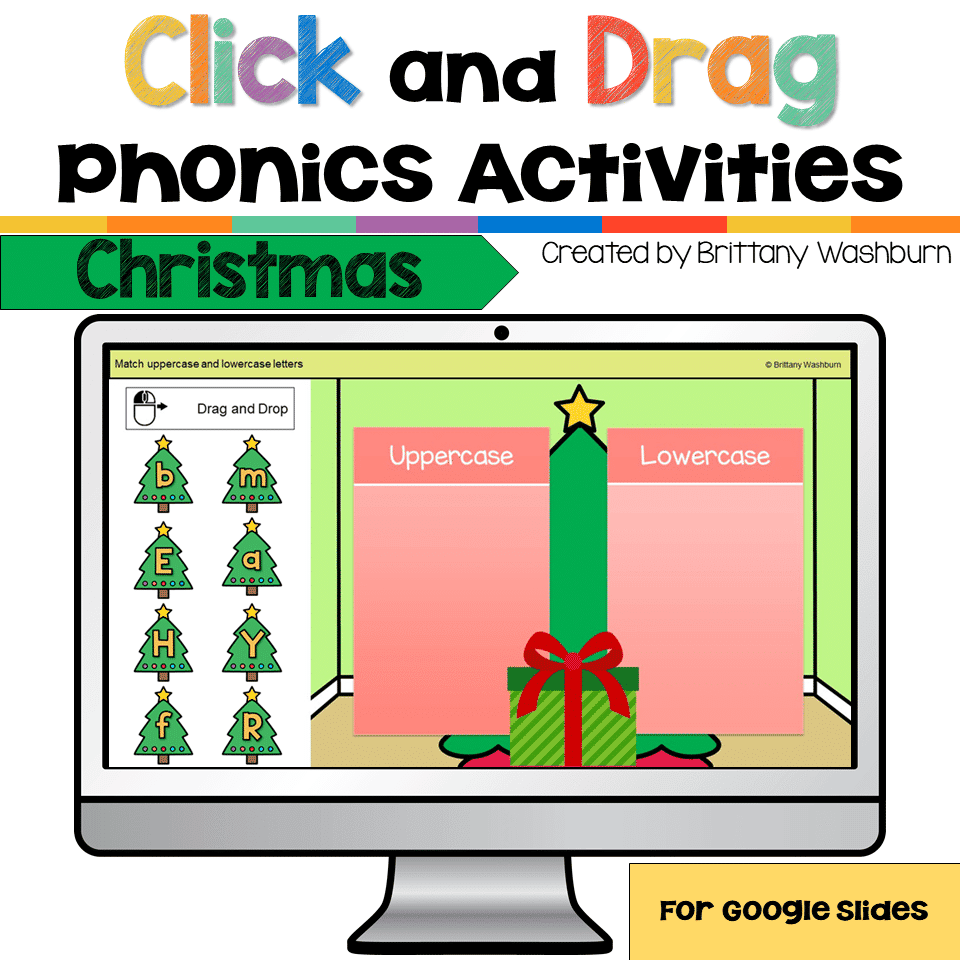
Christmas Digital Phonics Click and Drag Practice
Add to cart$4.50 -
TECHademics – Alphabet Practice Digital Activities
Add to cartOriginal price was: $26.00.$13.00Current price is: $13.00. -
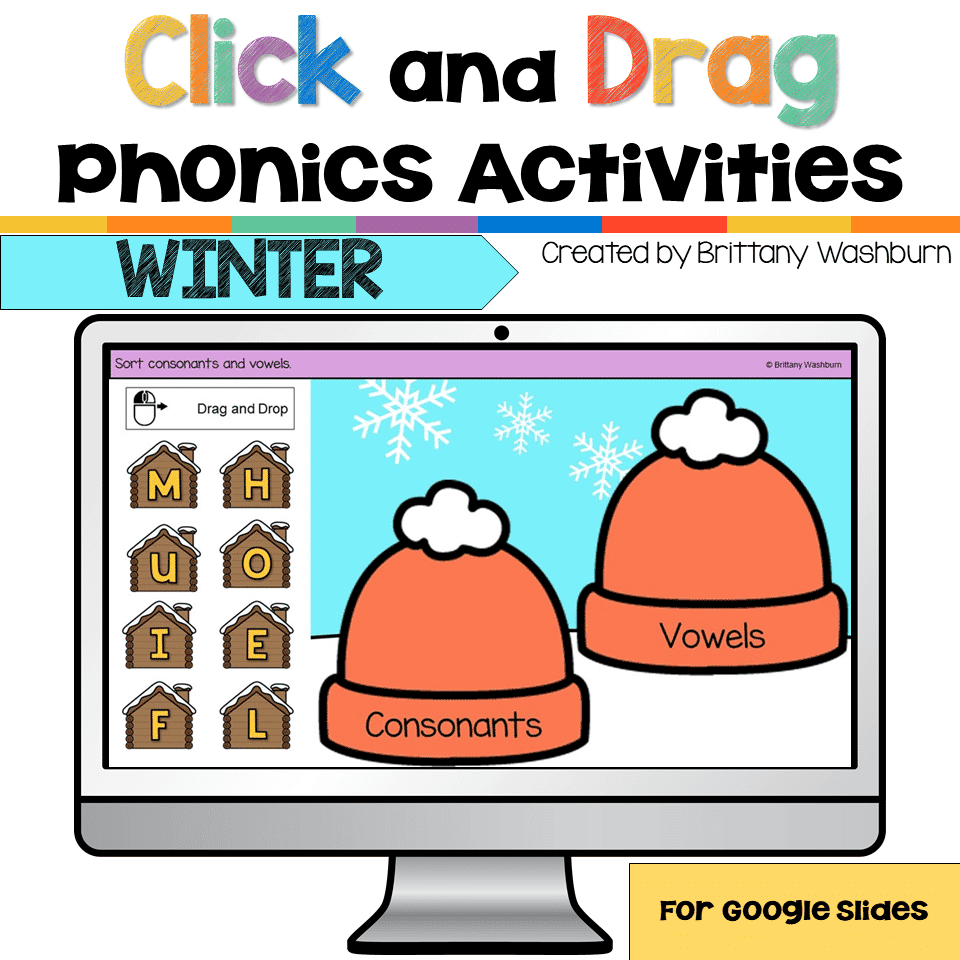
Winter Digital Phonics Click and Drag Practice
Add to cart$4.50

Related Products
-
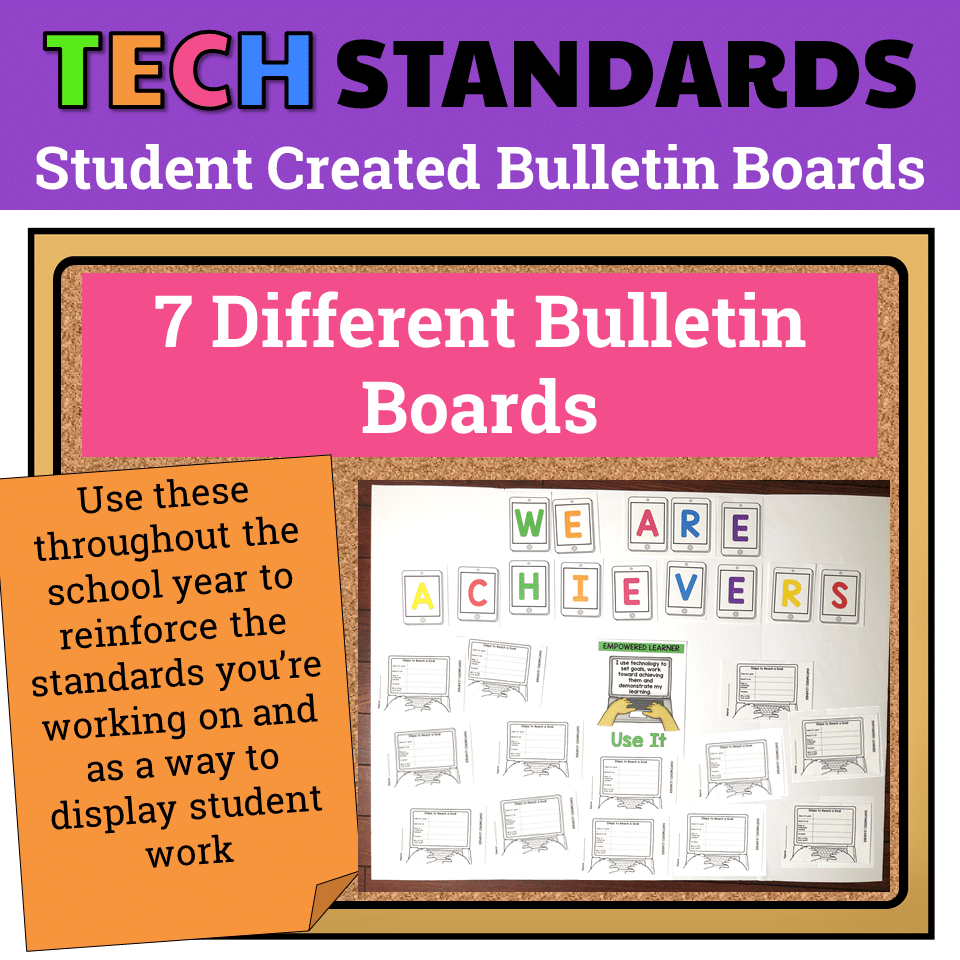
7 Technology Standards Student Created Bulletin Boards
Add to cartOriginal price was: $21.00.$14.00Current price is: $14.00. -
Alphabet Keyboard Practice
Add to cart$5.00 -

Build Your Own Computer Activity
Add to cart$4.50 -
Cinco de Mayo Digital Pixel Art STEM Challenges
Add to cart$4.00



You didn’t become a tech teacher to spend your weekends building lessons from scratch. I’m Brittany, a technology curriculum specialist with 1,000+ ISTE-aligned resources designed specifically for K–8 computer lab teachers.
My ready-made digital and printable resources cover everything from digital citizenship and coding fundamentals to multimedia creation and computer essentials, so your planning is handled and your students stay engaged.
Every resource is built to align with ISTE Standards, save you time, and actually work in a computer lab setting, because I’ve taught in one myself.
Browse my bestsellers, or explore by grade level or topic to find exactly what you need.


Reviews
There are no reviews yet.