









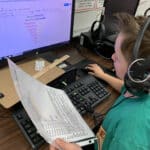
✅ Shop with Confidence
- 🔒 Secure Checkout – Your payment is safe and protected.
- ⭐ Quality Guaranteed – Store credit refunds if something isn’t right.
- 🎉 Earn Rewards – Get points for every dollar spent & redeem as store credit!
👉 Add to Cart and start using this resource today
Text Formatting Activities for Typing & Word Processing Practice
Original price was: $18.00.$12.00Current price is: $12.00.
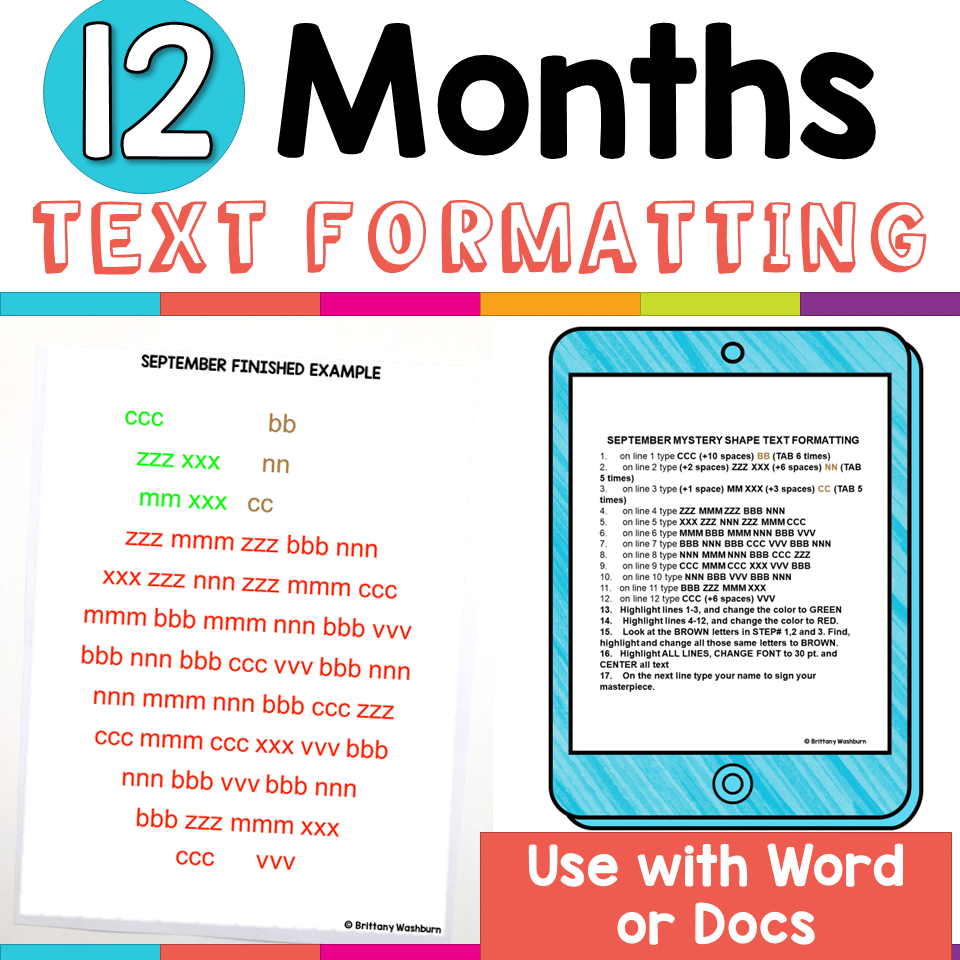
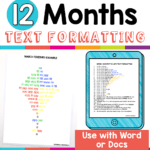
Make keyboarding meaningful with these 12 monthly text formatting activities that combine typing practice with creativity and purpose. Students build fluency while applying real formatting skills—without the boredom of drills. Easy to differentiate, aligned to ISTE Standards, and perfect for word processing practice all year long!
You may also like…

Text Formatting Activities for Typing & Word Processing Practice
Original price was: $18.00.$12.00Current price is: $12.00.
Description
Finally—typing practice that’s fun, purposeful, and actually gets finished!
Tired of students zoning out during keyboarding time? This set of 12 monthly text formatting activities transforms repetitive typing into an engaging, creative process with clear goals, visual results, and built-in motivation.
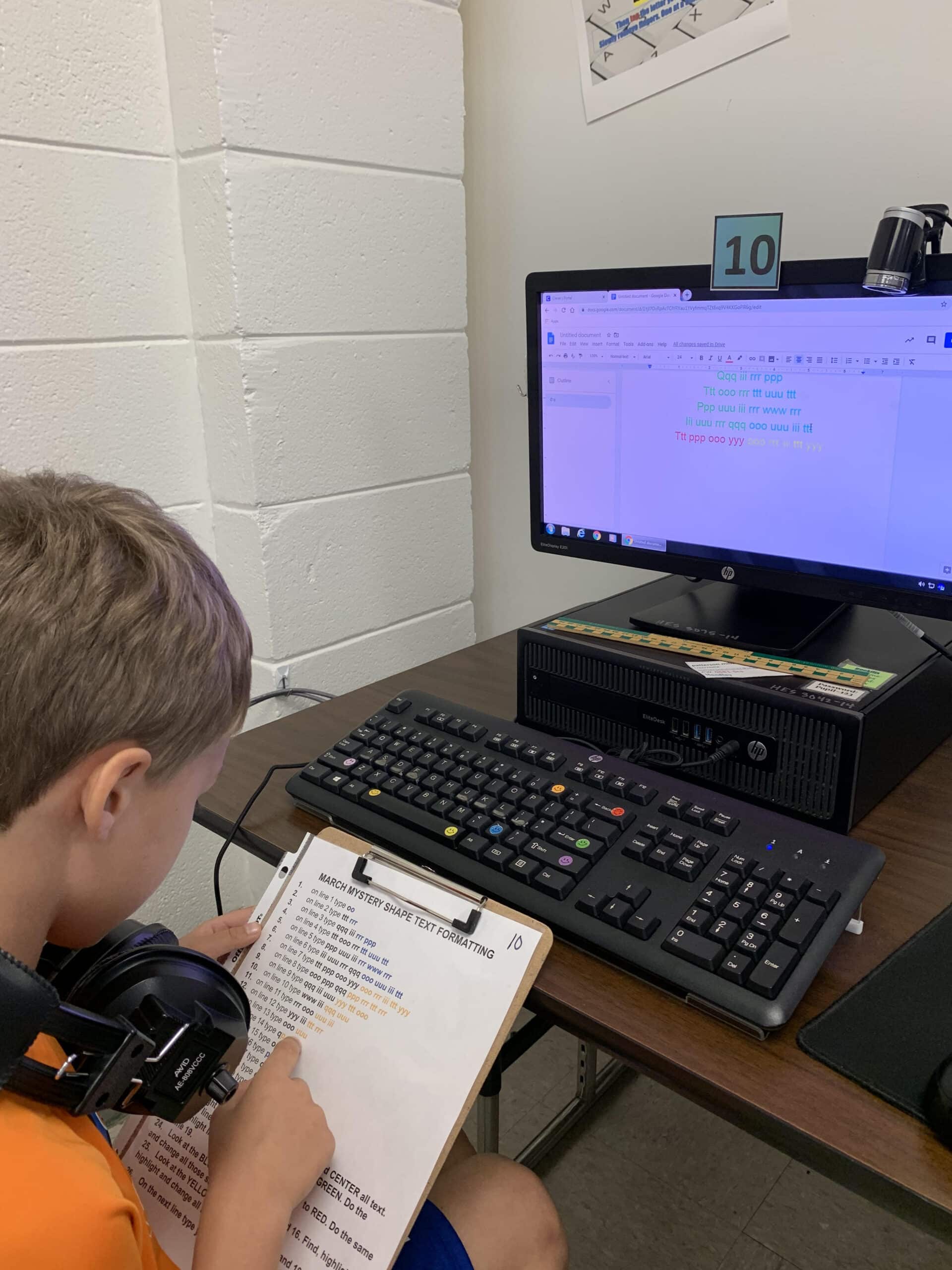
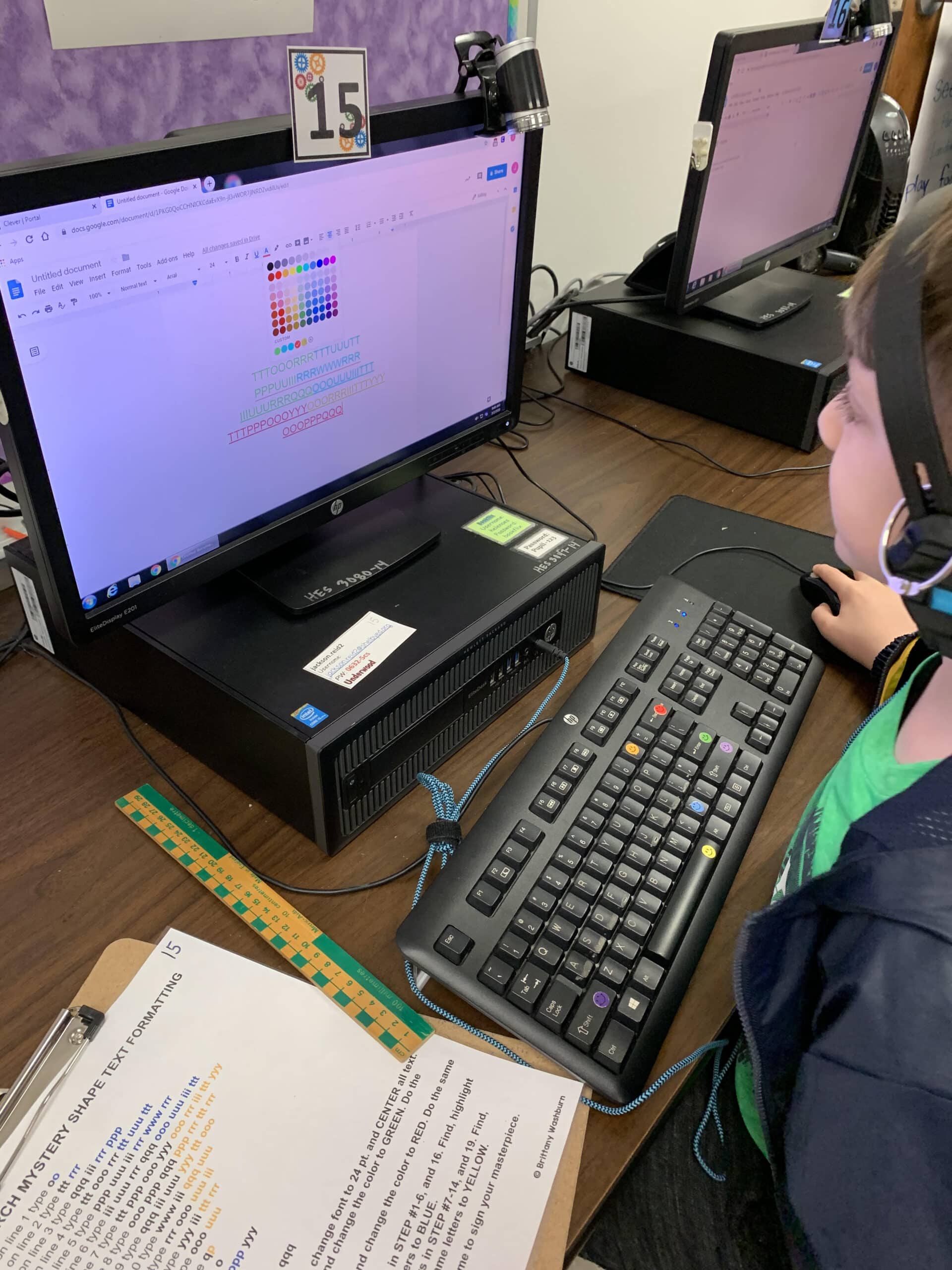
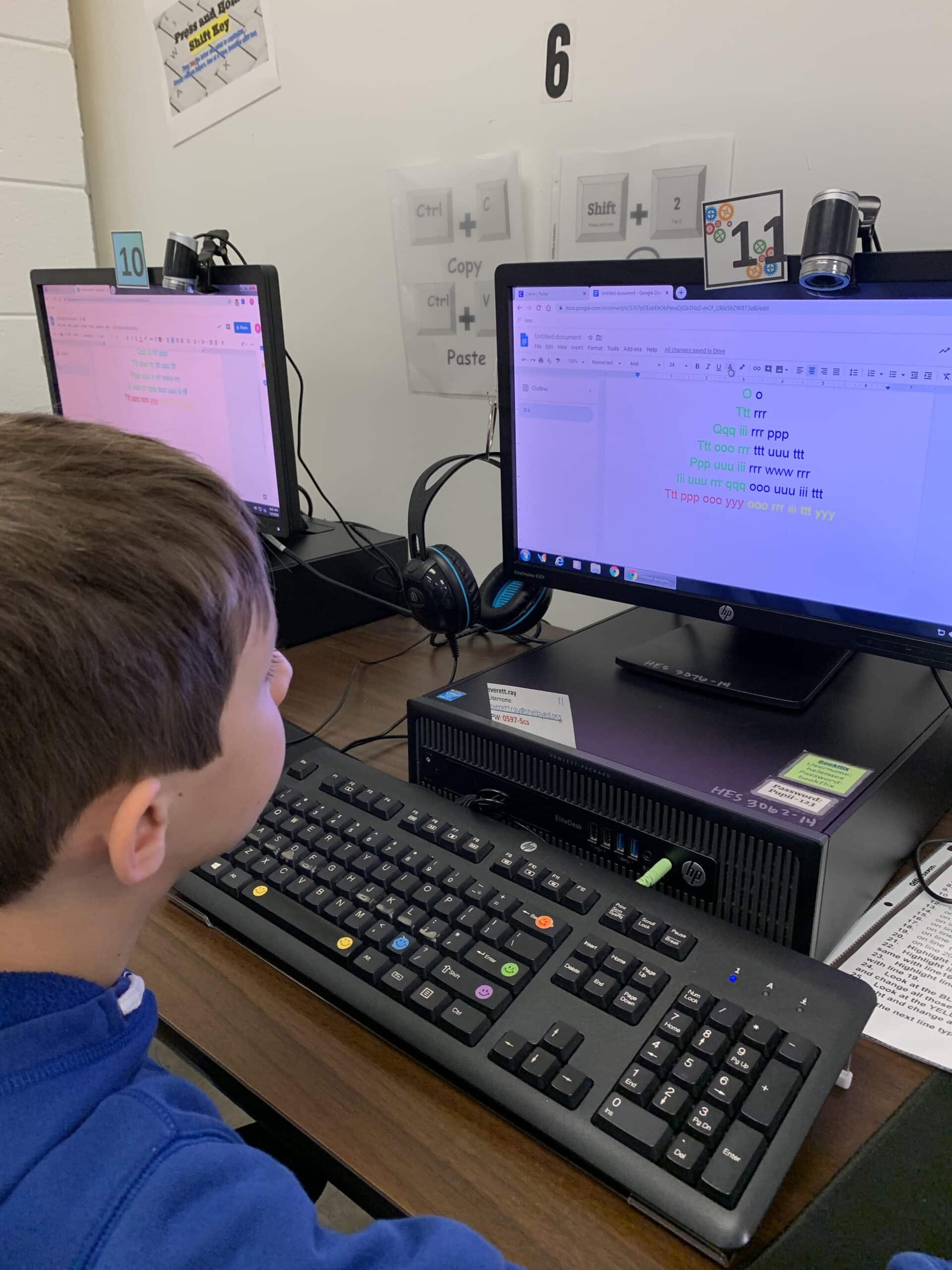
Each monthly activity helps students build fluency on the keyboard while applying formatting skills in a way that feels like a puzzle to solve—not just more typing drills.
🧠 What’s Included:
-
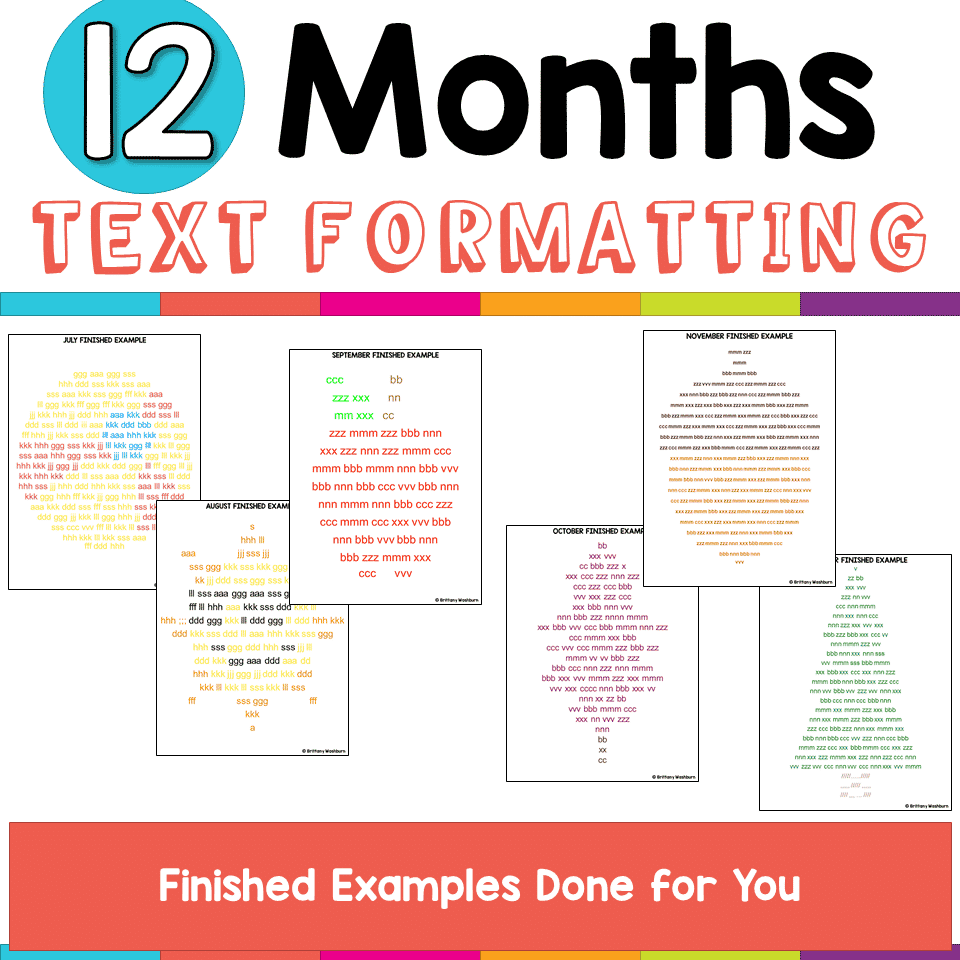
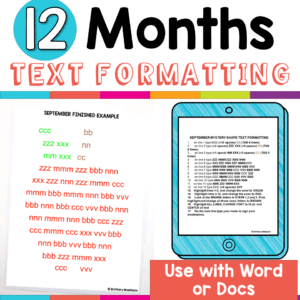
🗓️ 12 themed text formatting activities (one per month)
-
✍️ 2 versions of directions: lowercase & uppercase, to match your classroom keyboard setup
-
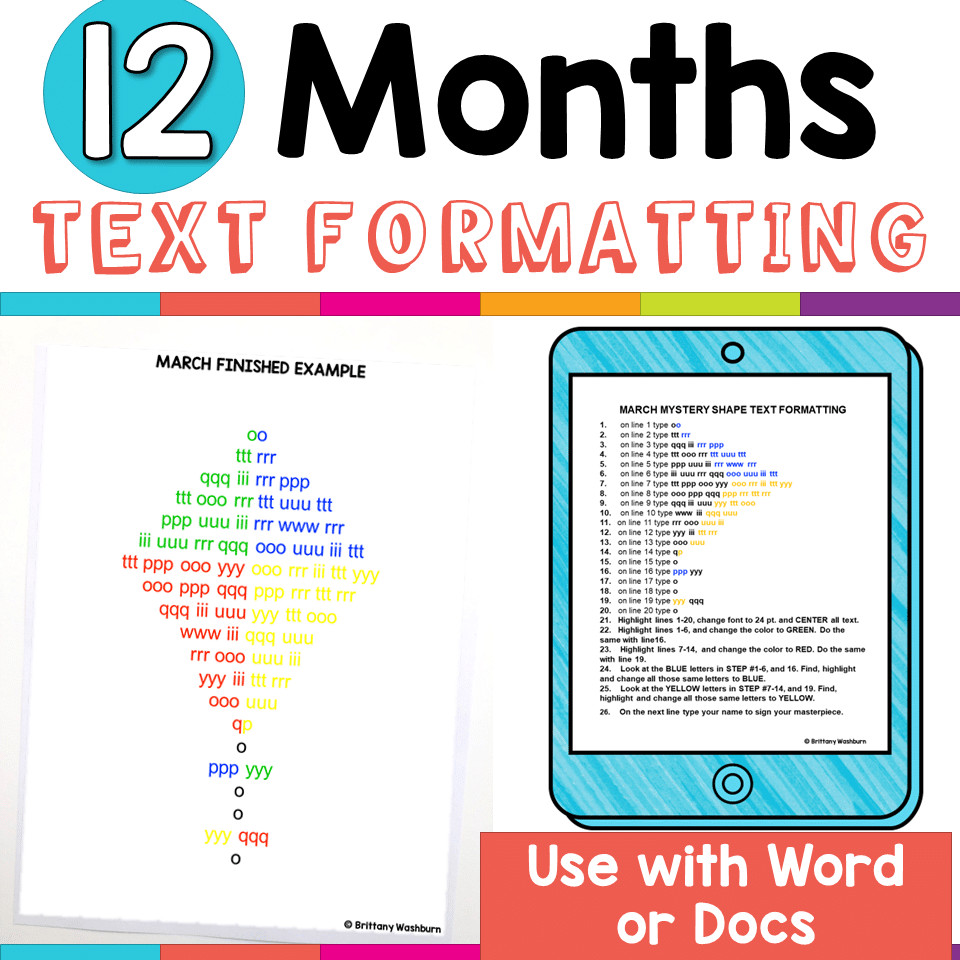
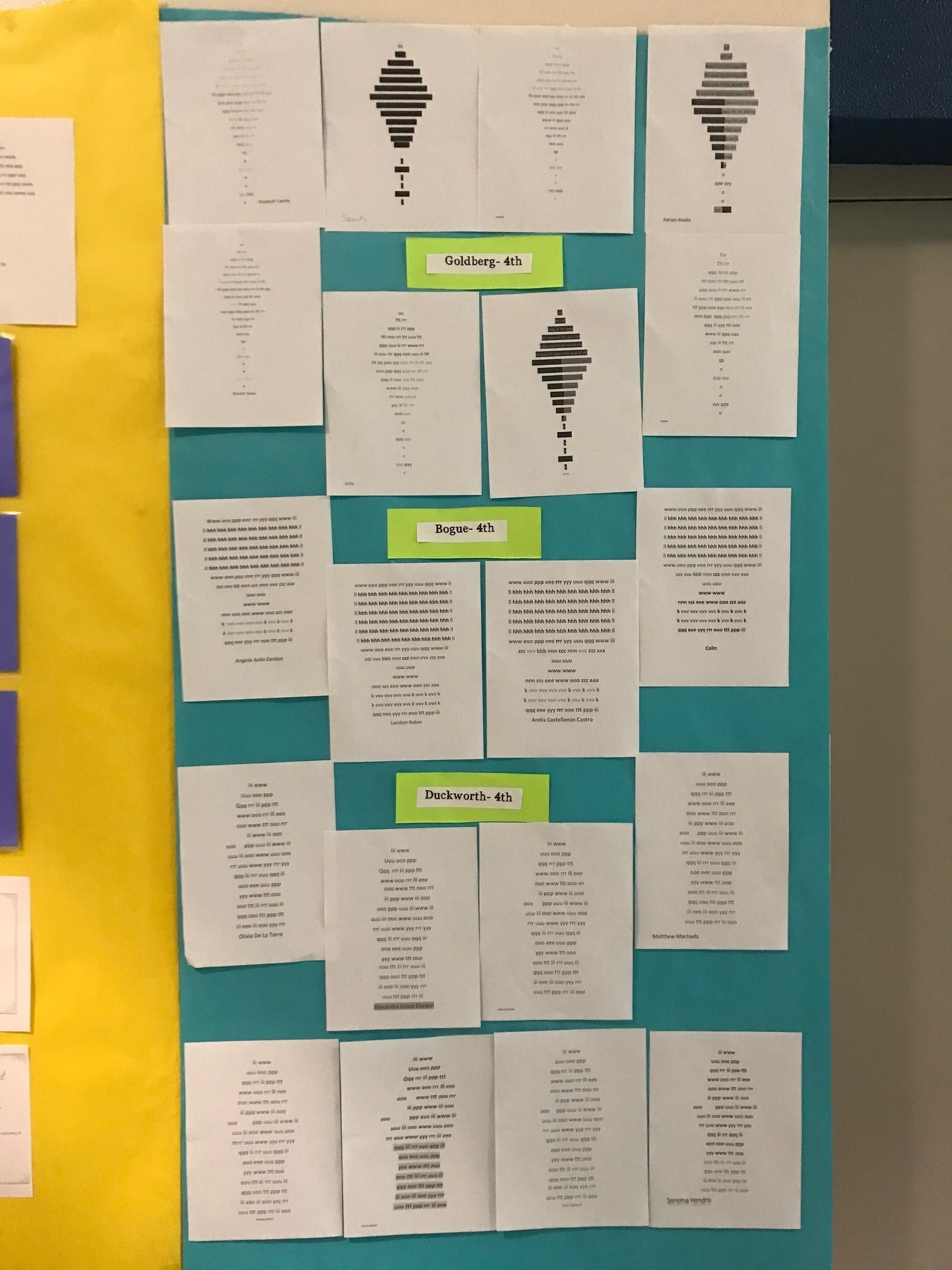
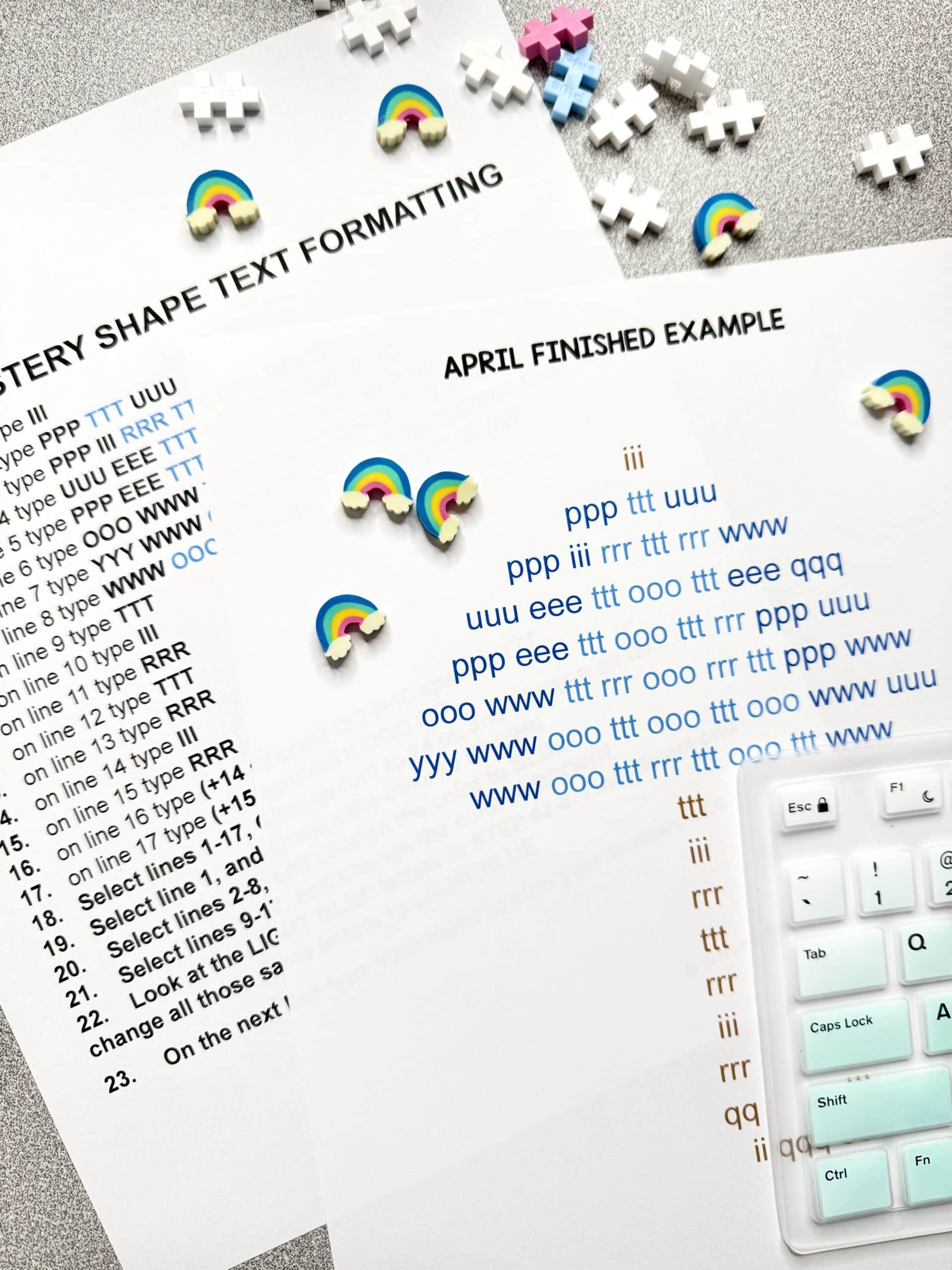
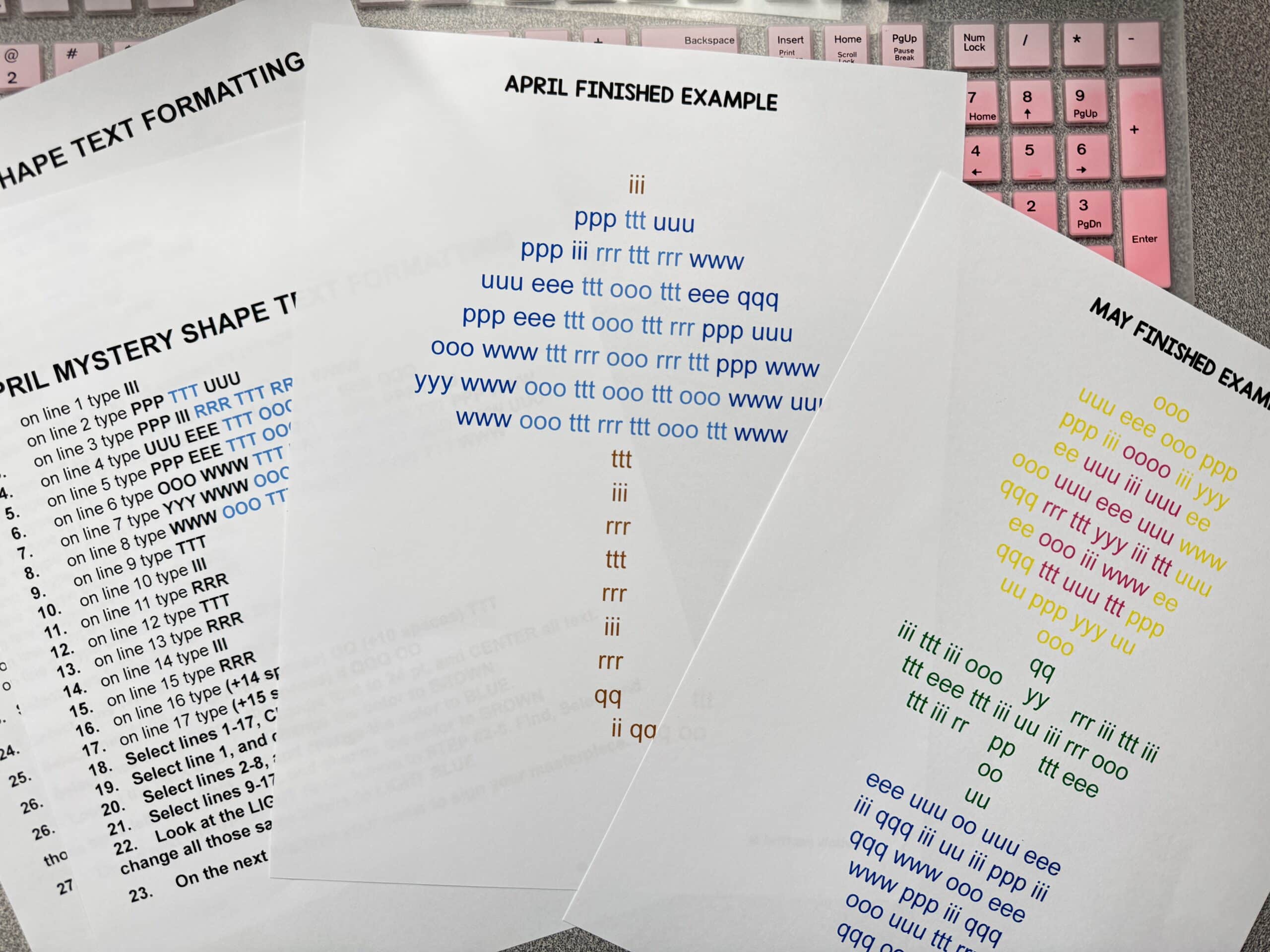
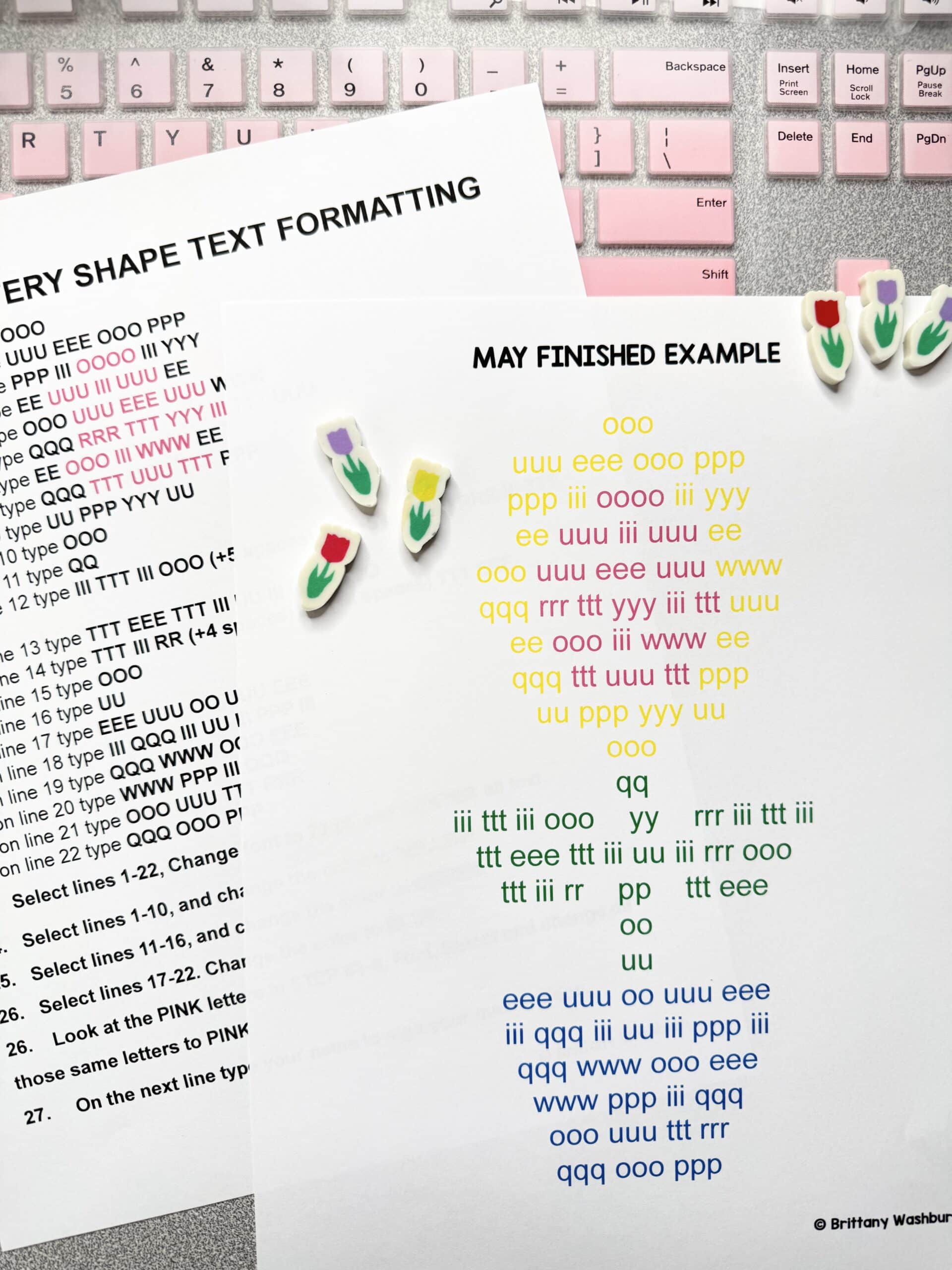
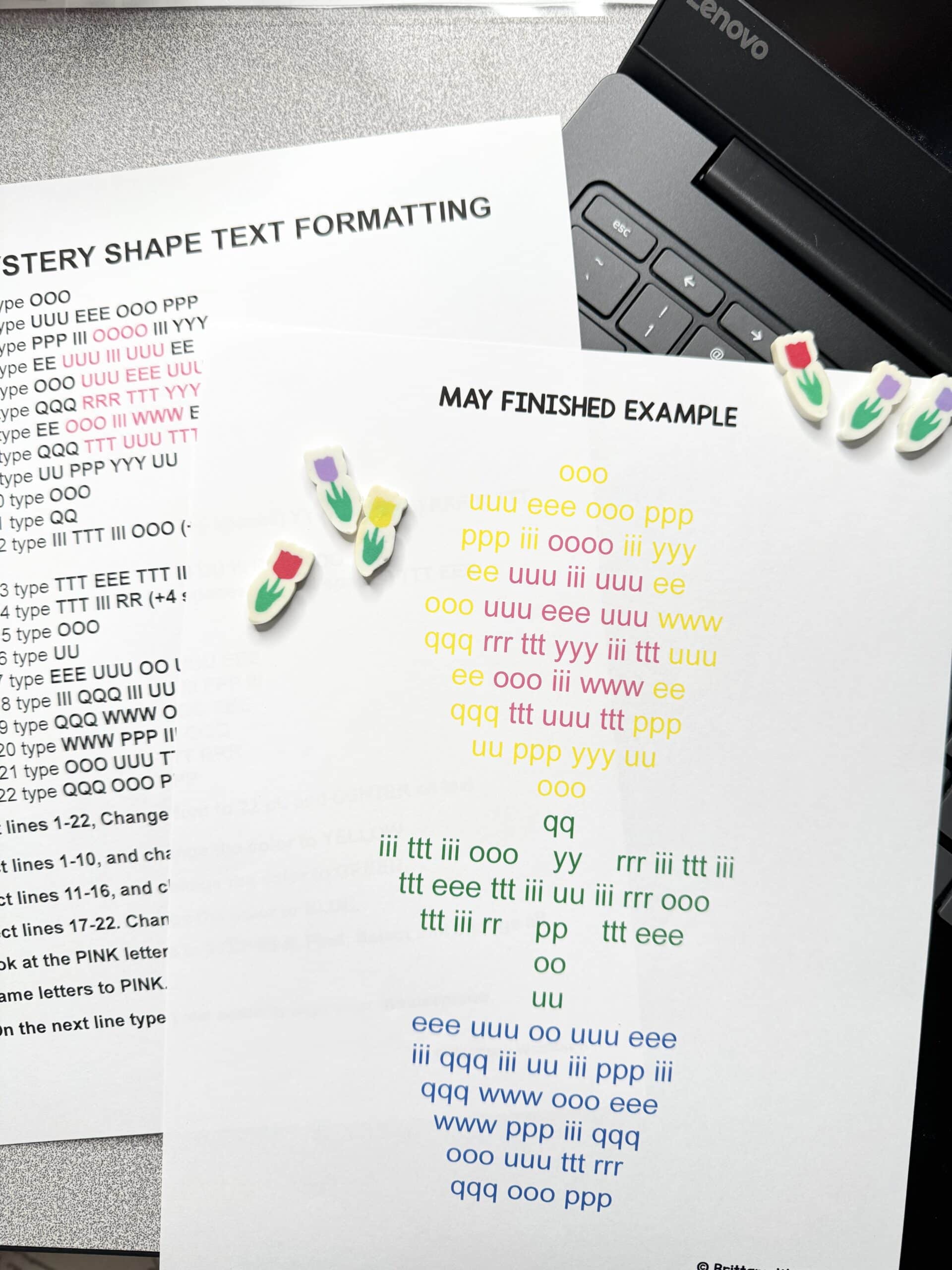
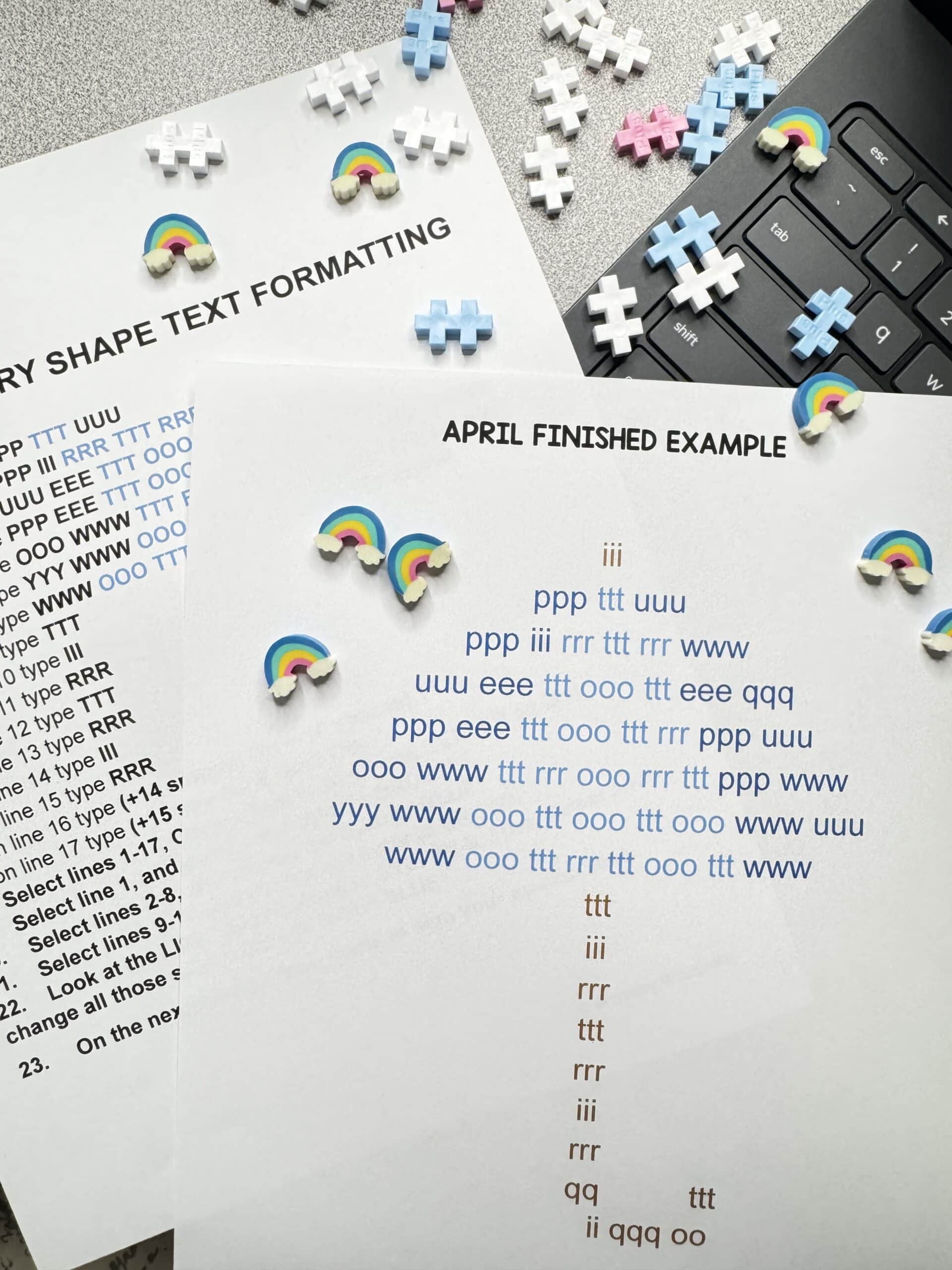
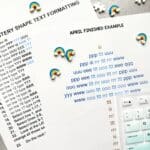
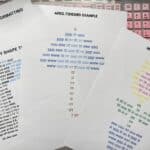
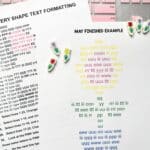
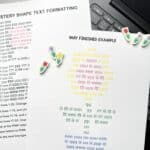
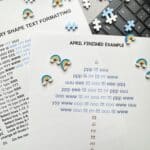
🎯 Finished examples provided so students understand the expected outcome
-
💻 Tasks use basic word processing tools like font color, alignment, spacing, and bold/italic
By the end of the year, students will have practiced each row of the keyboard at least 4 times—and they’ll feel proud of what they’ve created.
💡 Why Teachers Love It:
-
No prep needed—just assign and go
-
Helps students stay focused and build typing stamina
-
Fulfills ISTE standards for digital design and tech fluency
-
A great bridge between keyboarding and word processing
-
Flexible enough to challenge advanced students or support beginners
🙌 Ideas to Support or Challenge Students:
Make It Easier:
-
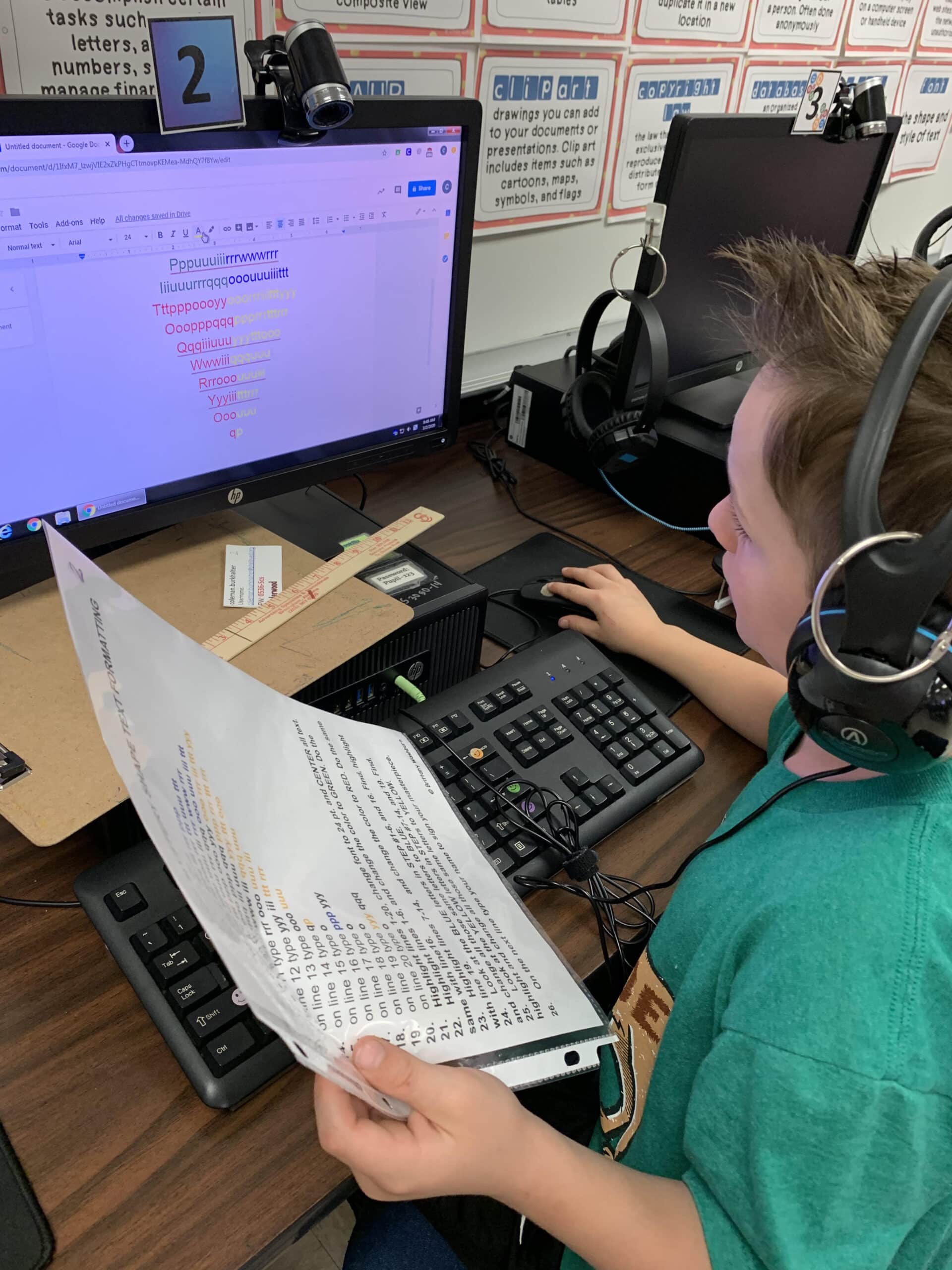
Use a second sheet or ruler to track lines
-
Demonstrate each step with your projector
-
Dictate the directions line by line
Add a Challenge:
-
Have students highlight text instead of changing color
-
Add a caption or title to their work
-
Insert a related image
-
Reflect on the activity in writing
🏆 Standards & Skills Covered:
ISTE Standard 4.b – Innovative Designer
“I can create an original work using a digital tool.”
“I can stick with a problem until it is solved.”
ISTE Standard 1.d – Empowered Learner
“I can learn a new technology tool by exploring it.”
“I can find any letter or number on a keyboard.”
These text formatting activities are the perfect way to bring purpose and creativity to keyboarding—without adding to your workload.
👉 Download once and use all year long to support student growth, tech fluency, and classroom calm.
Product Terms:
Copyright © Brittany Washburn 2019.
Downloading this file entitles you to ONE classroom use. You may use this with multiple classes but may not share with any other teachers. Copying for more than one teacher, classroom, department, school, or school system is prohibited. This product may not be distributed or displayed digitally for public view. Failure to comply is a copyright infringement and a violation of the Digital Millennium Copyright Act (DMCA). Clipart and elements found in this PDF are copyrighted and cannot be extracted and used outside of this file without permission or license. If multiple licenses are needed for use my more than one teacher or in more than one computer lab, send them here to download the file.
If you’re interested in connecting with other technology teachers, check out the Technology Teacher Talk Group on Facebook.
Connect with me on social media!
6 reviews for Text Formatting Activities for Typing & Word Processing Practice
You must be logged in to post a review.
Related products



You didn’t become a tech teacher to spend your weekends building lessons from scratch. I’m Brittany, a technology curriculum specialist with 1,000+ ISTE-aligned resources designed specifically for K–8 computer lab teachers.
My ready-made digital and printable resources cover everything from digital citizenship and coding fundamentals to multimedia creation and computer essentials, so your planning is handled and your students stay engaged.
Every resource is built to align with ISTE Standards, save you time, and actually work in a computer lab setting, because I’ve taught in one myself.
Browse my bestsellers, or explore by grade level or topic to find exactly what you need.
Jacqueline B. (verified owner) –
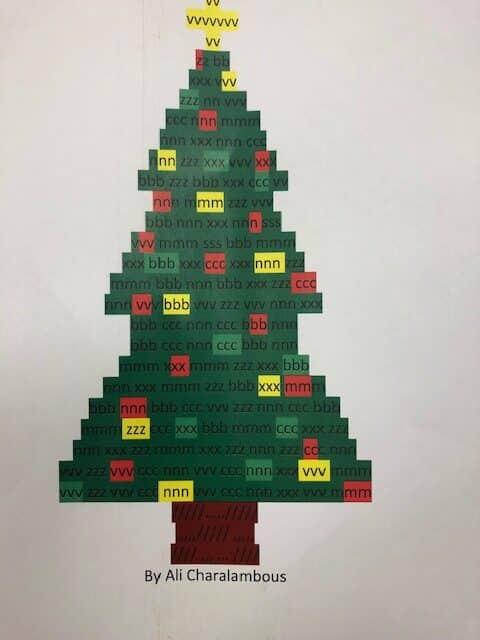
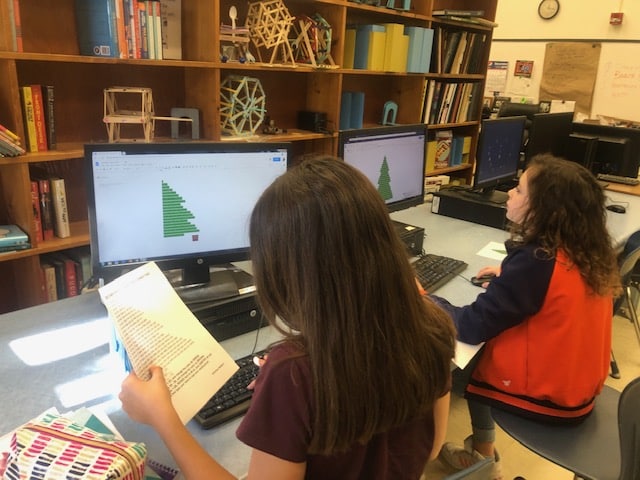
My students really liked seeing what the end result of their typing practice would be! They loved that they created a picture!
Abigail K. (verified owner) –
2nd and 3rd grade loved this way of finding keys. It was also great direction following! They were so excited because when they finished I would print them and were so proud of their work! This took us the entire 52 minutes we have for computer classes.
Kathy W. (verified owner) –
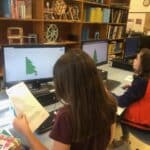
My students are always anxious to see what the mystery shape will be. It also gives us a break from the normal keyboarding site that we use daily.
Ashley D. (verified owner) –
I used this resources in a computer lab setting. It was a great review of practicing text formatting skills and students were engaged.
Jessica M. (verified owner) –
This is SO much fun!! What a great way for them to practice not only practice typing/formatting skills but following directions skills. And then afterwards they got a great picture out of it. THANK YOU!!
Cindy Davidson (verified owner) –
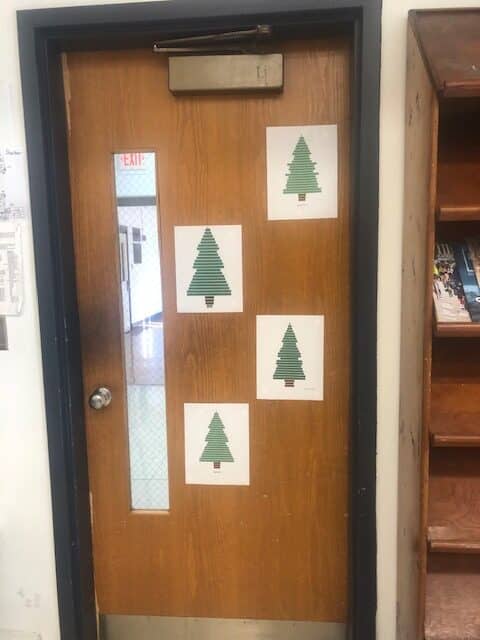
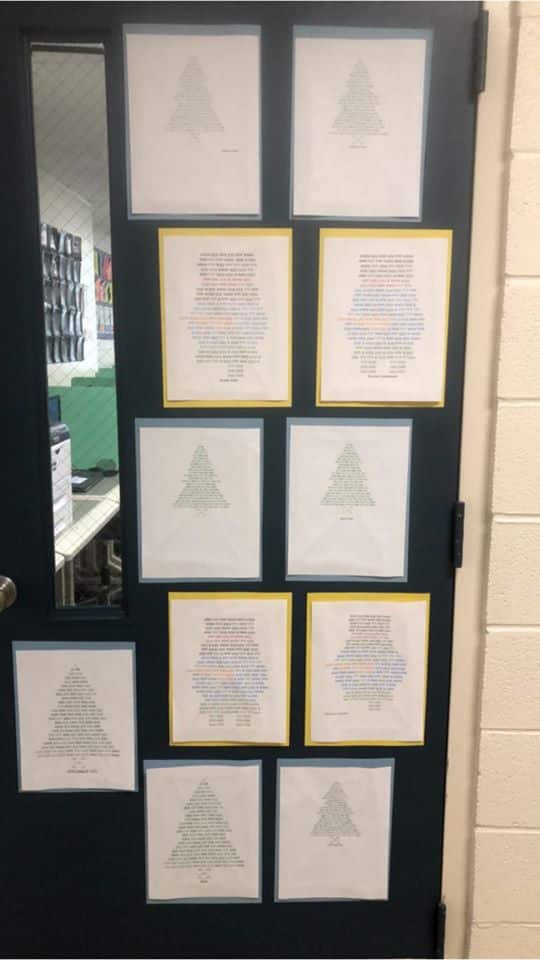
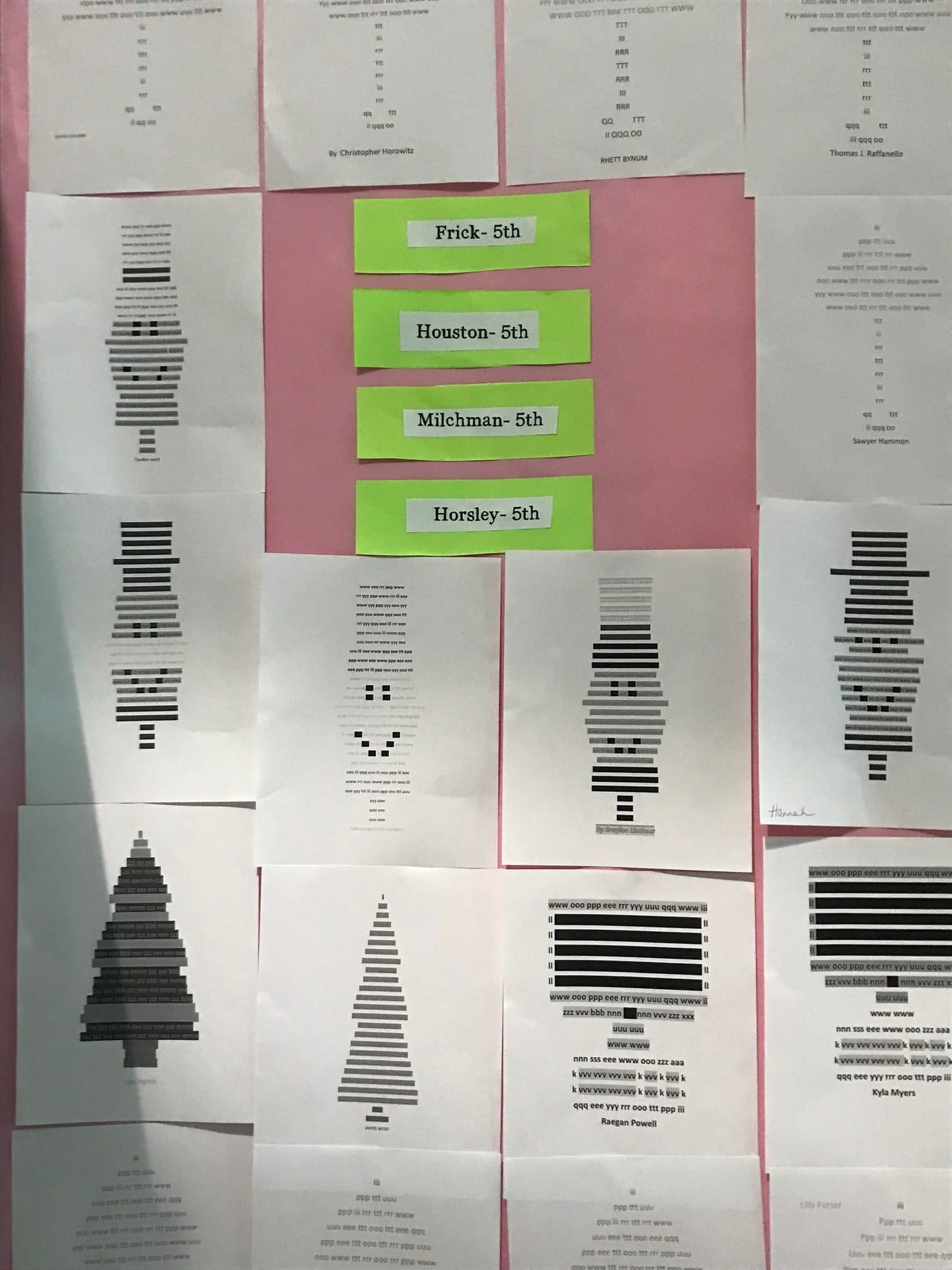
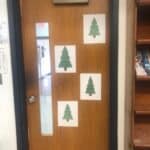
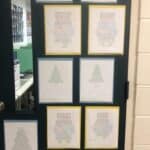
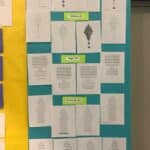
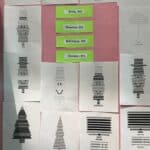
I had 4th and 5th-grade students do this activity each month. They enjoyed it. I displayed their work on bulletin boards for our “Specials Night” open house. The parents were impressed!