
✅ Shop with Confidence
- 🔒 Secure Checkout – Your payment is safe and protected.
- ⭐ Quality Guaranteed – Store credit refunds if something isn’t right.
- 🎉 Earn Rewards – Get points for every dollar spent & redeem as store credit!
👉 Add to Cart and start using this resource today
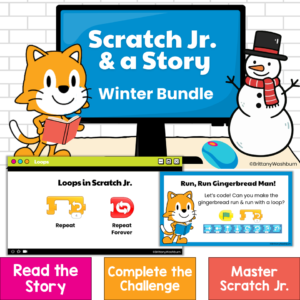
Scratch Jr. Coding Activities & Picture Book Lessons | Winter STEM
$7.50
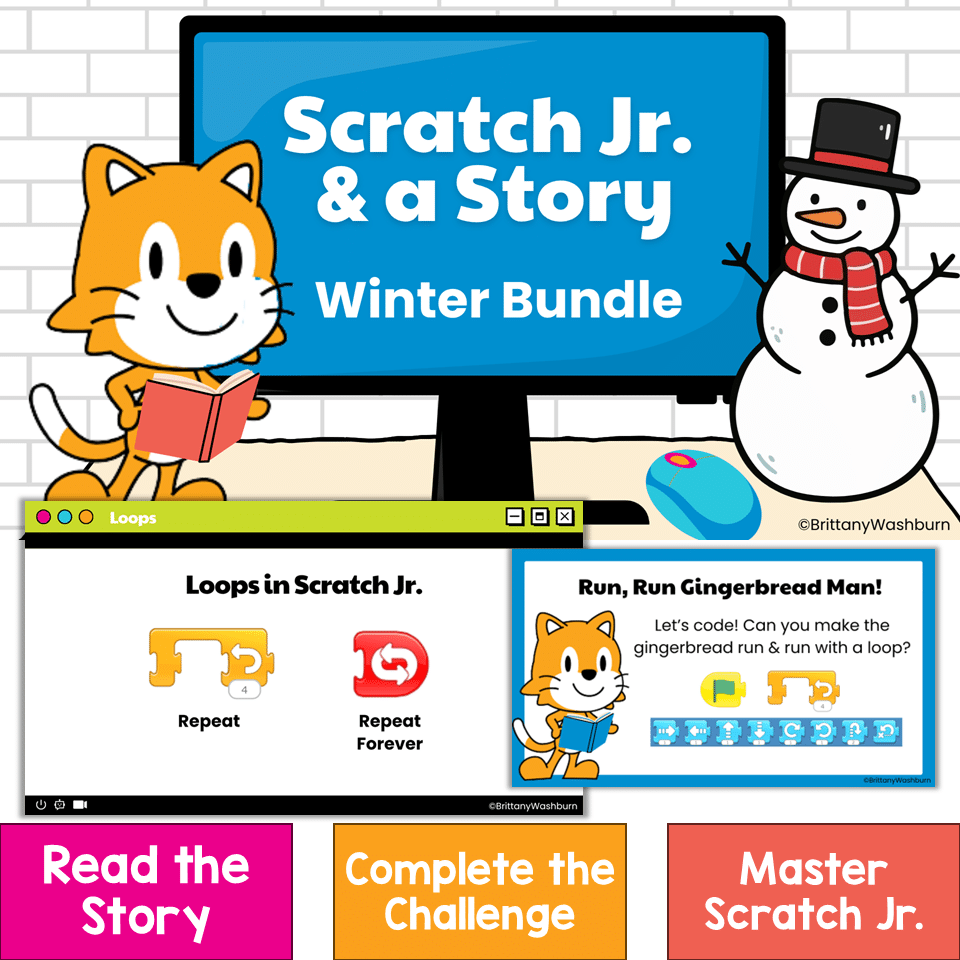
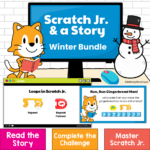
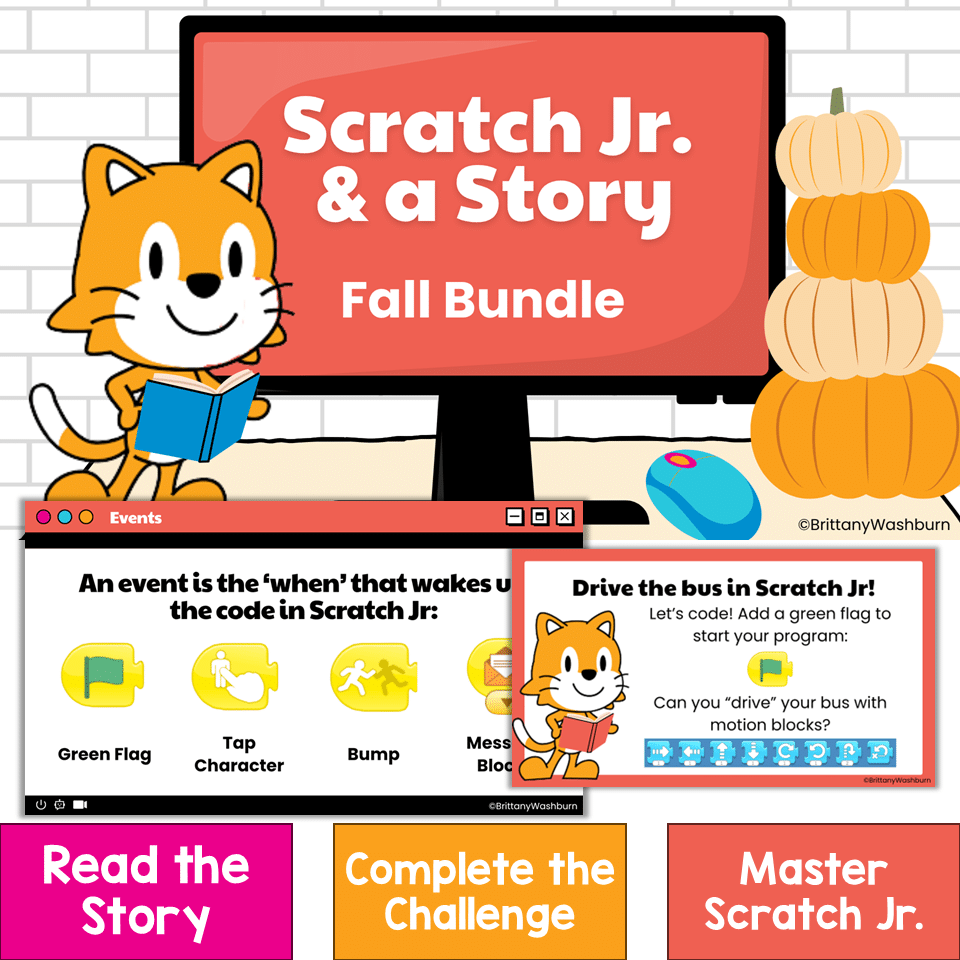
Bring coding into your winter read-alouds with three ready-to-teach Scratch Jr coding activities for kindergarten, first grade, and second grade! Scratch Jr. & a Story: Winter Bundle combines elementary computer science, digital storytelling, and literacy. After listening to a beloved picture book, students use the Scratch Jr app to code an animated scene inspired by the story.
Scratch Jr. Coding Activities & Picture Book Lessons | Winter STEM
$7.50
Description
Bring coding into your winter read-alouds with three ready-to-teach Scratch Jr coding activities for kindergarten, first grade, and second grade! Scratch Jr. & a Story: Winter Bundle combines elementary computer science, digital storytelling, and literacy. After listening to a beloved picture book, students use the Scratch Jr app to code an animated scene inspired by the story.
Instead of practicing coding blocks in isolation, students use sequencing, events, movement, timing, testing, and debugging to solve a meaningful challenge. Visual student directions and instructional videos make each project approachable for young coders—even if they are still learning how to use Scratch Jr.
WHAT CODING PROJECTS ARE INCLUDED?
RUN, RUN GINGERBREAD MAN!
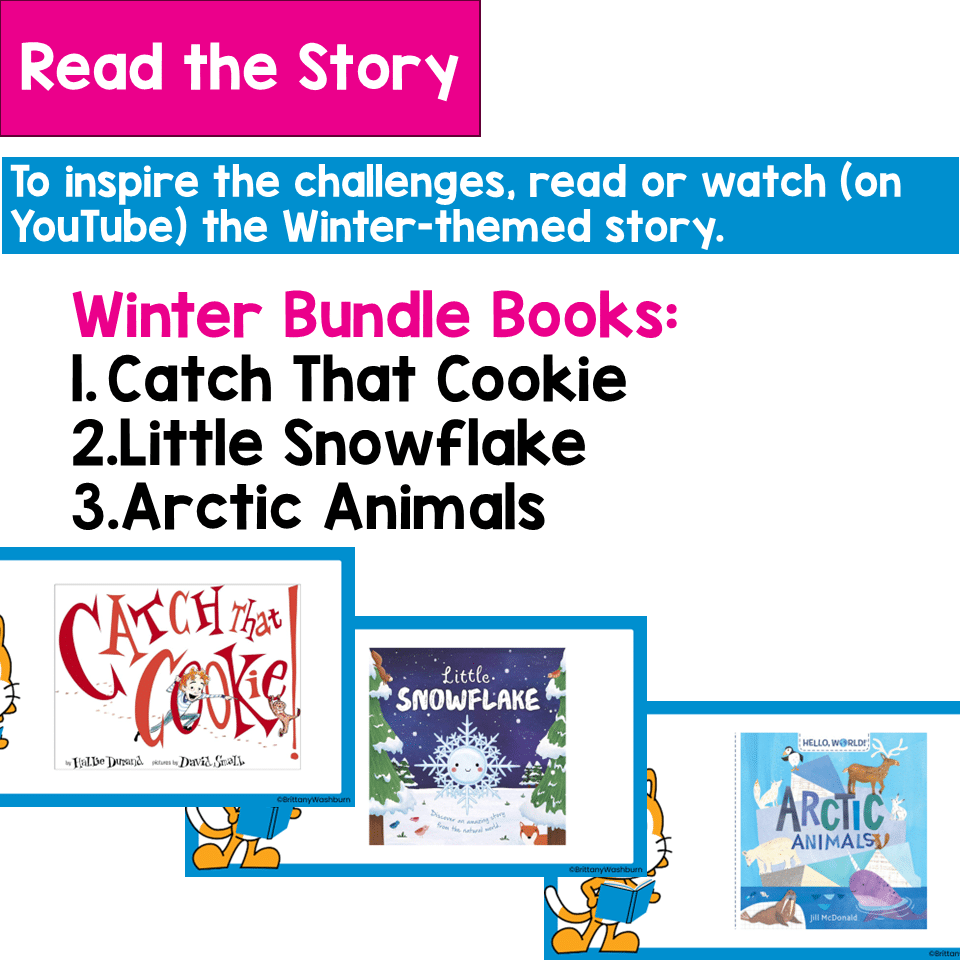
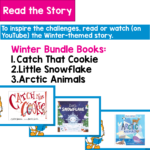
Inspired by Catch That Cookie!
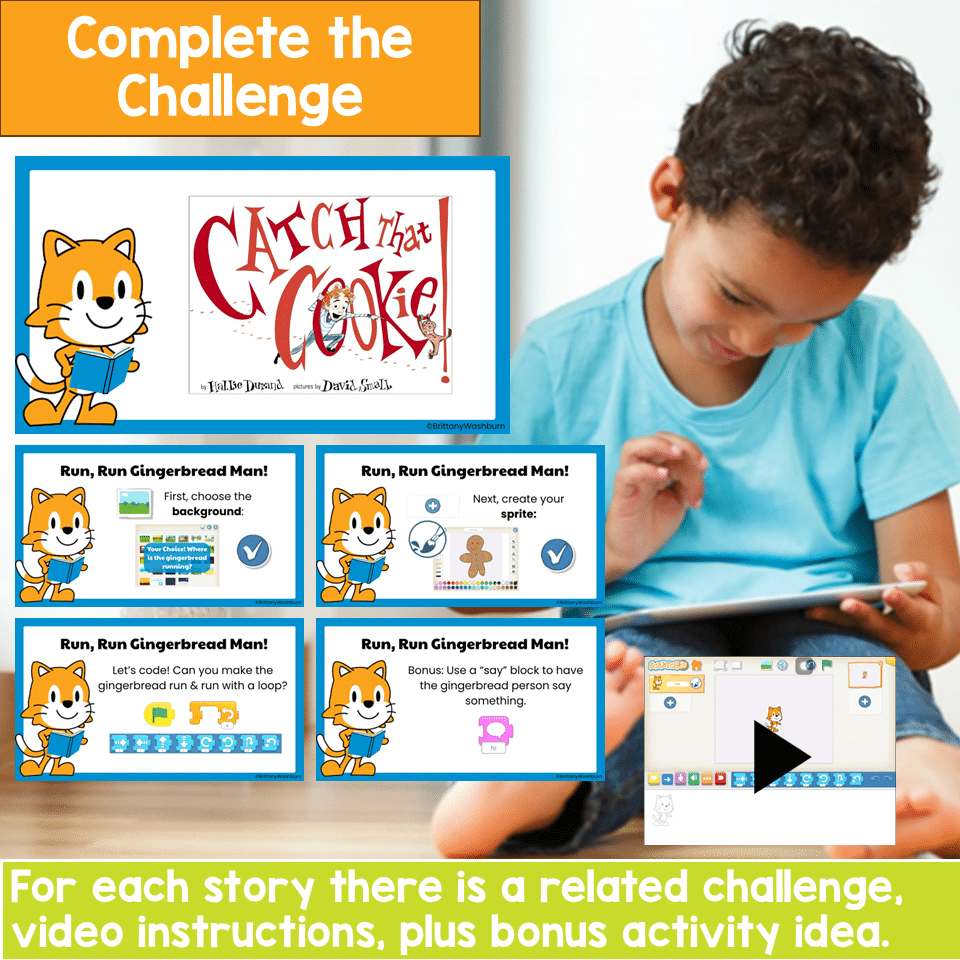
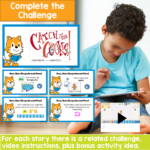
Students choose where the gingerbread man will run, create a gingerbread sprite, and use start, motion, and repeat blocks to make him run in a loop. The bonus challenge invites students to add a “say” block so the gingerbread man can speak!
LET IT SNOW!
Inspired by Little Snowflake
Students create a snowy setting and design their own snowflake sprite. They use a start event and repeat forever block to animate continuously falling snow, then experiment with size blocks to create snowflakes of different sizes.
EXPLORE THE ARCTIC
Inspired by Arctic Animals
Students select an Arctic background, choose animal sprites, and code multiple animals to move at the same time while adding details to their digital story. As a bonus challenge, students can turn themselves into an Arctic explorer by adding a photo!
WHAT IS INCLUDED?
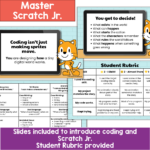
This 31-slide resource is provided in Google Slides and includes:
- • 3 winter Scratch Jr coding challenges
- • Teacher lesson plan
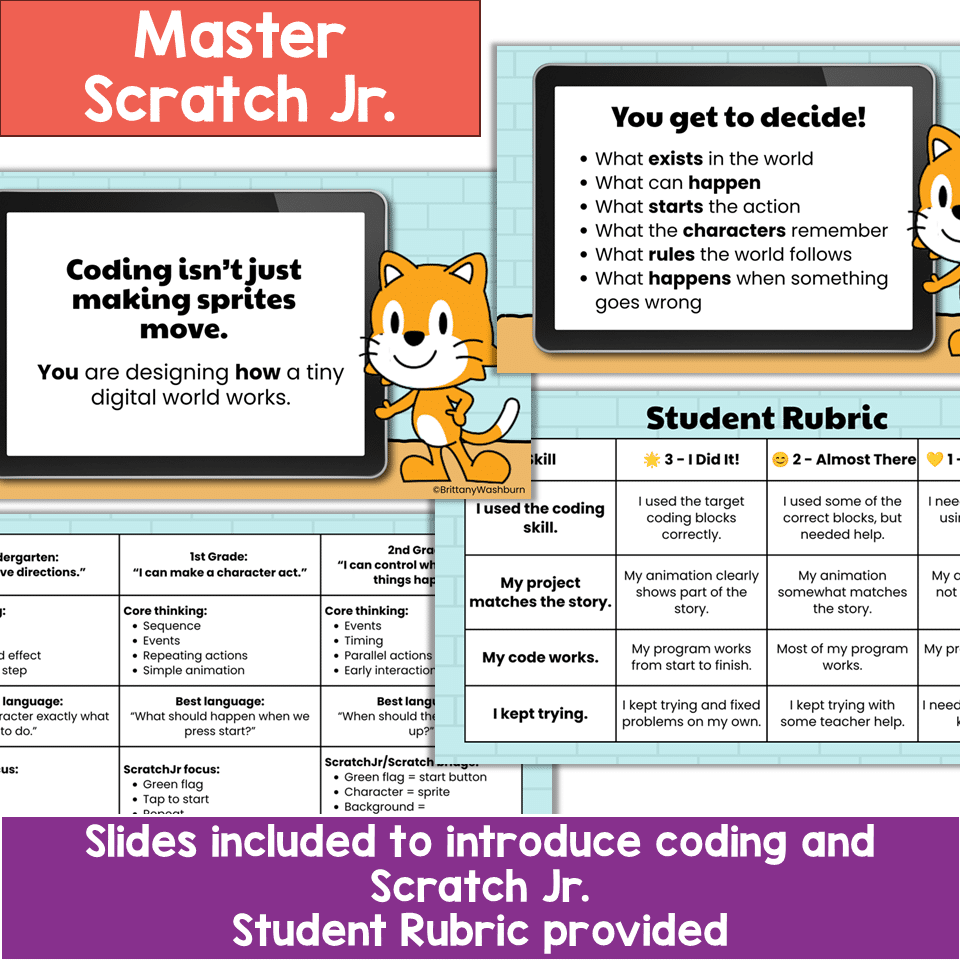
- • Kindergarten–second grade coding skill progression
- • Teacher modeling and discussion prompts
- • Whole-class teaching slides
- • Visual, step-by-step student directions
- • Links to picture-book read-aloud videos on YouTube
- • Student-friendly instructional videos hosted in Google Drive
- • Differentiation and support options
- • Bonus coding challenges and extension ideas
- • Student reflection prompts
- • Student-friendly 3-point rubric
COMPUTER SCIENCE SKILLS
Students practice:
- • Sequencing
- • Algorithms and step-by-step directions
- • Events and start commands
- • Motion blocks
- • Cause and effect
- • Timing
- • Parallel actions
- • Testing and debugging
- • Computational thinking
- • Creative problem-solving
- • Digital storytelling
LITERACY CONNECTIONS
These picture book coding activities also reinforce:
- • Story sequencing
- • Retelling important events
- • Identifying character actions
- • Connecting an animation to a text
- • Discussing cause and effect
- • Responding creatively to literature
- • Explaining and reflecting on a finished project
DESIGNED TO GROW ACROSS K–2
The same Scratch Jr challenges can be adjusted to fit the developmental needs of kindergarten, first-grade, and second-grade students.
Kindergarten students can focus on:
- • Giving directions in the correct order
- • Creating simple paths
- • Using movement and turn blocks
- • Identifying the beginning and end of a program
First-grade students can focus on:
- • Building a sequence
- • Using start events
- • Repeating actions
- • Adding sounds or multiple characters
Second-grade students can focus on:
- • Controlling when actions happen
- • Coordinating multiple sprites
- • Experimenting with timing and parallel actions
- • Adding interactions, new scenes, or alternate endings
SUGGESTED LESSON FORMAT
Each project can be completed in approximately one class period:
- • Read and discuss the story: 8–10 minutes
- • Introduce the coding skill: 3–5 minutes
- • Model the challenge: 3–5 minutes
- • Student coding time: 10–15 minutes
- • Share and reflect: 3–5 minutes
You can extend the project across additional class periods for students who want to add characters, sounds, dialogue, new scenes, or more complex code.
EASY TO DIFFERENTIATE
Support beginning coders by:
- • Using partner programming
- • Setting up part of the project in advance
- • Limiting the project to one character
- • Modeling the code as a class
- • Giving students a visual example of the blocks
- Challenge experienced students to:
- • Add another character
- • Include dialogue or sound effects
- • Coordinate multiple sprites
- • Create a second scene
- • Change the background
- • Add more movement
- • Code a new or alternate ending
PERFECT FOR:
- • Elementary computer labs
- • Technology classes
- • STEM classes
- • Library and media centers
- • Coding clubs
- • Literacy and technology integration
- • Winter STEM activities
- • Hour of Code
- • Whole-group coding lessons
- • Partner programming
- • Kindergarten, first grade, and second grade enrichment
IMPORTANT TECHNOLOGY INFORMATION
Students need access to the free Scratch Jr app on compatible devices. The Scratch Jr app is not included with this resource and should be installed before beginning the lessons.
The picture books are not included. Links to publicly available read-aloud videos on YouTube are provided for convenience. Because external videos and school filtering settings can change, please preview all YouTube and Google Drive videos on a student device before using the lesson with your class.
Internet access is required to open the Google Slides and view the linked instructional and read-aloud videos.
Turn a familiar winter story into a purposeful coding experience! These Scratch Jr projects help young students move from listening and discussing to planning, coding, testing, and improving an animation of their own.
Additional information
| Resource Type | Centers/Stations, Digital Activity, Lesson/Unit |
|---|---|
| Format | Google Apps, PDF |
| Season / Holiday | Winter |
You must be logged in to post a review.
You may be interested in…
Related Products
-

Full Year Timely Tech All in One
Original price was: $198.00.$158.40Current price is: $158.40. -

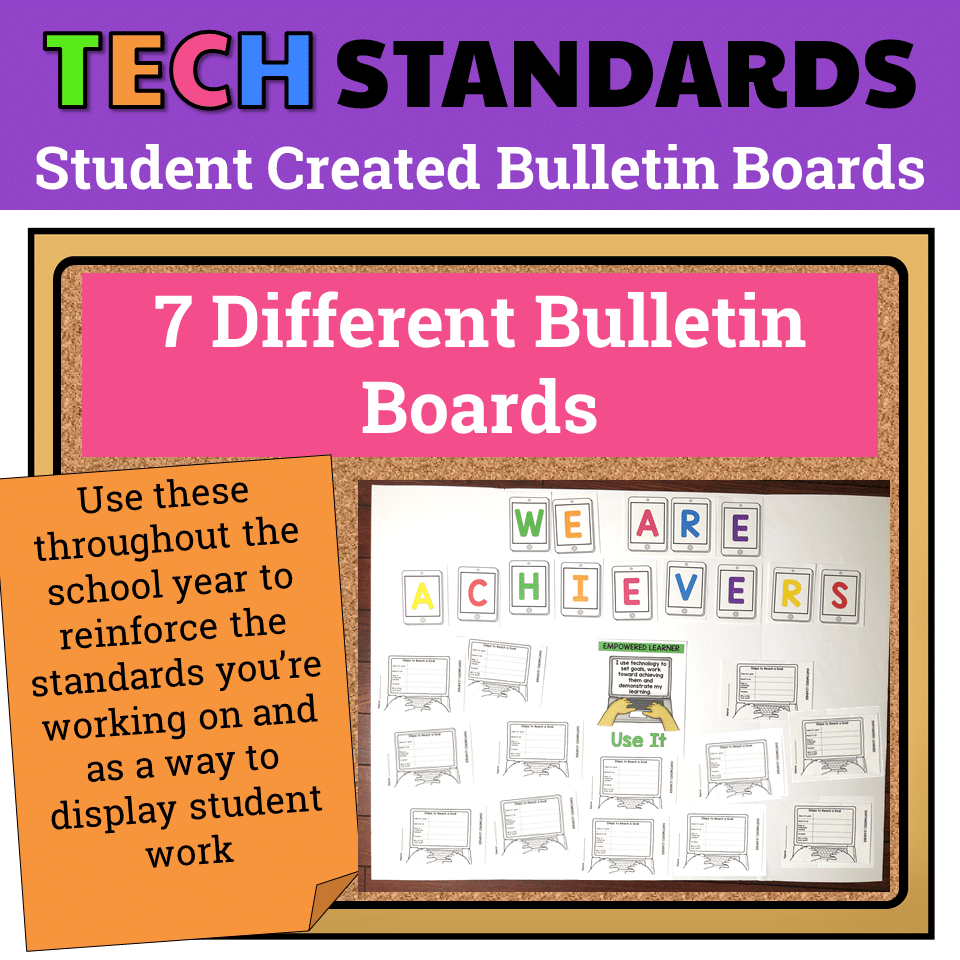
7 Technology Standards Student Created Bulletin Boards
Original price was: $21.00.$14.00Current price is: $14.00. -

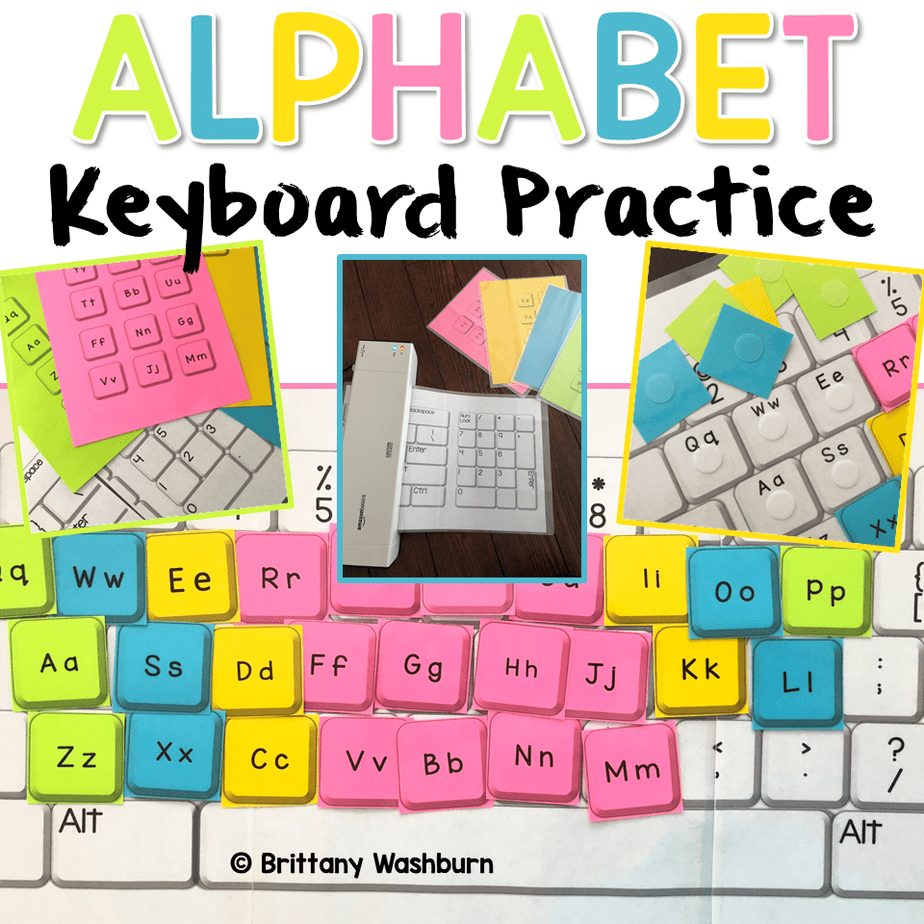
Alphabet Keyboard Practice
$5.00 -

Build Your Own Computer Activity
$4.50

You didn’t become a tech teacher to spend your weekends building lessons from scratch. I’m Brittany, a technology curriculum specialist with 1,000+ ISTE-aligned resources designed specifically for K–8 computer lab teachers.
My ready-made digital and printable resources cover everything from digital citizenship and coding fundamentals to multimedia creation and computer essentials, so your planning is handled and your students stay engaged.
Every resource is built to align with ISTE Standards, save you time, and actually work in a computer lab setting, because I’ve taught in one myself.
Browse my bestsellers, or explore by grade level or topic to find exactly what you need.
Reviews
There are no reviews yet.