


✅ Shop with Confidence
- 🔒 Secure Checkout – Your payment is safe and protected.
- ⭐ Quality Guaranteed – Store credit refunds if something isn’t right.
- 🎉 Earn Rewards – Get points for every dollar spent & redeem as store credit!
👉 Add to Cart and start using this resource today
Mouse Practice Work Mats for Beginners
$5.00
53 pages of unplugged mouse practice! Students practice moving, clicking, and clicking and dragging on paper work mats before they even get on a computer. All you need to do is prep the work mats and grab some extra mice.
You may also like…
-

-
-
Sale!
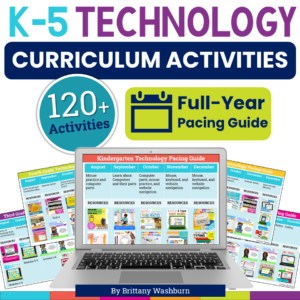
Kindergarten Technology Activities Bundle
KGoogleMicrosoftDevice or paperOriginal price was: $92.74.$64.92Current price is: $64.92. -
Sale!
K-5 Technology Activities Bundle
Grades K–5GoogleMicrosoftDevice or paperOriginal price was: $728.74.$510.12Current price is: $510.12.


Mouse Practice Work Mats for Beginners
$5.00
Description
53 pages of unplugged mouse practice! Students practice moving, clicking, and clicking and dragging on paper work mats before they even get on a computer. All you need to do is prep the work mats and grab some extra mice.
Skills addressed:
- Hold the mouse properly
- Move the mouse with correct hand position
- Move the mouse to a specific place and click on the left button
- Click and drag with correct hand position
- Move the mouse to a specific place and double click with the left button
- Move the mouse to a specific place and right click
Why you need this:
Save your sanity and teach your students mouse skills before expecting them to be able to work on the computer. Prep once and keep using the work mats forever. If you teach PreK, start with them and then review each year in Kindergarten and First grade. The work mats do not require being able to read as long as an adult lets the students know which shapes to look for on the clicking pages.
Any questions? Please ask before purchasing.
Watch this Instagram Reel to see how it works
Product Terms: Copyright © Brittany Washburn 2017. Purchasing this file entitles you to ONE classroom use. You may use this with multiple classes but may not share with any other teachers. Copying for more than one teacher, classroom, department, school, or school system is prohibited. This product may not be distributed or displayed digitally for public view. Failure to comply is a copyright infringement and a violation of the Digital Millennium Copyright Act (DMCA). Clipart and elements found in this PDF are copyrighted and cannot be extracted and used outside of this file without permission or license. If multiple licenses are needed for use my more than one teacher or in more than one computer lab, additional licenses are 50% off.
Connect with other Technology Teachers:
If you’re interested in connecting with other technology teachers, check out the Technology Teacher Talk Group on Facebook.
Connect with me on social media!
Additional information
| Topic | Mouse Skills |
|---|---|
| Resource Type | Centers/Stations |
| Device needed | No device needed |
| Made for | Students |
316 reviews for Mouse Practice Work Mats for Beginners
Reviewers earn rewards points for any honest review they leave, positive or negative.
You must be logged in to post a review.
What teachers said on TPT
Rated 4.9 out of 5 by 316 teachers on Teachers Pay Teachers.
“I was so happy to find this resource- we were about to throw away all the old computer peripherals in our school's basement, and instead we kept enough of the computer mouse parts to enable our littles to use them with these work mats. This is also a great unplugged activity for when the internet fails and the planned lesson goes out the window. I will always keep a class set of mice and these mats ready to go. Great variety of mats, and I printed them on colored paper and laminated them. Thank you!”
— Owl Take You There, TPT review
“This resource was a wonderful way to introduce my Kindergarteners to the mouse. Brittany provided so many various pages devoted to each skill, it allows you to pick and choose what you would like to do. This was important for me because I wanted my students to practice before they actually started using the real mouse on the desktops. The program I used to utilize uses Flash and that is no longer supported, so I was in desperate need to find something else. Thank you for providing this awesome mouse practice packet, Brittany!”
— Jackie M R., TPT review
“Perfect for students who have little to no mouse practice. I had added sticker dots to the mice in my lab to help identify left click and right click, and added those same stickers to the pages before laminating. Practicing first on the paper makes it easier to move to the computer!”
— Christine Myers Jakoby, TPT review
You may be interested in…
-

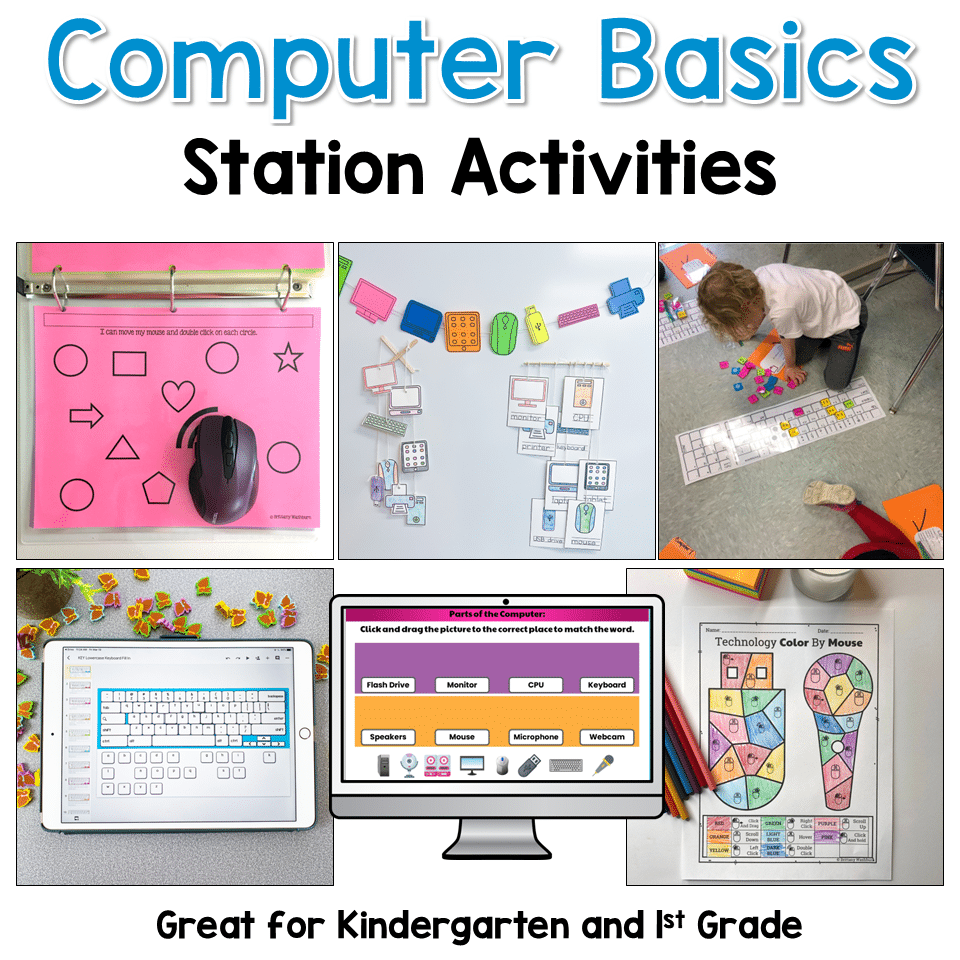
Mouse Keyboard and Computer Parts Basics Lessons
Add to cartOriginal price was: $51.49.$40.50Current price is: $40.50.
Related Products
-
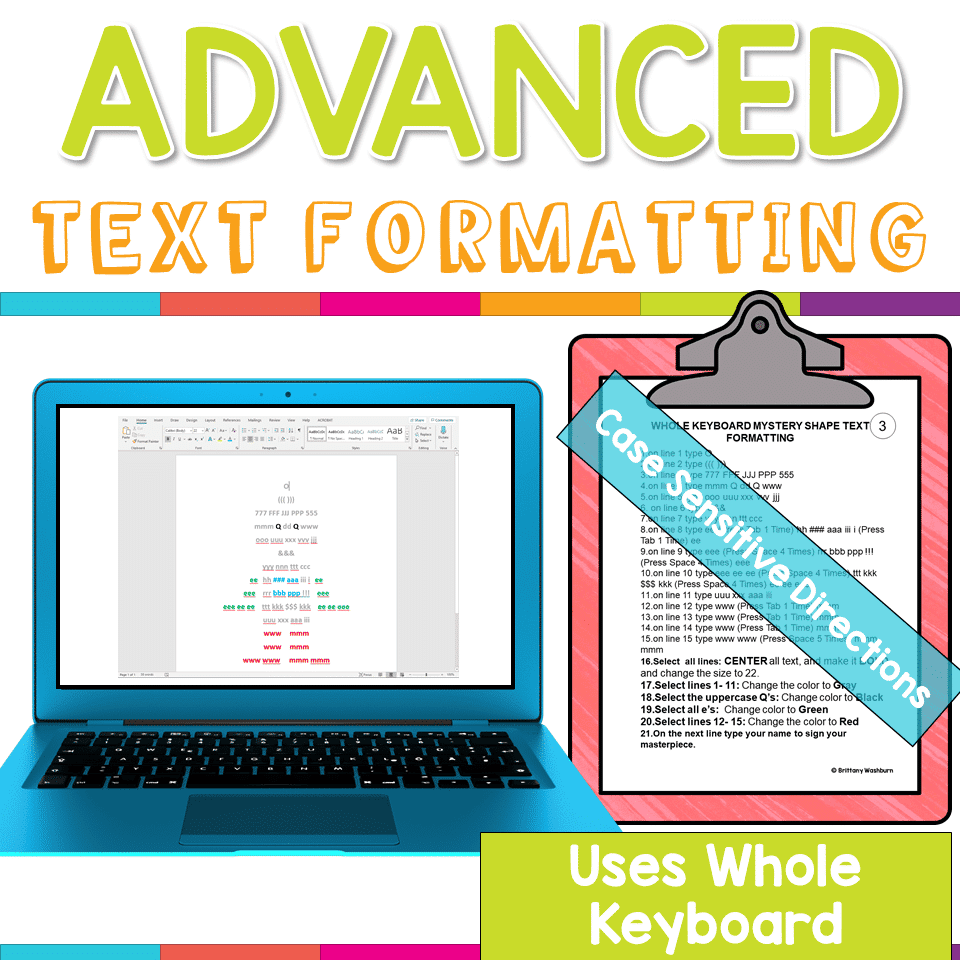
Advanced Keyboarding Text Formatting Activities
Add to cart$7.00 -

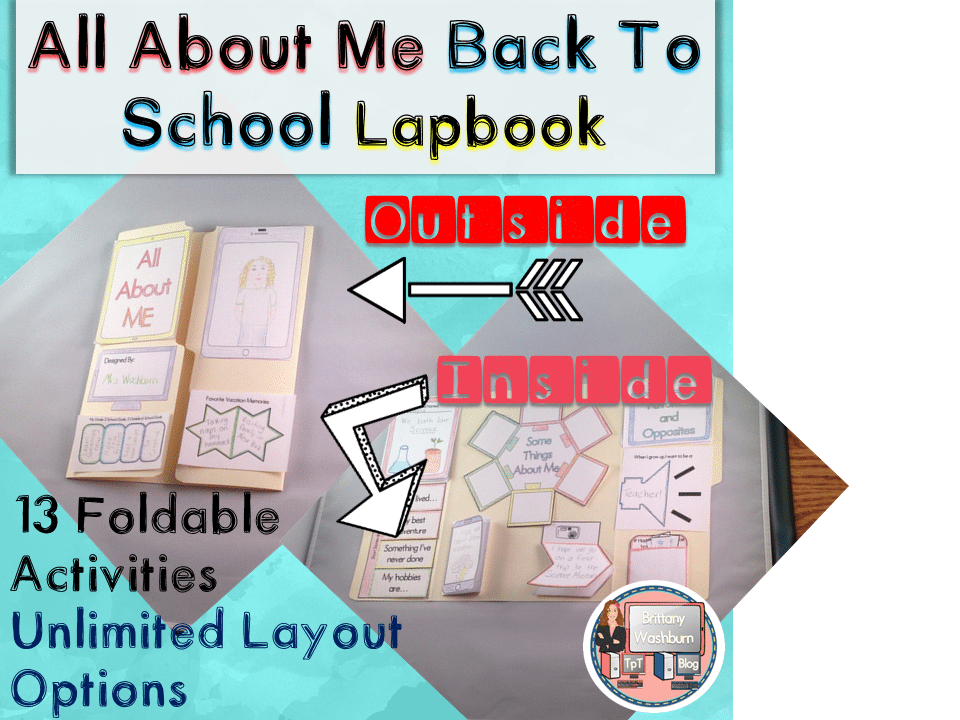
All About Me Book with Technology Theme
Add to cart$3.50 -

Alphabet Keyboard Practice
Add to cart$5.00 -
Basic Robotics Printable Task Cards
Add to cartOriginal price was: $6.00.$3.00Current price is: $3.00.


You didn’t become a tech teacher to spend your weekends building lessons from scratch. I’m Brittany, a technology curriculum specialist with 1,000+ ISTE-aligned resources designed specifically for K–8 computer lab teachers.
My ready-made digital and printable resources cover everything from digital citizenship and coding fundamentals to multimedia creation and computer essentials, so your planning is handled and your students stay engaged.
Every resource is built to align with ISTE Standards, save you time, and actually work in a computer lab setting, because I’ve taught in one myself.
Browse my bestsellers, or explore by grade level or topic to find exactly what you need.


Samantha F. (verified owner) –
Verified TPT reviewI love the unplugged idea of learning computer basics! This has been helpful in understanding how a mouse works and getting our daughter use to non touch screens.
Buyer (verified owner) –
Verified TPT reviewGreat resource for practicing fine motor and mouse skills! I used these at the beginning of the year with unplugged mice. Students breezed through them quickly, but it was a fun way to practice mouse skills.
Emily Bennett –
Verified TPT reviewGreat resource!
The Focused Teacher –
Verified TPT reviewJust what I needed!
Laney Andrews –
Verified TPT reviewGreat way to teach mouse skills!
Molly B. –
Verified TPT reviewThese mats were a station for my younger students to practice with while doing rotations in the computer lab.
Kia B –
Verified TPT reviewThanks!
Jennifer H. –
Verified TPT reviewThis is a great way to teach younger students to learn how the mouse works.
Teaching Little Feet –
Verified TPT reviewMy students love this and would use this again!
Lauren W. –
Verified TPT reviewGreat
Angela Kay – Creative Circuit –
Verified TPT reviewPerfect to use with rotations
Jennifer H. –
Verified TPT reviewThis resource was especially helpful with my kindergarten class. The kindergarteners are in a computer lab and many of them have never used a computer before. This was a great introductory lesson using the mouse.
There’s No Place Like School –
Verified TPT reviewThis is a great resource, thank you!
Jennifer Morgensen –
Verified TPT reviewI’m always looking for ways to scaffold basic computer skills. Thanks.
Kirsty J. –
Verified TPT reviewThis is great to assist my student to practice their mouse skills before getting on the computer. Thank you.
Sheila B. –
Verified TPT reviewThis is a great resource to get students ready to use a computer mouse. It is very basic and worked well with students who have never used a computer mouse before. It made the next lessons on using a mouse go much smoother.
Jackie M R. –
Verified TPT reviewThis resource was a wonderful way to introduce my Kindergarteners to the mouse. Brittany provided so many various pages devoted to each skill, it allows you to pick and choose what you would like to do. This was important for me because I wanted my students to practice before they actually started using the real mouse on the desktops. The program I used to utilize uses Flash and that is no longer supported, so I was in desperate need to find something else. Thank you for providing this awesome mouse practice packet, Brittany!
Carlie D. –
Verified TPT reviewGreat resource for mouse practice!
Leah Y. –
Verified TPT reviewAmazing
Stacy N. –
Verified TPT reviewThis was a great activity to help with mouse control