











✅ Shop with Confidence
- 🔒 Secure Checkout – Your payment is safe and protected.
- ⭐ Quality Guaranteed – Store credit refunds if something isn’t right.
- 🎉 Earn Rewards – Get points for every dollar spent & redeem as store credit!
👉 Add to Cart and start using this resource today
Keyboarding Unit Kit Bundle
Original price was: $92.25.$45.00Current price is: $45.00.
Planning your keyboarding units for grades K-5 just got easier! This is a bundle of typing resources that includes everything you need to facilitate keyboarding practice and progress.
HUGE discount for purchasing the bundle.
Keyboarding Unit Kit Bundle
Original price was: $92.25.$45.00Current price is: $45.00.
Description
Keyboarding That Supports Real Writing in Grades K–5. At some point, typing stops being about finding letters, and starts being about keeping up with ideas.
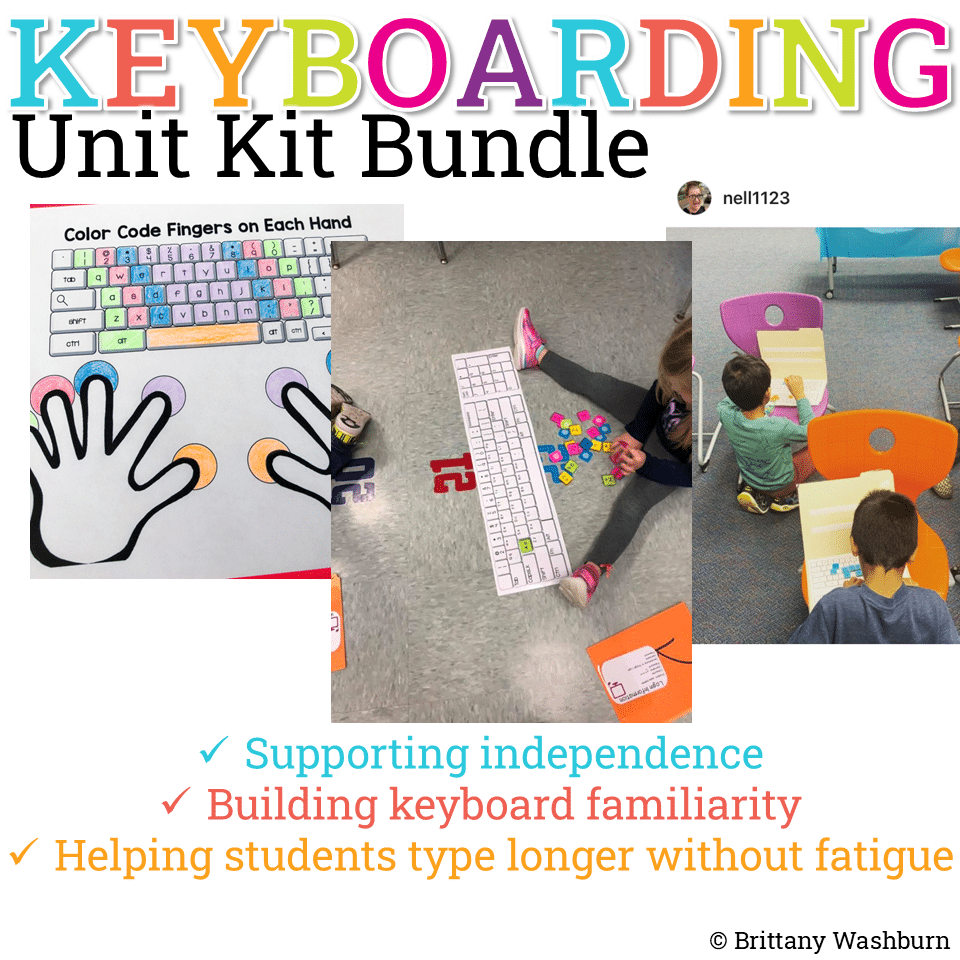
This Keyboarding Unit Kit is designed for that in-between stage, when students are outgrowing hunt-and-peck but aren’t yet fluent typists. Instead of isolated drills or speed tests, this bundle helps students build the keyboard familiarity, confidence, and stamina they need to use typing as a tool for learning.
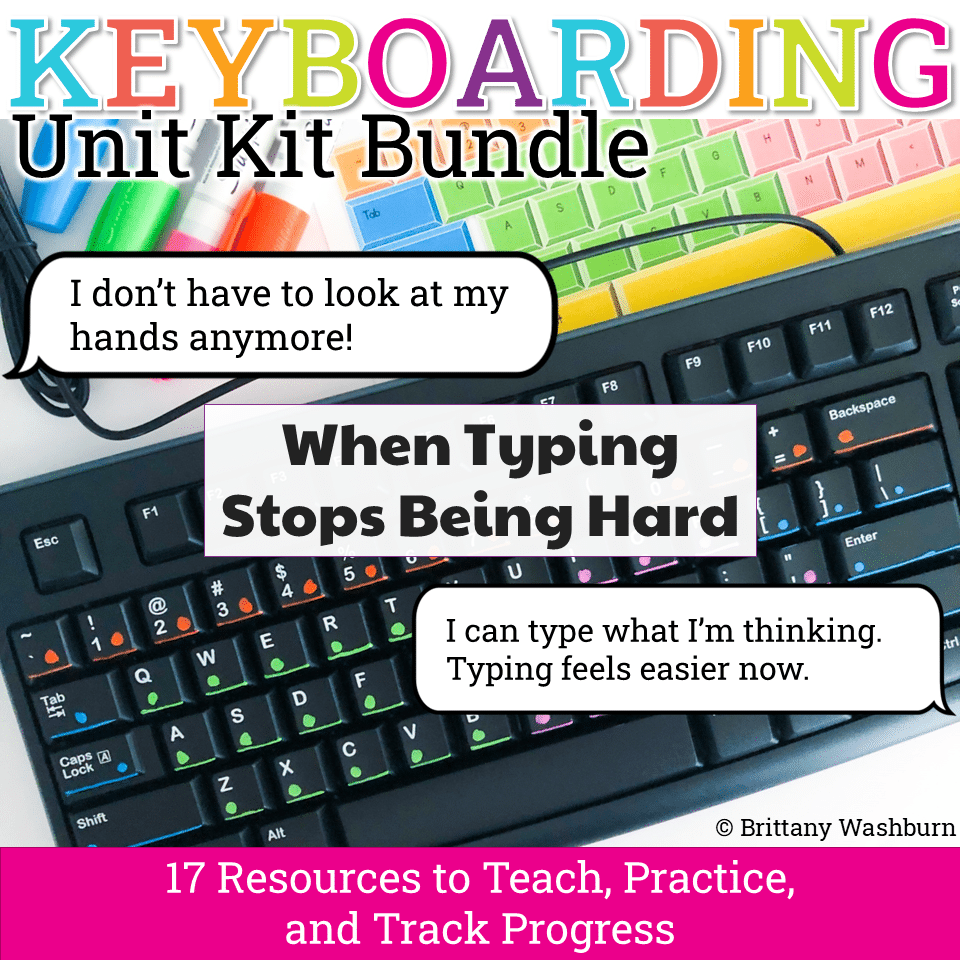
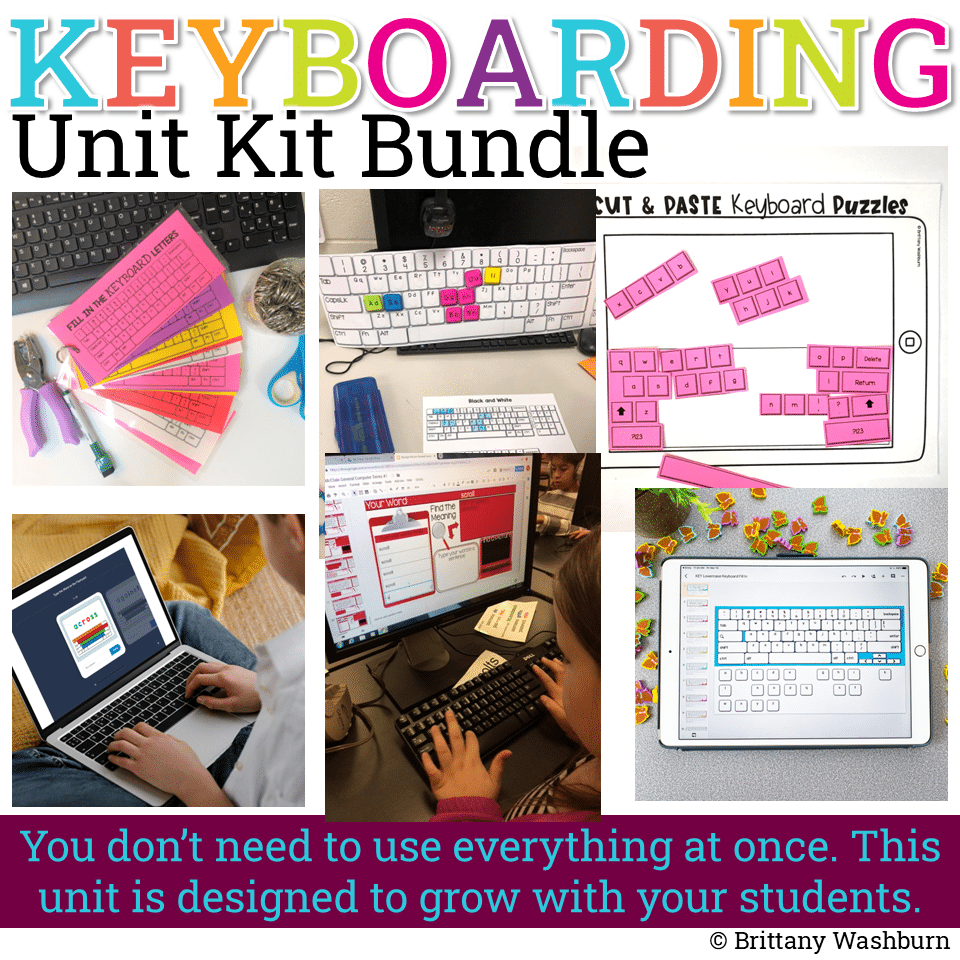
With 17 classroom-tested resources, this unit makes it easy to facilitate meaningful keyboarding practice across grades K–5, whether you’re a classroom teacher integrating typing into writing time or a tech teacher supporting digital literacy skills.
Why This Unit Works
As students progress through these activities, teachers often notice important shifts:
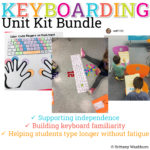
- Students stop watching their hands while typing
- They fix mistakes independently using backspace and editing tools
- They can type long enough to hold onto their thoughts
- Typing becomes less effortful—and writing improves as a result
That’s the moment this unit is built for.
How to Use This Kit
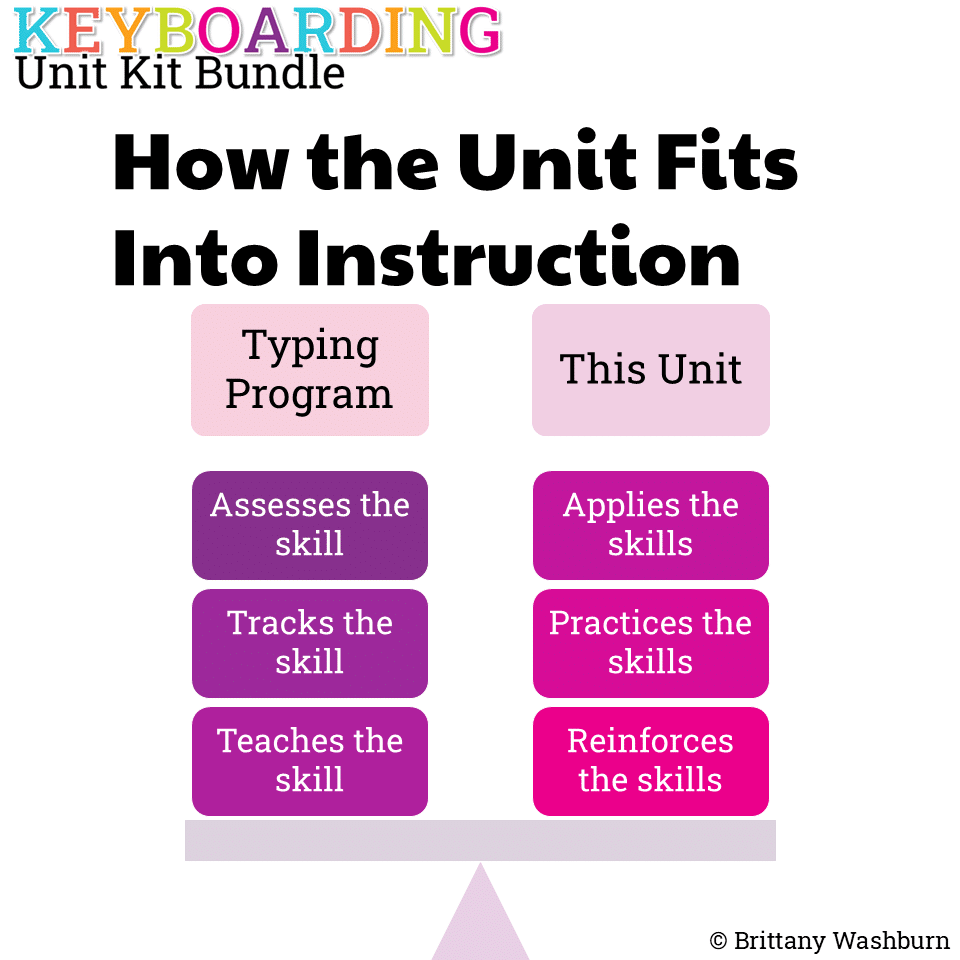
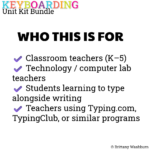
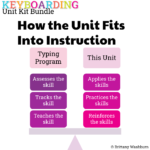
This bundle is designed to be used alongside a structured typing program such as Typing.com, TypingClub, or Keyboarding Without Tears.
Use these resources to:
- Reinforce skills being taught in your typing program
- Provide developmentally appropriate practice at different stages
- Support students who need extra reinforcement or alternative formats
- Integrate keyboarding into writing and digital projects
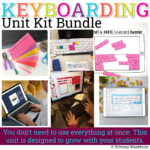
No extra planning required—just choose the activities that match your students’ current needs.
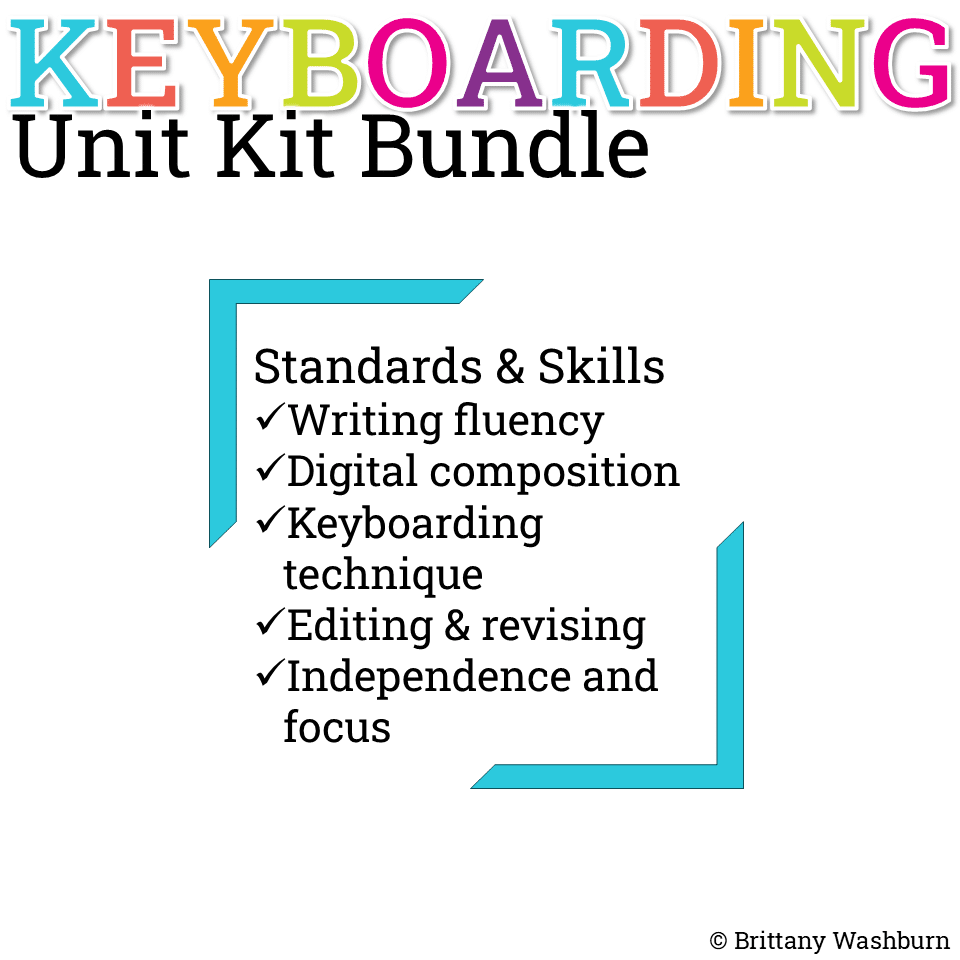
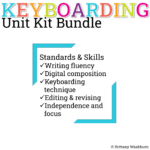
Skills & Standards Supported
This keyboarding unit supports:
- Writing fluency and stamina using digital tools
- Producing and publishing writing with technology
- Digital literacy and keyboarding fundamentals
- Editing and revising typed work
- Focus, independence, and self-monitoring
This makes it easy to justify keyboarding time as meaningful instruction—not “extra” practice.
Resources Included:
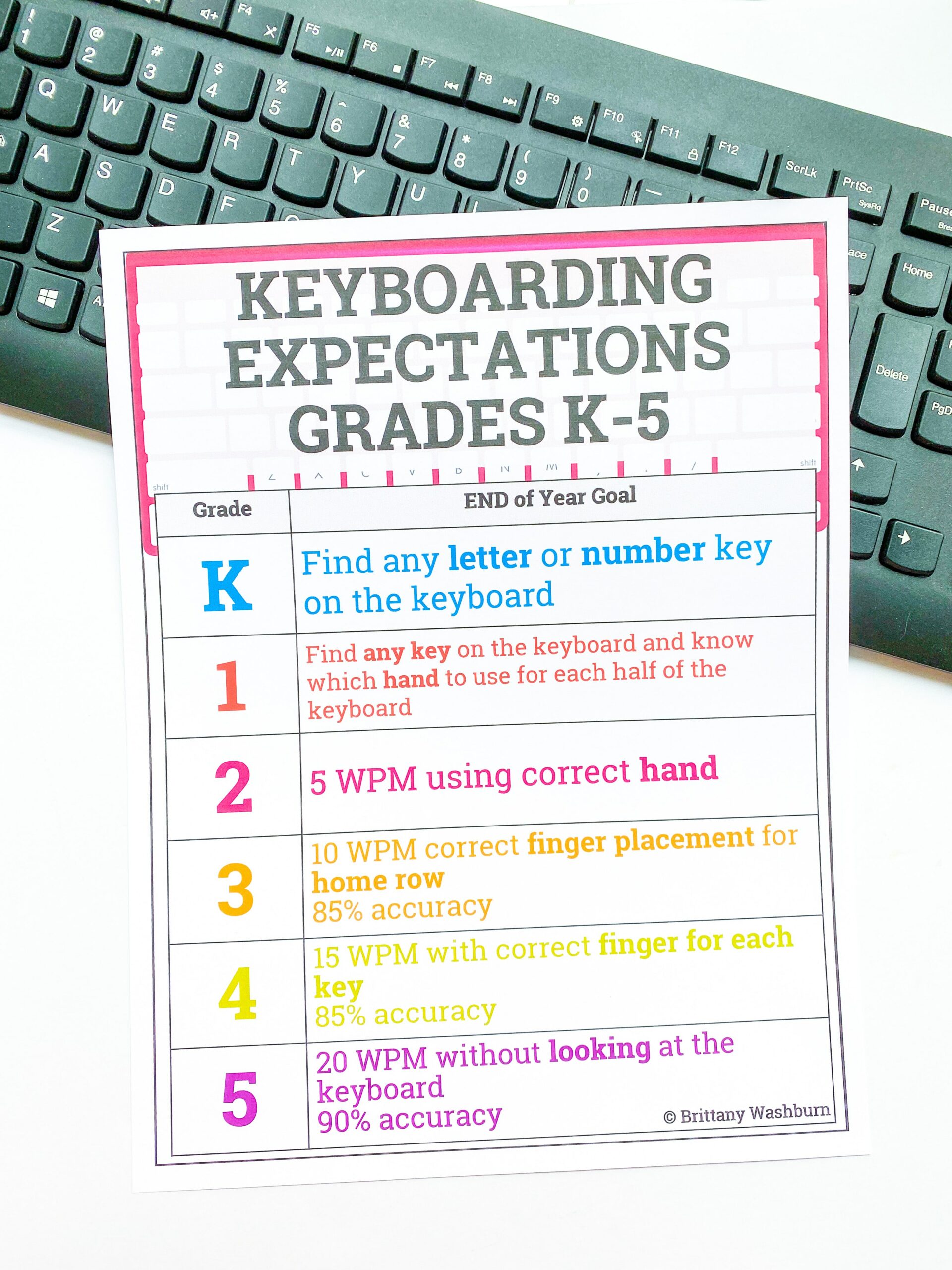
- Keyboarding Expectations Poster (editable)
- Home Row Letters Poster
- Keyboarding Display (to track progress)
- Digital Keyboard Practice Lowercase
- Digital Typing Skills with Keyboard Basics
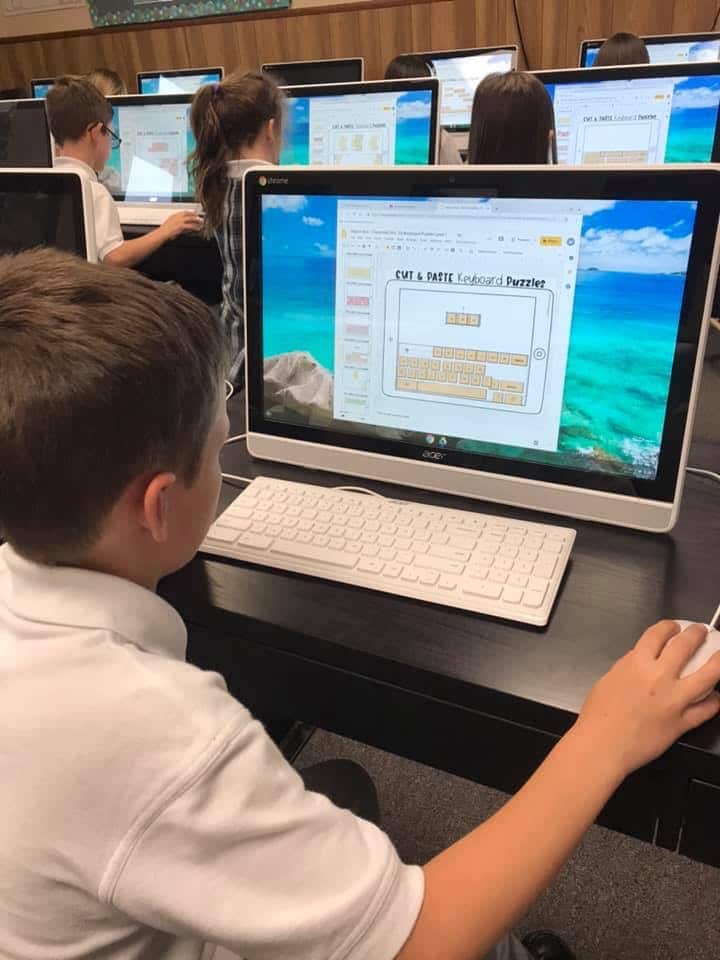
- Digital Keyboard Puzzles
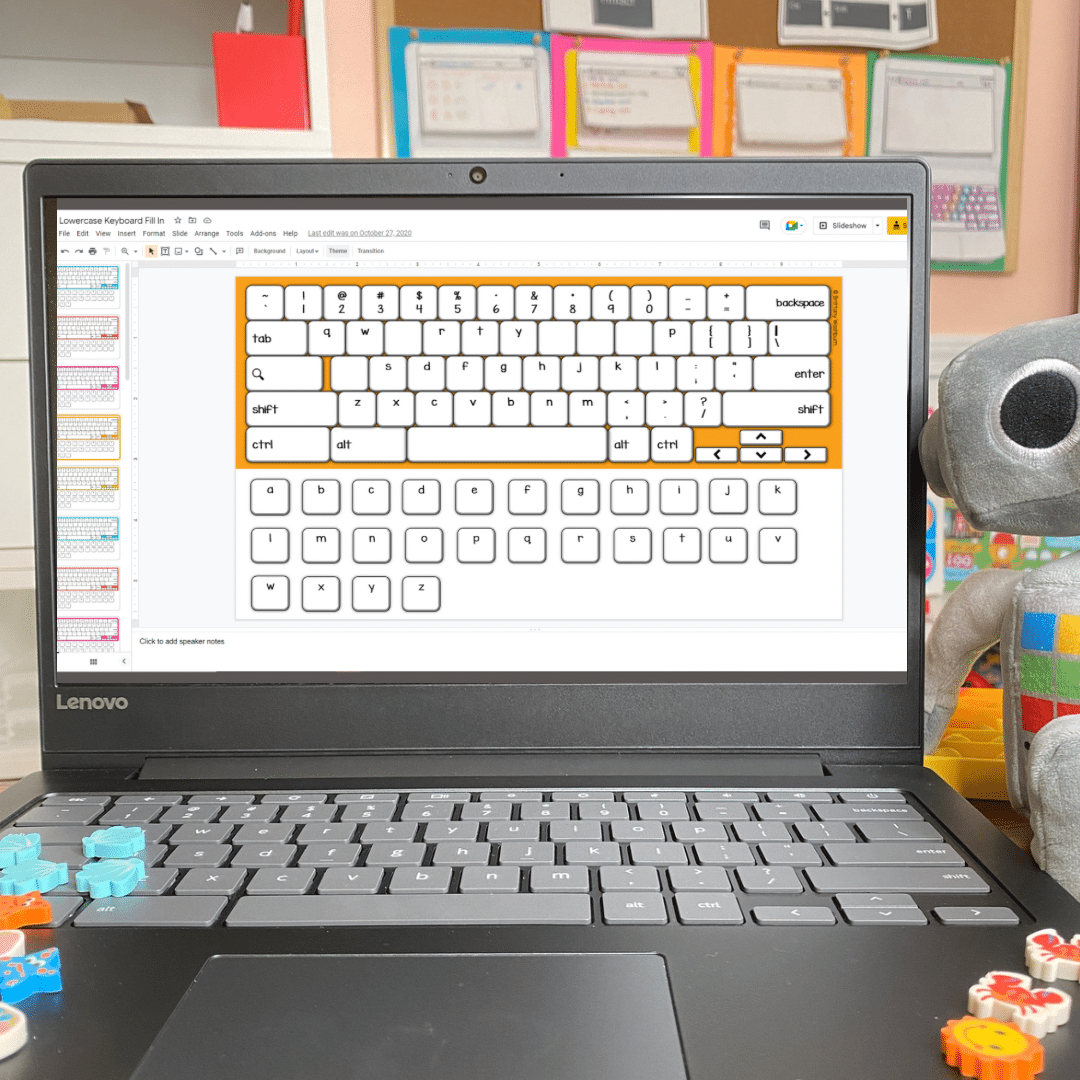
- Fill in the Keyboards Task Cards (2 sets)
- Easy Keyboard Display
- Keyboarding Practice Virtual Classroom
- TECHademics Keyboarding
- Typing Practice Printable Keyboard Pages
- Using a Keyboard Booklet (to teach about the keyboard)
- Color Coded Typing Practice
- Typing Sentences Practice x4 progressively harder sets
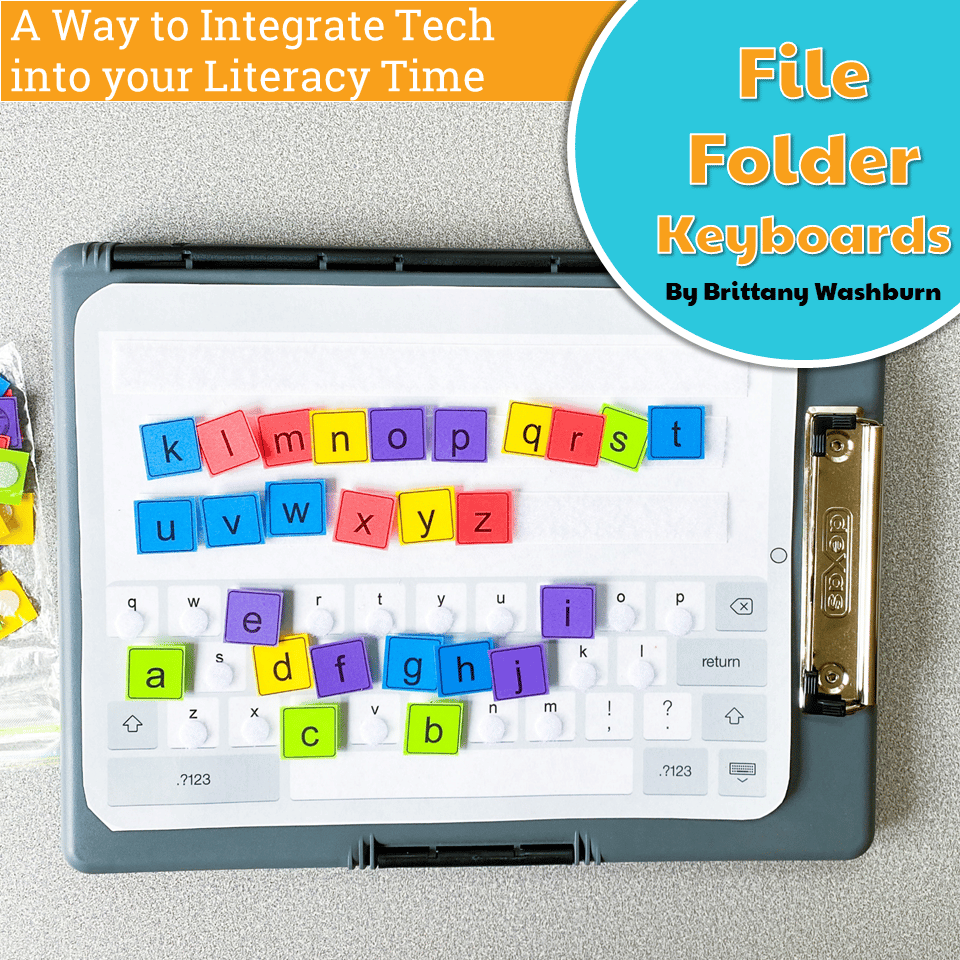
- File Folder Keyboards
- Sight Word Typing Practice
- Special Keys Practice Activities
- Paper Keyboard Puzzles
(Teachers may select and rotate activities based on grade level and student readiness.)
This Unit Is NOT…
❌ Timed speed tests
❌ One-size-fits-all drills
❌ Busy work disconnected from writing
✅ It is a flexible, developmental keyboarding unit that helps typing support learning across the curriculum.
Please check out the individual resources for more information about each.
TEACHER REVIEWS:
Product Terms:
Copyright © Brittany Washburn. Purchasing this file entitles you to ONE classroom use. You may use this with multiple classes but may not share with any other teachers. Copying for more than one teacher, classroom, department, school, or school system is prohibited. This product may not be distributed or displayed digitally for public view. Failure to comply is a copyright infringement and a violation of the Digital Millennium Copyright Act (DMCA). Clipart and elements found in this PDF are copyrighted and cannot be extracted and used outside of this file without permission or license. If multiple licenses are needed for use my more than one teacher or in more than one computer lab, additional licenses are discounted.
If you would like to get updates on NEW and CURRENT resources for technology teachers…
- SIGN UP to receive weekly email lesson plans!
- VISIT Brittany’s Blog!
- JOIN the Technology Teacher Facebook Group!
- FOLLOW me on Pinterest!
- FOLLOW me on Facebook!
- FOLLOW me on Instagram!
You must be logged in to post a review.
Related Products
-
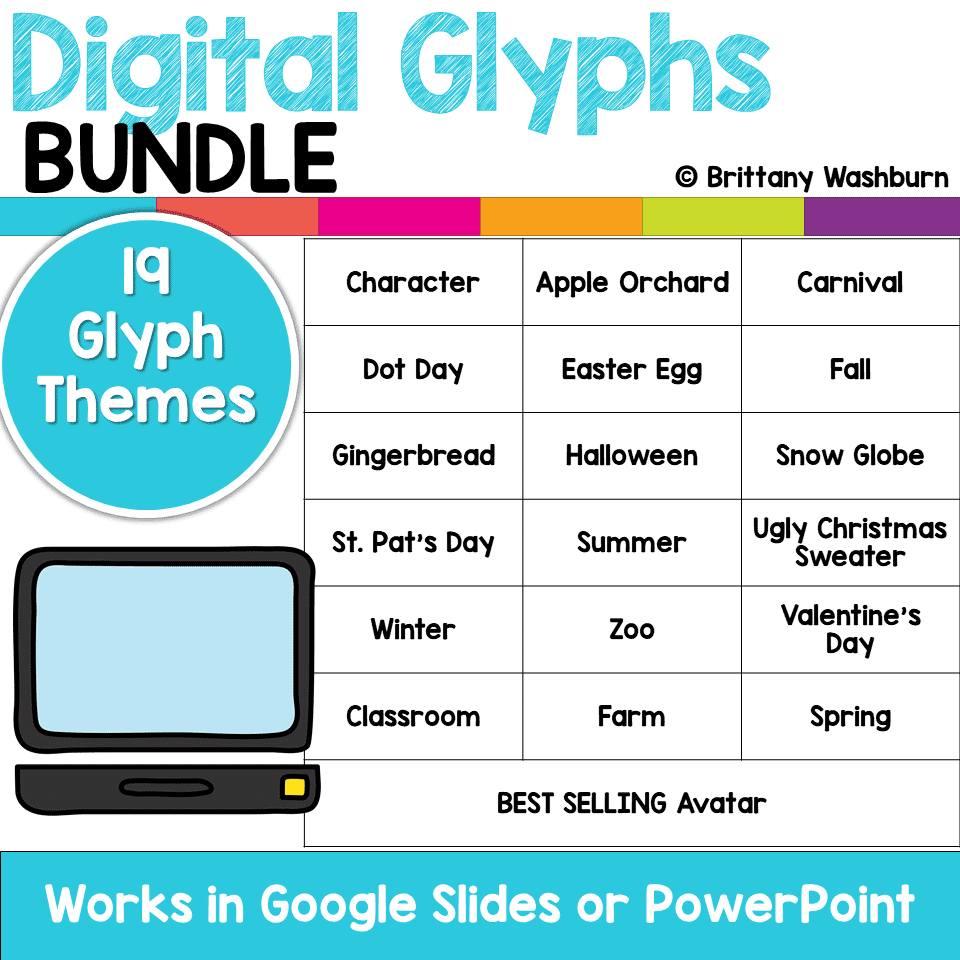
Digital Glyphs Full Year Bundle
Original price was: $61.50.$49.20Current price is: $49.20. -
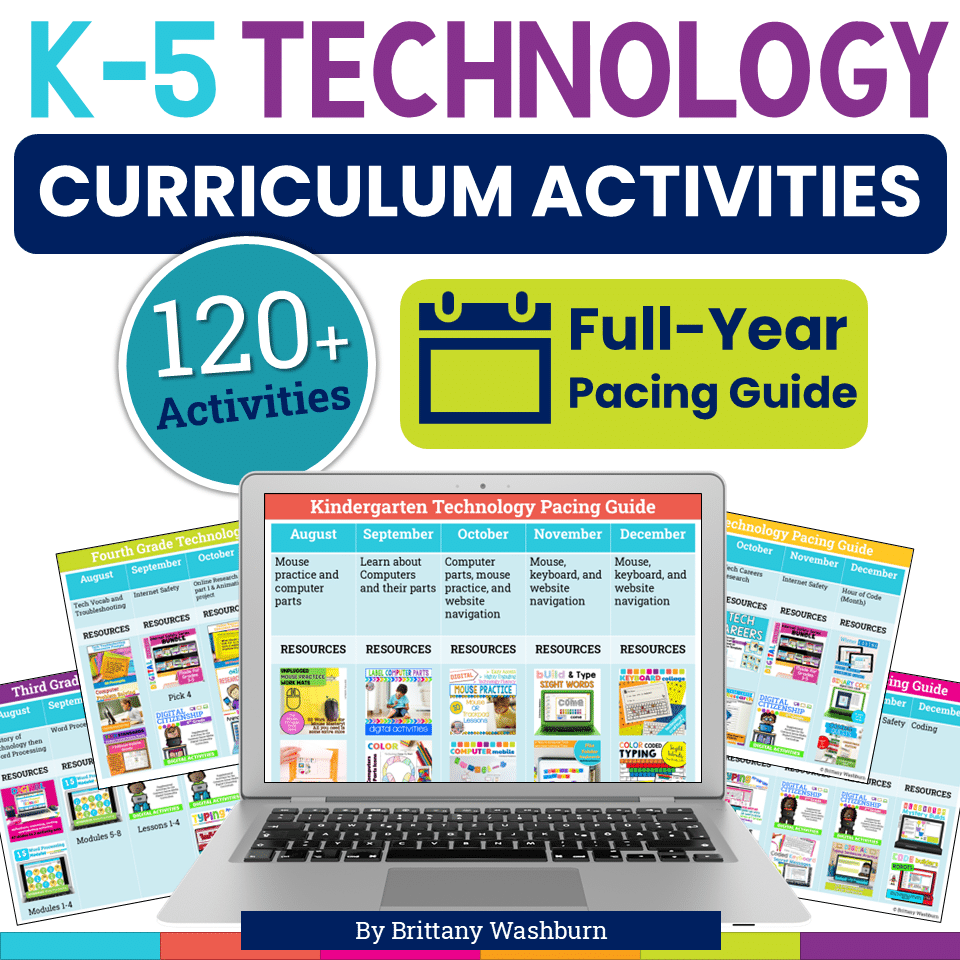
K-5 Technology Activities Bundle
Original price was: $728.74.$510.12Current price is: $510.12. -

Software Technology Lessons Bundle for Grades 1-5
Original price was: $180.00.$126.00Current price is: $126.00. -
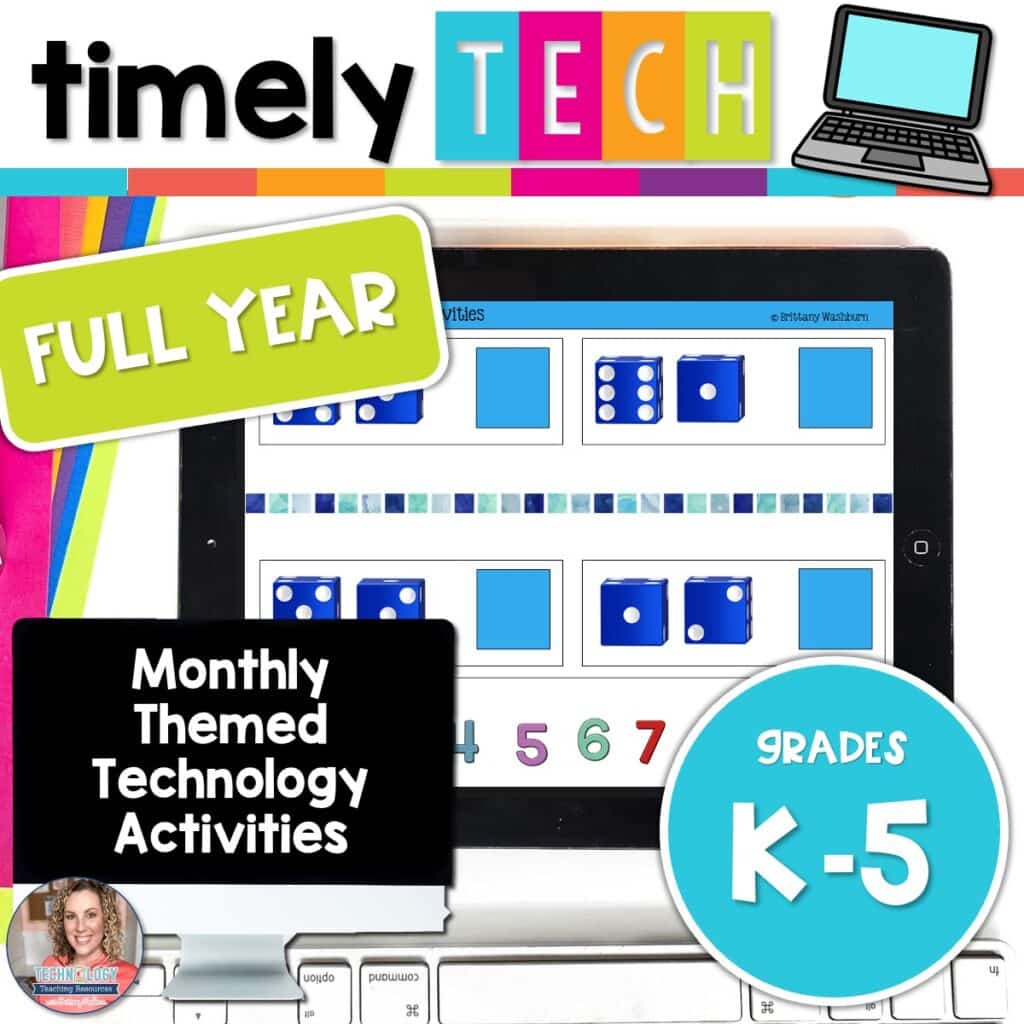
Full Year Timely Tech All in One
Original price was: $198.00.$158.40Current price is: $158.40.

You didn’t become a tech teacher to spend your weekends building lessons from scratch. I’m Brittany, a technology curriculum specialist with 1,000+ ISTE-aligned resources designed specifically for K–8 computer lab teachers.
My ready-made digital and printable resources cover everything from digital citizenship and coding fundamentals to multimedia creation and computer essentials, so your planning is handled and your students stay engaged.
Every resource is built to align with ISTE Standards, save you time, and actually work in a computer lab setting, because I’ve taught in one myself.
Browse my bestsellers, or explore by grade level or topic to find exactly what you need.

Reviews
There are no reviews yet.