


✅ Shop with Confidence
- 🔒 Secure Checkout – Your payment is safe and protected.
- ⭐ Quality Guaranteed – Store credit refunds if something isn’t right.
- 🎉 Earn Rewards – Get points for every dollar spent & redeem as store credit!
👉 Add to Cart and start using this resource today
Google Slides and PowerPoint Presentation Projects: 12 Months
Original price was: $7.00.$6.00Current price is: $6.00.
12 projects with monthly themed topics for students to practice creating presentations in either Google Slides or PowerPoint. There are 2 levels included for differentiation. The facts are the same, but the requirements for the presentation change between the levels.
You may also like…
-
Sale!

Monthly Software Program Projects Bundle
Grades 3–5GoogleMicrosoftDevice or paperOriginal price was: $20.00.$16.00Current price is: $16.00.

Google Slides and PowerPoint Presentation Projects: 12 Months
Original price was: $7.00.$6.00Current price is: $6.00.
Description
12 projects with monthly themed topics for students to practice creating presentations in either Google Slides or PowerPoint. There are 2 levels included for differentiation. The facts are the same, but the requirements for the presentation change between the levels.
THESE PROJECTS WORK ON SO MANY SKILLS!
- Navigating to a blank presentation
- Adding specific slide types
- Duplicating slides
- Choosing a theme
- Typing
- Adding Pictures (optional)
- Adding transitions
- Adding animations
- Adding narration (optional)
This is NOT Research Projects
All of the facts are provided for students so they can focus on making a great presentation. Students will have to type the facts into their presentation, which makes this a great typing reinforcement activity.
What is included in the download
- 1 PDF
- 12 level 1 pages
- 12 level 2 pages
Each month’s topic has 4 facts to turn into a presentation.

Additional information
| Topic | Google Apps, Keyboarding & Typing, Microsoft Office |
|---|---|
| Resource Type | Activity |
| Works with | Google Slides, PowerPoint |
| Device needed | On a device |
| Made for | Students |
240 reviews for Google Slides and PowerPoint Presentation Projects: 12 Months
You must be logged in to post a review.
What teachers said on TPT
Rated 4.9 out of 5 by 239 teachers on Teachers Pay Teachers.
“If I could give these more than 5 stars, I would. They are absolutely the most useful "tech" lesson supports I've used. My kids LOVE making PowerPoints with them. I've used the structure to format their unit assignment for their ocean PowerPoints and it's made my life SO much easier! Thank you thank you thank you for making something accessible to small humans who have grown up using iPads and touchscreens!!!!!!”
— Pacific P., TPT review
“I love this resource! I needed a way to have students practice creating slides (without me having to create and create!) These ready-to-go lessons made it so easy for students to create without having to generate the content normally needed to make a slide deck. The information was ready to plug in and then unleash their creativity on the slides. Fun, too!”
— Erin S., TPT review
“Exactly what I was looking for to support technology skills. The directions are kid-friendly and the fonts/clipart are cute and legible. They can work through these with minimal support and are so proud of their final product!!! My students look forward to the next project to make!”
— Angela M, TPT review
Related Products
-

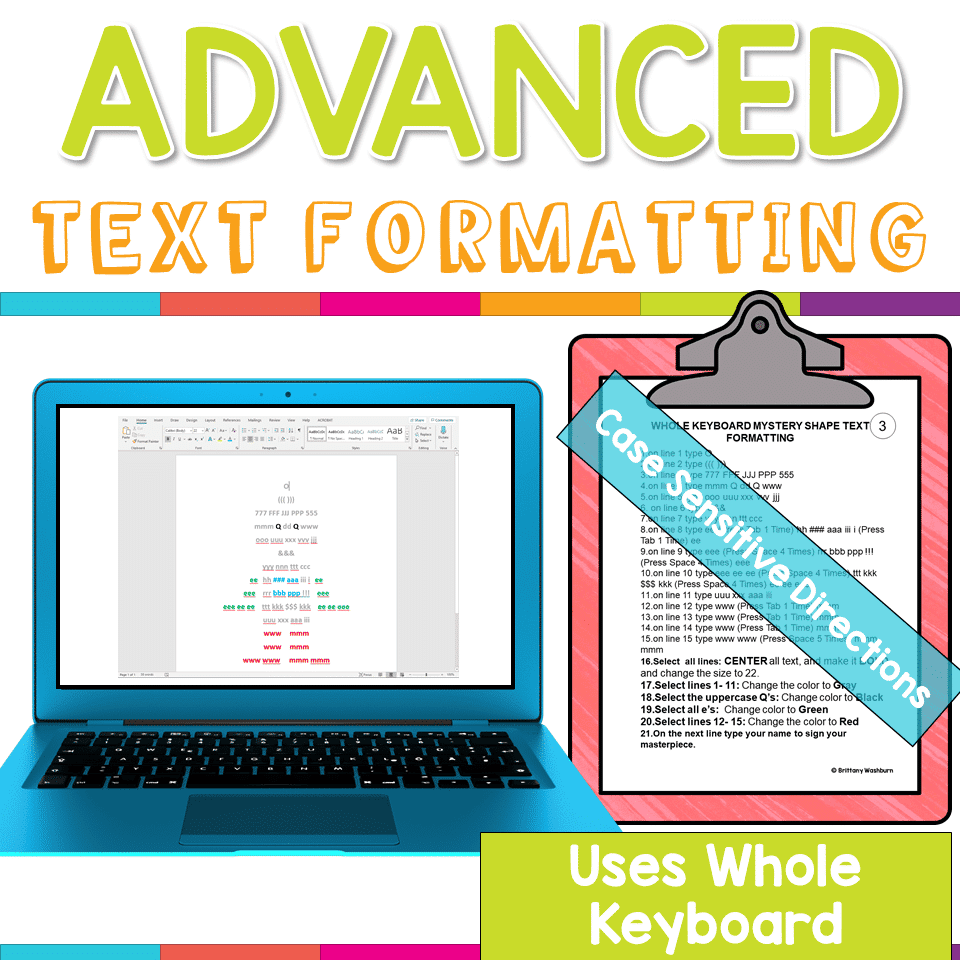
Advanced Keyboarding Text Formatting Activities
Add to cart$7.00 -

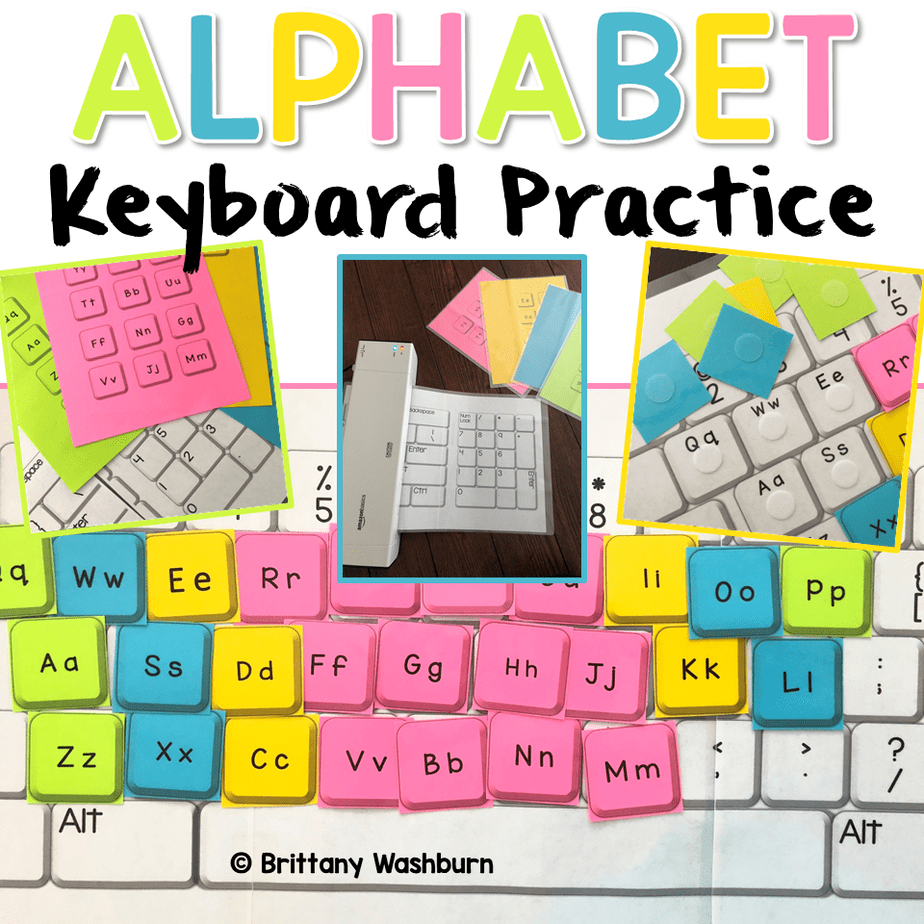
Alphabet Keyboard Practice
Add to cart$5.00 -
Basic Robotics Printable Task Cards
Add to cartOriginal price was: $6.00.$3.00Current price is: $3.00. -
Basic Troubleshooting Printable Task Cards
Add to cart$6.00



You didn’t become a tech teacher to spend your weekends building lessons from scratch. I’m Brittany, a technology curriculum specialist with 1,000+ ISTE-aligned resources designed specifically for K–8 computer lab teachers.
My ready-made digital and printable resources cover everything from digital citizenship and coding fundamentals to multimedia creation and computer essentials, so your planning is handled and your students stay engaged.
Every resource is built to align with ISTE Standards, save you time, and actually work in a computer lab setting, because I’ve taught in one myself.
Browse my bestsellers, or explore by grade level or topic to find exactly what you need.


Diane Wilde –
Verified TPT reviewGreat resource to keep slides skills fresh.My students enjoyed these very much
Sylvia’s Online Classroom Store –
Verified TPT reviewWonderful activities to familiarize students with Google Slides.
jill O. –
Verified TPT reviewGood variety of idea
Jacqueline R Brown –
Verified TPT reviewMy students loved this activity and learning about how to use Google Slides.
LaToya Nelson –
Verified TPT reviewGreat tool
Cooking Up Great Learning –
Verified TPT reviewGreat to have for the whole school year.
Aimee Cronan –
Verified TPT reviewMy students loved this, it was well thought out and written, lots of great practice and easy for students to complete. Thanks!
Patricia M. –
Verified TPT reviewThis is a fantastic resource.
Tammi P. –
Verified TPT reviewGreat resource to keep slides skills fresh. I wish there was some degree of change amongst each activity but they serve as great reviews.
Janathia Crane –
Verified TPT reviewMy students loved this and they were so engaged!
Rachel M. –
Verified TPT reviewGreat resource!
Mallori Youngman –
Verified TPT reviewLove this!
Joyce E. –
Verified TPT reviewThis is such a great and easy way to teach Google Slides. Thank you for your hard work.
kknipe (verified owner) –
Great for presentation skill focus and not research. My grade 4’s have enjoyed using.
Teaching Elemnos –
Verified TPT reviewLove this resource! thank you
Amanda C. –
Verified TPT reviewThis was a great starting point for ideas. Didn’t use all of them but allows for me to use the others next year.
Rut B. –
Verified TPT reviewGreat resource
Magical World of Mrs Green –
Verified TPT reviewThese will be great for my students as assessments after we complete our lessons on Slides.
Sharmane N. –
Verified TPT reviewFantastic resource.
JESSICA S. –
Verified TPT reviewSuch a great resource!