


✅ Shop with Confidence
- 🔒 Secure Checkout – Your payment is safe and protected.
- ⭐ Quality Guaranteed – Store credit refunds if something isn’t right.
- 🎉 Earn Rewards – Get points for every dollar spent & redeem as store credit!
👉 Add to Cart and start using this resource today
Computer Basics Interactive Digital Activity Slides
$4.00
-
14 interactive digital activity slides designed for Google Slides or PowerPoint
-
Activities on key computer basics:
-
Identifying desktop icons
-
Organizing and naming files
-
Internet navigation
-
Proper shutdown procedures
-
Pre-made templates for teachers to facilitate the lesson with ease
-
Homework extension ideas for continued practice at home
Computer Basics Interactive Digital Activity Slides
$4.00
Description
-
14 interactive digital activity slides designed for Google Slides or PowerPoint
-
Activities on key computer basics:
-
Identifying desktop icons
-
Organizing and naming files
-
Internet navigation
-
Proper shutdown procedures
-
-
Pre-made templates for teachers to facilitate the lesson with ease
-
Homework extension ideas for continued practice at home
-
Standard 1: Empowered Learner Students leverage technology to demonstrate learning and gain independence in navigating the digital world.
-
Standard 2: Digital Citizen Students exhibit an understanding of responsible digital tool use, developing habits for safe and effective online navigation.
-
Standard 6: Creative Communicator Students use digital tools to communicate ideas clearly and creatively, making connections between their learning and the real world.
-
Computers with internet access
-
Google Slides or PowerPoint
-
Pre-made interactive digital activity templates
-
Introduction Begin by introducing students to the key concepts they will learn: desktop icons, file organization, file naming, internet navigation, and shutting down a computer. Discuss why understanding these functions is vital in both academic and real-world contexts.
-
Interactive Digital Activity Allow students to work either independently or in small groups as they engage with the digital activities on their screens.
-
Review & Assessment After completing the activities, hold a class discussion to review key concepts, ensuring students grasp the material. Collect and assess their work to check for understanding.
-
Closing Summarize the day’s learning, ensuring students understand how these basic skills are the building blocks for future tech use.
-
Optional Homework Assign students the task of creating a folder on their home computer, organizing files, and sharing a screenshot in the next class.
You must be logged in to post a review.
You may be interested in…
-

Computer Basics Activities Quick Tech 1st Grade
$3.00 -
Computer Basics Activities Quick Tech 2nd Grade
$3.00 -
Computer Basics Activities Quick Tech Kindergarten
$3.00 -
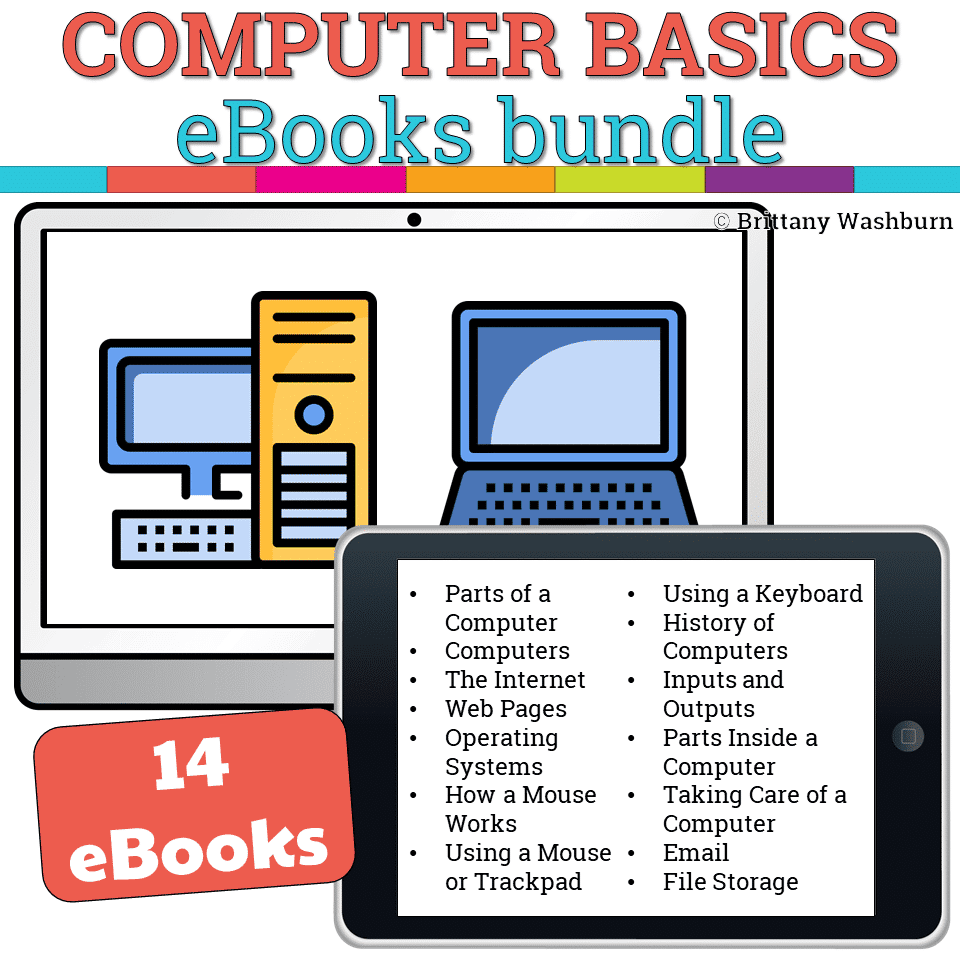
Computer Basics Booklets Bundle
Original price was: $42.00.$33.60Current price is: $33.60.


Related Products



You didn’t become a tech teacher to spend your weekends building lessons from scratch. I’m Brittany, a technology curriculum specialist with 1,000+ ISTE-aligned resources designed specifically for K–8 computer lab teachers.
My ready-made digital and printable resources cover everything from digital citizenship and coding fundamentals to multimedia creation and computer essentials, so your planning is handled and your students stay engaged.
Every resource is built to align with ISTE Standards, save you time, and actually work in a computer lab setting, because I’ve taught in one myself.
Browse my bestsellers, or explore by grade level or topic to find exactly what you need.

Reviews
There are no reviews yet.