


✅ Shop with Confidence
- 🔒 Secure Checkout – Your payment is safe and protected.
- ⭐ Quality Guaranteed – Store credit refunds if something isn’t right.
- 🎉 Earn Rewards – Get points for every dollar spent & redeem as store credit!
👉 Add to Cart and start using this resource today
Alphabet Build and Type Digital Activity
$10.00
-
Typing Practice: Students type each letter (capital and lowercase) and a word starting with each letter.
-
Mouse Control: Fun drag-and-drop activities to build alphabet-themed pictures.
Alphabet Build and Type Digital Activity
$10.00
Description
-
Detailed instructions and lesson plan.
-
Typing practice: activities for each letter of the alphabet (A-Z), including capital and lowercase letters.
-
Drag and Drop practice: activities to build pictures that start with each letter.
-
Extension ideas for students who finish early or need an additional challenge.
-
Common Core State Standards (CCSS):
-
CCSS.ELA-LITERACY.RF.K.1
-
CCSS.ELA-LITERACY.L.K.1.A
-
CCSS.ELA-LITERACY.W.K.6
-
ISTE Standard: Creative Communicator
-
ISTE Standard: Global Collaborator
-
Kindergarten & first grade students learning letters
-
Classroom settings
-
Homeschooling families
-
Digital learning environments
-
Engaging Activities: Keeps students motivated and excited to learn.
-
Skill Development: Enhances essential typing and mouse/trackpad control skills.
-
Easy to Use: Clear instructions for both teachers and parents.
-
Versatile: Suitable for various educational settings and student levels.
-
Typing Practice: Students type each letter (capital and lowercase) and a word starting with each letter.
-
Mouse Control: Fun drag-and-drop activities to build alphabet-themed pictures.
Additional information
| Resource Type | Centers/Stations, Digital Activity |
|---|---|
| Format | Google Apps, PDF |
You must be logged in to post a review.
What teachers said on TPT
Rated 5.0 out of 5 by 20 teachers on Teachers Pay Teachers.
“My students enjoyed this lesson. I used it with my kindergarteners and first graders. This lesson was cute, bright, and colorful. It kept their attention the entire class. It is aligned with the computer science standards, reading (phonics), and typing standards. I love that they were typing and learning the alphabet, and as a bonus, you could build the animal or character. I would highly recommend it.”
— Mallissa G., TPT review
“My kindergarten classes are using this resource. I integrate this digital resource with other alphabet songs and puzzles. They love being able to move the pieces to make the pictures. Super excited to get to see what the next letter will be.”
— Lisa S., TPT review
“Talk about two birds with one stone! LOVE how the students are learning computer skills AND practicing letter naming! This was perfect for my kindergarteners. Thank you so much for yet another great STEM technology resource!”
— Learning Over Lattes, TPT review
You may be interested in…
-

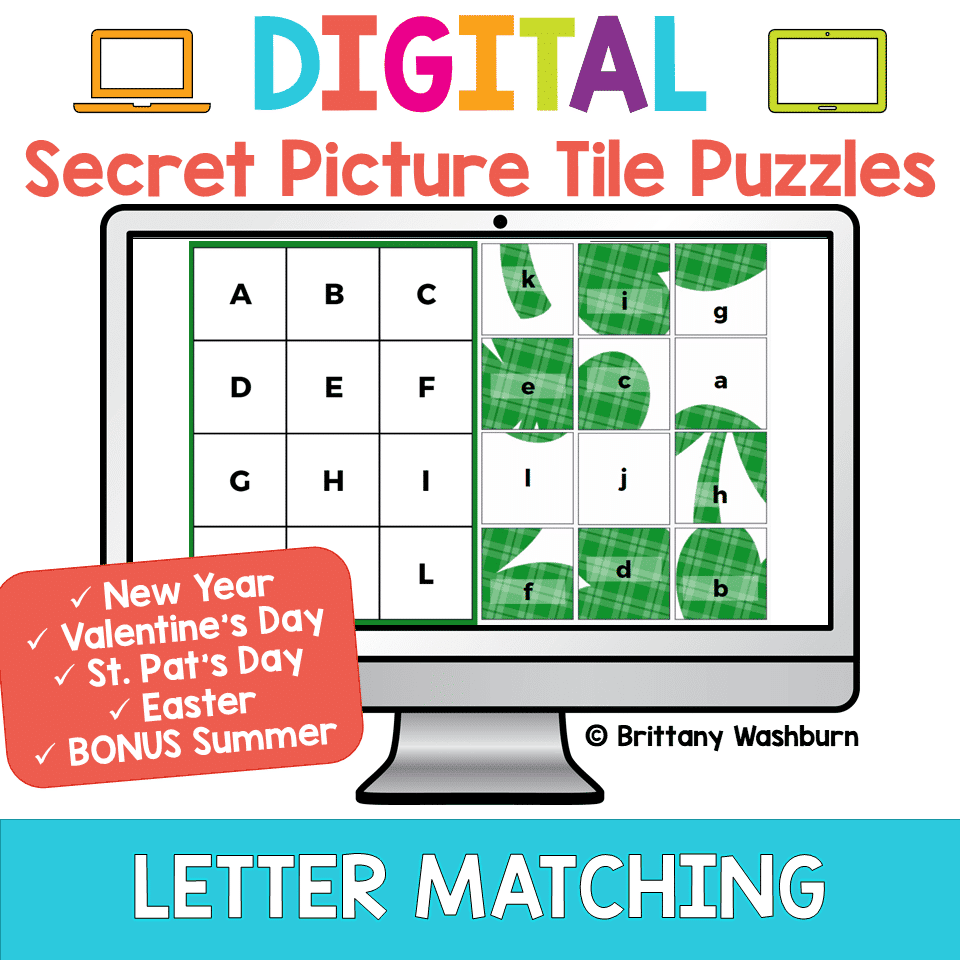
Alphabet Letter Matching Digital Secret Picture Tile Puzzles 2
Original price was: $10.00.$8.00Current price is: $8.00. -

Click and Drag Practice with Alphabet Activities
$3.50 -
TECHademics – Alphabet Practice Digital Activities
Original price was: $26.00.$13.00Current price is: $13.00.


Related Products
-

Full Year Timely Tech All in One
Original price was: $198.00.$158.40Current price is: $158.40. -

Build Your Own Computer Activity
$4.50 -
Cinco de Mayo Digital Pixel Art STEM Challenges
$4.00 -
Classroom Management Kit for Specialists
$6.00



You didn’t become a tech teacher to spend your weekends building lessons from scratch. I’m Brittany, a technology curriculum specialist with 1,000+ ISTE-aligned resources designed specifically for K–8 computer lab teachers.
My ready-made digital and printable resources cover everything from digital citizenship and coding fundamentals to multimedia creation and computer essentials, so your planning is handled and your students stay engaged.
Every resource is built to align with ISTE Standards, save you time, and actually work in a computer lab setting, because I’ve taught in one myself.
Browse my bestsellers, or explore by grade level or topic to find exactly what you need.

Reviews
There are no reviews yet.