


✅ Shop with Confidence
- 🔒 Secure Checkout – Your payment is safe and protected.
- ⭐ Quality Guaranteed – Store credit refunds if something isn’t right.
- 🎉 Earn Rewards – Get points for every dollar spent & redeem as store credit!
👉 Add to Cart and start using this resource today
Virtual Field Trips and Explorations Printable Task Cards
$6.00
Take your students on exciting journeys around the world—without ever leaving the classroom—with this set of 24 Virtual Field Trips & Exploration Task Cards! Perfect for elementary and middle grade learners, these task cards introduce students to the concept of virtual exploration through interactive maps, VR apps, and educational videos. They’ll discover famous landmarks, natural wonders, and cultural sites, all while developing essential digital navigation and critical thinking skills.
Virtual Field Trips and Explorations Printable Task Cards
$6.00
Description
-
24 Task Cards that guide students through virtual exploration activities
-
Printable and Digital Formats for flexible use
-
Answer Key & Suggested Responses to facilitate discussions
-
Teacher Guide with setup instructions, tips for virtual field trips, and extension activities
-
Standards-Aligned: Meets ISTE Standards for Empowered Learner, Digital Citizen, Knowledge Constructor, and Innovative Designer.
-
Engaging Exploration: Introduces students to digital tools for learning, such as Google Earth, VR apps, and museum virtual tours.
-
Supports Core Subjects: Ideal for enhancing lessons in geography, history, and science with immersive, real-world content.
-
Critical Thinking and Digital Literacy: Encourages students to explore safely, critically assess digital resources, and construct knowledge from their virtual experiences.
-
Exploring Famous Landmarks: Tour world-renowned places like the Great Wall of China, the Grand Canyon, or the Louvre Museum.
-
Using Virtual Reality Apps: Learn to navigate VR experiences responsibly and purposefully.
-
Interactive Maps and Google Earth: Practice using maps and satellite images to understand geography and cultural locations.
-
Building Knowledge through Exploration: Discover how virtual field trips can enrich learning in subjects like social studies, history, and science.
-
Introduction: Begin with a discussion on field trips and ask students if they’ve ever visited a museum, national park, or historical site, either in person or virtually. Explain how technology now allows us to explore faraway places digitally.
-
Task Card Activity:
-
Distribute Task Cards: Provide each student or group with a set of task cards that offer different activities related to virtual exploration, such as exploring a specific landmark, analyzing a map, or taking a VR tour.
-
Hands-On Exploration: Have students use devices to follow the task prompts, interacting with digital tools to explore various destinations and features.
-
Wrap-Up Discussion: After completing the task cards, gather the class to discuss their experiences. Talk about how virtual exploration differs from in-person visits and the benefits of using digital tools to learn about other cultures, environments, and histories.
-
Extension Activity: Encourage students to choose a destination from their virtual tour and create a “Virtual Travel Guide.” They can use Google Slides, PowerPoint, or create posters with fun facts, virtual screenshots, and descriptions of what someone can learn by “visiting” the location.
-
Printed or digital task cards and answer sheets
-
Computers, tablets, or VR-enabled devices for virtual tours
-
Interactive map or globe tools for hands-on exploration
-
Digital Travel Guide: Have students create a virtual travel guide for a chosen destination, including historical facts, cultural insights, and screenshots from virtual tours.
-
Class Presentation: Let students present their digital travel guides to the class, allowing them to share what they learned and encourage further exploration.
Additional information
| Resource Type | Centers/Stations, Printable, Task Cards |
|---|---|
| Format |
You must be logged in to post a review.

Related Products
-

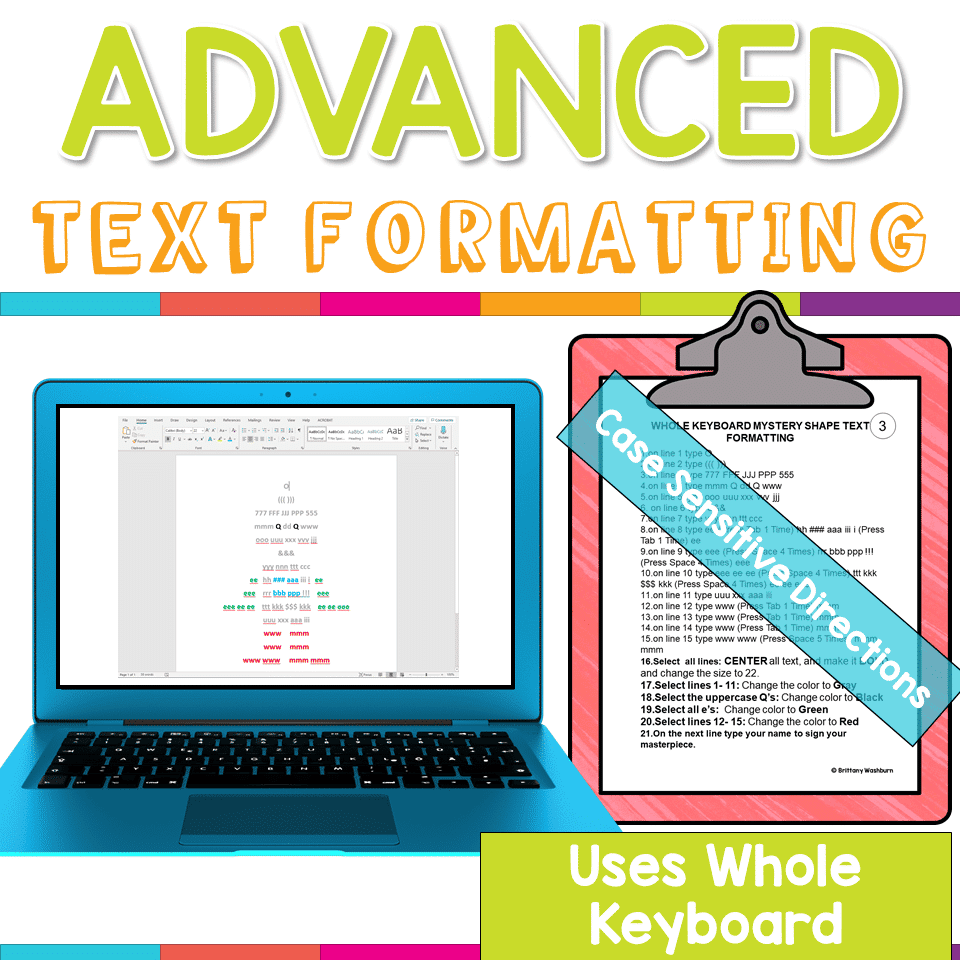
Advanced Keyboarding Text Formatting Activities
$7.00 -

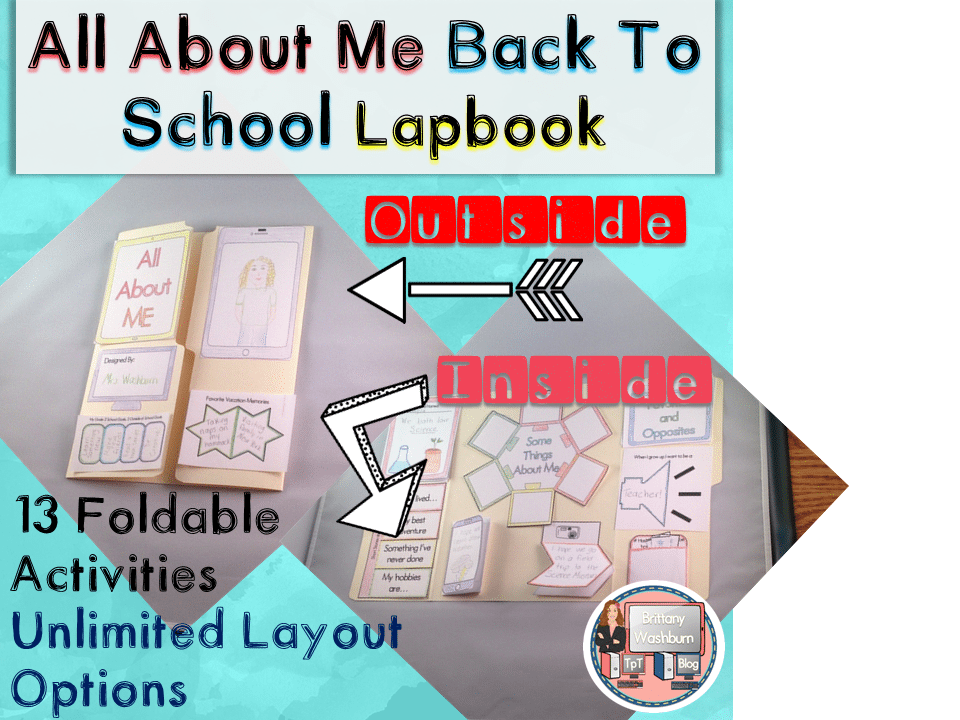
All About Me Book with Technology Theme
$3.50 -

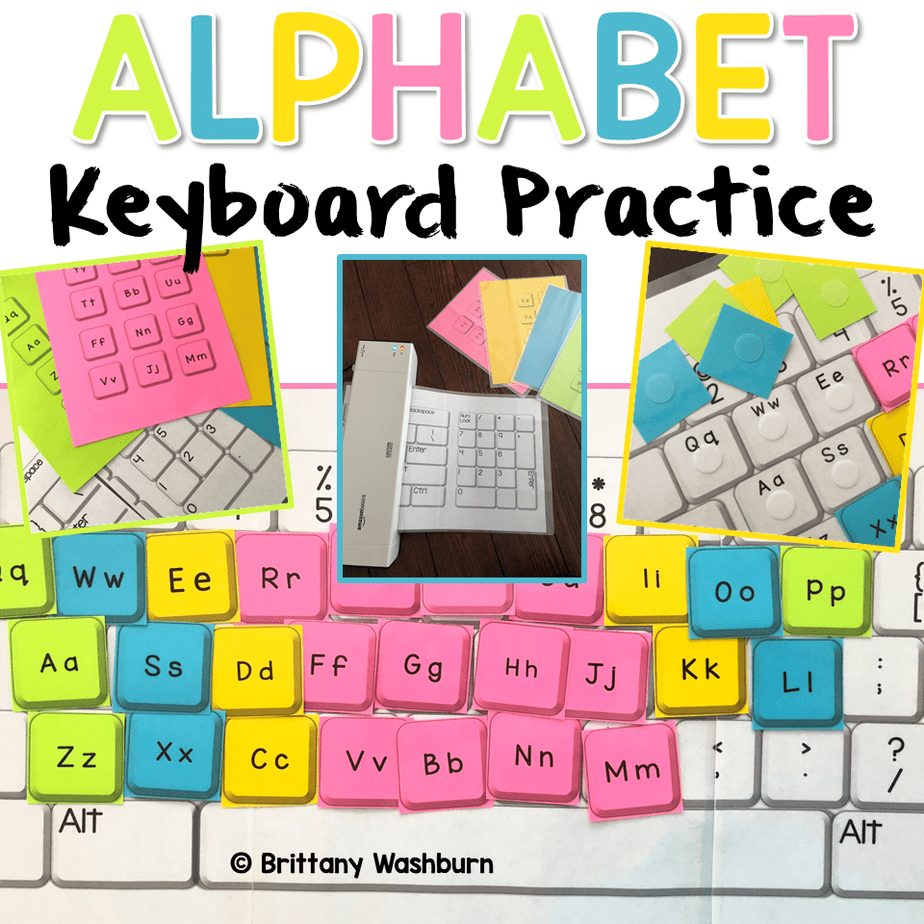
Alphabet Keyboard Practice
$5.00 -
Basic Robotics Printable Task Cards
Original price was: $6.00.$3.00Current price is: $3.00.


You didn’t become a tech teacher to spend your weekends building lessons from scratch. I’m Brittany, a technology curriculum specialist with 1,000+ ISTE-aligned resources designed specifically for K–8 computer lab teachers.
My ready-made digital and printable resources cover everything from digital citizenship and coding fundamentals to multimedia creation and computer essentials, so your planning is handled and your students stay engaged.
Every resource is built to align with ISTE Standards, save you time, and actually work in a computer lab setting, because I’ve taught in one myself.
Browse my bestsellers, or explore by grade level or topic to find exactly what you need.

Reviews
There are no reviews yet.