


✅ Shop with Confidence
- 🔒 Secure Checkout – Your payment is safe and protected.
- ⭐ Quality Guaranteed – Store credit refunds if something isn’t right.
- 🎉 Earn Rewards – Get points for every dollar spent & redeem as store credit!
👉 Add to Cart and start using this resource today
Technology Color By Keyboard Shortcut Printables
$3.00
Students learn about popular keyboard shortcuts with a quick lesson and then commit them to memory with 5 color by keyboard shortcut worksheets. Perfect for an offline activity!
Technology Color By Keyboard Shortcut Printables
$3.00
Description
Students learn about popular keyboard shortcuts with a quick lesson and then commit them to memory with 5 color by keyboard shortcut worksheets. Perfect for an offline activity!
Save 20% with the Technology Back Up Plans set
What is included:
- One page explanation with examples of keyboard shortcuts works. It can be used with any keyboard layout.
- 5 printable worksheets
- 5 answer keys
Who this is for:
- Technology teachers
- Media specialists
- STEM teachers
- Gifted and Talented teachers
Product Terms:
Copyright © Brittany Washburn. Purchasing this file entitles you to ONE classroom use. You may use this with multiple classes but may not share with any other teachers. Copying for more than one teacher, classroom, department, school, or school system is prohibited. This product may not be distributed or displayed digitally for public view. Failure to comply is a copyright infringement and a violation of the Digital Millennium Copyright Act (DMCA). Clipart and elements found in this PDF are copyrighted and cannot be extracted and used outside of this file without permission or license. If multiple licenses are needed for use my more than one teacher or in more than one computer lab, additional licenses are discounted.
If you’re interested in connecting with other technology teachers, check out the Technology Teacher Tribe Group on Facebook.
Connect with me on social media!
Additional information
| Resource Type | Digital Activity, Lesson/Unit, Printable |
|---|---|
| Format | Easel, PDF |
| Topic | Keyboarding & Typing |
93 reviews for Technology Color By Keyboard Shortcut Printables
You must be logged in to post a review.
What teachers said on TPT
Rated 4.9 out of 5 by 93 teachers on Teachers Pay Teachers.
“These activity pages have been a game changer for myself as a technology teacher. They provide me with resources I can have my sub work on with the students without them having to use technology. We have had some internet outages this year and having these ready to go as a resource has been so helpful. My students love the color by technology objects! These work as great ways to review the types of technology as well.”
— Chelsea D., TPT review
“After a few lessons on keyboard shortcuts, this was a fun way to see which of my students retained the information. It also lives in my sub folder as a refresher! Some students preferred using the worksheets and working on their own while others really enjoyed when I projected the individual sheets onto the Promethean Board and they worked as a class!”
— Jamie L., TPT review
“Students were excited to do be able to do something on paper during all of their digital/distance learning. This offered a great supplemental activity to our lessons on Chromebook Shortcuts. Students posted their finished products to Seesaw. The only thing that would make this resource better is if each sheet contained a different set of shortcuts.”
— Stephanie M., TPT review
Related Products
-

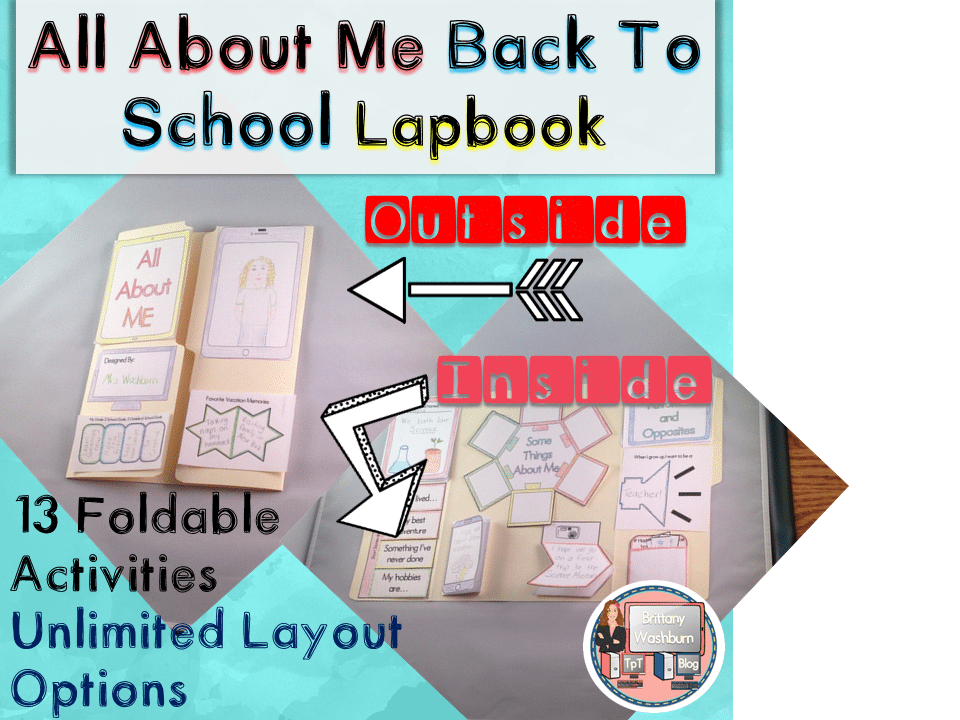
All About Me Book with Technology Theme
$3.50 -

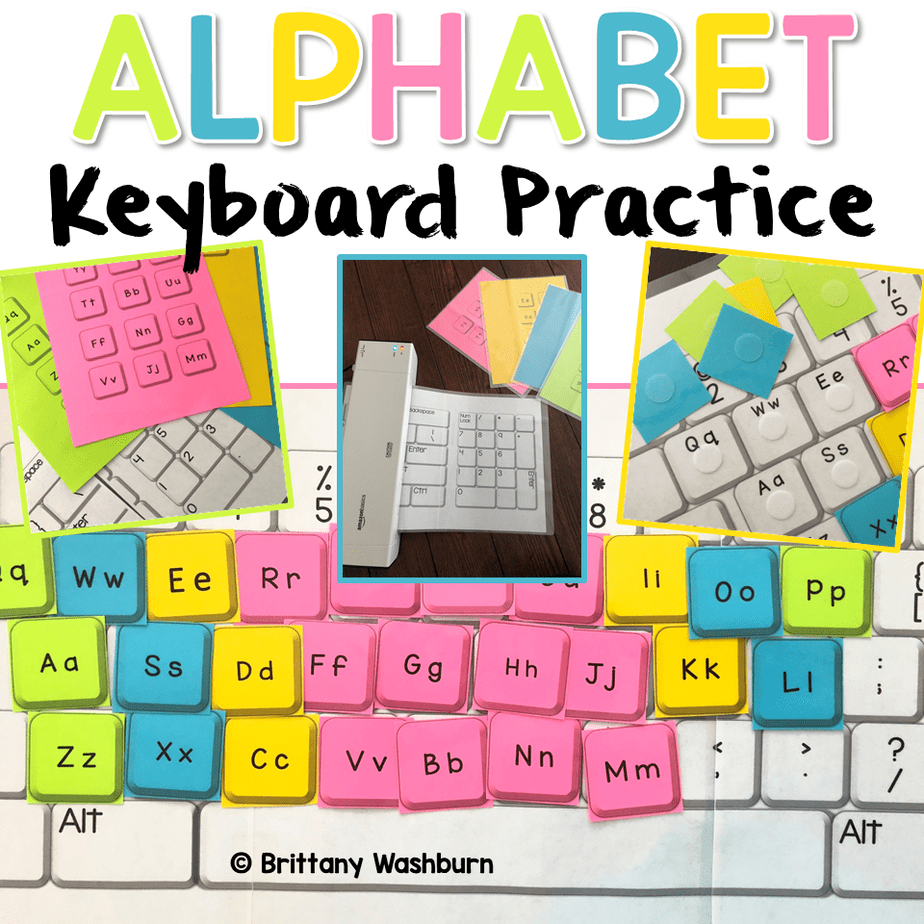
Alphabet Keyboard Practice
$5.00 -

Basic Robotics Printable Task Cards
Original price was: $6.00.$3.00Current price is: $3.00. -
Basic Troubleshooting Printable Task Cards
$6.00



You didn’t become a tech teacher to spend your weekends building lessons from scratch. I’m Brittany, a technology curriculum specialist with 1,000+ ISTE-aligned resources designed specifically for K–8 computer lab teachers.
My ready-made digital and printable resources cover everything from digital citizenship and coding fundamentals to multimedia creation and computer essentials, so your planning is handled and your students stay engaged.
Every resource is built to align with ISTE Standards, save you time, and actually work in a computer lab setting, because I’ve taught in one myself.
Browse my bestsellers, or explore by grade level or topic to find exactly what you need.

Juliana H. –
Verified TPT reviewLove using this as an extension to have scholars complete and post in my classroom and help scholars learn shortcuts.
Susan M K. –
Verified TPT reviewLove all of Brittany’s resources.
Stacy Metcalf –
Verified TPT reviewI used these at the beginning of the year. It was a great resource!
Tamara Z. –
Verified TPT reviewThis resource was great to send home for students who do not have internet access at home during the school closure. Thank you!
Tiffany P. –
Verified TPT reviewPerfect for when the internet isn’t working!
Christina J. –
Verified TPT reviewThanks!
The Teacher’s Cat –
Verified TPT reviewGreat resource! Just what I needed.
Yanisse R. –
Verified TPT reviewGreat resource!
Amanda L. –
Verified TPT reviewGreat resource!
Sarah A. –
Verified TPT reviewGreat resource for early finishers!
Ingrid’s Shop –
Verified TPT reviewGreat to use with a sub or for when the wifi is down.
Erin M. –
Verified TPT reviewSuch a fun way to teach these to my students and help reinforce not only knowing the keystrokes but what the keystrokes do.
Technology A. –
Verified TPT reviewA great way to learn about different shortcuts!
Rosa L. –
Verified TPT reviewThis is a great paper tech activity!
Molli T. –
Verified TPT reviewThanks!
Lea Mantz –
Verified TPT reviewGreat for early finishers!
Jeanneen Eagon –
Verified TPT reviewMy students loved to finish their work then have the option to color or even take these home!
Alexandria K. –
Verified TPT reviewThese are great for unplugged days and for prepping for substitutes.
The Learning Chambers –
Verified TPT reviewGood quick review of keyboard shortcuts.
Joana Bell –
Verified TPT reviewAnother great option for when you’re kicked out of the lab for the day or last minute.