




✅ Shop with Confidence
- 🔒 Secure Checkout – Your payment is safe and protected.
- ⭐ Quality Guaranteed – Store credit refunds if something isn’t right.
- 🎉 Earn Rewards – Get points for every dollar spent & redeem as store credit!
👉 Add to Cart and start using this resource today
St. Patrick’s Day Digital Pixel Art STEM Challenges
$4.00
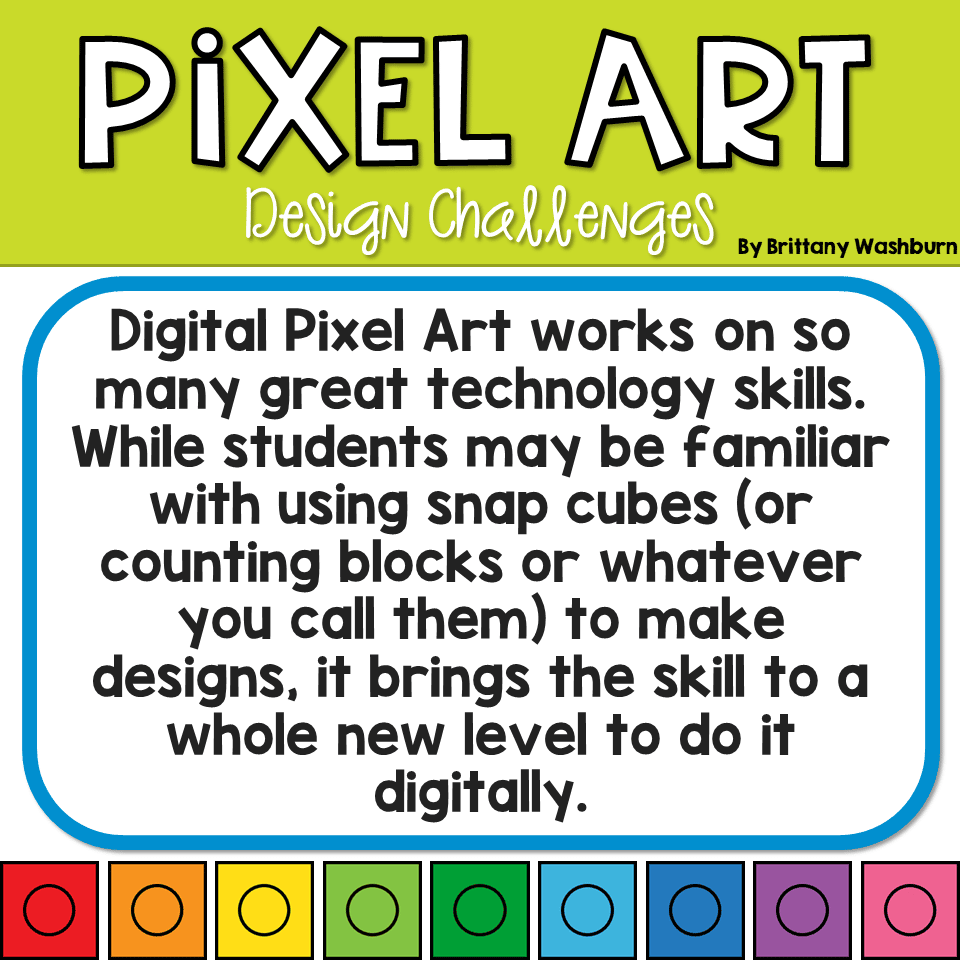
This resource works on so many great technology skills. While students may be familiar with using snap cubes (or counting blocks or whatever you call them) to make designs, it brings the skill to a whole new level to do it digitally. 10 St. Patrick’s Day designs in 4 different levels for differentiation between grade levels k-5.
You may also like…
-
Sale!

Digital Pixel Art Holidays Bundle
Original price was: $40.00.$28.00Current price is: $28.00.

St. Patrick’s Day Digital Pixel Art STEM Challenges
$4.00
Description
Digital Pixel Art works on so many great technology skills. While students may be familiar with using snap cubes (or counting blocks or whatever you call them) to make designs, it brings the skill to a whole new level to do it digitally. 10 St. Patrick’s Day designs in 4 different levels for differentiation between grade levels k-5.
There are 4 levels for each design.
•Level 1 is the easiest and only includes the colors of that specific design. There are multiple of each color snap cube layered over each other so students shouldn’t have to copy/duplicate the cubes to make the full design. There is also a grid over the design to help students place the blocks.
•Level 2 is the same as level 1 except no grid and less layers of the snap cubes.
•Level 3 brings in extra colors and students will have to copy/duplicate the blocks as only a few are layered.
•Level 4 has only one of each color snap cube
Choose the level of challenge you want for your students.
Skills addressed:
•Navigating to file
•Patterns
•Design Thinking
•Mouse Practice
•Keyboard Shortcuts
Table of Contents:
3 The Rationale and tips for the teacher
4-7 Directions for accessing the files from my Google Drive and assigning them through Google Classroom
8-10 Directions for using the files as PowerPoint and sharing them with students
11-12 Terms of Use and Credits
© Brittany Washburn. Download of this resource gives the user the right to reproduce the pages for one classroom only. Copying any part of this document and placing it on the internet in any form is strictly forbidden and is a violation of the Digital Millennium Copyright Act (DCMA).
Additional information
| Resource Type | Centers/Stations, Digital Activity |
|---|---|
| Format | Google Apps, PDF |
| Season / Holiday | St. Patrick's Day |
You must be logged in to post a review.
What teachers said on TPT
Rated 4.9 out of 5 by 49 teachers on Teachers Pay Teachers.
“My technology students love when a holiday rolls around and they get to do some pixel art. This is a slightly different kind then we have done before and I liked that it could be challenging to the students who weren't being careful and paying attention. Thanks for making something they have done many times different and challenging.”
— Joni Lynn H., TPT review
“This was a fantastic resource! My students love the theme, and have so much fun creating the pictures. It really helps them build their fine motor skills on the chromebooks and gets them ready and comfortable using them for digital learning and assessments.”
— Holly R., TPT review
“Digital build challenges are a great way to practice using the mouse/keyboard combo in addition to learning features within a word processing system like Google Slides. We use this to practice copy and pasting, as well. Thanks for a great resource!”
— Resources by Mrs. Rachel, TPT review
Related Products
-

Full Year Timely Tech All in One
Add to cartOriginal price was: $198.00.$158.40Current price is: $158.40. -

5th Grade ELA Standards Digital Resource Library BUNDLE
Add to cartOriginal price was: $27.20.$24.48Current price is: $24.48. -
5th Grade Language Standards Digital Resource Library
Add to cartOriginal price was: $16.00.$14.40Current price is: $14.40. -

Adventures in the Internet Digital Book Companion – Grades 3-5
Add to cart$3.00


You didn’t become a tech teacher to spend your weekends building lessons from scratch. I’m Brittany, a technology curriculum specialist with 1,000+ ISTE-aligned resources designed specifically for K–8 computer lab teachers.
My ready-made digital and printable resources cover everything from digital citizenship and coding fundamentals to multimedia creation and computer essentials, so your planning is handled and your students stay engaged.
Every resource is built to align with ISTE Standards, save you time, and actually work in a computer lab setting, because I’ve taught in one myself.
Browse my bestsellers, or explore by grade level or topic to find exactly what you need.


Reviews
There are no reviews yet.