


✅ Shop with Confidence
- 🔒 Secure Checkout – Your payment is safe and protected.
- ⭐ Quality Guaranteed – Store credit refunds if something isn’t right.
- 🎉 Earn Rewards – Get points for every dollar spent & redeem as store credit!
👉 Add to Cart and start using this resource today
iPad App Activities Tutorials and Task Cards
Original price was: $12.00.$6.00Current price is: $6.00.
iPad App Activities Tutorials and Task Cards
Original price was: $12.00.$6.00Current price is: $6.00.
Description
-
Camera: The camera app allows users to take pictures and videos. Show the students some examples of what they can do with the camera app, such as taking a selfie or a group picture.
-
Maps: The maps app allows users to search for a location and get directions. Show the students a few examples of how the maps app can be used, such as finding a nearby park or restaurant.
-
Measure: The measure app allows users to measure the length, width, or height of an object. Show the students how to use the measure app by measuring the length of a table or the height of a chair.
-
Notes: The notes app allows users to create notes, which can include text, pictures, and even audio recordings. Show the students how to create a note, as well as how to add pictures and audio recordings.
-
Voice Memos: The voice memos app allows users to record audio messages, such as a reminder or a note to self. Show the students how to create a voice memo and explain what it can be used for.
-
Freeform: The freeform app allows users sketch ideas, such as brainstorming. Show the students how to create a board and the different ways they can add media, files, links, text, and more.
-
Teacher Guide
-
Printable task cards for each app
-
QR code linked to video tutorial of each app
-
Exit ticket reflection form
You must be logged in to post a review.
You may be interested in…

Related Products
-

Master Google Apps Bundle
Original price was: $73.00.$65.70Current price is: $65.70. -

4 Seasons Graphic Design Lessons and Activities Bundle
Original price was: $12.00.$9.60Current price is: $9.60. -
4th Grade Software Lessons Weeks 1-12
$12.00 -
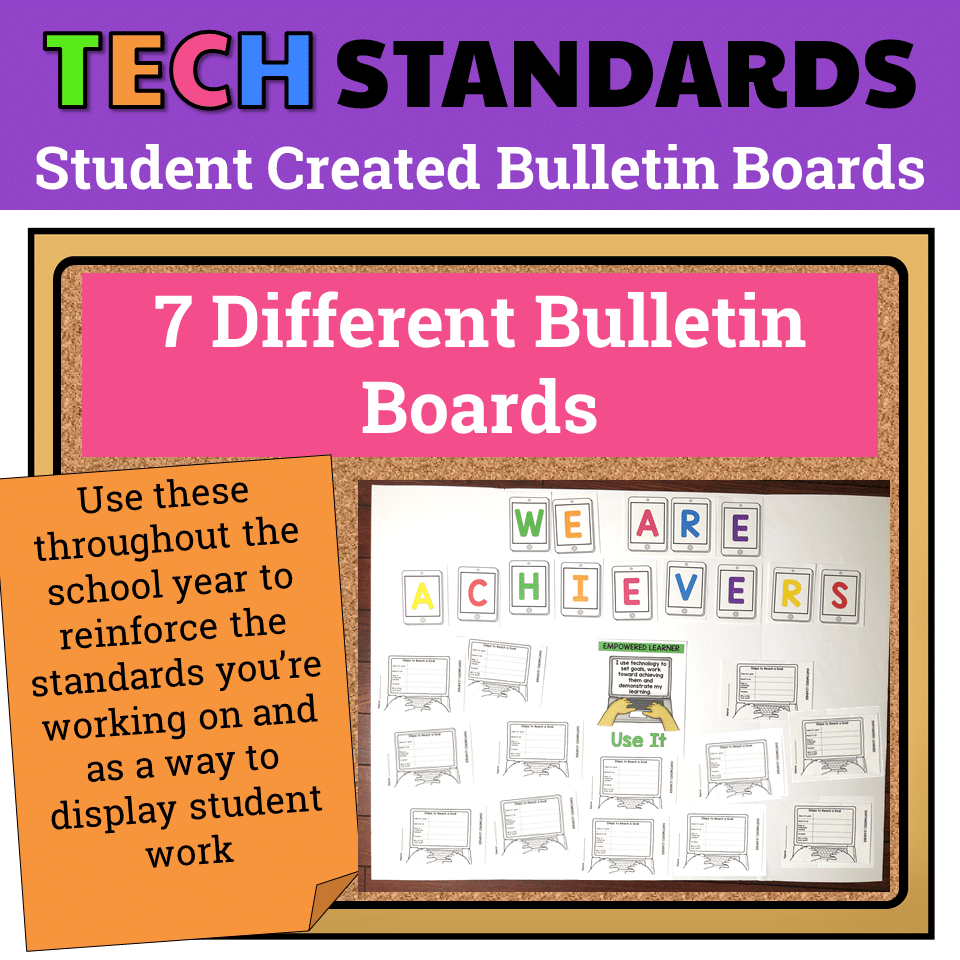
7 Technology Standards Student Created Bulletin Boards
Original price was: $21.00.$14.00Current price is: $14.00.



You didn’t become a tech teacher to spend your weekends building lessons from scratch. I’m Brittany, a technology curriculum specialist with 1,000+ ISTE-aligned resources designed specifically for K–8 computer lab teachers.
My ready-made digital and printable resources cover everything from digital citizenship and coding fundamentals to multimedia creation and computer essentials, so your planning is handled and your students stay engaged.
Every resource is built to align with ISTE Standards, save you time, and actually work in a computer lab setting, because I’ve taught in one myself.
Browse my bestsellers, or explore by grade level or topic to find exactly what you need.

Reviews
There are no reviews yet.