




✅ Shop with Confidence
- 🔒 Secure Checkout – Your payment is safe and protected.
- ⭐ Quality Guaranteed – Store credit refunds if something isn’t right.
- 🎉 Earn Rewards – Get points for every dollar spent & redeem as store credit!
👉 Add to Cart and start using this resource today
Google Sheets Lessons for Beginners
$12.00
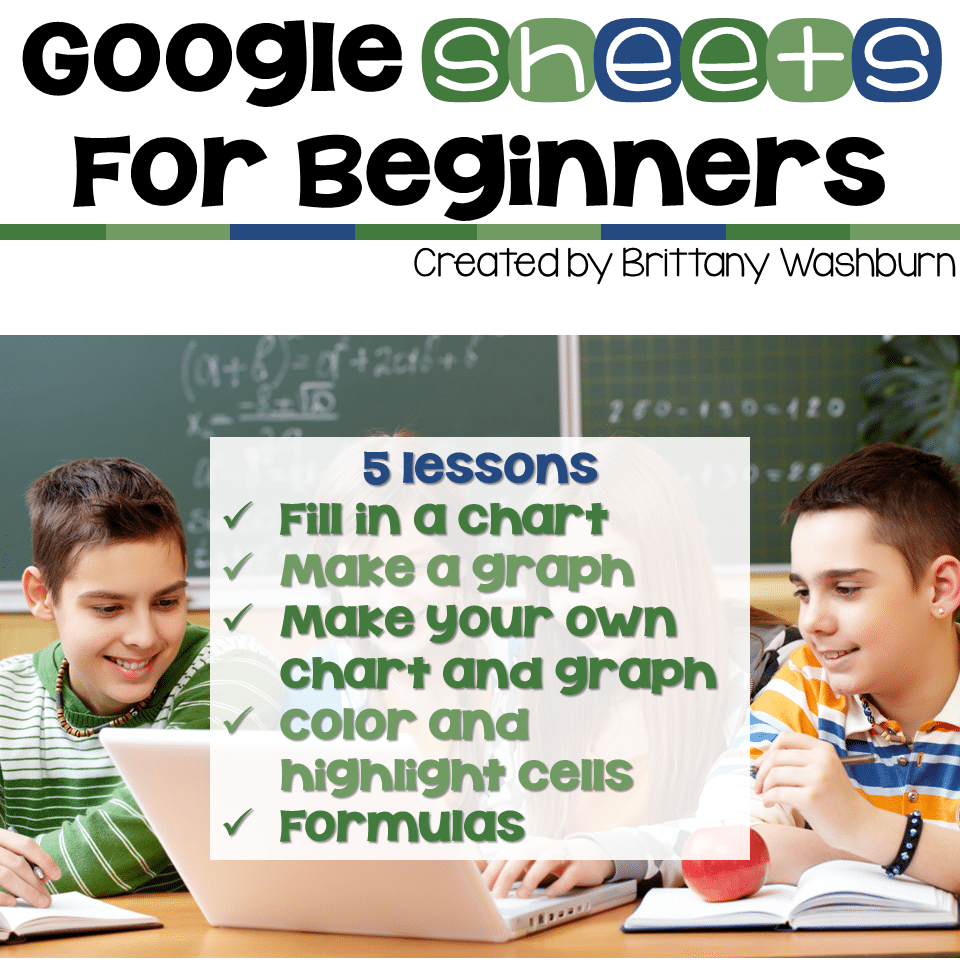
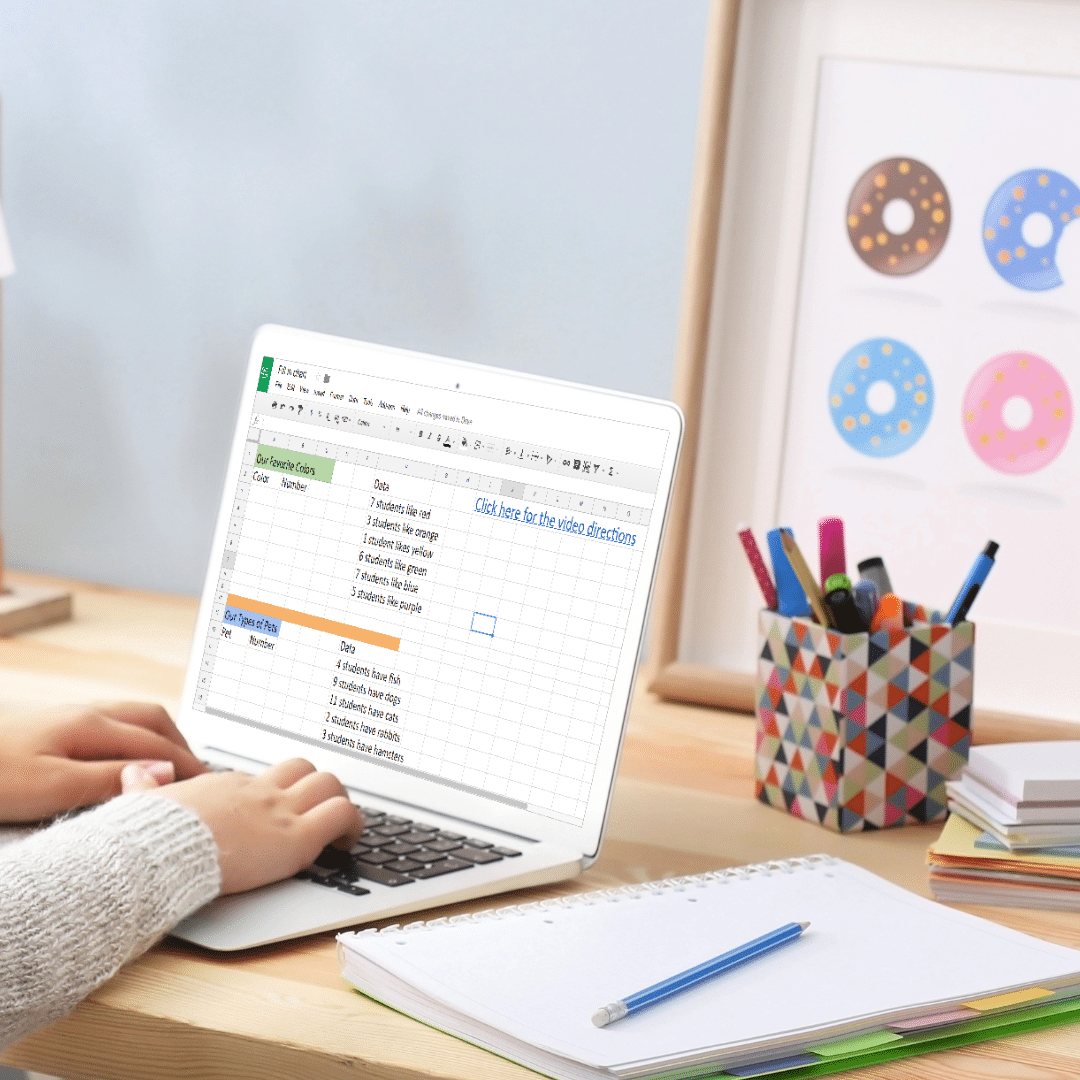
5 lessons for any beginner Google Sheets user. By the end of the 5 lessons students should be able to open a blank Sheets template and create charts, graphs, and use formulas as well as manipulate the column and row sizes.
You may also like…

Google Sheets Lessons for Beginners
$12.00
Description
5 lessons for any beginner Google Sheets user. By the end of the 5 lessons students should be able to open a blank Sheets template and create charts, graphs, and use formulas as well as manipulate the column and row sizes.
Save 20% with the Master Google Apps set
Who is this resource for?
If you’re a classroom teacher just starting your journey with having 1:1 devices (or something similar) or if this is the first time your group of students will be using Google Sheets, these are a great way to get started for your little ones.
What is included?
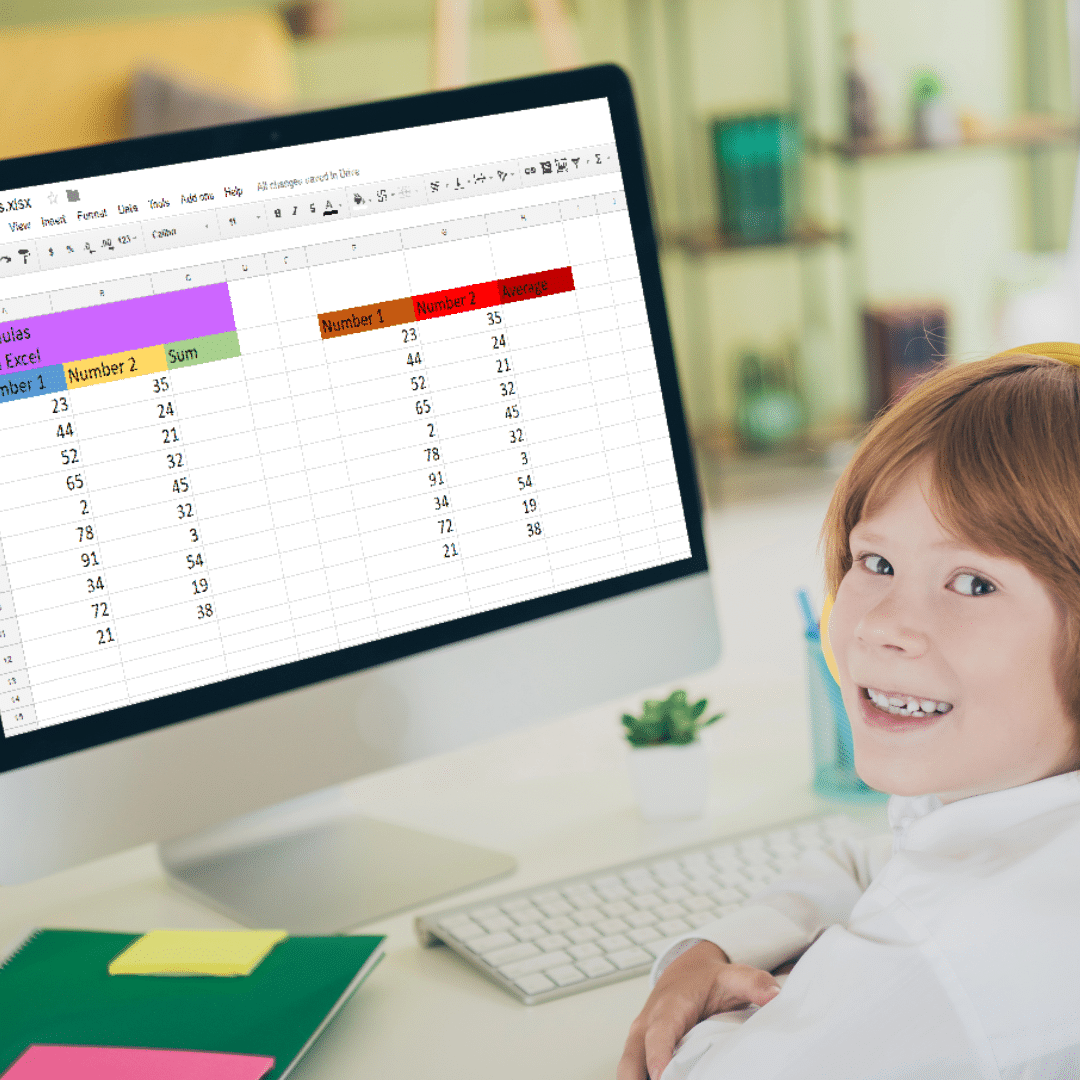
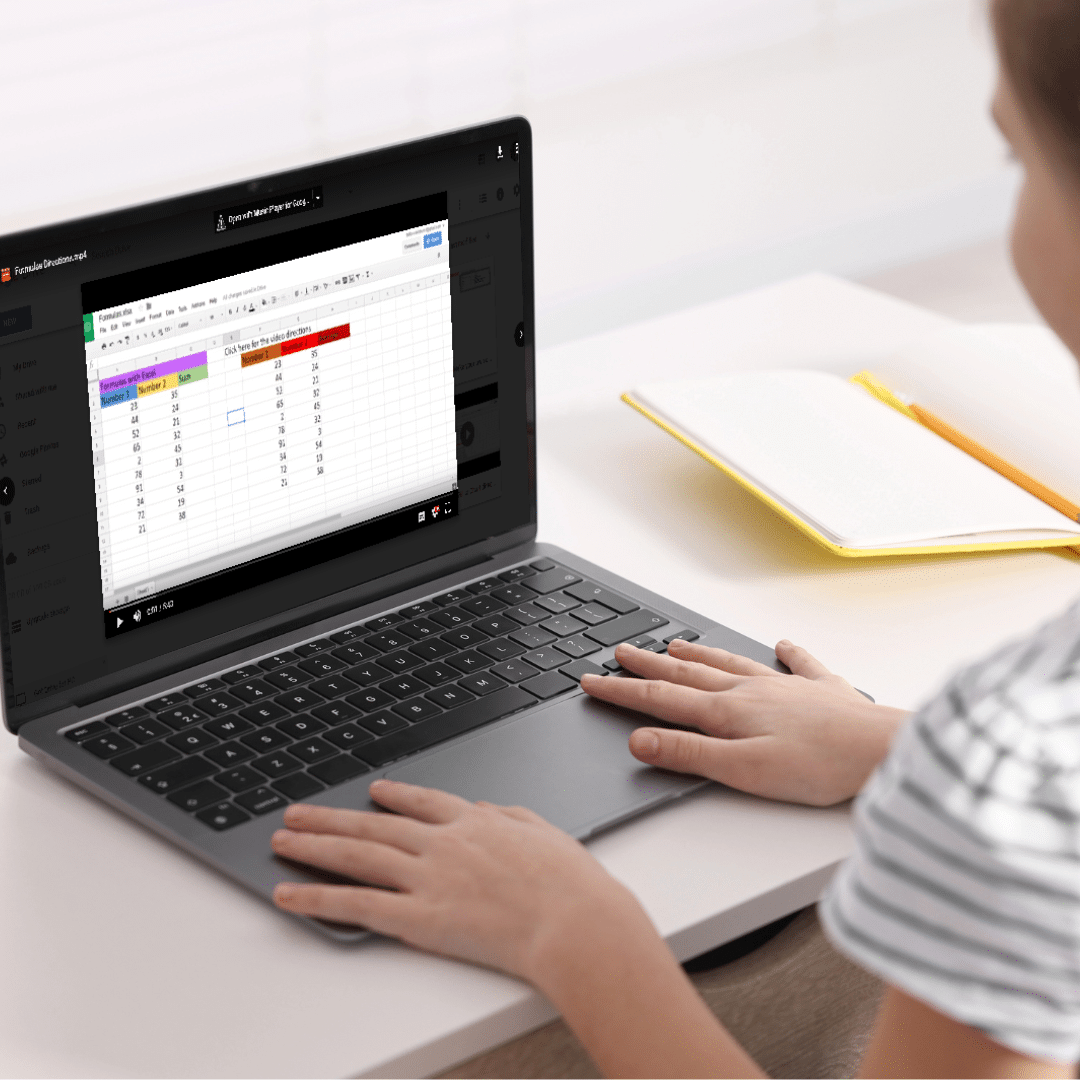
5 templates that each include an instructional video for the students walking them through the lesson.
This resource is exactly the same lessons as Excel Skills for Beginners, but modified for Google Sheets. New video directions were recorded for Google Sheets.
*These lessons are included in the 3rd Grade Technology Lesson Plans and Activities (lessons 1-3) and 4th Grade Technology Lesson Plans and Activities (lessons 4-5)
How it all works
If you’ve never purchased from me before, I love designing technology infused lessons for the classroom teacher, as well as technology skills lessons for the computer lab teacher. Check out my store if you need these types of resources.
With this resource you will receive a link to a file to be shared with your students in Google Classroom.
BENEFITS OF GOOGLE CLASSROOM
- ♥ PAPERLESS!
- ♥ INTEGRATE TECHNOLOGY INTO THE CLASSROOM!
- ♥ IMPROVE STUDENT COMPUTER SKILLS!
- ♥ INCREASE STUDENT ENGAGEMENT!
- ♥ ACCESS MATERIALS ANYWHERE!
Do you have a Google Classroom? Are you looking for digital ways to incorporate common core skills and make your students more adept at utilizing technology in their daily learning? If so, then this is the product for you!
Copyright Brittany Washburn. All rights reserved by author. This product is to be used by the original downloader only. Copying for more than one teacher, classroom, department, school, or school system is prohibited. This product may not be distributed or displayed digitally for public view. Failure to comply is a copyright infringement and a violation of the Digital Millennium Copyright Act (DMCA). Clipart and elements found in this file are copyrighted and cannot be extracted and used outside of this file without permission or license. Intended for classroom and personal use ONLY. See product file for clip art and font credits.
Connect with other Technology Teachers
If you’re interested in connecting with other technology teachers, check out the Technology Teacher Talk Group on Facebook.
Additional information
| Resource Type | Digital Activity, Lesson/Unit |
|---|---|
| Format | Google Apps, PDF |
| Standards | ISTE, CSTA, CCSS Math, TEKS Technology Applications |
This resource supports the following standards.
ISTE Standards for Students
- 1.5.b – Collect and analyze data with digital tools
- 1.6.c – Communicate ideas clearly with digital objects
CSTA K-12 Computer Science Standards
- 1B-DA-06 – Organize and present data visually
Common Core State Standards
- 3.MD.B.3 – Draw scaled picture and bar graphs
Texas TEKS: Technology Applications (19 TAC Chapter 126)
- Gr 3-5: (c)(6)-(7) Analyzing and presenting data, (c)(11) Software applications
5 reviews for Google Sheets Lessons for Beginners
You must be logged in to post a review.
What teachers said on TPT
Rated 4.9 out of 5 by 264 teachers on Teachers Pay Teachers.
“My students were really engaged using this resource. It also saved me time planning. This is not the first time I buy resources from Brittany. I never doubted It would it be worth paying for the resources I was about to receive. It would be great if you add more activities for students in Google Sheets in your purchase list. Thank you very much.”
— DOLORES GUADALUPE C., TPT review
“This was an excellent introduction to Google Sheets! I loved it for upper elementary and even my middle school students learned a lot from it. Thanks so much! I need the next set to keep the learning in Google Sheets going! This was great! (We used your videos and they were a great pace and easy-to-understand.)”
— Sra T., TPT review
“I am the media specialist in my district, and I had been struggling to come up with distance learning technology lessons for upper elementary. This activity was PERFECT for my fifth and sixth graders! I split the materials up into two class sessions, and I hardly had any questions! Thank you for making such a wonderful resource and for saving the day with your distance learning lesson ideas!”
— Lynnae F., TPT review
Related Products
-

Full Year Timely Tech All in One
Add to cartOriginal price was: $198.00.$158.40Current price is: $158.40. -

5th Grade Language Standards Digital Resource Library
Add to cartOriginal price was: $16.00.$14.40Current price is: $14.40. -

Adventures in the Internet Digital Book Companion – Grades 3-5
Add to cart$3.00 -

All About Me Book with Technology Theme
Add to cart$3.50


You didn’t become a tech teacher to spend your weekends building lessons from scratch. I’m Brittany, a technology curriculum specialist with 1,000+ ISTE-aligned resources designed specifically for K–8 computer lab teachers.
My ready-made digital and printable resources cover everything from digital citizenship and coding fundamentals to multimedia creation and computer essentials, so your planning is handled and your students stay engaged.
Every resource is built to align with ISTE Standards, save you time, and actually work in a computer lab setting, because I’ve taught in one myself.
Browse my bestsellers, or explore by grade level or topic to find exactly what you need.


Marilyn A. (verified owner) –
All of Brittany’s teaching resources are wonderful! This resource is no exception. The kids really enjoyed the lessons, and I enjoyed the low prep! Thank you!
Kelly M. (verified owner) –
Getting this resource is going to be a God-send when school starts. It’s going to help when getting my kids up to speed with Google Sheets. With remote learning this year, my students struggled but this resource is going to help greatly especially if we go remote in September. Thank you for another wonderful resource.
Stephanie F. (verified owner) –
Thank you! This was a great beginner resource for google sheets. My students particularly loved the lesson on graphing data! Thank you!
Julie H. (verified owner) –
The best part about Brittany’s Google App lessons are the tutorials. During this time of distant learning, it’s so nice to have instructions already created for the students.
Megan H. (verified owner) –
This was a great way for my students to practice using Google Sheets and get to know all of the amazing things that you can do with it! This is a great resource that was very easy to set up and use with my students!