
✅ Shop with Confidence
- 🔒 Secure Checkout – Your payment is safe and protected.
- ⭐ Quality Guaranteed – Store credit refunds if something isn’t right.
- 🎉 Earn Rewards – Get points for every dollar spent & redeem as store credit!
👉 Add to Cart and start using this resource today
Digital Tools and Apps Lesson
$5.00
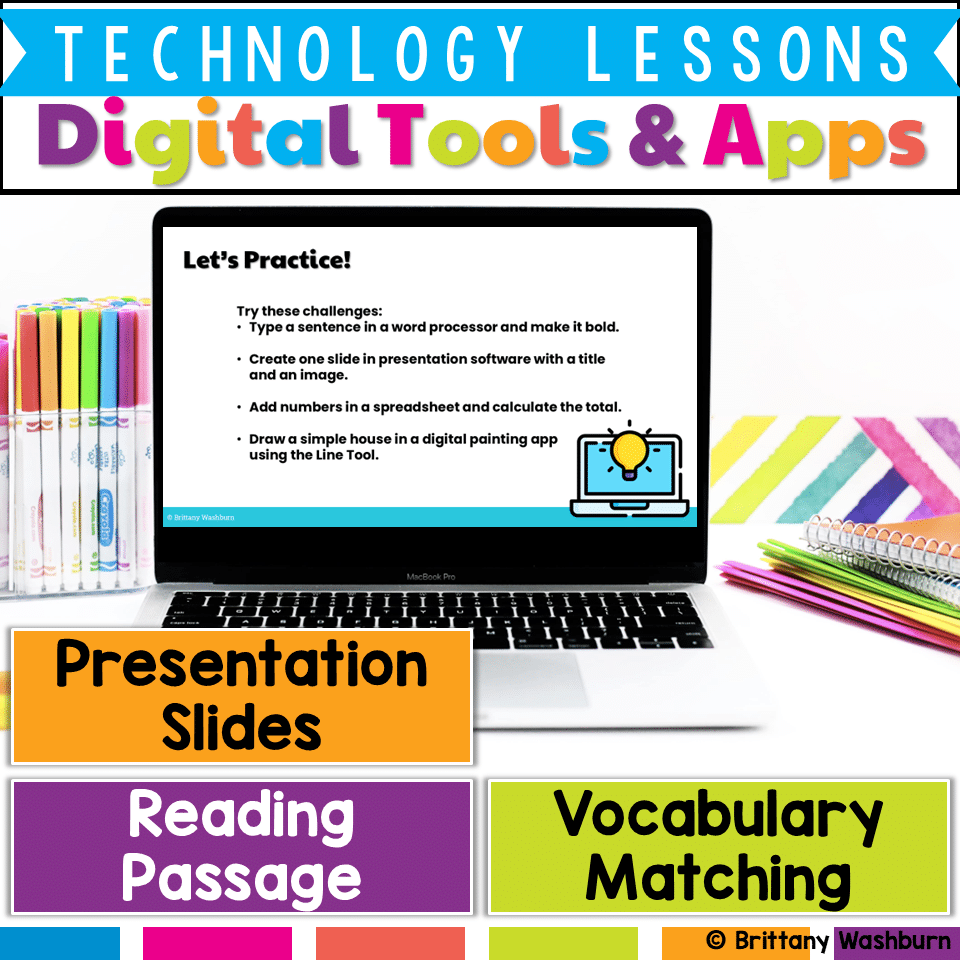
Help students build essential digital literacy skills with this no-prep Digital Tools & Apps Lesson! Students will explore word processors, spreadsheets, presentation software, and digital art applications through a structured lesson that includes pre-made materials and suggested classroom activities.
Digital Tools and Apps Lesson
$5.00
Description
Digital Tools & Apps Lesson | Word Processors, Spreadsheets & Presentation Software
Help students build essential digital literacy skills with this no-prep Digital Tools & Apps Lesson! Students will explore word processors, spreadsheets, presentation software, and digital art applications through a structured lesson that includes pre-made materials and suggested classroom activities.
What’s Included?
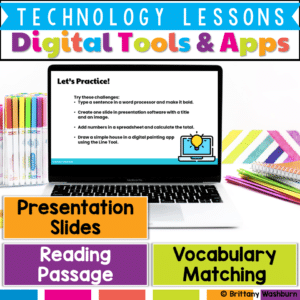
✅ Vocabulary List – Key terms related to digital tools and applications
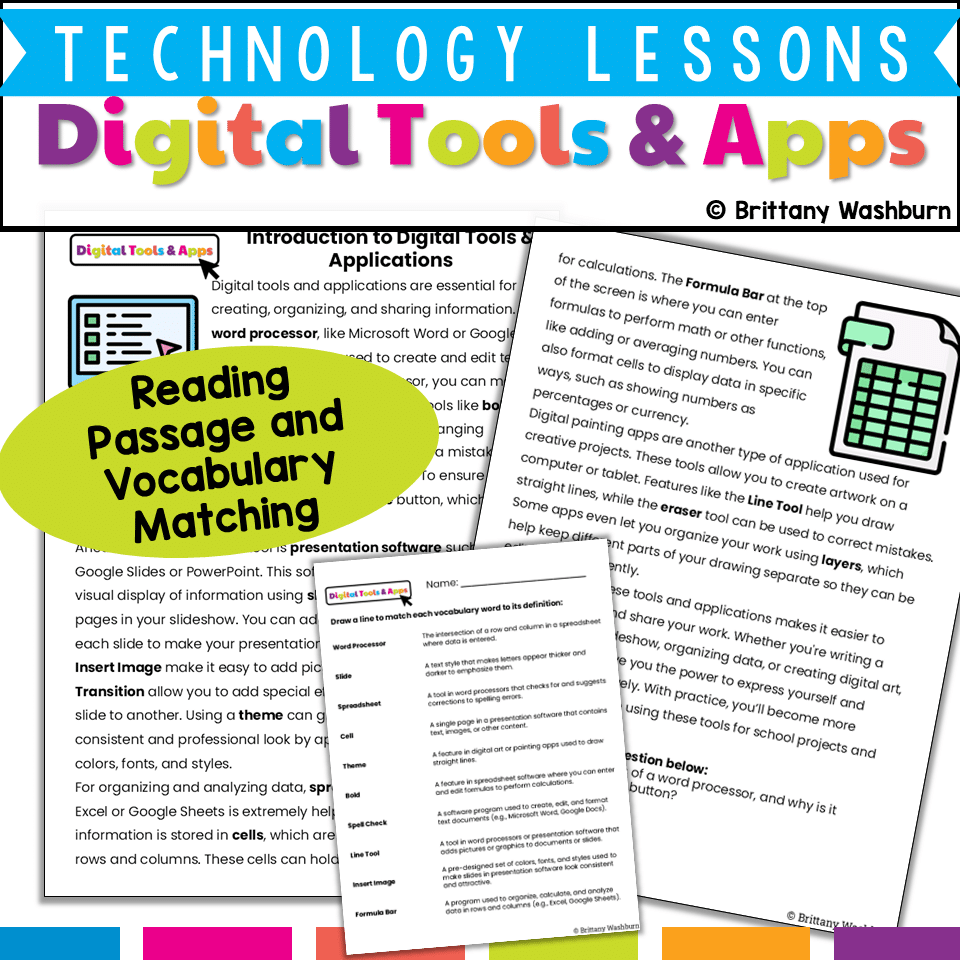
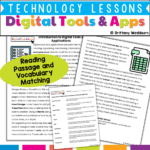
✅ Reading Passage – Engaging, student-friendly text explaining the purpose and functions of common digital tools
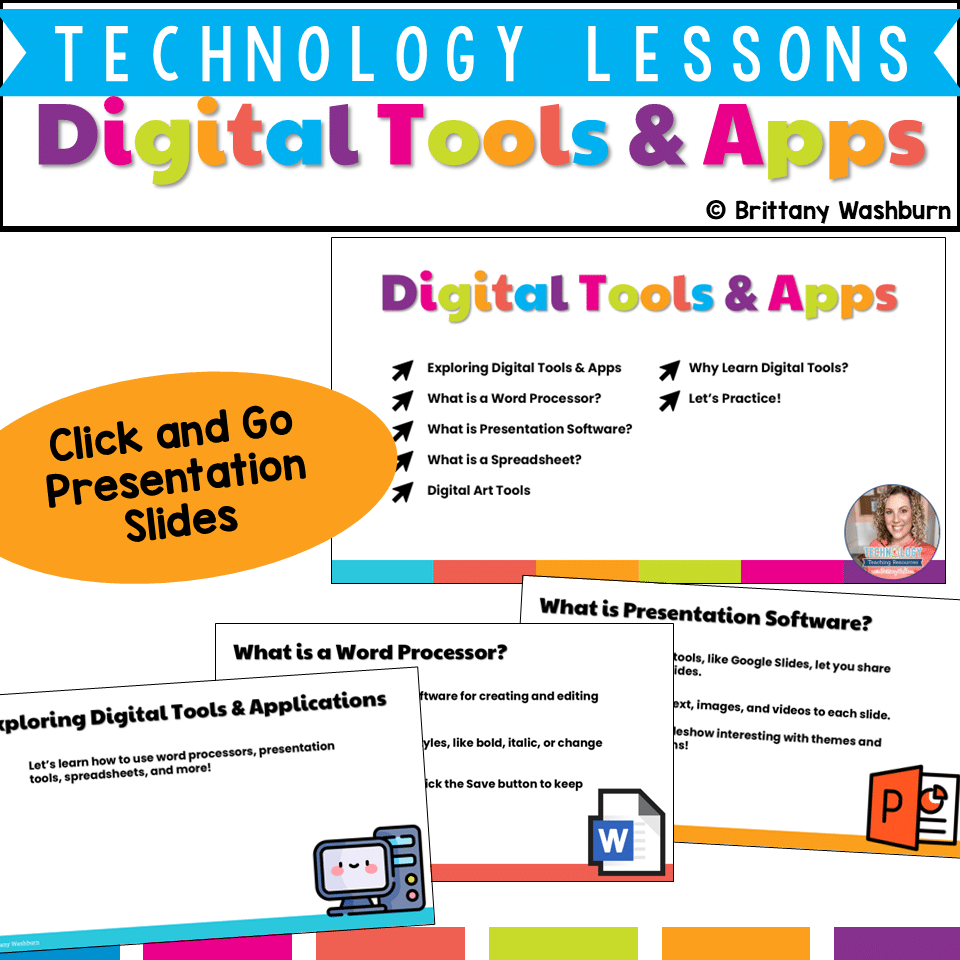
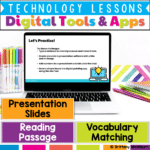
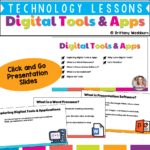
✅ Presentation Slides – Visually engaging slides that introduce digital tools and reinforce vocabulary
✅ Student Handouts – Printable or digital response sheets for vocabulary practice and comprehension
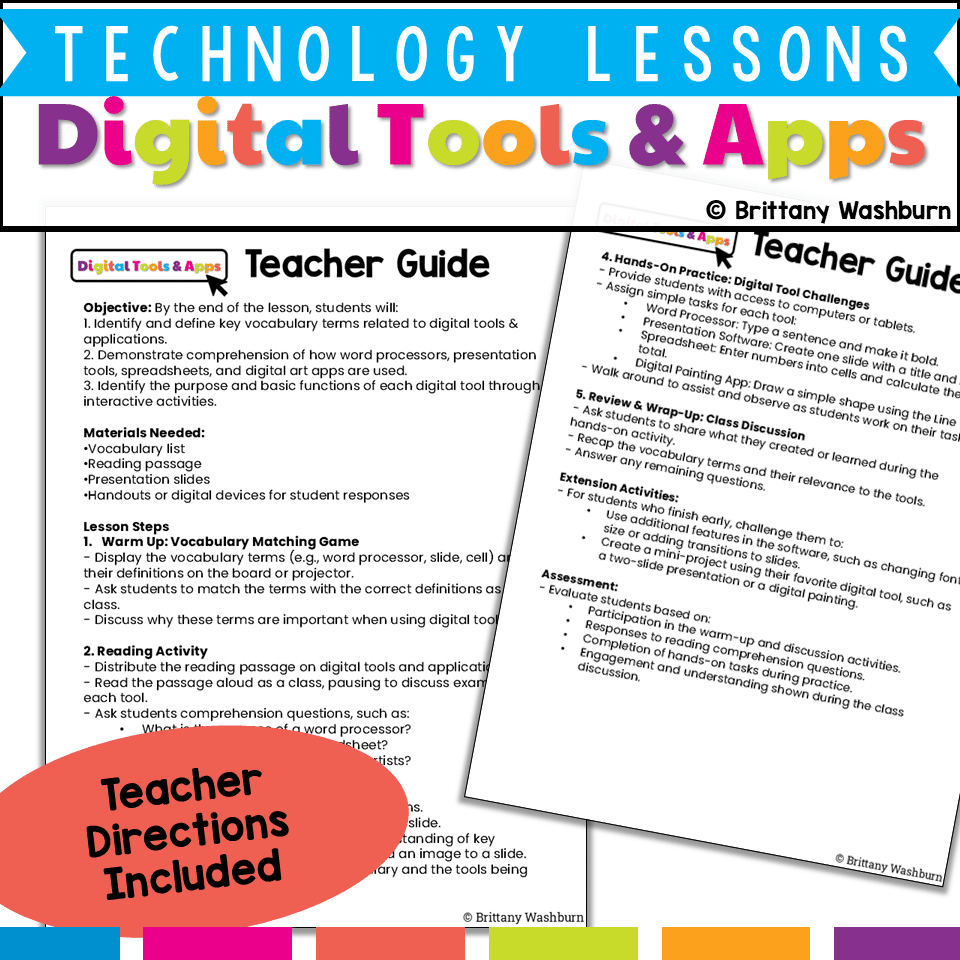
How the Lesson Works:
✔ Step 1: Vocabulary Introduction (Pre-Made Materials: Vocabulary List)
- Display or distribute the provided vocabulary list
- Review key terms such as word processor, slide, spreadsheet, and digital painting app
- (Teacher Idea: Have students match terms to definitions or discuss real-world uses)
✔ Step 2: Reading & Comprehension (Pre-Made Materials: Reading Passage & Handouts)
- Students read the included passage, which explains the purpose of each tool
- Answer pre-made comprehension questions to check understanding
- (Teacher Idea: Discuss how students have used these tools before and what they might use them for in the future)
✔ Step 3: Guided Presentation & Discussion (Pre-Made Materials: Presentation Slides)
- Use the slides to introduce and explain digital tools with visuals
- Each slide highlights key functions (e.g., how to format text in a word processor, how a spreadsheet calculates data)
- (Teacher Idea: Ask students to predict how a tool works before showing examples)
✔ Step 4: Hands-On Practice (Teacher-Led Activity, No Pre-Made Files)
- Guide students through basic digital tool challenges (tasks such as bolding text in a word processor or adding an image to a slide)
- (Teacher Idea: Use classroom devices or free online tools for students to practice)
✔ Step 5: Wrap-Up & Reflection (Pre-Made Materials: Review Handout)
- Students complete an exit ticket summarizing what they learned
- (Teacher Idea: Have students share their favorite tool and explain why)
Extension Ideas (Optional, Teacher-Led)
- Challenge students to explore additional software features (e.g., slide transitions, charts in spreadsheets)
- Assign a mini-project using their favorite digital tool
- Have students create a poster explaining how one of the tools works
Assessment Options:
✔ Use the pre-made comprehension questions to assess understanding
✔ Observe participation in discussions and activities
✔ Review student responses on exit tickets
This ready-to-use lesson is perfect for technology classes, digital literacy units, computer labs, or STEM integration. It provides structured content while allowing for teacher flexibility in hands-on activities.
👉 Download now to make teaching digital tools easy and engaging!
You must be logged in to post a review.
Related Products



You didn’t become a tech teacher to spend your weekends building lessons from scratch. I’m Brittany, a technology curriculum specialist with 1,000+ ISTE-aligned resources designed specifically for K–8 computer lab teachers.
My ready-made digital and printable resources cover everything from digital citizenship and coding fundamentals to multimedia creation and computer essentials, so your planning is handled and your students stay engaged.
Every resource is built to align with ISTE Standards, save you time, and actually work in a computer lab setting, because I’ve taught in one myself.
Browse my bestsellers, or explore by grade level or topic to find exactly what you need.
Reviews
There are no reviews yet.