
✅ Shop with Confidence
- 🔒 Secure Checkout – Your payment is safe and protected.
- ⭐ Quality Guaranteed – Store credit refunds if something isn’t right.
- 🎉 Earn Rewards – Get points for every dollar spent & redeem as store credit!
👉 Add to Cart and start using this resource today
Digital Resources Course
Original price was: $249.00.$197.00Current price is: $197.00.
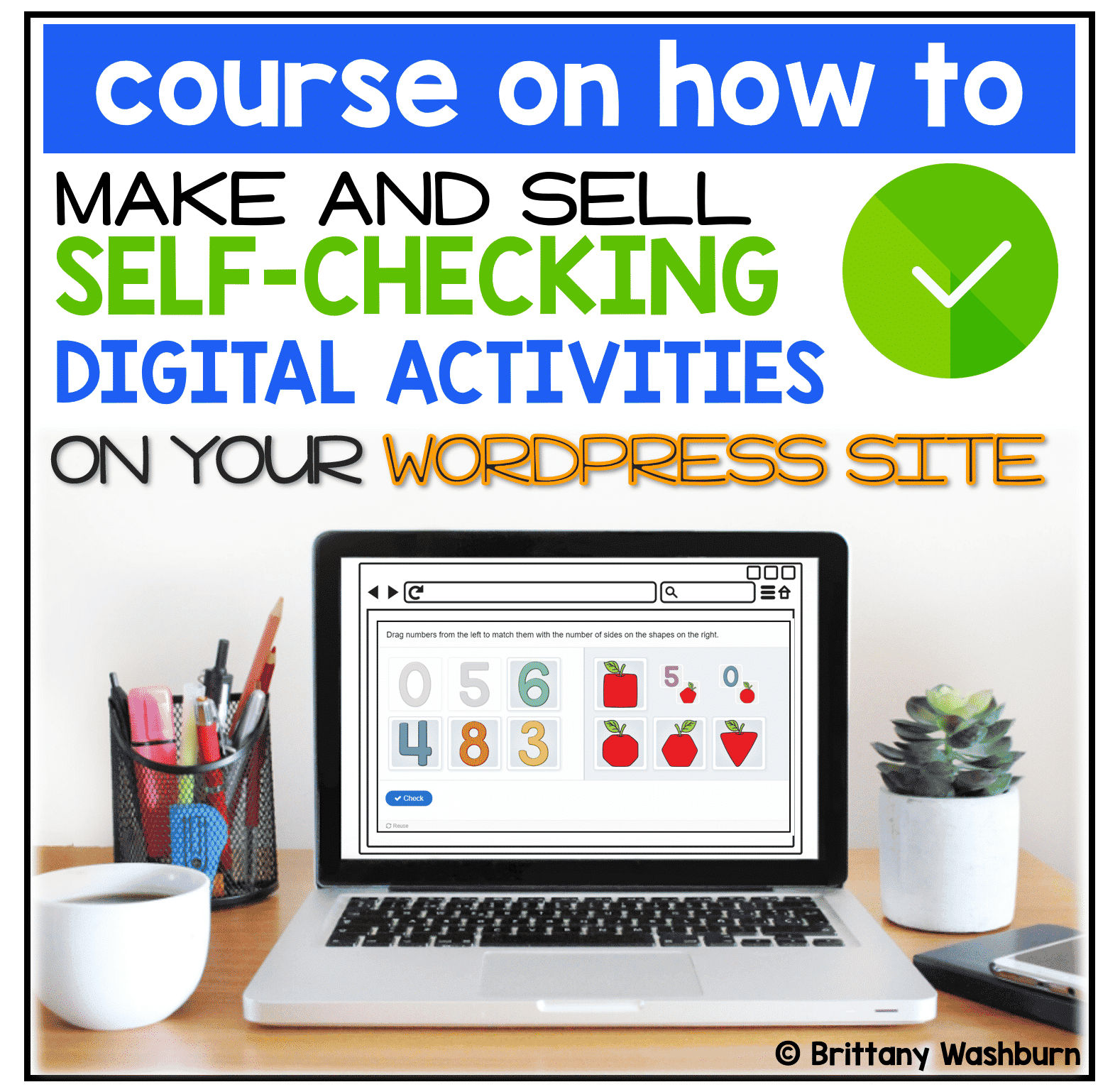
Learn how to Make and Sell Digital Activities from your own Wordpress site!
- Must have a self-hosted wordpress site.
- These activities are NOT Google Slides or Boom cards. They are HTML5 built right onto your server. I promise it is way easier than it sounds once you have the right set of plugins and my instructions.
- I’ll teach you the logistics of how to set everything up to sell to teachers to use with their students.
- I’ll teach you where to find the best clip art with TOU that allows for digital use.
- Able to do with free plugins but optional paid plugins are also included to give more functionality.
Digital Resources Course
Original price was: $249.00.$197.00Current price is: $197.00.
Description
Learn how to Make and Sell Digital Activities from your own Wordpress site!
- Must have a self-hosted wordpress site.
- These activities are NOT Google Slides or Boom cards. They are HTML5 built right onto your server. I promise it is way easier than it sounds once you have the right set of plugins and my instructions.
- I’ll teach you the logistics of how to set everything up to sell to teachers to use with their students.
- I’ll teach you where to find the best clip art with TOU that allows for digital use.
- Able to do with free plugins but optional paid plugins are also suggested to give more functionality.
Start thinking about the digital activities you want to build. Here are some of the content types that you’ll learn about in the course:
- Drag and Drop to indicate a correct answer (great for matching and sorting)
- Click one right answer
- Click multiple right answers
- Memory games
- Flashcards with images and a text input field
- Fill in the blanks with drag and drop word banks
- Drag and drop image sequencing
- Drag and Drop image pairing / matching
- Digital word searches
- Fill in the blanks with text boxes
Visit This Page to learn more and see the full course outline.
You must be logged in to post a review.
Related Products




You didn’t become a tech teacher to spend your weekends building lessons from scratch. I’m Brittany, a technology curriculum specialist with 1,000+ ISTE-aligned resources designed specifically for K–8 computer lab teachers.
My ready-made digital and printable resources cover everything from digital citizenship and coding fundamentals to multimedia creation and computer essentials, so your planning is handled and your students stay engaged.
Every resource is built to align with ISTE Standards, save you time, and actually work in a computer lab setting, because I’ve taught in one myself.
Browse my bestsellers, or explore by grade level or topic to find exactly what you need.

Reviews
There are no reviews yet.