


✅ Shop with Confidence
- 🔒 Secure Checkout – Your payment is safe and protected.
- ⭐ Quality Guaranteed – Store credit refunds if something isn’t right.
- 🎉 Earn Rewards – Get points for every dollar spent & redeem as store credit!
👉 Add to Cart and start using this resource today
Digital File Management Printable Task Cards
$6.00
Empower your students with essential digital organization skills using this set of 24 Digital File Management Task Cards! Perfect for elementary and middle grade students, these task cards introduce the fundamentals of file management, helping students learn how to save, organize, rename, delete, and restore files. Through hands-on practice, students will build critical organizational skills that are invaluable for schoolwork, personal projects, and digital literacy.
Digital File Management Printable Task Cards
$6.00
Description
-
24 Task Cards covering essential file management skills
-
Printable and Digital Formats for flexible classroom use
-
Answer Key & Suggested Responses to support guided practice and discussions
-
Teacher Guide with setup instructions, hands-on activities, and extension ideas
-
Standards-Aligned: Meets ISTE Standards for Empowered Learner, Digital Citizen, Knowledge Constructor, and Computational Thinker.
-
Real-World Skills: Provides students with foundational skills in file management, a critical component of digital literacy.
-
Hands-On Practice: Encourages students to actively apply concepts through practical activities on their own devices.
-
Flexible Use: Ideal for independent practice, paired work, or whole-class instruction with digital demonstrations.
-
Saving Files: Understanding where to save files and selecting appropriate locations
-
Renaming Files: Using descriptive names for easy retrieval and organization
-
Creating and Organizing Folders: Structuring files by topic, project, or subject
-
Deleting & Restoring Files: Learning how to delete unnecessary files and recover them from the recycle bin if needed
-
Understanding File Types and Extensions: Recognizing different file types and their uses
-
Introduction: Begin with a discussion on why file management is important. Ask students if they’ve ever lost a file or struggled to find something they saved. Introduce the main skills they will learn: saving, renaming, organizing, deleting, and restoring files.
-
Task Card Activity:
-
Individual or Group Work: Distribute task cards to students for individual practice or pair them up to work through the cards collaboratively.
-
Hands-On Practice: After completing each task card, allow students to practice the skill on their devices (e.g., creating folders, renaming files). Provide sample files for practice if needed.
-
Class Discussion: After students complete the task cards, lead a class discussion to review key concepts and share tips for efficient file management. Address any challenges students faced and provide additional guidance.
-
Extension Activity: Have students organize their personal or school-related files, either on their device or in cloud storage. Encourage them to create folders for different subjects, rename files with descriptive names, and practice recovering files from the recycle bin if needed.
-
Printed or digital task cards
-
Computers, laptops, or tablets with access to file management tools (e.g., File Explorer on Windows, Finder on Mac, or Google Drive for cloud storage)
-
Projector or screen for demonstrating file management examples (optional)
-
Digital Clean-Up: Assign students a digital clean-up task where they organize, delete, and restructure their digital workspaces, applying the skills learned.
-
Personal Organization Project: Have students create a well-organized folder structure for a subject, project, or topic of their choice, practicing saving, renaming, and organizing files.
You must be logged in to post a review.

Related Products
-

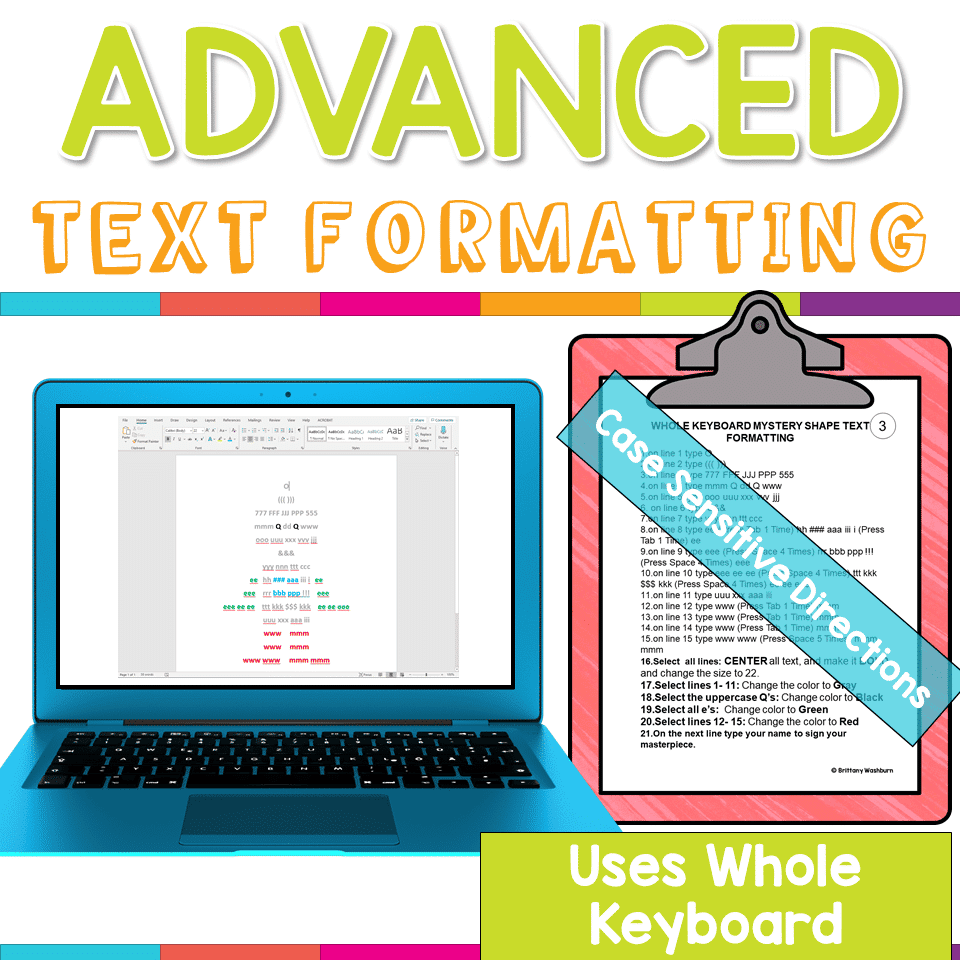
Advanced Keyboarding Text Formatting Activities
$7.00 -

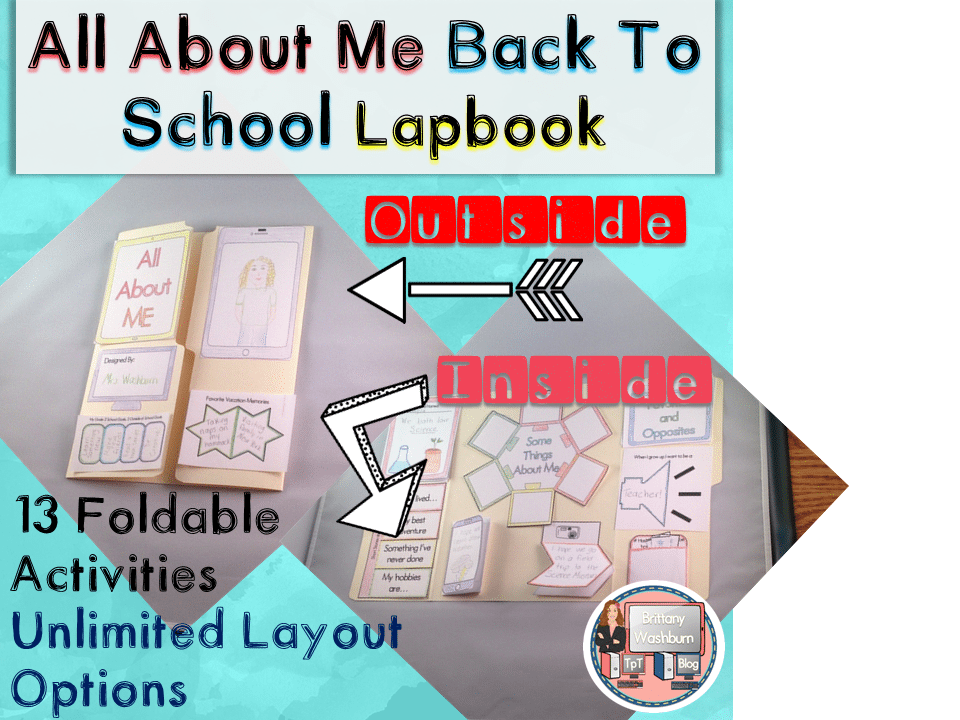
All About Me Book with Technology Theme
$3.50 -

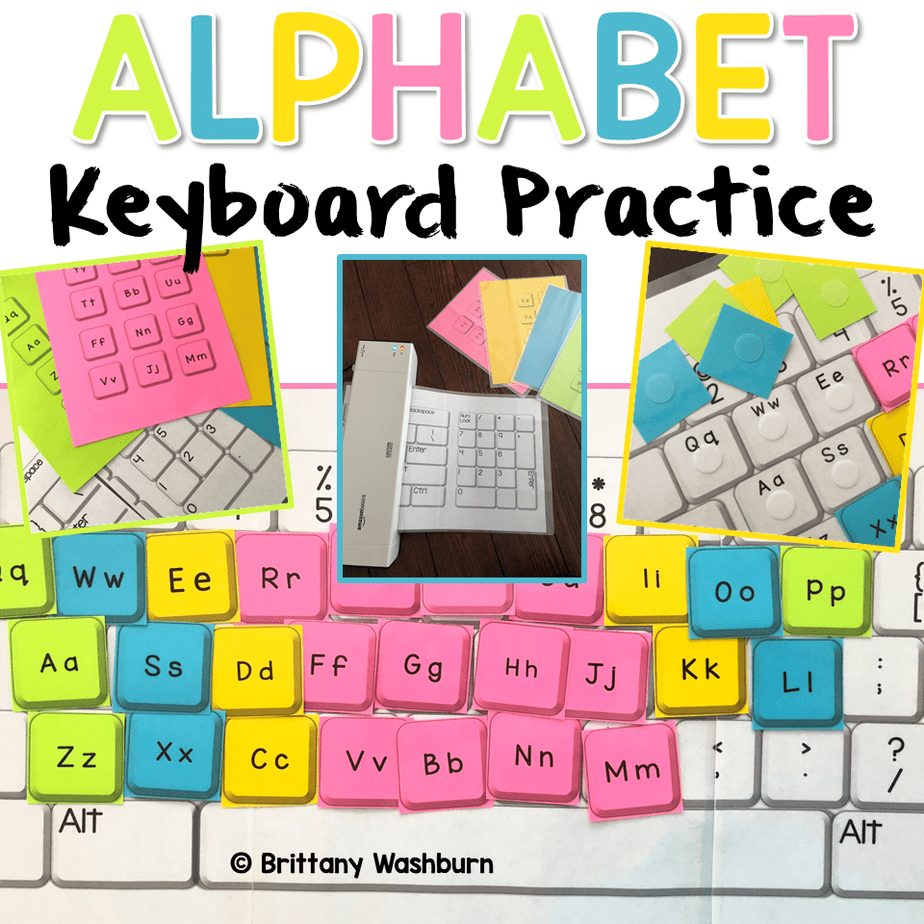
Alphabet Keyboard Practice
$5.00 -
Basic Robotics Printable Task Cards
Original price was: $6.00.$3.00Current price is: $3.00.


You didn’t become a tech teacher to spend your weekends building lessons from scratch. I’m Brittany, a technology curriculum specialist with 1,000+ ISTE-aligned resources designed specifically for K–8 computer lab teachers.
My ready-made digital and printable resources cover everything from digital citizenship and coding fundamentals to multimedia creation and computer essentials, so your planning is handled and your students stay engaged.
Every resource is built to align with ISTE Standards, save you time, and actually work in a computer lab setting, because I’ve taught in one myself.
Browse my bestsellers, or explore by grade level or topic to find exactly what you need.

Reviews
There are no reviews yet.