


✅ Shop with Confidence
- 🔒 Secure Checkout – Your payment is safe and protected.
- ⭐ Quality Guaranteed – Store credit refunds if something isn’t right.
- 🎉 Earn Rewards – Get points for every dollar spent & redeem as store credit!
👉 Add to Cart and start using this resource today
Digital Creativity Printable Task Cards
$6.00
Unleash your students’ creative potential with this set of 24 Digital Creativity Task Cards! Perfect for elementary and middle grade students, these task cards introduce a variety of digital tools and skills, including designing posters, recording and editing audio and video, using digital storytelling tools, and creating simple animations. Each task encourages hands-on practice, helping students develop key digital literacy skills while expressing themselves creatively through technology.
Digital Creativity Printable Task Cards
$6.00
Description
-
24 Task Cards focusing on digital design, audio/video editing, digital storytelling, and animation
-
Printable and Digital (PDF) Formats for flexible use
-
Answer Key & Suggested Responses for easy facilitation and assessment
-
Teacher Guide with detailed instructions and extension activity ideas
-
Standards-Aligned: Meets ISTE Standards for Creative Communicator, Innovative Designer, Empowered Learner, and Knowledge Constructor.
-
Hands-On Exploration: Encourages students to use real digital tools for design, media production, and animation projects.
-
Creative Problem-Solving: Students engage in a cyclical design process, refining their ideas and learning resilience through open-ended creative challenges.
-
Flexible Implementation: Ideal for independent, pair, or group work, with options for whole-class demonstrations.
-
Designing Digital Posters
-
Recording & Editing Audio or Video Clips
-
Creating Digital Stories
-
Developing Simple Animations
-
Using Digital Tools for Creative Expression
-
Publishing & Sharing Digital Creations
-
Introduction: Start with a class discussion about the role of digital tools in creativity, from marketing and education to entertainment. Highlight how visual designs, videos, and animations play a significant role in various fields.
-
Task Card Activity:
-
Individual or Pair Work: Distribute the task cards to students for individual practice or pair them up to collaborate.
-
Group Work: Organize small groups to work together on the task cards, brainstorming and solving creative challenges using digital tools.
-
Hands-On Practice: Demonstrate key concepts such as creating digital flyers, editing audio clips, or animating a story using classroom technology. Allow students to practice these techniques on their own devices.
-
Printed or digital task cards (PDF)
-
Computers, laptops, or tablets with access to design, audio/video editing, and animation software (e.g., Canva, Audacity, Scratch)
-
Digital projectors or interactive whiteboards (optional for demonstrations or group discussions)
-
Evaluate students’ task card responses, focusing on their understanding of the creative process, tool use, and project outcomes.
-
Provide feedback on their ability to effectively use digital tools to produce creative, original works.
-
Observe collaboration, participation, and critical thinking during group discussions and project work to assess comprehension of digital creativity concepts.
-
Assign a class project where students create a digital portfolio of their work, showcasing their designs, edited videos, audio recordings, or animations.
-
Have students present their digital creations to the class or publish them on a class website or blog, adapting their presentations for different audiences.
You must be logged in to post a review.
Related Products
-

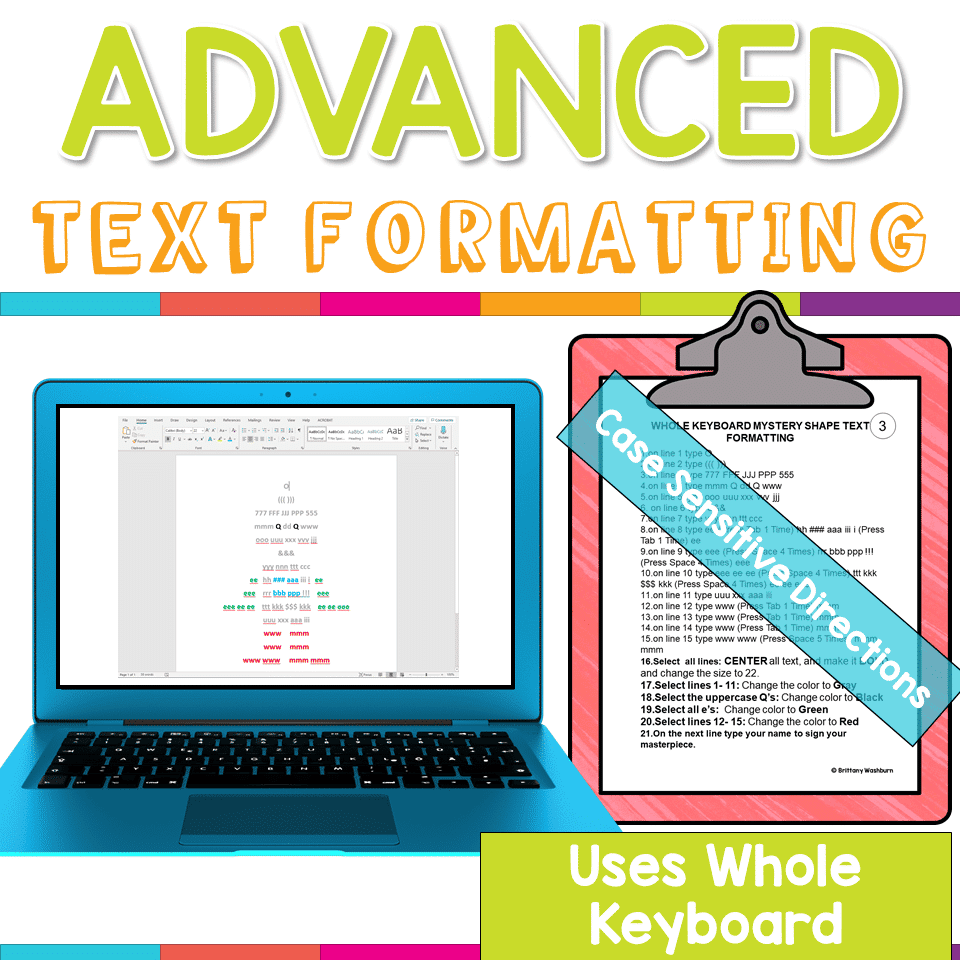
Advanced Keyboarding Text Formatting Activities
$7.00 -

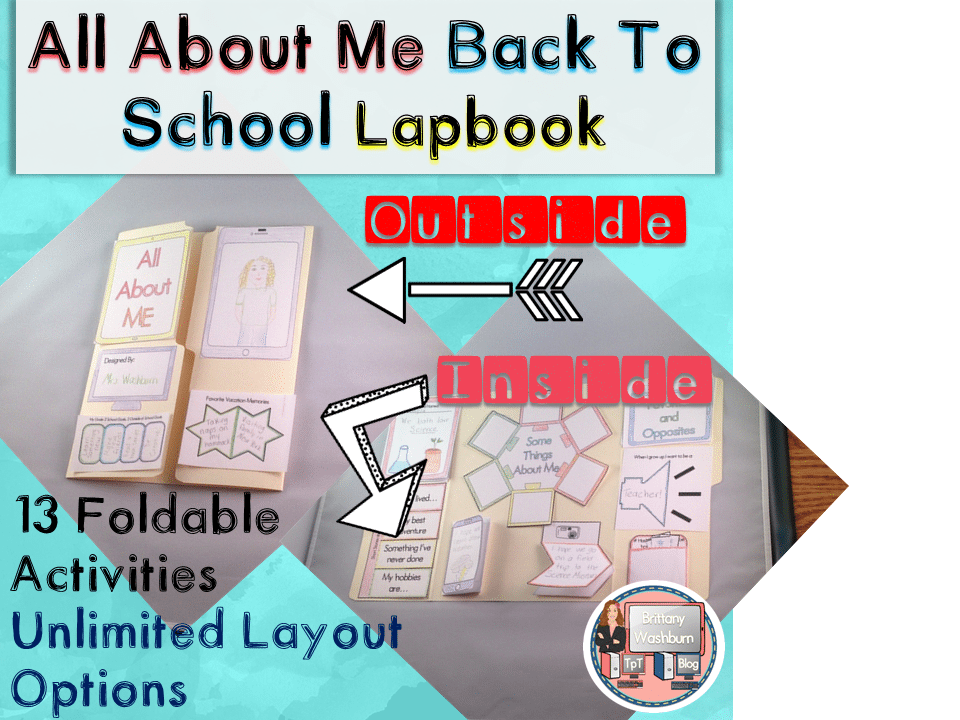
All About Me Book with Technology Theme
$3.50 -

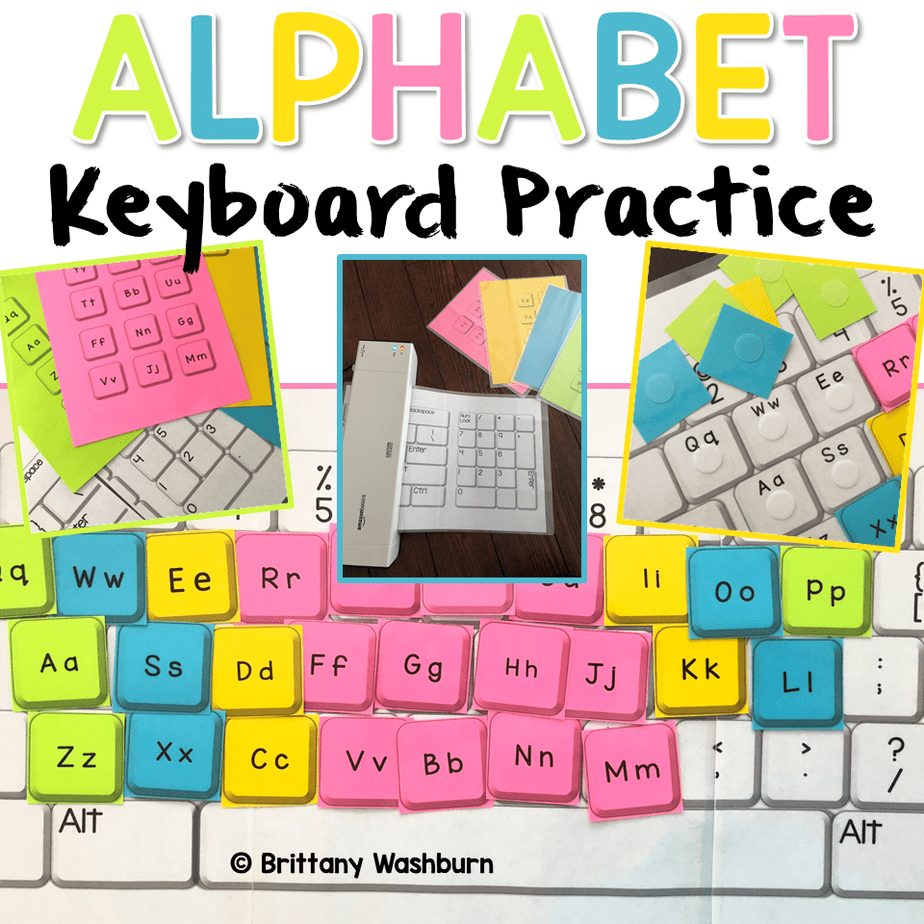
Alphabet Keyboard Practice
$5.00 -
Basic Robotics Printable Task Cards
Original price was: $6.00.$3.00Current price is: $3.00.


You didn’t become a tech teacher to spend your weekends building lessons from scratch. I’m Brittany, a technology curriculum specialist with 1,000+ ISTE-aligned resources designed specifically for K–8 computer lab teachers.
My ready-made digital and printable resources cover everything from digital citizenship and coding fundamentals to multimedia creation and computer essentials, so your planning is handled and your students stay engaged.
Every resource is built to align with ISTE Standards, save you time, and actually work in a computer lab setting, because I’ve taught in one myself.
Browse my bestsellers, or explore by grade level or topic to find exactly what you need.

Reviews
There are no reviews yet.