



✅ Shop with Confidence
- 🔒 Secure Checkout – Your payment is safe and protected.
- ⭐ Quality Guaranteed – Store credit refunds if something isn’t right.
- 🎉 Earn Rewards – Get points for every dollar spent & redeem as store credit!
👉 Add to Cart and start using this resource today
Crack the Code Puzzles for Technology Class
$11.00
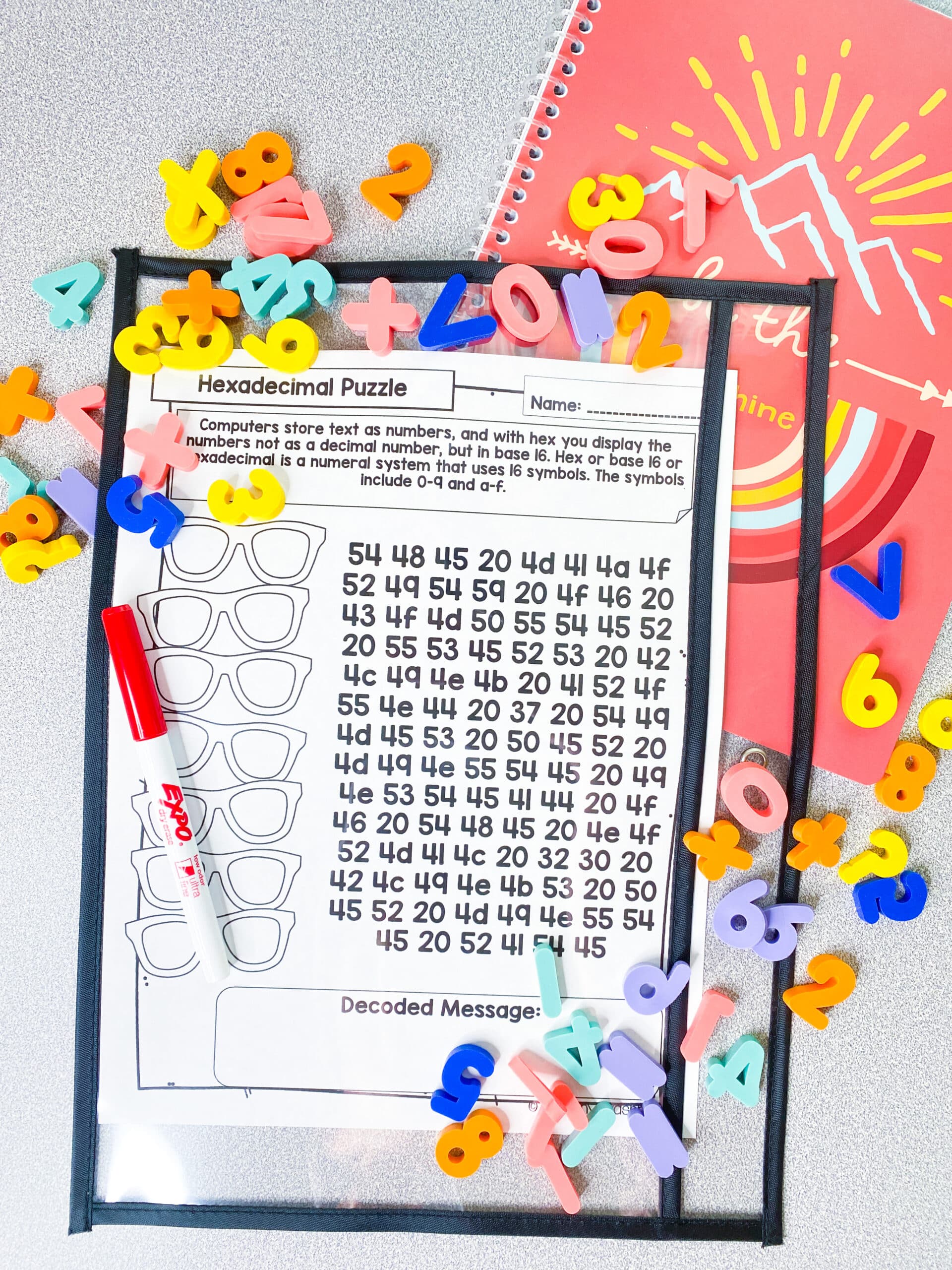
Binary Code, Hexadecimal, and Morse Code Encoded Messages with silly phrases as well as technology facts. This packet would be perfect as bell ringers and for early finishers. Have days without access to devices? These are still Tech lessons but on paper!
You may also like…
-
Sale!

Technology Back Up Plans Bundle
Original price was: $184.00.$64.40Current price is: $64.40.

Crack the Code Puzzles for Technology Class
$11.00
Description
Looking for a fun and engaging way to teach your students about technology? Look no further than our Binary Code, Hexadecimal, and Morse Code Encoded Messages packet! Introducing the ultimate tech-inspired resource for teachers and students – Binary Code, Hexadecimal, and Morse Code Encoded Messages with silly phrases as well as technology facts! Perfect for those days when you don’t have access to devices, this packet provides an engaging and entertaining way for students to explore basic concepts related to automation, patterns, and algorithmic thinking.
Designed as quick activities for when the WIFI is down or you can’t use computers, these printables are also perfect for early finisher activities. We recommend laminating the conversion tables so you don’t have to make so many copies! Additionally, this product is perfect for bell-ringers. Display the page and the conversion table under your document camera or straight from your laptop (paperless) for students to solve at their seats.
Not only are these activities engaging, but they also align with the computational thinker standards. Students will understand and explore basic concepts related to automation, patterns, and algorithmic thinking. They will be able to explain how computers use patterns to process and sort information.
Each page features a silly phrase or technology fact that has been encoded using Binary Code, Hexadecimal, or Morse Code. Students must use the provided conversion tables to decode the messages and reveal the hidden message. With a variety of messages included, students will be entertained and engaged for hours on end.
So what are you waiting for? Add this amazing resource to your teaching arsenal and watch your students develop their computational thinking skills while having a blast!
Ideas for using these printables:
- Quick activities for when the wifi is down or you can’t use computers
- Early finisher activities (I recommend laminating the conversion tables so you don’t have to make so many copies)
- Bell-ringers. Display the page and the conversion table under your document camera or straight from your laptop (paperless) for students to solve at their seats.
Standards:
Computational Thinker
- 5.d Students understand and explore basic concepts related to automation, patterns, and algorithmic thinking.
- I can explain how computers use patterns to process and sort information.
Contents:
- Binary Code 2-14
- Hexadecimals 15-28
- Morse Code 29-35
- Answer Keys 36-66
Now also includes a lesson plan and vocabulary list with definitions in the downloadable version.
Vocabulary List:
- Binary Code
- Hexadecimal
- Morse Code
- Automation
- Patterns
- Algorithmic thinking
- Computational thinking
- Conversion table
- Encoding
- Decoding
_________________________________________________________________
Product Terms:
Copyright © Brittany Washburn. Purchasing this file entitles you to ONE classroom use. You may use this with multiple classes but may not share with any other teachers. Copying for more than one teacher, classroom, department, school, or school system is prohibited. This product may not be distributed or displayed digitally for public view. Failure to comply is a copyright infringement and a violation of the Digital Millennium Copyright Act (DMCA). Clipart and elements found in this PDF are copyrighted and cannot be extracted and used outside of this file without permission or license. If multiple licenses are needed for use my more than one teacher or in more than one computer lab, additional licenses are discounted.
If you would like to get updates on NEW and CURRENT resources for technology teachers…
5 reviews for Crack the Code Puzzles for Technology Class
You must be logged in to post a review.
Videos
You may be interested in…

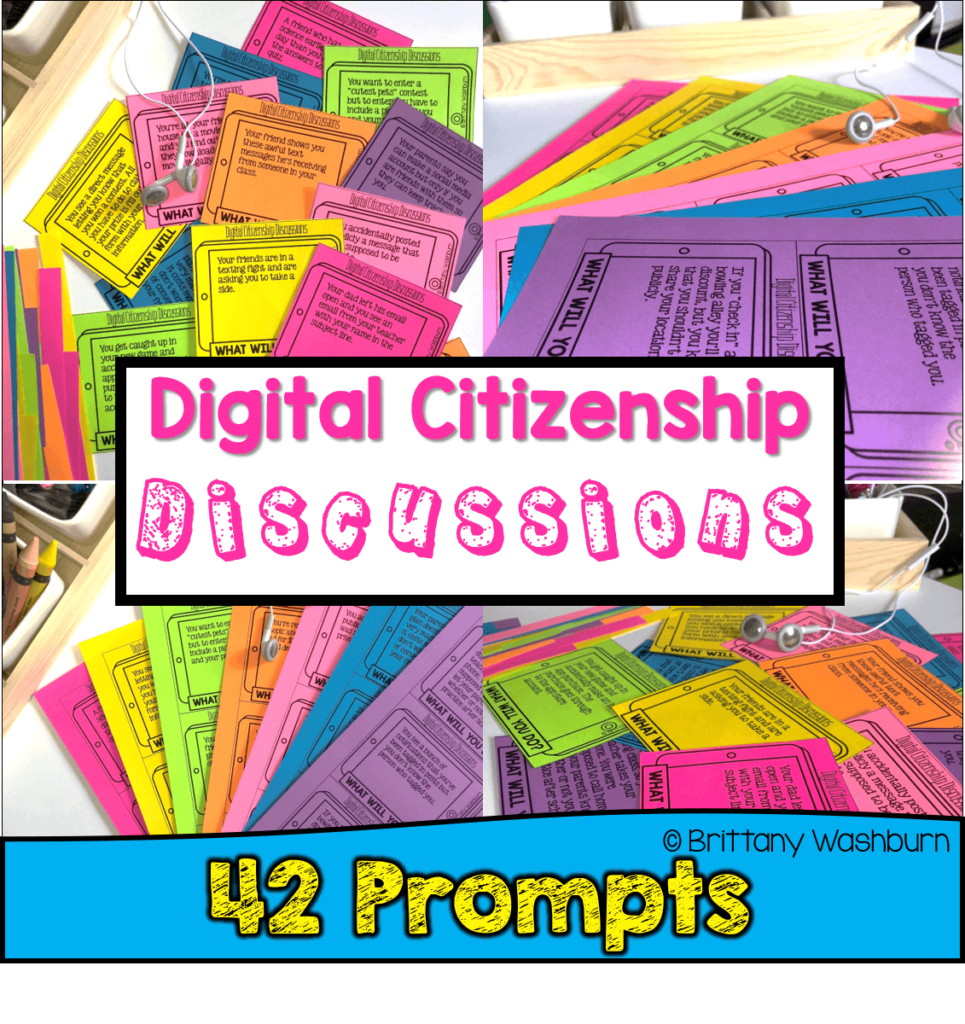
Related Products
-

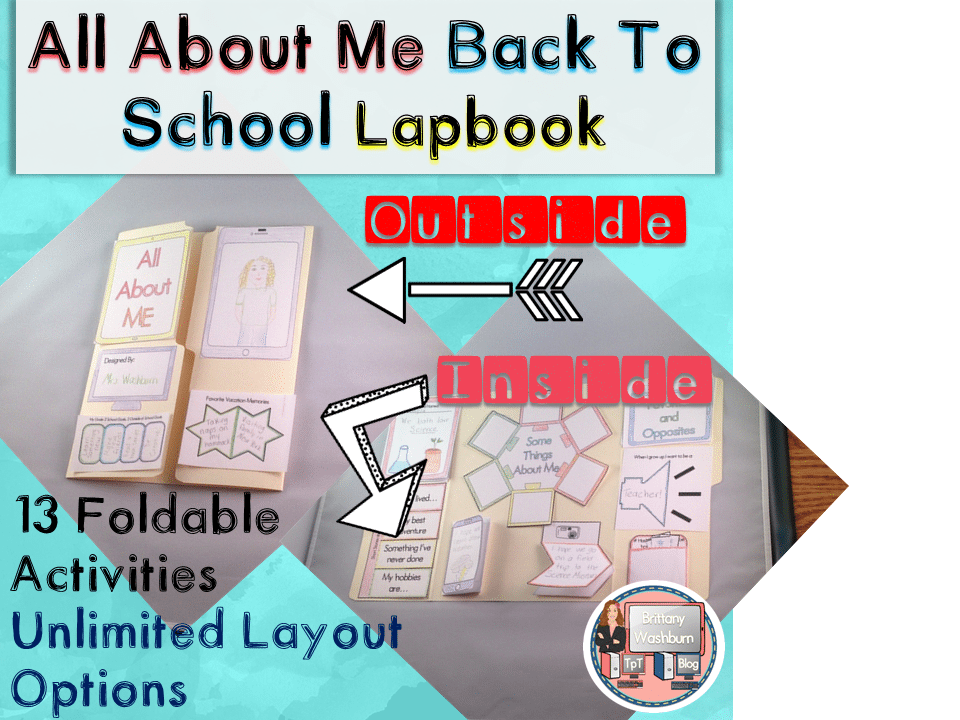
All About Me Book with Technology Theme
Add to cart$3.50 -

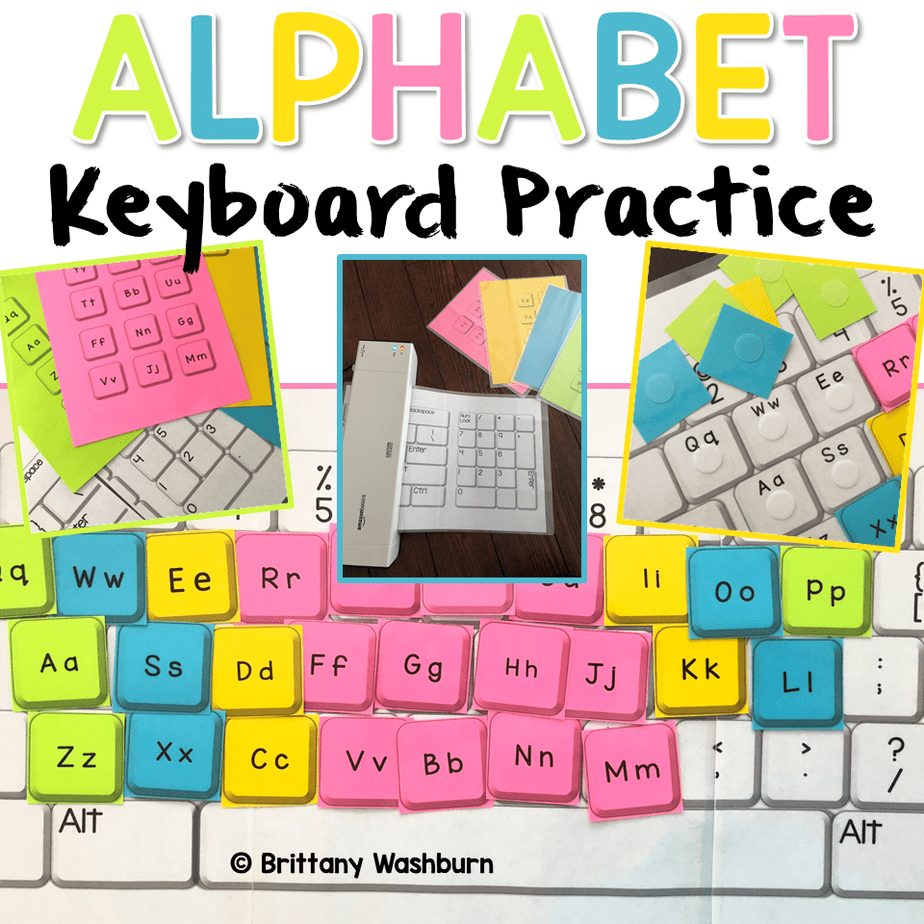
Alphabet Keyboard Practice
Add to cart$5.00 -

Basic Robotics Printable Task Cards
Add to cartOriginal price was: $6.00.$3.00Current price is: $3.00. -
Basic Troubleshooting Printable Task Cards
Add to cart$6.00



You didn’t become a tech teacher to spend your weekends building lessons from scratch. I’m Brittany, a technology curriculum specialist with 1,000+ ISTE-aligned resources designed specifically for K–8 computer lab teachers.
My ready-made digital and printable resources cover everything from digital citizenship and coding fundamentals to multimedia creation and computer essentials, so your planning is handled and your students stay engaged.
Every resource is built to align with ISTE Standards, save you time, and actually work in a computer lab setting, because I’ve taught in one myself.
Browse my bestsellers, or explore by grade level or topic to find exactly what you need.


Caitlin G. (verified owner) –
My students absolutely loved this resource! I could see it being used in many different ways – fast finisher activity, warm ups, and more! We did it as an around-the-room.
Jennifer K. (verified owner) –
This is great work to combine with some computer learning. These kids are on computers all day so I like this as a computer learning activiy but not on a computer!!!! They loved it! Kept them working quietly!
Destini V (verified owner) –
These are challenging and engaging enough to keep my 8th grade computer class kiddos busy! I love the different themes and enjoy having these around as a computer related offline assignment to differentiate my class!
Katie M. (verified owner) –
Great for tech days when students forget their Chromebooks or we need a day offline in the traditional sense. The students think these are really fun!!
Emily P. (verified owner) –
Even my 6th graders who don’t like anything love when they get to do these. Great for early finishers or for when our internet is down. I’ve laminated several copies of each and we use dry erase markers to complete them since I have 200 students every day. Saves on paper!