
✅ Shop with Confidence
- 🔒 Secure Checkout – Your payment is safe and protected.
- ⭐ Quality Guaranteed – Store credit refunds if something isn’t right.
- 🎉 Earn Rewards – Get points for every dollar spent & redeem as store credit!
👉 Add to Cart and start using this resource today
Word Family Build and Type Digital Activity
Original price was: $5.00.$4.00Current price is: $4.00.
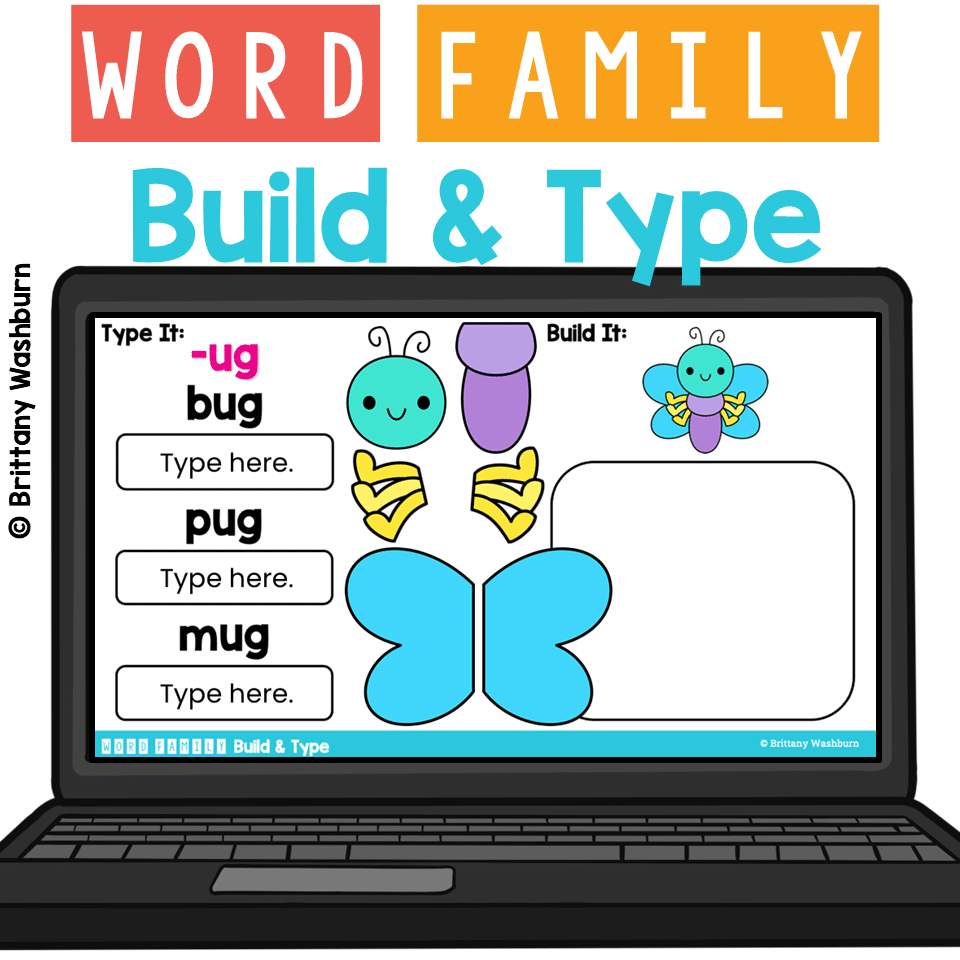
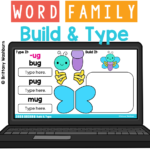
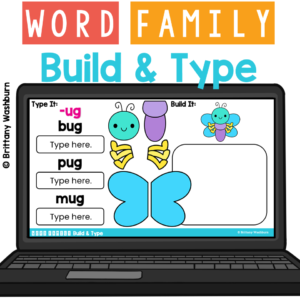
Engage your little learners with CVC word Typing and Mouse Control Practice! This digital activity is designed to help students practice typing skills, reinforce letter recognition & word families, and develop mouse/cursor control as students build a character for 20 word families and type 3 words from the word family with the keyboard. Perfect for classroom use or homeschooling environments!
Word Family Build and Type Digital Activity
Original price was: $5.00.$4.00Current price is: $4.00.
Description
Engage your little learners with CVC word Typing and Mouse Control Practice! This digital activity is designed to help students practice typing skills, reinforce letter recognition & word families, and develop mouse/cursor control as students build a character for 20 word families and type 3 words from the word family with the keyboard. Perfect for classroom use or homeschooling environments!
What’s Included:
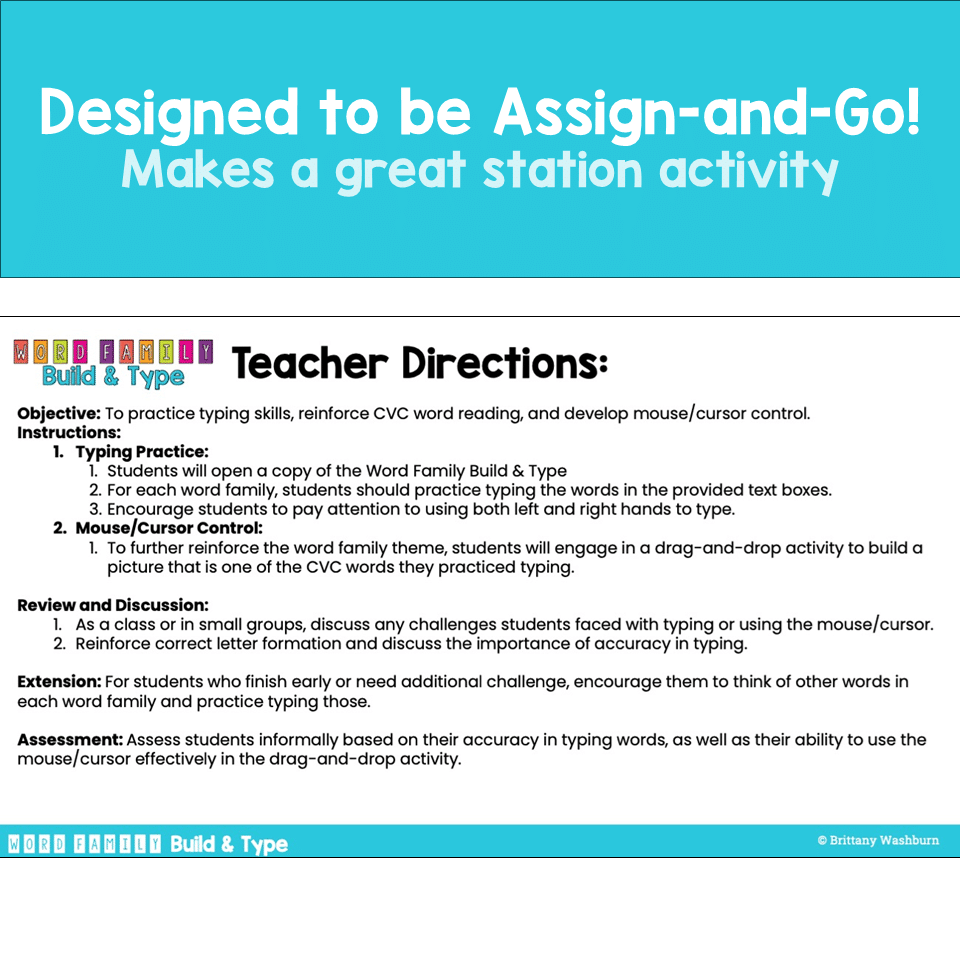
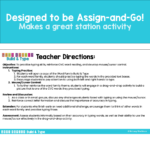
- Detailed instructions and lesson plan.
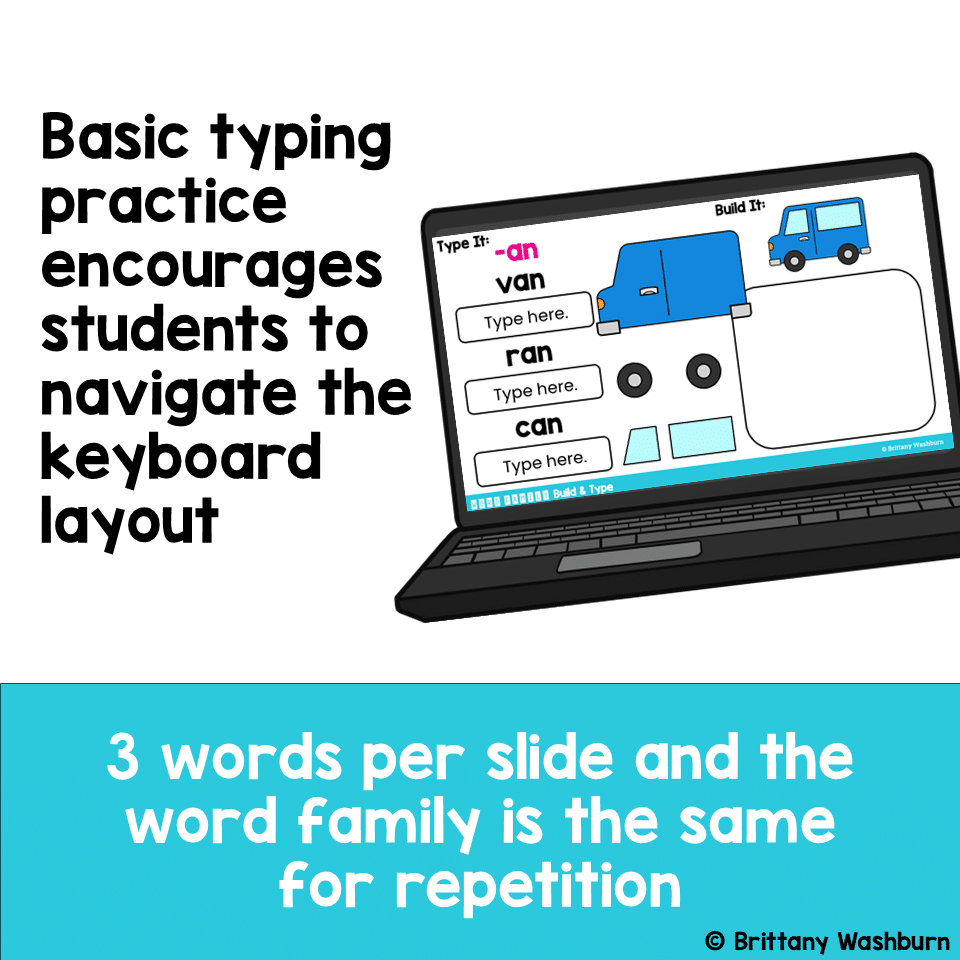
- Typing practice: 3 CVC words for each of the 20 word families.
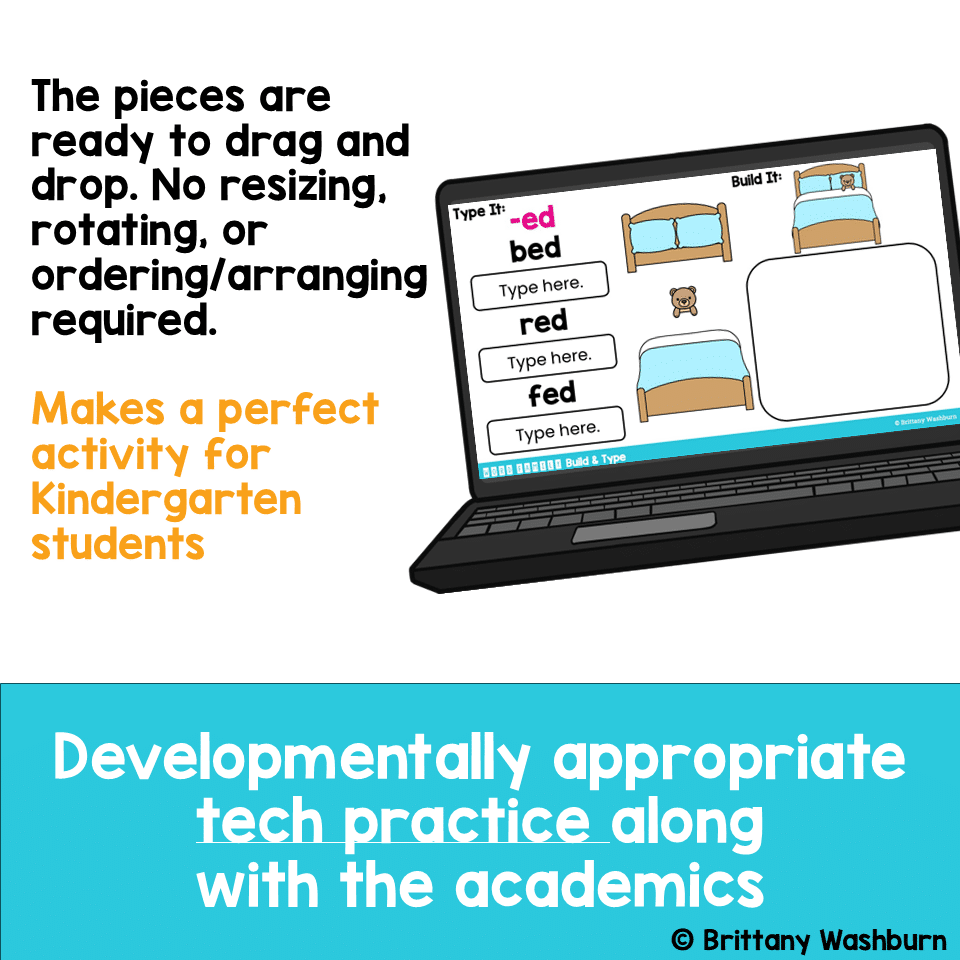
- Drag and Drop practice: activities to build pictures that represent the word family.
- Extension ideas for students who finish early or need an additional challenge.
Aligned with Standards:
- Common Core State Standards (CCSS):
- CCSS.ELA-LITERACY.RF.K.1
- CCSS.ELA-LITERACY.L.K.1.A
- CCSS.ELA-LITERACY.W.K.6
- International Society for Technology in Education (ISTE) Standards:
- ISTE Standard: Creative Communicator
- ISTE Standard: Global Collaborator
Perfect For:
- Kindergarten & first grade students learning letters
- Classroom settings
- Homeschooling families
- Digital learning environments
Why You’ll Love It:
- Engaging Activities: Keeps students motivated and excited to learn.
- Skill Development: Enhances essential typing and mouse/trackpad control skills.
- Easy to Use: Clear instructions for both teachers and parents.
- Versatile: Suitable for various educational settings and student levels.
How It Works:
While working in a Google Slides file in edit mode, on each slide there is a typing and a drag and drop activity.
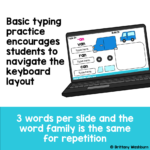
- Typing Practice: Students click into the text box and type the word they see on the screen. There are 3 CVC words to type for each of the 20 word family slides.
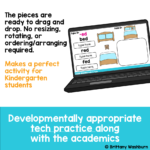
- Mouse Control: Fun drag-and-drop activities to build word family-themed pictures.
Customer Reviews:
“An excellent resource for my kindergarten students! They love the interactive activities and have improved their typing skills significantly.”
“Perfect for homeschooling! My child enjoys the drag-and-drop games, and I appreciate the easy-to-follow instructions.”
Additional information
| Resource Type | Centers/Stations, Digital Activity |
|---|---|
| Format | Google Apps, PDF |
You must be logged in to post a review.

Related Products
-

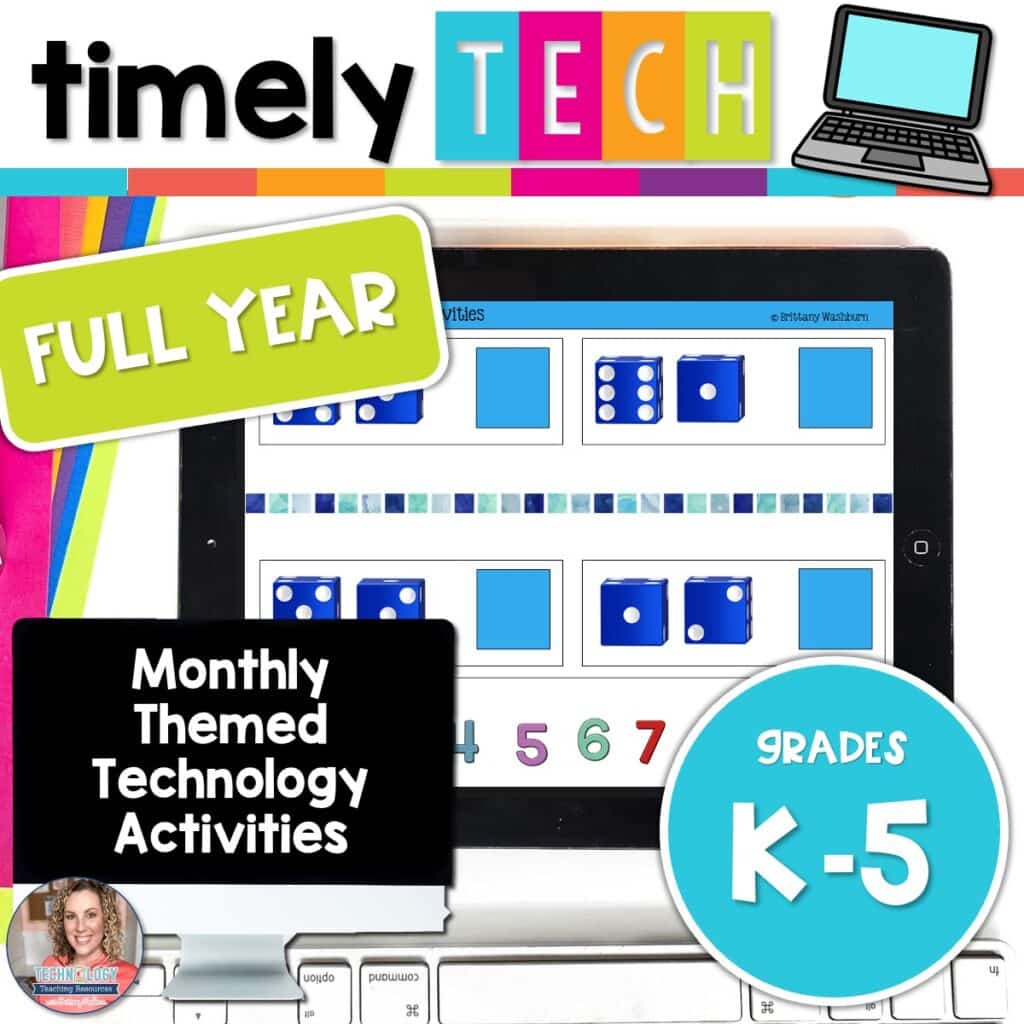
Full Year Timely Tech All in One
Original price was: $198.00.$158.40Current price is: $158.40. -

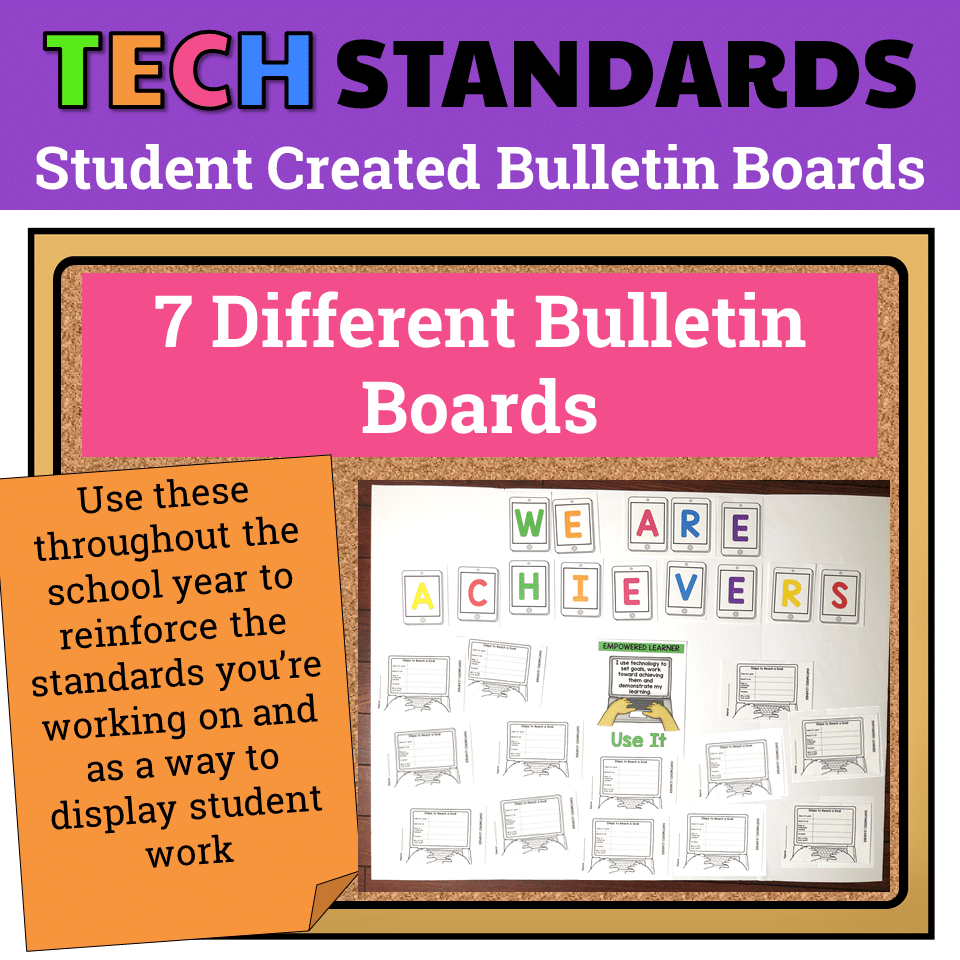
7 Technology Standards Student Created Bulletin Boards
Original price was: $21.00.$14.00Current price is: $14.00. -

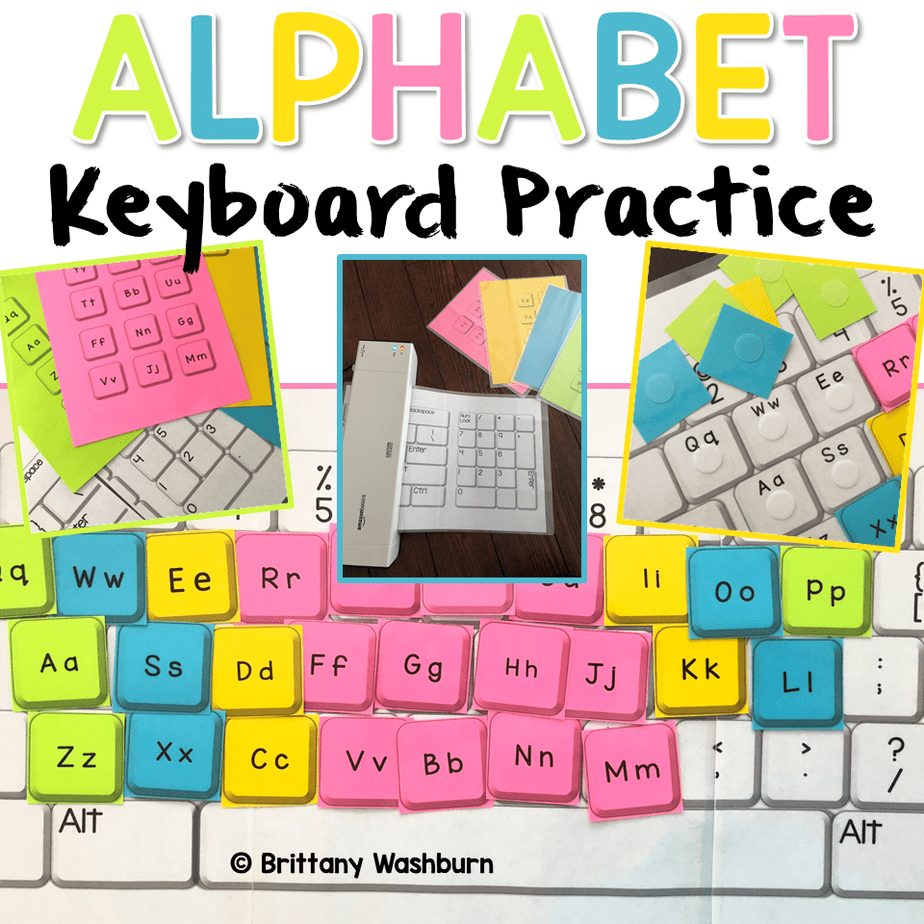
Alphabet Keyboard Practice
$5.00 -

Build Your Own Computer Activity
$4.50


You didn’t become a tech teacher to spend your weekends building lessons from scratch. I’m Brittany, a technology curriculum specialist with 1,000+ ISTE-aligned resources designed specifically for K–8 computer lab teachers.
My ready-made digital and printable resources cover everything from digital citizenship and coding fundamentals to multimedia creation and computer essentials, so your planning is handled and your students stay engaged.
Every resource is built to align with ISTE Standards, save you time, and actually work in a computer lab setting, because I’ve taught in one myself.
Browse my bestsellers, or explore by grade level or topic to find exactly what you need.
Reviews
There are no reviews yet.