
✅ Shop with Confidence
- 🔒 Secure Checkout – Your payment is safe and protected.
- ⭐ Quality Guaranteed – Store credit refunds if something isn’t right.
- 🎉 Earn Rewards – Get points for every dollar spent & redeem as store credit!
👉 Add to Cart and start using this resource today
Tinkercad Posters and 3D Printing Anchor Charts
Original price was: $6.00.$3.00Current price is: $3.00.
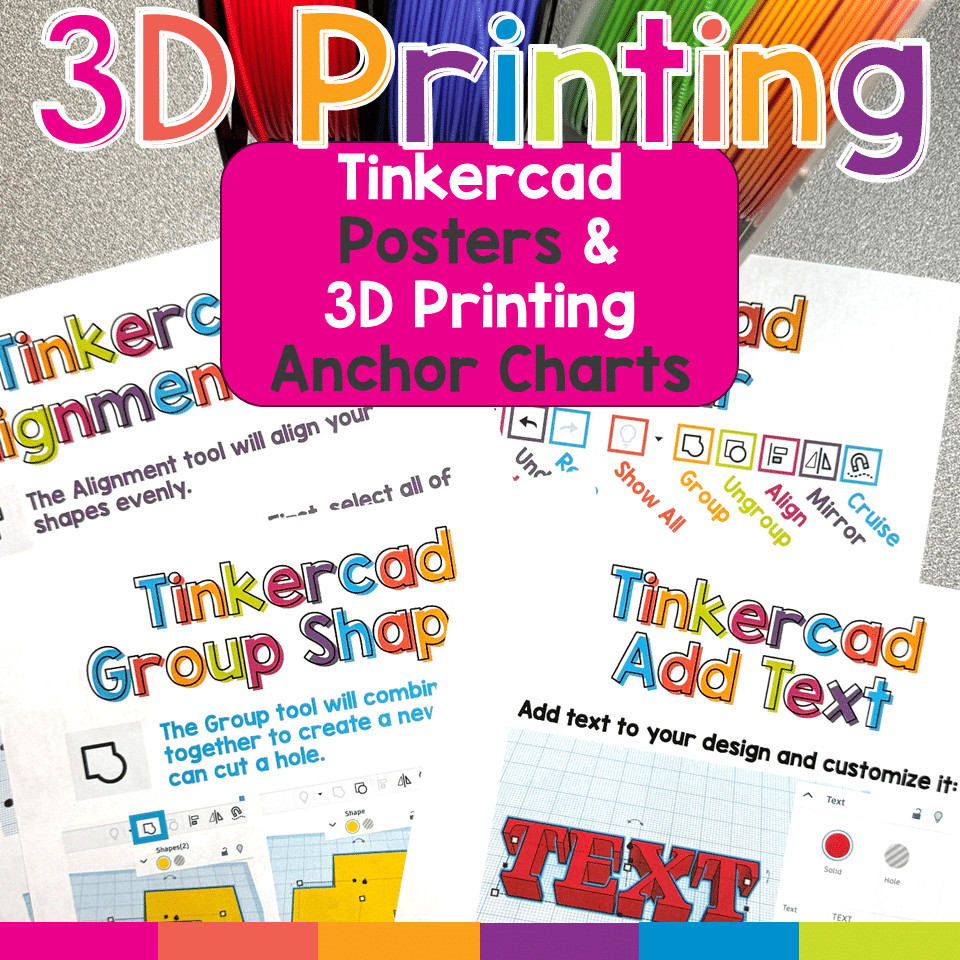
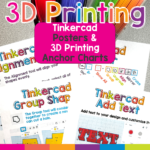
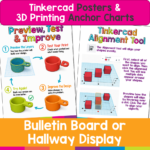
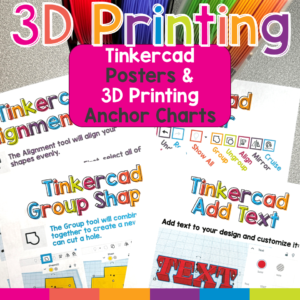
Make Tinkercad and 3D printing easier for elementary students with this colorful set of Tinkercad posters and 3D printing classroom anchor charts! These visual reference posters introduce essential Tinkercad tools, explain how to create printable 3D designs, and reinforce important 3D printer safety procedures.
Display the posters in your computer lab, STEM classroom, makerspace, library, or technology center so students can find the help they need without waiting for step-by-step assistance. Clear screenshots, simple explanations, and student-friendly graphics make unfamiliar 3D design concepts easier for young creators to understand.
Tinkercad Posters and 3D Printing Anchor Charts
Original price was: $6.00.$3.00Current price is: $3.00.
Description
Make Tinkercad and 3D printing easier for elementary students with this colorful set of Tinkercad posters and 3D printing classroom anchor charts! These visual reference posters introduce essential Tinkercad tools, explain how to create printable 3D designs, and reinforce important 3D printer safety procedures.
Display the posters in your computer lab, STEM classroom, makerspace, library, or technology center so students can find the help they need without waiting for step-by-step assistance. Clear screenshots, simple explanations, and student-friendly graphics make unfamiliar 3D design concepts easier for young creators to understand.
WHAT IS INCLUDED?
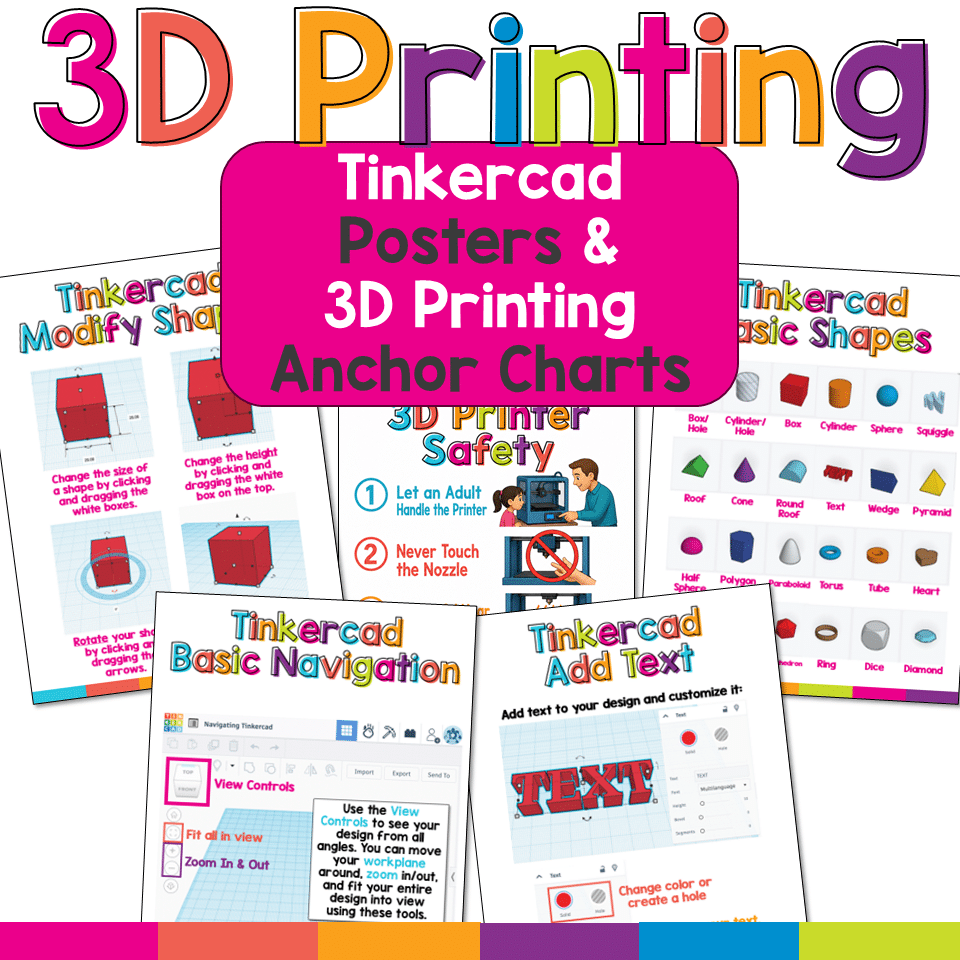
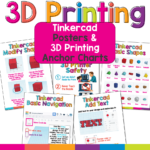
This set includes 11 classroom posters:
• Tinkercad Basic Navigation
• Tinkercad Basic Shapes
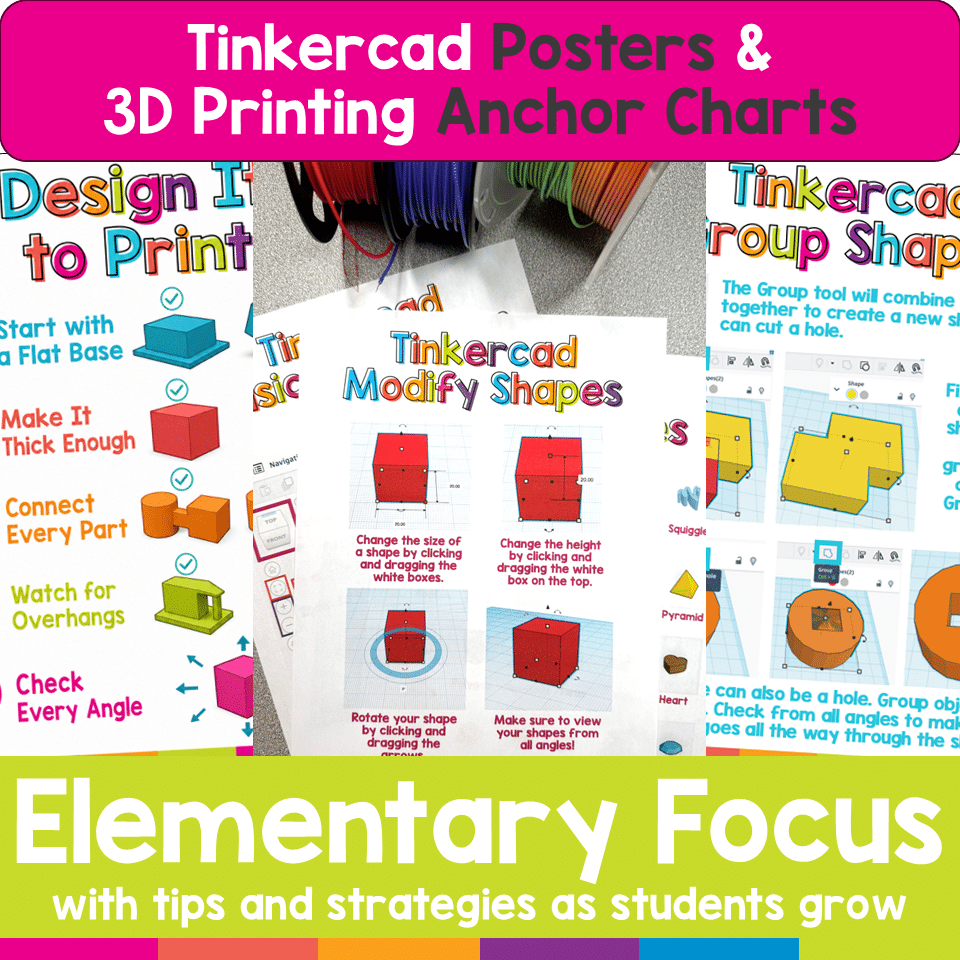
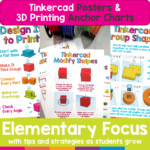
• Tinkercad Modify Shapes
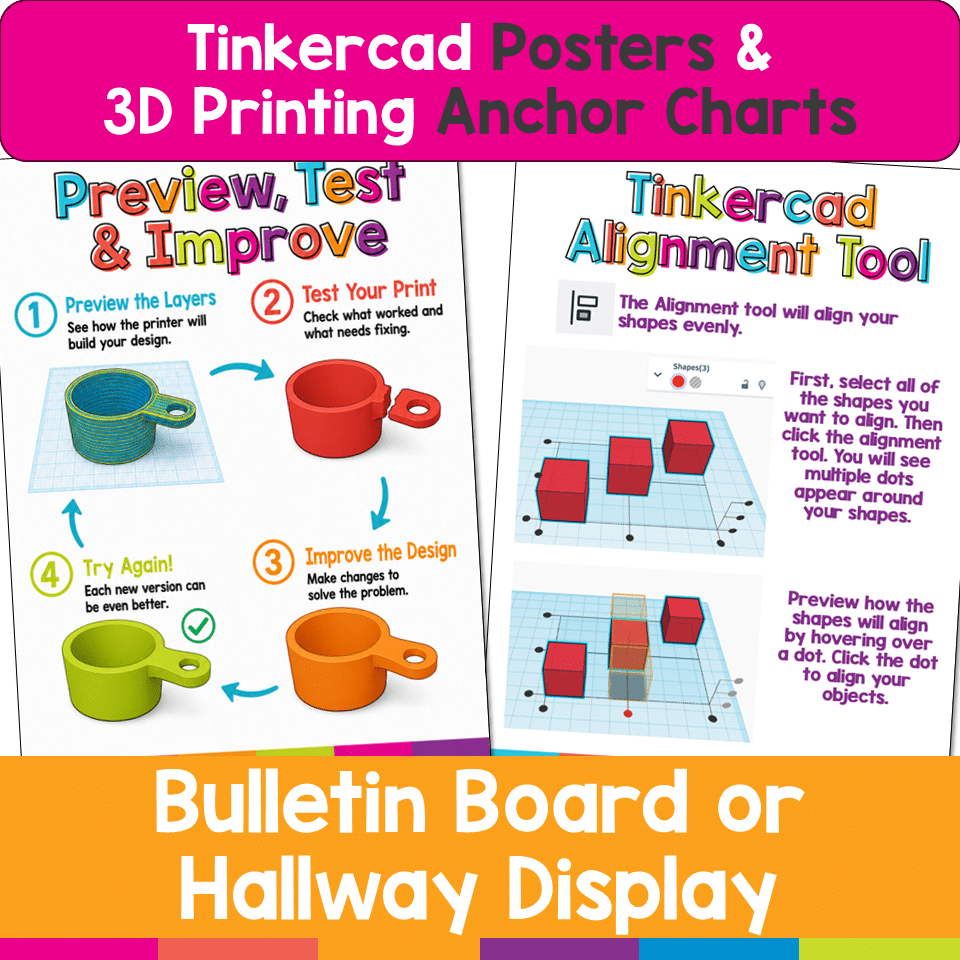
• Tinkercad Alignment Tool
• Tinkercad Group Shapes
• Tinkercad Toolbar
• Tinkercad Add Text
• Design It to Print
• Plan Your Design
• Preview, Test & Improve
• 3D Printer Safety
WHAT WILL STUDENTS LEARN?
Students will use the posters to learn how to:
• Navigate the Tinkercad workplane
• Change the size and height of shapes
• Rotate objects and view them from different angles
• Recognize commonly used Tinkercad shapes
• Align, group, ungroup, mirror, and duplicate objects
• Combine solid shapes and holes
• Add and customize text
• Design models with flat bases and connected parts
• Avoid thin pieces and difficult overhangs
• Measure designs before printing
• Keep 3D models simple and printable
• Preview a model’s layers before printing
• Test, evaluate, and improve a design
• Follow basic 3D printer safety expectations
PERFECT FOR:
• Elementary computer labs
• STEM and STEAM classrooms
• School makerspaces
• Technology centers
• Library media centers
• Tinkercad lessons
• 3D design projects
• 3D printing units
• Engineering design challenges
• Early finishers and independent work
• Classroom bulletin boards and reference displays
SUPPORT INDEPENDENT LEARNING
Students can refer to the posters while they work instead of asking the same procedural questions repeatedly. The visuals provide quick reminders without replacing teacher modeling or instruction.
The design tips also help students understand that creating something on a screen is only part of the 3D printing process. A successful model must be measured, connected, sturdy, and designed so that a printer can build it one layer at a time.
ENCOURAGE AN ENGINEERING MINDSET
The Preview, Test & Improve poster reinforces that the first version of a design may not work perfectly—and that is okay! Students are encouraged to preview their work, test a print, identify problems, make improvements, and try again.
BRIGHT, STUDENT-FRIENDLY DESIGN
Each poster uses colorful headings, clear examples, and concise explanations created with elementary learners in mind. The coordinated designs make it easy to create a helpful and visually consistent Tinkercad or makerspace display.
Please note: This resource is an independent educational product and is not affiliated with or endorsed by Autodesk or Tinkercad.
You must be logged in to post a review.
You may be interested in…
-

3D Printing Lesson and 3 Leveled Tasks
Original price was: $10.00.$8.00Current price is: $8.00.
Related Products
-

Technology Themed Decor for the Computer Lab Bundle
Original price was: $68.50.$61.65Current price is: $61.65. -
7 Technology Standards Student Created Bulletin Boards
Original price was: $21.00.$14.00Current price is: $14.00. -
AI Friends Bulletin Board Kit
$3.00 -
Algorithm Art Student Created Bulletin Board
$2.50


You didn’t become a tech teacher to spend your weekends building lessons from scratch. I’m Brittany, a technology curriculum specialist with 1,000+ ISTE-aligned resources designed specifically for K–8 computer lab teachers.
My ready-made digital and printable resources cover everything from digital citizenship and coding fundamentals to multimedia creation and computer essentials, so your planning is handled and your students stay engaged.
Every resource is built to align with ISTE Standards, save you time, and actually work in a computer lab setting, because I’ve taught in one myself.
Browse my bestsellers, or explore by grade level or topic to find exactly what you need.
Reviews
There are no reviews yet.