
✅ Shop with Confidence
- 🔒 Secure Checkout – Your payment is safe and protected.
- ⭐ Quality Guaranteed – Store credit refunds if something isn’t right.
- 🎉 Earn Rewards – Get points for every dollar spent & redeem as store credit!
👉 Add to Cart and start using this resource today
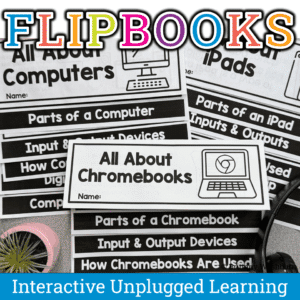
Technology Flipbook Activities – All About iPads, Computers, and Chromebooks Printable Set
$6.00
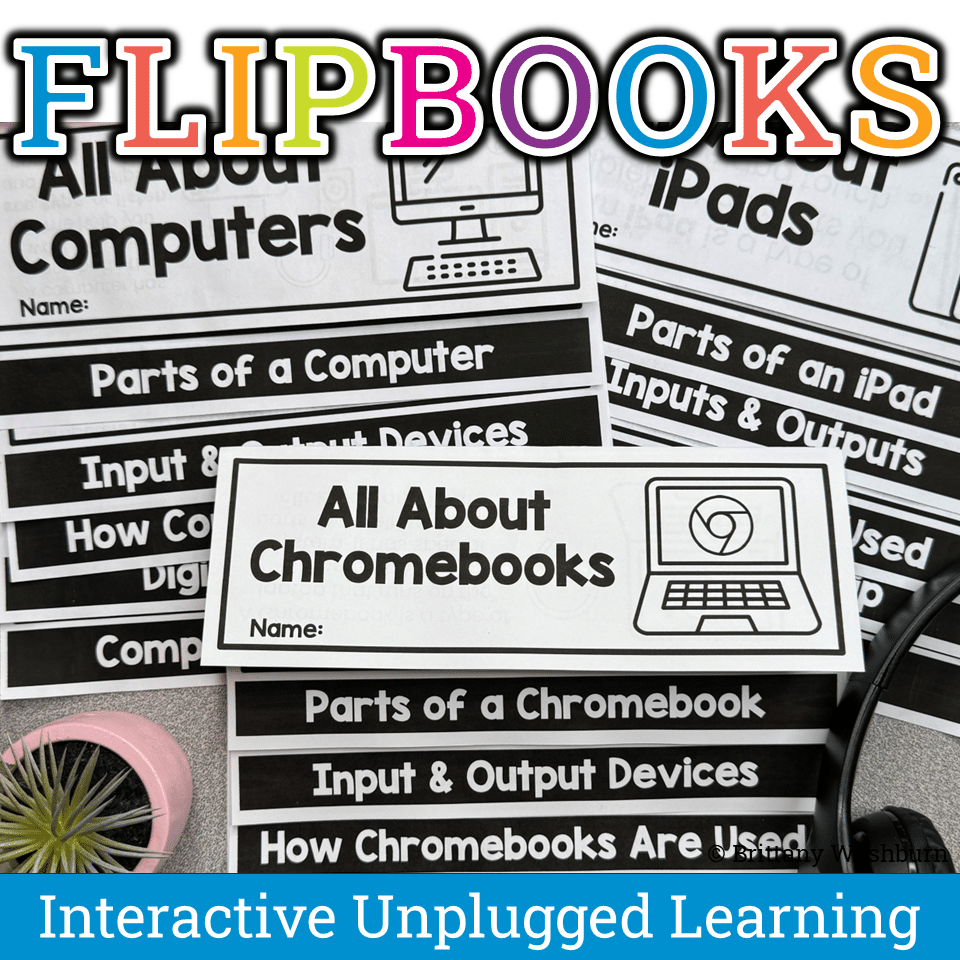
Introduce technology the fun way! These printable flipbooks help elementary students learn about iPads, computers, and Chromebooks through hands-on, interactive activities. Students explore tech vocabulary, parts of a device, input/output, and digital citizenship. Perfect for computer lab teachers and tech integration in grades 1–3.
Technology Flipbook Activities – All About iPads, Computers, and Chromebooks Printable Set
$6.00
Description
Technology Flipbook Activities for Elementary Students – All About iPads, Computers, and Chromebooks. Introduce your students to essential technology concepts with these engaging, no-prep iPad, Chromebooks, and Computer Flipbook Activities—perfect for your elementary computer lab or classroom! Designed with young learners in mind, these interactive flipbooks make digital literacy fun, hands-on, and easy to understand.
What’s Included:
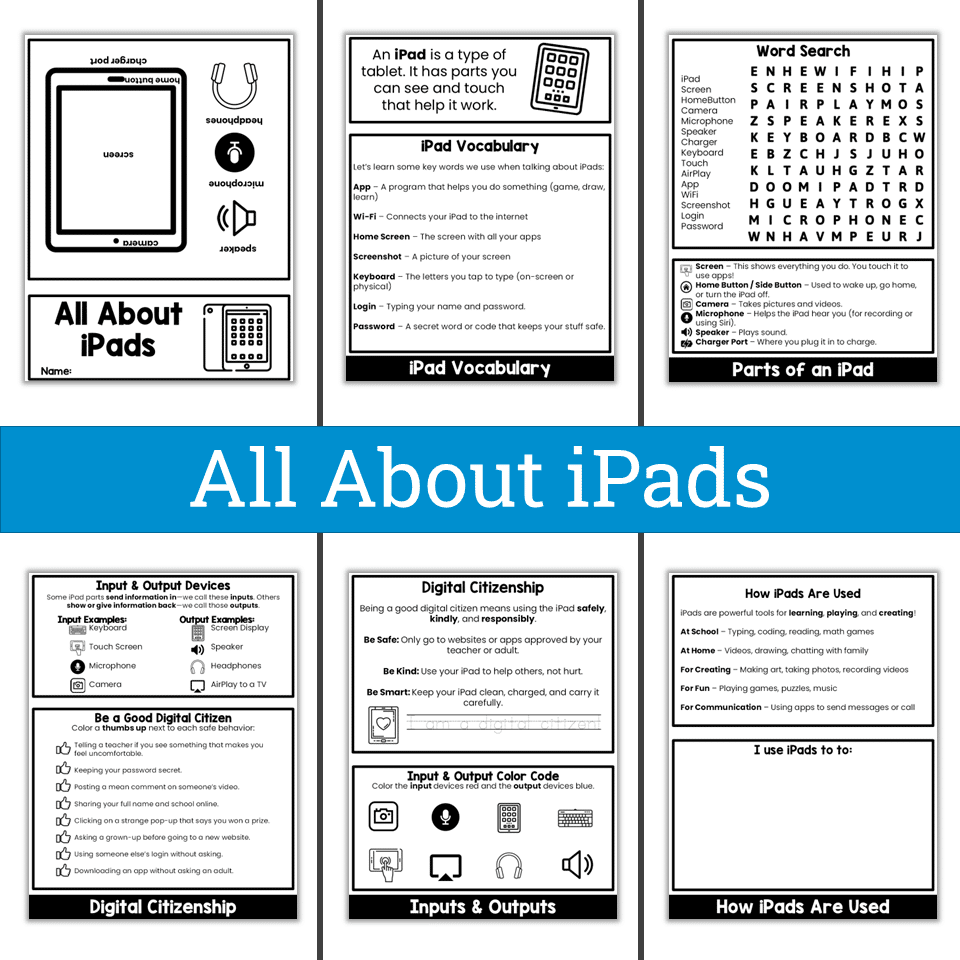
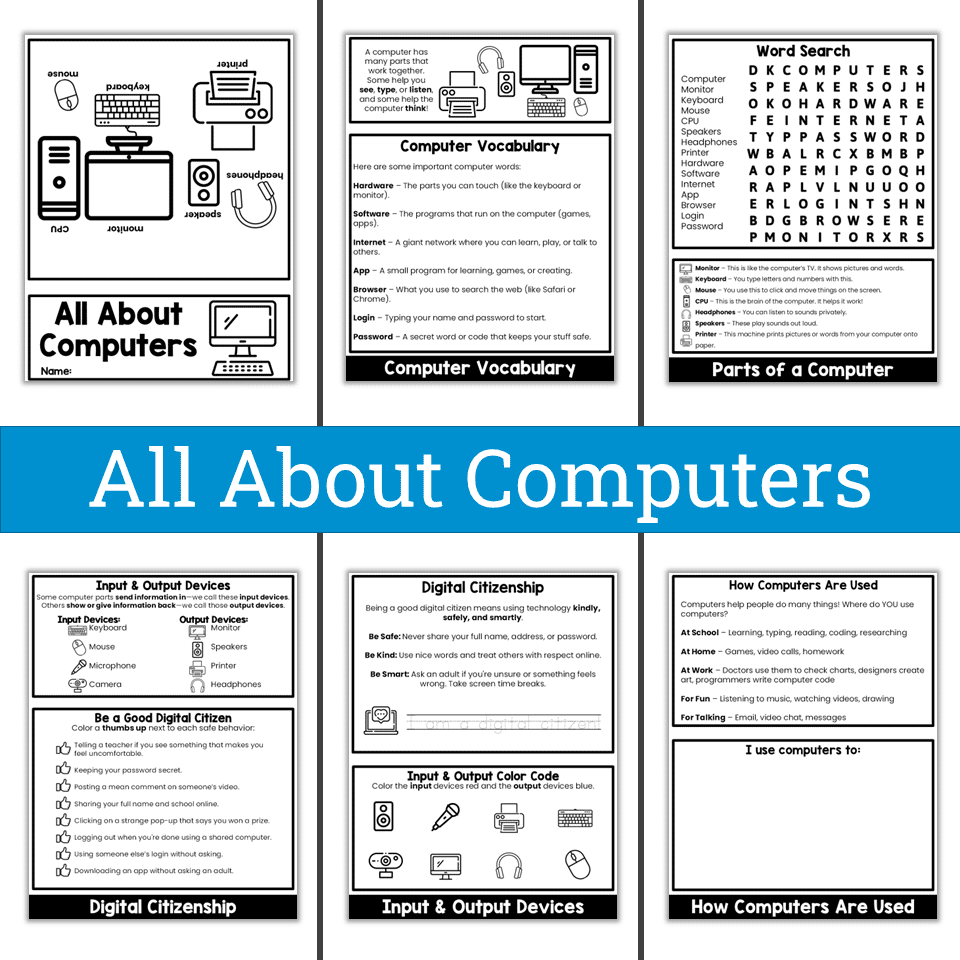
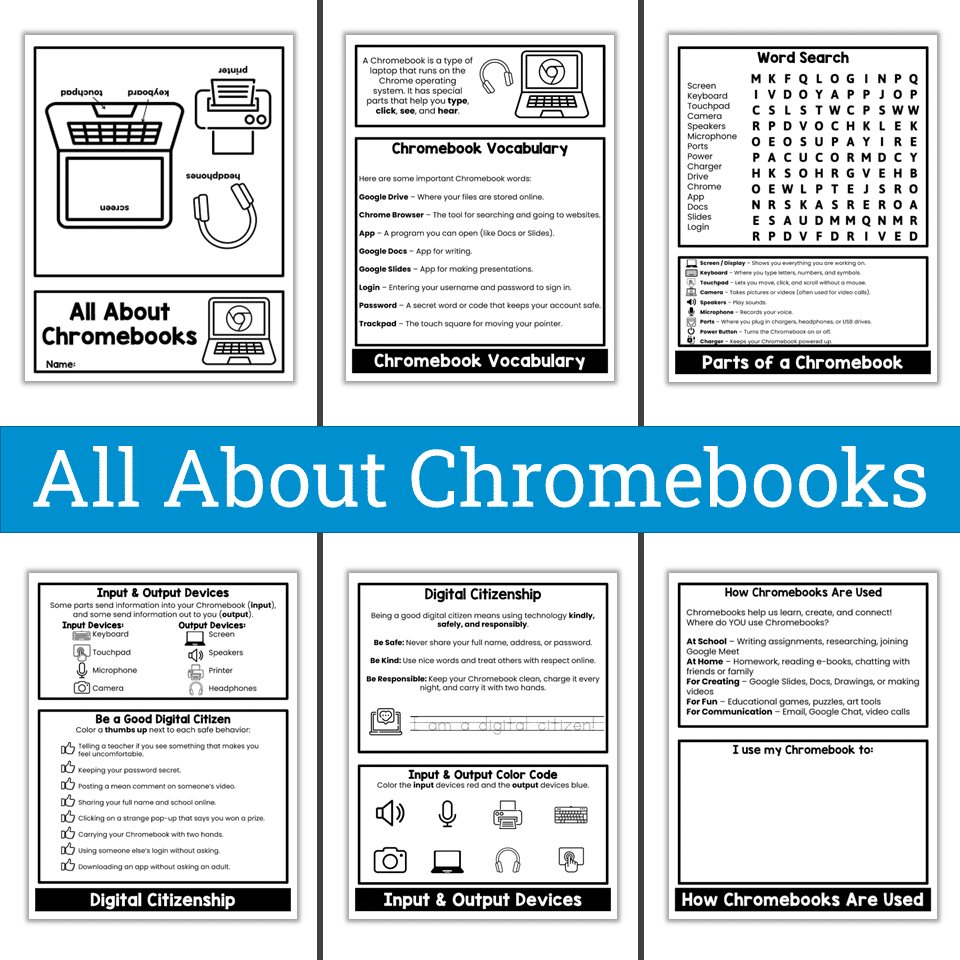
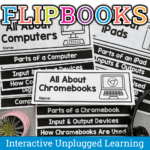
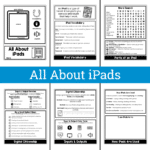
- 1 printable “All About iPads” Flipbook
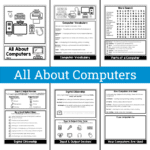
- 1 printable “All About Computers” Flipbook
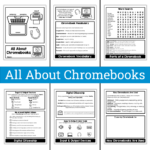
- 1 printable “All About Chromebooks” Flipbook
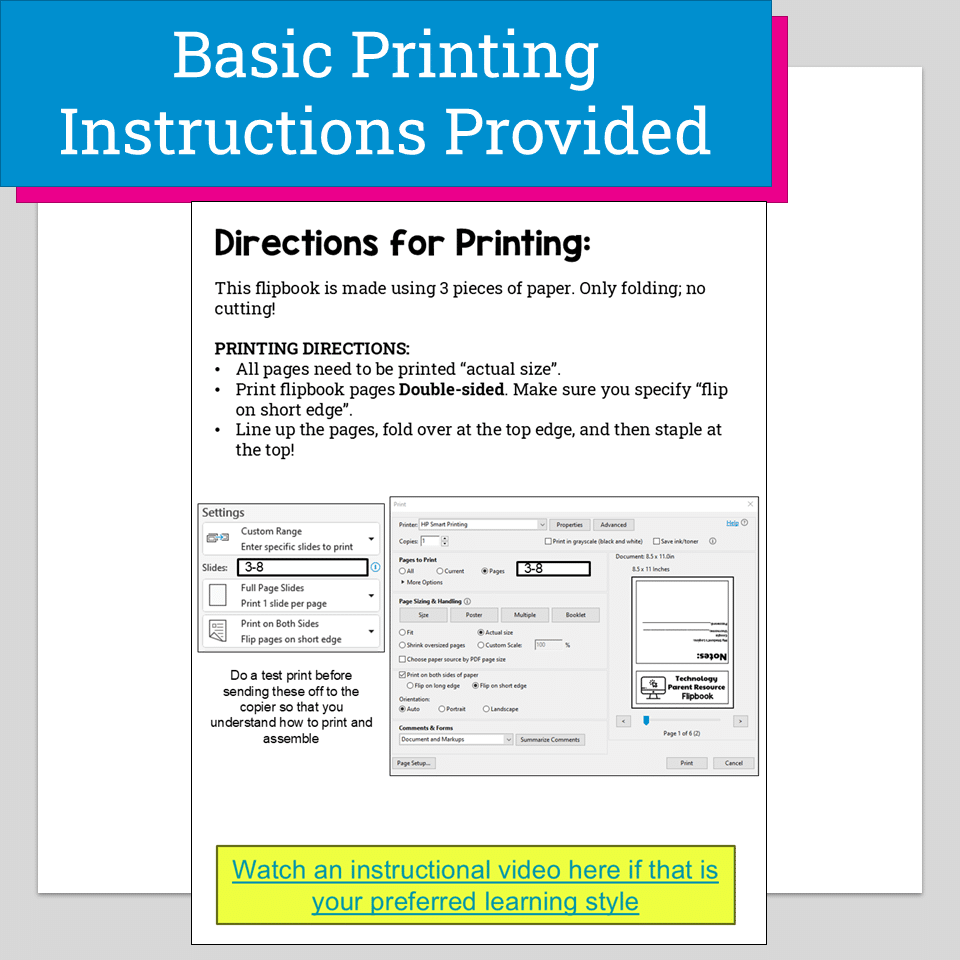
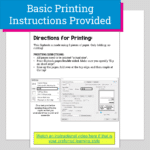
- Step-by-step student-friendly directions
- Instructional video for easy assembly
- Activities aligned with ISTE Standards for Students
Skills Covered:
- Technology Vocabulary: Learn key terms like app, Wi-Fi, software, and hardware.
- Parts of a Device: Label and identify parts of an iPad and computer.
- Input vs. Output Devices: Sort and color-code examples of inputs and outputs.
- Digital Citizenship: Practice safe, kind, and responsible technology use.
- Real-World Tech Use: Reflect on how we use iPads and computers every day.
Print & Go!
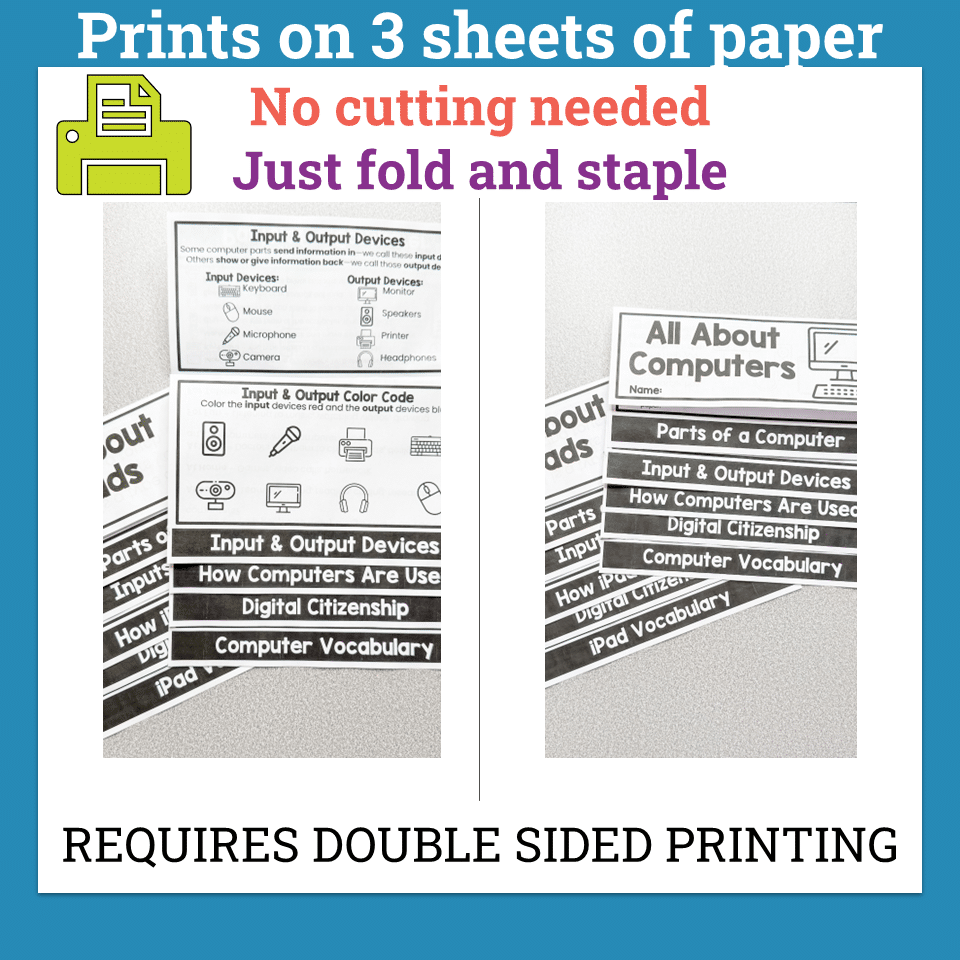
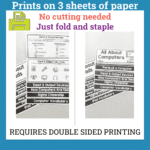
Each flipbook prints double-sided on 3 pages—no cutting required! Just fold and staple. Perfect for individual or small group activities, tech literacy centers, or sub plans.
Who It’s For:
These technology flipbooks are ideal for elementary computer lab teachers, classroom teachers introducing digital tools for the first time, or any educator looking to reinforce digital literacy and citizenship in a fun, visual format. Great for grades 1–3.
From Tech-Timid to Tech-Confident: A Transformation Story for You and Your Students
When you introduce technology in the classroom—especially to younger students—it can feel overwhelming. Maybe you’ve had lessons where students didn’t know where to click, couldn’t remember basic terms, or rushed through digital tasks without really understanding what they were doing. You’re trying to build essential tech skills, but without the right tools, you’re left managing chaos instead of guiding learning.
That’s where these iPad, Chromebook, and Computer Flipbook Activities change everything.
Imagine walking into your classroom and handing out these flipbooks during your next tech lesson. Immediately, students are excited—they’re holding a colorful, interactive tool that feels like a craft but teaches like a textbook. You hear them say words like “input device” and “Wi-Fi” with confidence. They’re connecting the parts of an iPad or computer to real-world use. They’re learning how to be responsible digital citizens—and enjoying it!
As they work, you’re no longer fielding 30 questions about where to click or what something means. Instead, you’re watching lightbulb moments. Your classroom becomes a space where technology vocabulary, safety, and skills are tangible—something students can see, touch, and understand.
And for you? You’re no longer spending hours piecing together random digital citizenship worksheets and vocabulary lessons. You’ve got a plug-and-play activity that’s not just engaging—it’s educational gold. You leave school knowing your students are building real tech literacy, step by step.
This flipbook is more than a printout—it’s a turning point. It’s the moment where your tech lessons start to flow, your students start to grow, and you start to feel like the tech-savvy teacher you’ve always wanted to be.
Keywords: iPad flipbook, computer flipbook, chromebook flipbook, digital citizenship activity, input and output devices, parts of a computer, parts of an iPad, technology vocabulary for kids, elementary tech lesson, computer lab printable, ISTE standards, tech skills activity
Product Terms:
Copyright © Brittany Washburn 2025.
Downloading this file entitles you to ONE classroom use. You may use this with multiple classes but may not share with any other teachers. Copying for more than one teacher, classroom, department, school, or school system is prohibited. This product may not be distributed or displayed digitally for public view. Failure to comply is a copyright infringement and a violation of the Digital Millennium Copyright Act (DMCA). Clipart and elements found in this file are copyrighted and cannot be extracted and used outside of this file without permission or license. If multiple licenses are needed for use my more than one teacher or in more than one computer lab, send them here to download the file.
If you would like to get updates on NEW and CURRENT resources for technology teachers…
Additional information
| Resource Type | Centers/Stations, Printable |
|---|---|
| Format | |
| Standards | ISTE, CSTA, TEKS Technology Applications |
This resource supports the following standards.
ISTE Standards for Students
- 1.1.d – Understand technology operations and troubleshoot
- 1.2.a – Manage digital identity and reputation
- 1.2.b – Act safely, legally and ethically online
- 1.2.d – Protect personal data and privacy
CSTA K-12 Computer Science Standards
- 1A-CS-02 – Name and describe hardware components
- 1A-IC-17 – Work respectfully and responsibly online
- 1B-CS-01 – How computer parts work together as a system
- 1B-CS-02 – How hardware and software work together
- 1B-NI-05 – Protect personal information; cybersecurity
Texas TEKS: Technology Applications (19 TAC Chapter 126)
- Gr 1: (c)(6)-(8) Digital citizenship, (c)(9) Practical technology skills (devices, software, keyboarding)
- Gr 2: (c)(7)-(9) Digital citizenship, (c)(10) Practical technology skills (devices, software, keyboarding)
- Gr 3: (c)(8)-(10) Digital citizenship, (c)(12) Technology skills and tools
You must be logged in to post a review.
What teachers said on TPT
Rated 5.0 out of 5 by 10 teachers on Teachers Pay Teachers.
“This was perfect for opening discussions about devices at the beginning of the year and refreshing student memories when we came back from break. Easy to put together.”
— Stephanie S., TPT review
“This flipbook allowed students to learn about a variety of topics related to Computer science and Technology. A quick way to go over the topic.”
— Andrea Y., TPT review
“I left this for my leave replacement teacher to teach a Chromebook unit to my 2nd-grade students. It was a great resource!”
— Mathematically E., TPT review

Related Products
-

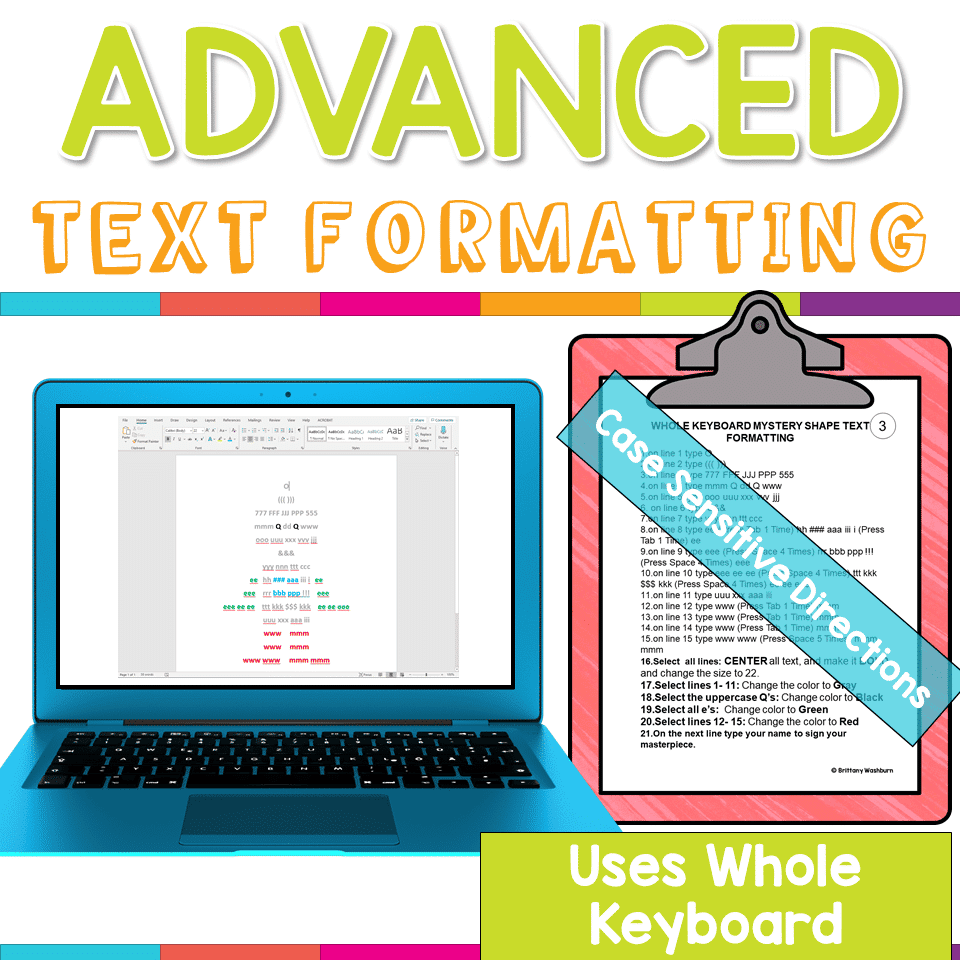
Advanced Keyboarding Text Formatting Activities
$7.00 -

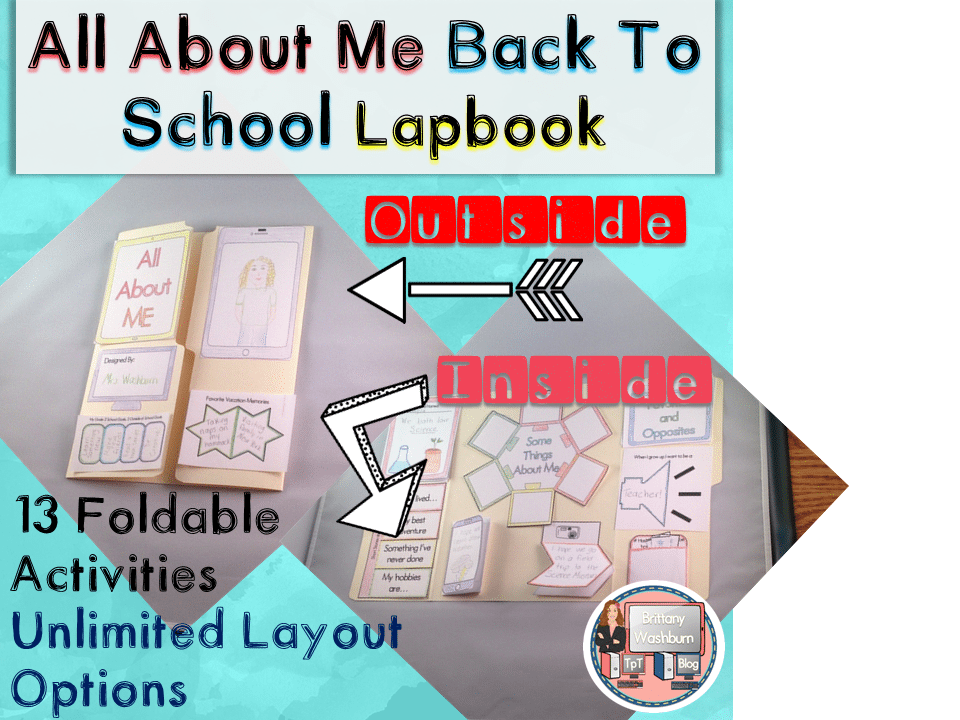
All About Me Book with Technology Theme
$3.50 -

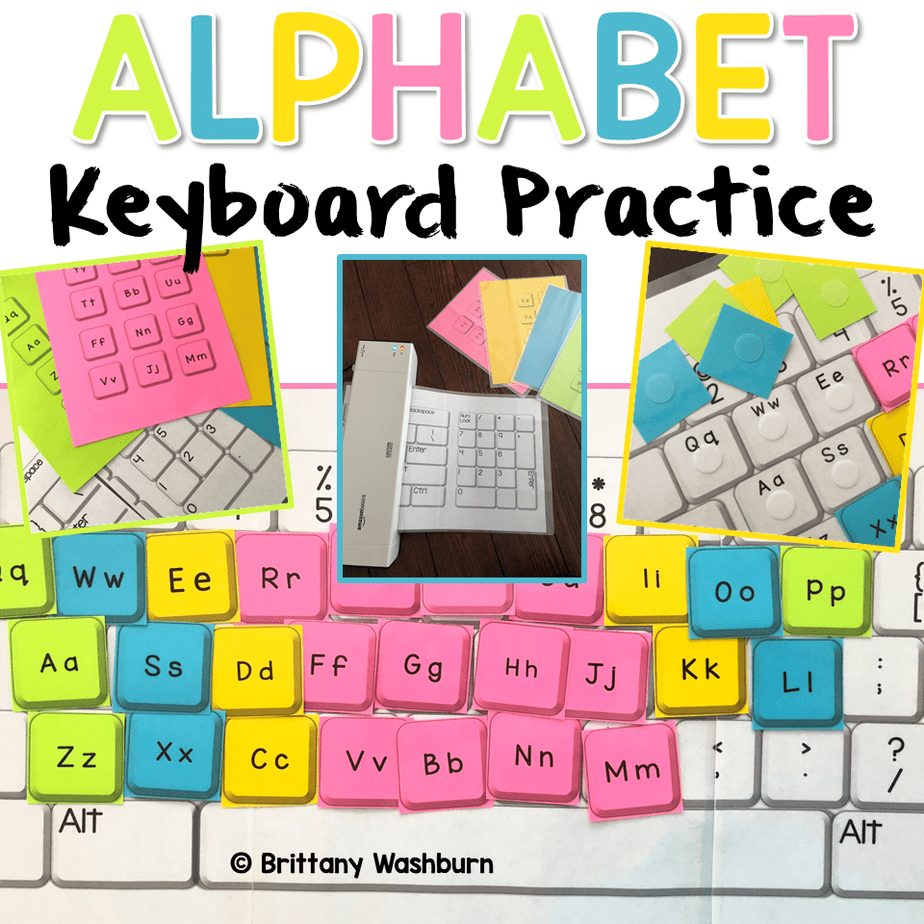
Alphabet Keyboard Practice
$5.00 -
Basic Robotics Printable Task Cards
Original price was: $6.00.$3.00Current price is: $3.00.


You didn’t become a tech teacher to spend your weekends building lessons from scratch. I’m Brittany, a technology curriculum specialist with 1,000+ ISTE-aligned resources designed specifically for K–8 computer lab teachers.
My ready-made digital and printable resources cover everything from digital citizenship and coding fundamentals to multimedia creation and computer essentials, so your planning is handled and your students stay engaged.
Every resource is built to align with ISTE Standards, save you time, and actually work in a computer lab setting, because I’ve taught in one myself.
Browse my bestsellers, or explore by grade level or topic to find exactly what you need.
Reviews
There are no reviews yet.