


✅ Shop with Confidence
- 🔒 Secure Checkout – Your payment is safe and protected.
- ⭐ Quality Guaranteed – Store credit refunds if something isn’t right.
- 🎉 Earn Rewards – Get points for every dollar spent & redeem as store credit!
👉 Add to Cart and start using this resource today
Technology Color By Word Processing Icons Printables
$3.00
Students learn the icons that they will use in a word processing program and then commit them to memory with a coloring page. Perfect for an offline activity!
Technology Color By Word Processing Icons Printables
$3.00
Description
Students learn the icons that they will use in a word processing program and then commit them to memory with a coloring page. Perfect for an offline activity!
Save 20% with the Technology Back Up Plans set
What is included:
- One page Poster of the word processing icons with labels
- 5 printable worksheets
- 5 answer keys
Who this is for:
- Technology teachers
- Media specialists
- STEM teachers
- Gifted and Talented teachers
Product Terms:
Copyright © Brittany Washburn. Purchasing this file entitles you to ONE classroom use. You may use this with multiple classes but may not share with any other teachers. Copying for more than one teacher, classroom, department, school, or school system is prohibited. This product may not be distributed or displayed digitally for public view. Failure to comply is a copyright infringement and a violation of the Digital Millennium Copyright Act (DMCA). Clipart and elements found in this PDF are copyrighted and cannot be extracted and used outside of this file without permission or license. If multiple licenses are needed for use my more than one teacher or in more than one computer lab, additional licenses are discounted.
If you’re interested in connecting with other technology teachers, check out the Technology Teacher Tribe Group on Facebook.
Connect with me on social media!
Additional information
| Topic | Microsoft Office |
|---|---|
| Resource Type | Lesson/Unit |
| Device needed | No device needed |
| Made for | Students |
26 reviews for Technology Color By Word Processing Icons Printables
Reviewers earn rewards points for any honest review they leave, positive or negative.
You must be logged in to post a review.
What teachers said on TPT
Rated 4.9 out of 5 by 26 teachers on Teachers Pay Teachers.
“All of Brittany's resources are wonderful and this is as well! Sometimes we forget that students need to be taught icons. This is a fun way to do it and an easy screen free lesson.”
— Tina S., TPT review
“This has really helped my students remember what the icons represent in word processing. Plus, it's lots of fun. Thanks.”
— Kelly M., TPT review
“This is a great resource for my SUB FOLDER! Great also for those down times when we are offline!!! A++”
— Jen J., TPT review
Related Products
-

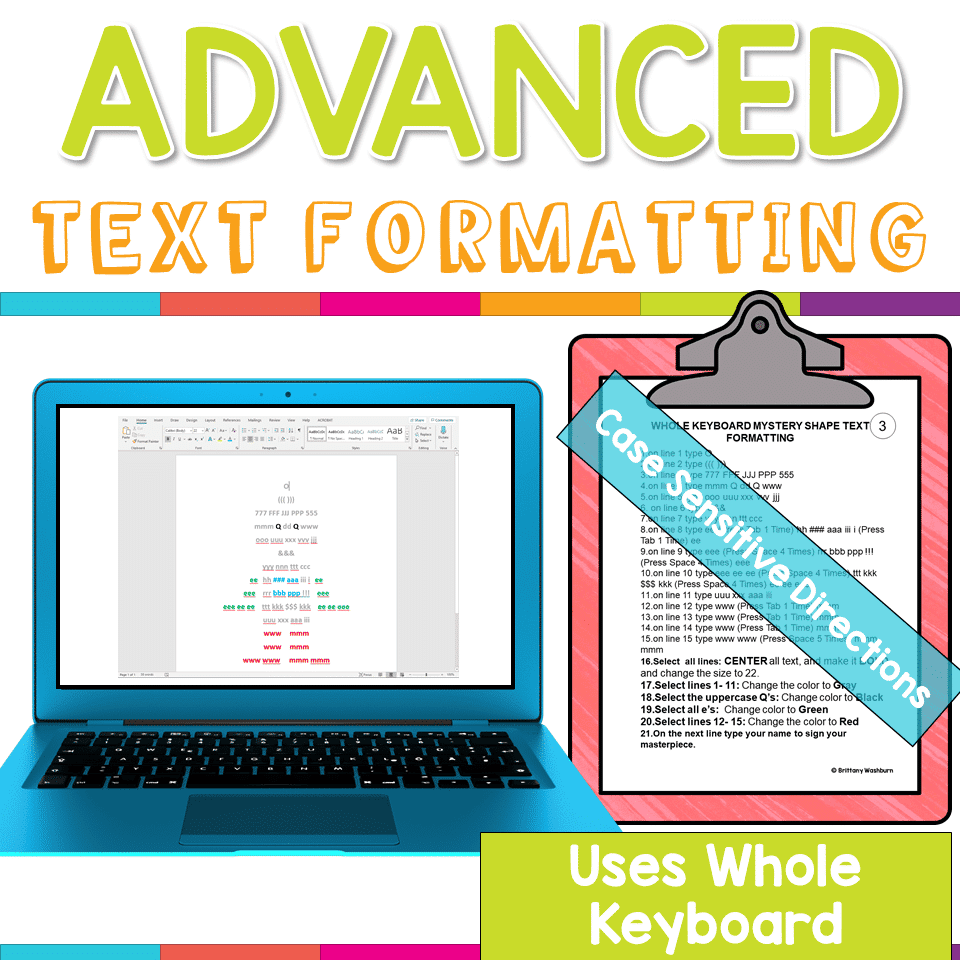
Advanced Keyboarding Text Formatting Activities
$7.00 -

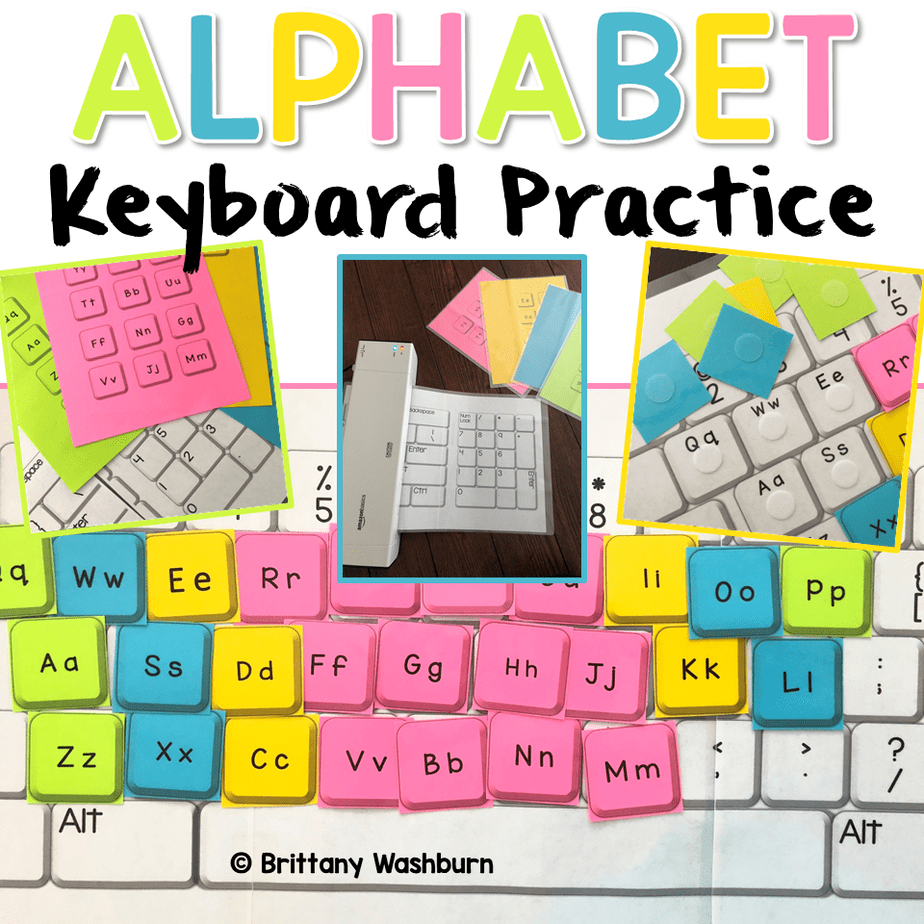
Alphabet Keyboard Practice
$5.00 -
Basic Robotics Printable Task Cards
Original price was: $6.00.$3.00Current price is: $3.00. -
Basic Troubleshooting Printable Task Cards
$6.00



You didn’t become a tech teacher to spend your weekends building lessons from scratch. I’m Brittany, a technology curriculum specialist with 1,000+ ISTE-aligned resources designed specifically for K–8 computer lab teachers.
My ready-made digital and printable resources cover everything from digital citizenship and coding fundamentals to multimedia creation and computer essentials, so your planning is handled and your students stay engaged.
Every resource is built to align with ISTE Standards, save you time, and actually work in a computer lab setting, because I’ve taught in one myself.
Browse my bestsellers, or explore by grade level or topic to find exactly what you need.

Joni M. –
Verified TPT reviewThis resource was a lifesaver when I couldn’t be with my class on the first few days of school!
Laura K. –
Verified TPT reviewStudents loved this activity. Great way to teach vocab. Great unplugged activity .
Go STEM Go –
Verified TPT reviewThis is a great unplugged activity
Cynthia P. –
Verified TPT reviewMy students were engaged in completing this assignment.
Joanna Riley –
Verified TPT reviewPerfect for my needs.
Logan Bodenmiller –
Verified TPT reviewThis is a nice worksheet to send home for “remote learning” for the students that may not have computer access. It is also great for days when the internet decides it doesn’t want to work at school.
Tina S. –
Verified TPT reviewAll of Brittany’s resources are wonderful and this is as well! Sometimes we forget that students need to be taught icons. This is a fun way to do it and an easy screen free lesson.
Stacy Metcalf –
Verified TPT reviewGreat for when the internet is down!
Renee M. –
Verified TPT reviewWhat a great resource! Thank you!
Jen J. –
Verified TPT reviewThis is a great resource for my SUB FOLDER! Great also for those down times when we are offline!!! A++
Kelly M. –
Verified TPT reviewThis has really helped my students remember what the icons represent in word processing. Plus, it’s lots of fun. Thanks.
Christy K. –
Verified TPT reviewSuch a cute idea!
Technology A. –
Verified TPT reviewA different way to learn about the keyboard shortcuts.
tiffany L. –
Verified TPT reviewAnother great paper product, I use this during power outages etc..
Kristen R. –
Verified TPT reviewI can’t wait to use this during my lessons! Such a great resource
Byte Sized Resources –
Verified TPT reviewAnother amazing coloring and tech activity~
The Easy Peasy Classroom –
Verified TPT reviewThis is a good worksheet. Don’t let the high page count fool you. Each set of pages features the same icons formatted into a different shape with a teacher key. I felt that the price was high for only featuring 8 concepts.
Karen Semanchick –
Verified TPT reviewgood resource
Helene B. –
Verified TPT reviewGreat resource for times you lose you lab or need to reinforce a skill.
Cup to Cup Teaching –
Verified TPT reviewNeat idea – great for the beginning of the year!