




✅ Shop with Confidence
- 🔒 Secure Checkout – Your payment is safe and protected.
- ⭐ Quality Guaranteed – Store credit refunds if something isn’t right.
- 🎉 Earn Rewards – Get points for every dollar spent & redeem as store credit!
👉 Add to Cart and start using this resource today
Technology Anchor Charts
Original price was: $12.00.$6.00Current price is: $6.00.
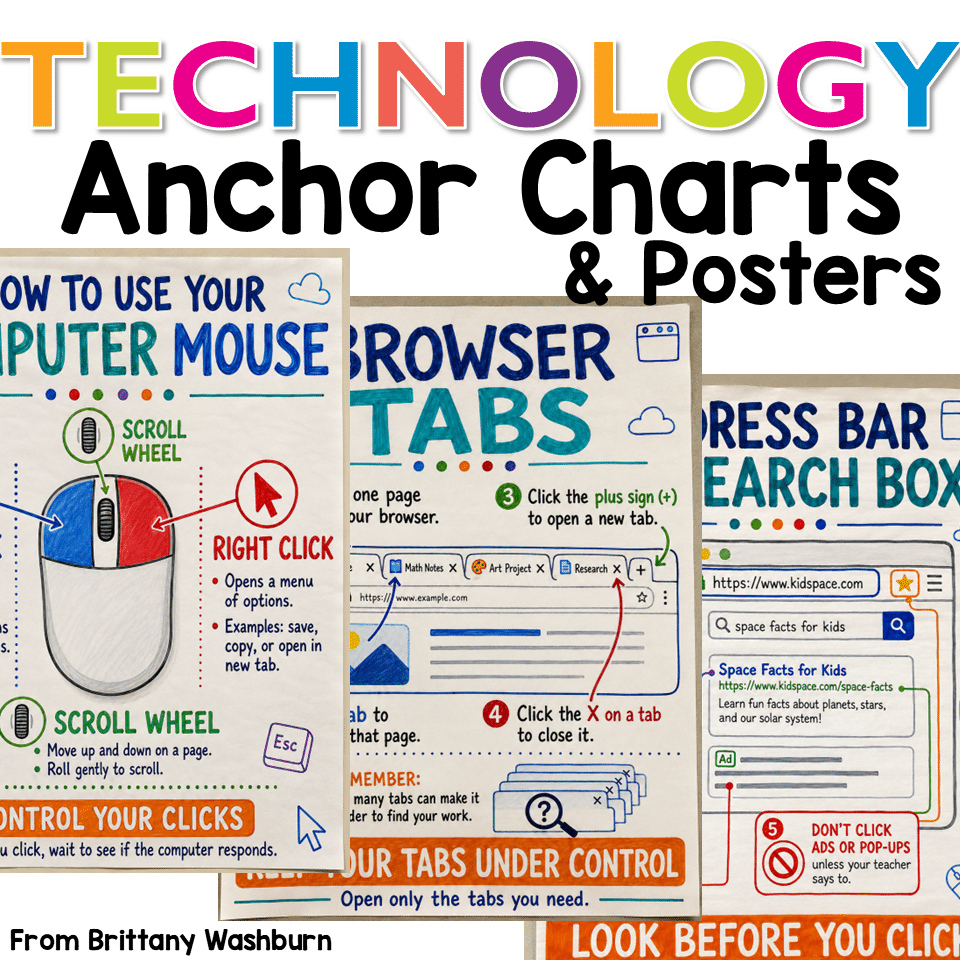
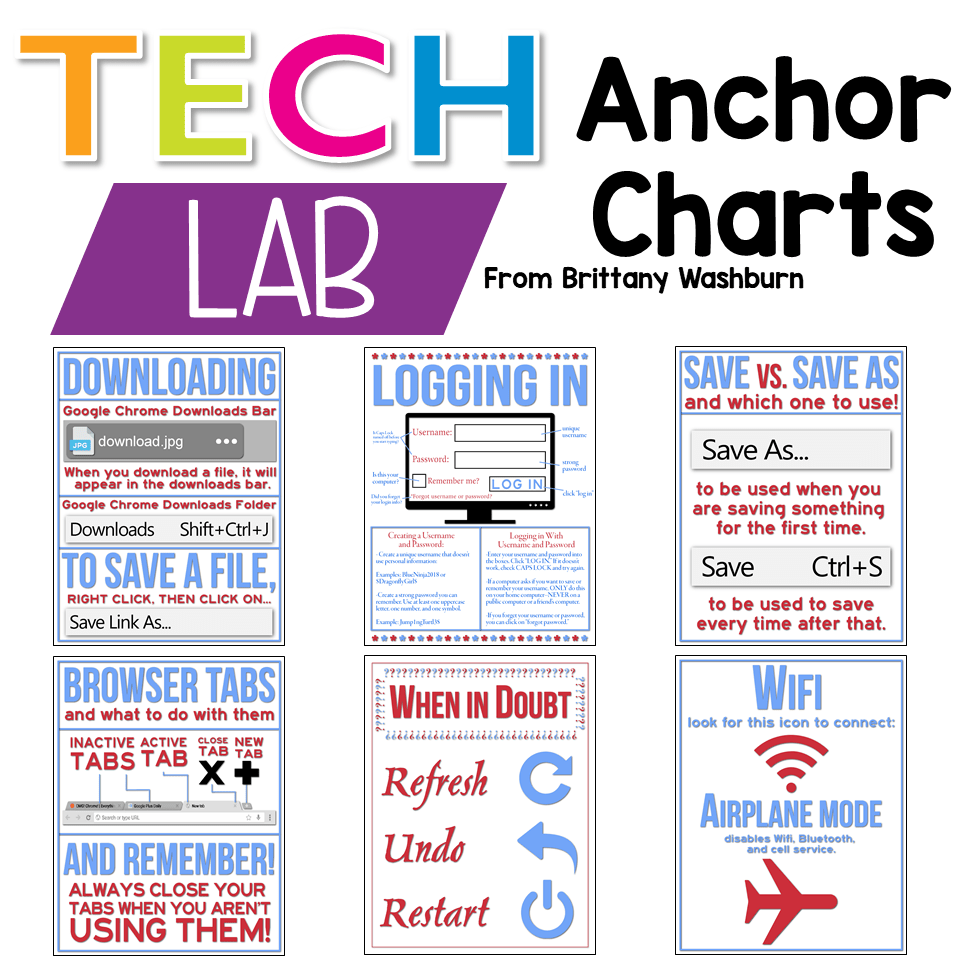
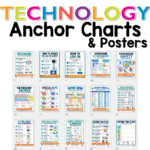
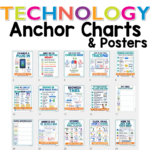
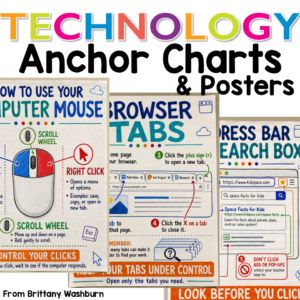
Need visual reminders for computer lab routines and basic technology skills? These updated computer lab anchor charts include 30 printable technology posters for mouse skills, trackpad skills, browser buttons, logging in, saving files, uploading, keyboard shortcuts, troubleshooting, online safety, AI tool rules, screenshots, and more. Perfect for elementary technology teachers, computer labs, STEM classrooms, and digital literacy lessons.
You may also like…
-

-
Sale!

Technology Vocabulary Term Word Searches
Grades 3–8Web browserDevice or paperOriginal price was: $6.50.$5.00Current price is: $5.00. -
-


Technology Anchor Charts
Original price was: $12.00.$6.00Current price is: $6.00.
Description
Need visual reminders for computer lab routines and basic technology skills? These updated computer lab anchor charts include 30 printable technology posters for mouse skills, trackpad skills, browser buttons, logging in, saving files, uploading, keyboard shortcuts, troubleshooting, online safety, AI tool rules, screenshots, and more. Perfect for elementary technology teachers, computer labs, STEM classrooms, and digital literacy lessons.
Do you ever feel like you repeat the same technology directions over and over again?
“Refresh the page.”
“Stop clicking.”
“Check your Wi-Fi.”
“Look for the download.”
“Did you save it?”
“Try logging in again.”
If your students need frequent reminders for basic computer skills, browser navigation, logging in, saving files, troubleshooting, keyboarding, and digital workspace routines, these computer lab anchor charts are here to help.
This updated set of technology anchor charts and computer lab posters gives students clear, visual reminders for the everyday tech skills they need to become more independent. Each poster is designed with bold headings, kid-friendly icons, and simple student-facing language so you can point to the chart instead of repeating the same directions all day.
These posters are perfect for elementary technology classes, computer labs, STEM classrooms, media centers, classroom technology stations, or any classroom where students use devices.
Recently Updated and Expanded
This resource has been completely refreshed with a modern, colorful design and expanded from the original set of 12 posters to a much more comprehensive collection of tech skills anchor charts.
The updated posters now include support for:
- computer lab routines
- mouse and trackpad skills
- browser buttons and tabs
- downloading and uploading
- logging in and password safety
- saving files in Windows and web-based tools
- keyboard zones, special keys, home row, and shortcuts
- digital workspace expectations
- internet safety reminders
- common computer icons
- asking for tech help clearly
- AI tool rules for students
- screenshot safety
- copy, paste, and clipboard skills
Anchor Charts Included
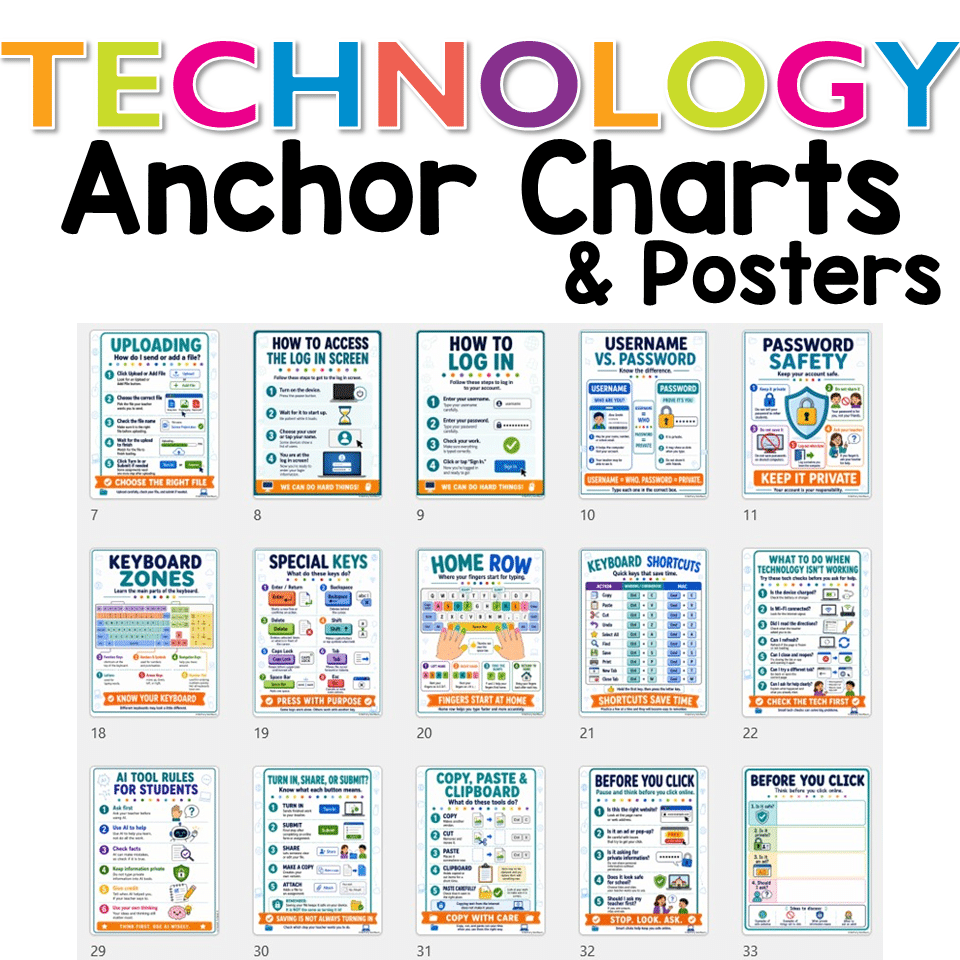
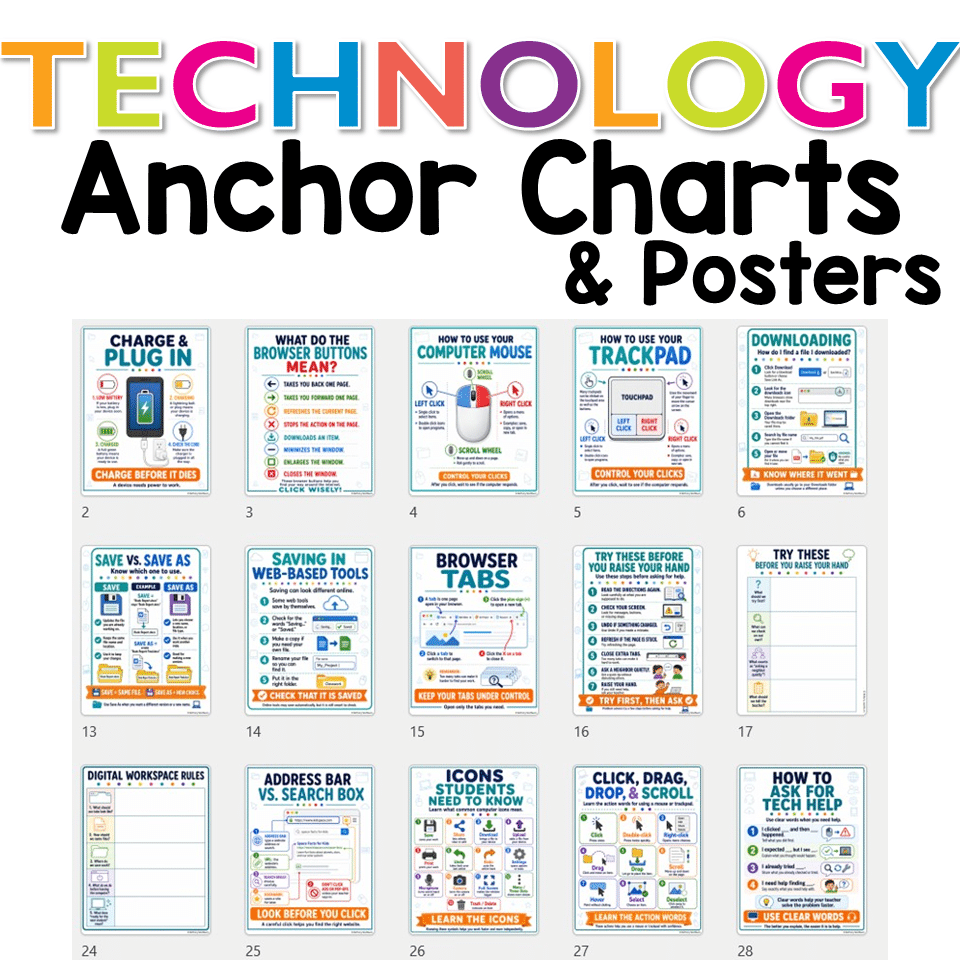
This updated set includes 30 printable technology posters:
- Charge & Plug In
- What Do the Browser Buttons Mean?
- How to Use Your Computer Mouse
- How to Use Your Trackpad
- Downloading
- How to Access the Log In Screen
- How to Log In
- Username vs. Password
- Password Safety
- What to Check When Login Doesn’t Work
- Save vs. Save As
- Saving in Web-Based Tools
- Browser Tabs
- Try These Before You Raise Your Hand
- Keyboard Zones
- Special Keys
- Home Row
- Keyboard Shortcuts
- What to Do When Technology Isn’t Working
- Digital Workspace Rules
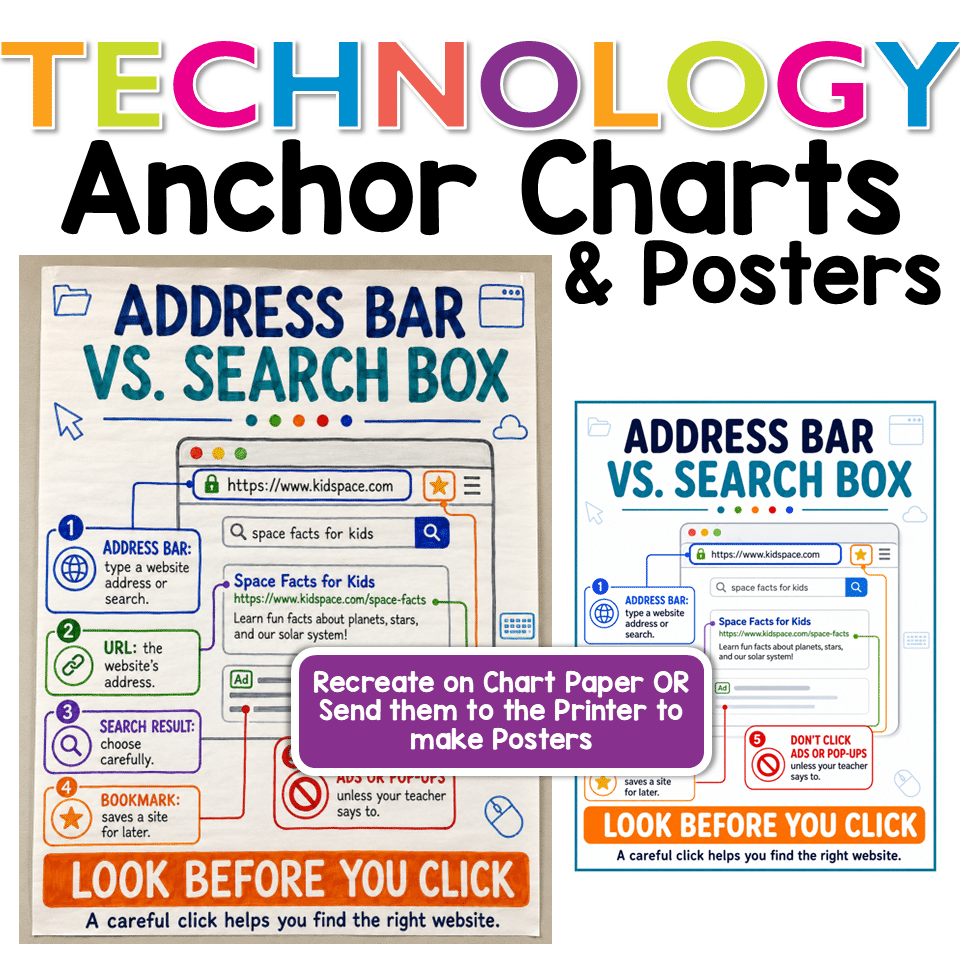
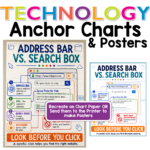
- Address Bar vs. Search Box
- Icons Students Need to Know
- Click, Drag, Drop, & Scroll
- How to Ask for Tech Help
- AI Tool Rules for Students
- Uploading
- Turn In, Share, or Submit?
- Copy, Paste & Clipboard
- Before You Click
- Taking a Screenshot
Why Teachers Love Computer Lab Anchor Charts
Technology skills are easier for students to remember when they can see them.
These posters help students build independence with common classroom technology tasks like logging in, using a mouse or trackpad, finding downloads, saving files, using browser tabs, troubleshooting small problems, and asking for help clearly.
Instead of stopping instruction to answer the same question again, you can redirect students to the poster they need.
Use these technology posters to support:
- computer lab procedures
- classroom device routines
- digital literacy lessons
- keyboarding instruction
- online safety conversations
- troubleshooting independence
- technology centers
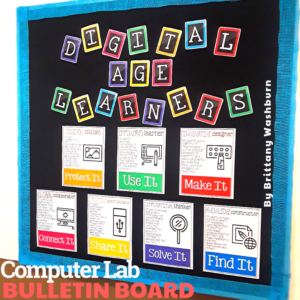
- STEM or media center displays
- beginning-of-the-year tech expectations
- sub plans and visual reminders
What Makes This Set Different?
These are not just cute computer lab decorations. They are practical visual supports for the skills students actually need when using classroom technology.
Students learn how to:
- use a mouse and trackpad correctly
- control clicks and wait for the computer to respond
- understand browser buttons and tabs
- log in safely and troubleshoot login problems
- save, upload, submit, and find files
- use common keyboard keys and shortcuts
- recognize common computer icons
- ask for tech help with specific language
- make safer choices before clicking online
- use AI tools responsibly and with teacher guidance
Printing Information
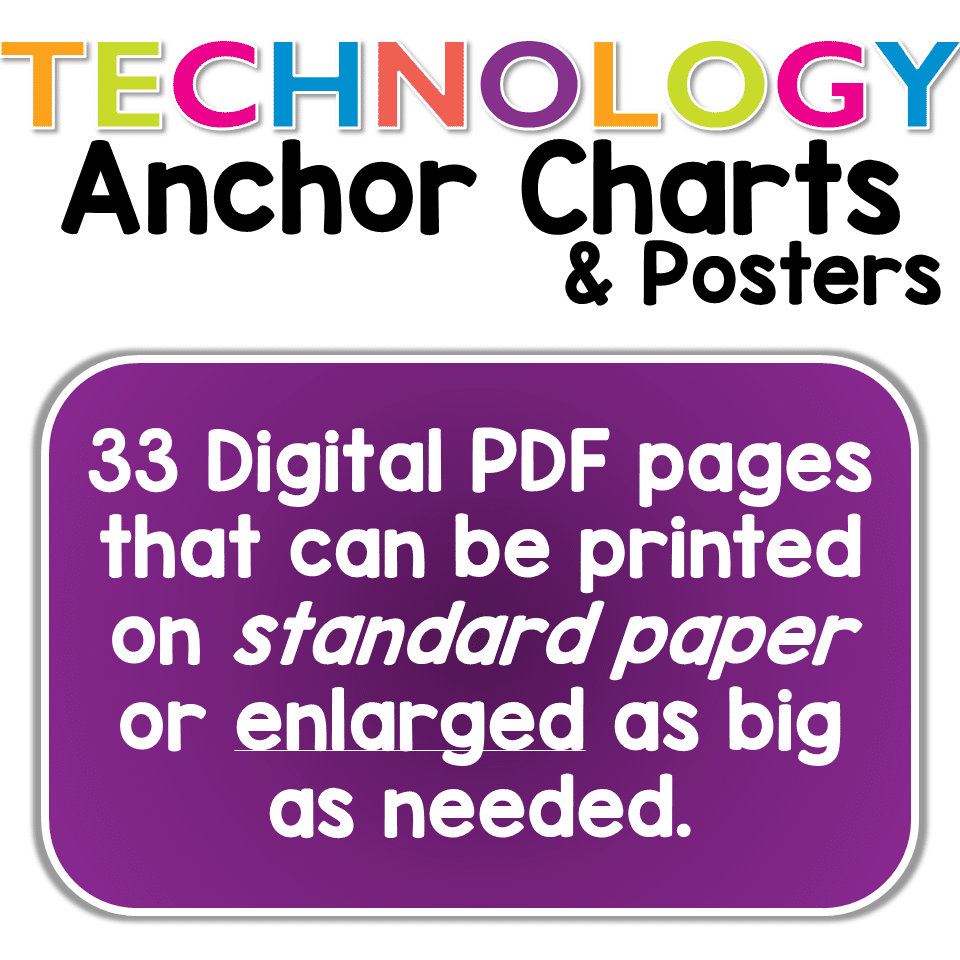
The posters are provided in PDF format and are designed to print on standard 8.5 x 11 inch printer paper.
You can print them at regular size, laminate them, place them in a binder, post them around your computer lab, or enlarge them for bulletin boards and classroom displays.
Perfect For
- Elementary computer lab teachers
- Technology teachers
- STEM teachers
- Media specialists
- Classroom teachers using devices
- Chromebook classrooms
- Windows computer labs
- Digital literacy lessons
- Back-to-school technology routines
- Computer lab classroom decor
- Visual tech reminders for students
Why You Need This in Your Life
If you have ever repeated the same tech direction to five different classes in one day, this resource will save your voice and your sanity.
These posters give students a place to look before they ask for help. They support independence, reduce repeated questions, and make your computer lab routines easier to manage.
Print, laminate, and display them once. Then point students to the chart when they need a reminder.
Additional information
| Standards | ISTE, CSTA, TEKS Technology Applications |
|---|---|
| Topic | Classroom Decor & Teacher Tools |
| Resource Type | Posters & Decor |
| Works with | Web browser |
| Made for | Teachers |
This resource supports the following standards.
ISTE Standards for Students
- 1.1.d – Understand technology operations and troubleshoot
- 1.2.d – Protect personal data and privacy
CSTA K-12 Computer Science Standards
- 1A-CS-01 – Select and operate software for a variety of tasks
- 1A-CS-03 – Describe basic hardware and software problems
- 1A-IC-18 – Keep login information private
- 1A-NI-04 – Explain and use strong passwords
- 1B-CS-03 – Solve simple hardware and software problems
- 1B-NI-05 – Protect personal information; cybersecurity
Texas TEKS: Technology Applications (19 TAC Chapter 126)
- K: (c)(7) Privacy and safety, (c)(8) Practical technology skills (devices, software, keyboarding)
- Gr 1: (c)(8) Privacy and safety, (c)(9) Practical technology skills (devices, software, keyboarding)
- Gr 2: (c)(9) Privacy and safety, (c)(10) Practical technology skills (devices, software, keyboarding)
- Gr 3-5: (c)(10) Privacy and safety, (c)(11) Software applications, (c)(12) Technology skills and tools
155 reviews for Technology Anchor Charts
Reviewers earn rewards points for any honest review they leave, positive or negative.
You must be logged in to post a review.
What teachers said on TPT
Rated 4.9 out of 5 by 155 teachers on Teachers Pay Teachers.
“I have posted these in our common tech areas so my students can see them at all times. I've also made "notebook" copies of some frequently used ones for their class interactive notebooks. That way they have access to them at all times!”
— Manuscripts and Megabytes, TPT review
“My students enjoyed this set of anchor charts as it was clearly labeled and helped them understand technology as littles. I will recommend this product for any technology teacher or a teacher who needs to have anchor charts for the classroom.”
— Stewart's Learning Lab, TPT review
“I used to use Anchor Charts all the time when I taught lower elementary, and I have been wanting to use them in MS. These are a great starting point and are helpful to my students!”
— Tiffany J., TPT review
You may be interested in…
-

Technology I Can Statements for Grades K-5 BUNDLE – Tech Decor Theme
Add to cartOriginal price was: $34.00.$27.20Current price is: $27.20.
Related Products
-

Technology Themed Decor for the Computer Lab Bundle
Add to cartOriginal price was: $68.50.$61.65Current price is: $61.65. -
7 Technology Standards Student Created Bulletin Boards
Add to cartOriginal price was: $21.00.$14.00Current price is: $14.00. -
AI Friends Bulletin Board Kit
Add to cart$3.00 -
Algorithm Art Student Created Bulletin Board
Add to cart$2.50


You didn’t become a tech teacher to spend your weekends building lessons from scratch. I’m Brittany, a technology curriculum specialist with 1,000+ ISTE-aligned resources designed specifically for K–8 computer lab teachers.
My ready-made digital and printable resources cover everything from digital citizenship and coding fundamentals to multimedia creation and computer essentials, so your planning is handled and your students stay engaged.
Every resource is built to align with ISTE Standards, save you time, and actually work in a computer lab setting, because I’ve taught in one myself.
Browse my bestsellers, or explore by grade level or topic to find exactly what you need.


Abbie R. –
Verified TPT reviewGreat resource!
Beth S. –
Verified TPT reviewThese charts will answer the questions that I get asked numerous times per day! Thanks Brittany!
Carrie S. –
Verified TPT reviewPerfect!
Marcia S. –
Verified TPT reviewLove these!
Brooke Beverly –
Verified TPT reviewHelpful anchor charts
Jamie Salazar –
Verified TPT reviewlaminated them and pass them around when I am talking about them.
Kim P. –
Verified TPT reviewThank you!
Lisa S. –
Verified TPT reviewLove these Anchor charts, can print small or large. Please add more.
Jaclyn Gabriele –
Verified TPT reviewThese look great in my room and they are super helpful for the kiddos!
Trish F. –
Verified TPT reviewThank you.
Stacey Kettler –
Verified TPT reviewGreat resource!
Rosanne Puliafico –
Verified TPT reviewVery helpful!
Jamie G. –
Verified TPT reviewMy students are always asking me questions about these topics–especially Flash, the undo button and the refresh button. Now I have a resource in the classroom to direct them to when I’m working with another student.
kathleen P. –
Verified TPT reviewI’m so excited to put these up. Flash has been killing me this year. I feel like I spend half of my instructional time reminding them how to fix it.
AR Tech Star – Eva Griffin –
Verified TPT reviewVery nice resource. Thank you for sharing your work!
Shaneka Z. –
Verified TPT reviewI am in love with these anchor charts. They are appealing and full of details. Thank you
Jennifer R Elementary School Teacher –
Verified TPT reviewGreat resource. Very colorful and useful.
Melanie L. –
Verified TPT reviewThank you!
Jennifer M. –
Verified TPT reviewGreat resource!
Sherry M. –
Verified TPT reviewThese are coming in handy. Why haven’t I thought of creating an anchor chart for allowing flash in Chrome? Firefox has a different character than a puzzle piece, so I have that next to the puzzle piece on the anchor chart. Some of these are for Windows computers, and I have a Mac lab. However, I purchased it because some items are common for both platforms. Our mice are different than the Windows mice, so my anchor chart would be slightly different. Thank you for these charts.