


✅ Shop with Confidence
- 🔒 Secure Checkout – Your payment is safe and protected.
- ⭐ Quality Guaranteed – Store credit refunds if something isn’t right.
- 🎉 Earn Rewards – Get points for every dollar spent & redeem as store credit!
👉 Add to Cart and start using this resource today
Software Programs Discussion Prompts Printable Cards
Original price was: $6.50.$3.25Current price is: $3.25.
-
24 printable discussion prompt cards (4 pages with 6 cards per page).
-
Each card features an open-ended question designed to get students thinking critically about software programs, from how they’re used to why they’re important.
-
3-page guide on how to use discussion prompts effectively with students.
-
Printable PDF format, ready to print, cut, and use for engaging class discussions.
Software Programs Discussion Prompts Printable Cards
Original price was: $6.50.$3.25Current price is: $3.25.
Description
-
24 printable discussion prompt cards (4 pages with 6 cards per page).
-
Each card features an open-ended question designed to get students thinking critically about software programs, from how they’re used to why they’re important.
-
3-page guide on how to use discussion prompts effectively with students.
-
Printable PDF format, ready to print, cut, and use for engaging class discussions.
-
Classroom Discussions: Use the cards to facilitate whole-class discussions about the different types of software and their uses (e.g., word processors, design programs, educational apps).
-
Small Group Work: Assign prompts to small groups for collaborative exploration. Students can discuss and share their experiences with software programs in school and at home.
-
Independent Reflection: Incorporate prompts into journaling activities, where students write about their personal experiences with software or reflect on the role of software in their lives.
-
Supplement to Tech Lessons: Use the prompts as a conversation starter at the beginning of a lesson or as a closing activity to review key concepts about software programs.
-
Standard 1: Empowered Learner Students reflect on their experiences with software and make informed choices about which programs best support their learning goals.
-
Standard 6: Creative Communicator Students think critically about how different types of software enable them to create and communicate ideas effectively.
-
Standard 7: Global Collaborator Students explore how software programs support collaboration and teamwork, both locally and globally.
You must be logged in to post a review.
You may be interested in…
-

4 Seasons Text Formatting Activities
Original price was: $16.00.$12.80Current price is: $12.80.

Related Products
-
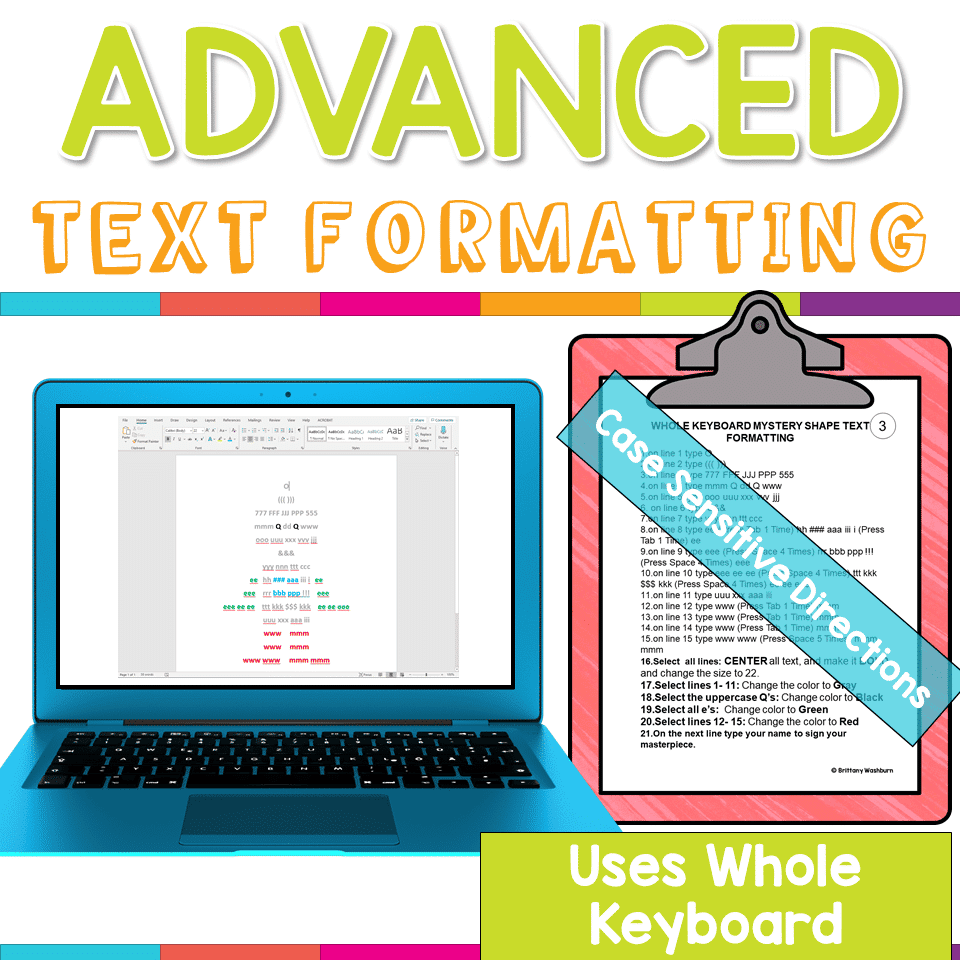
Advanced Keyboarding Text Formatting Activities
$7.00 -

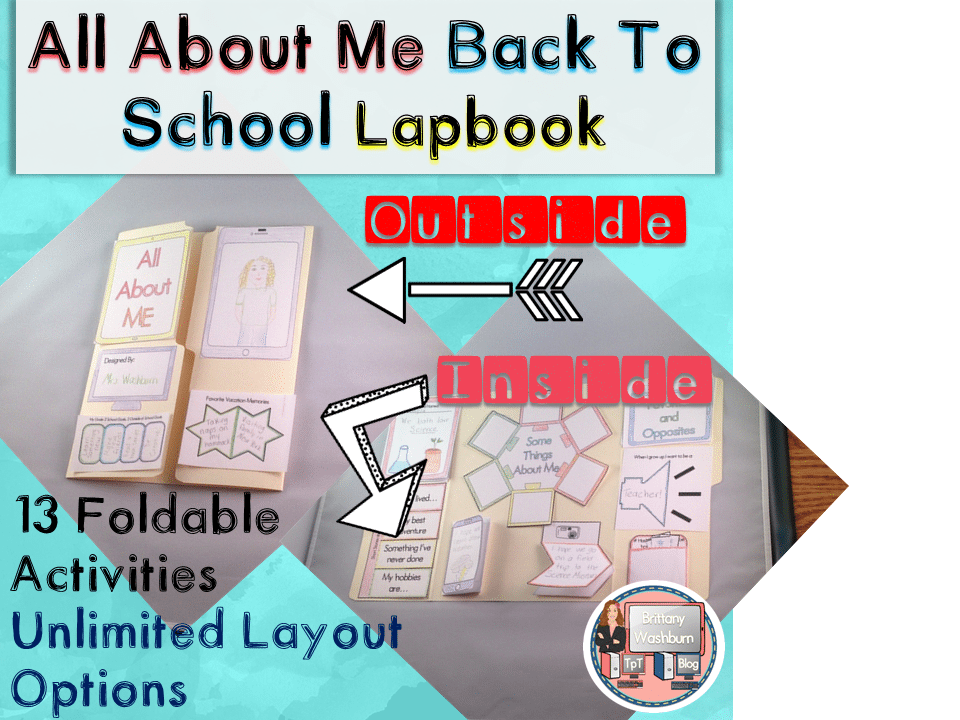
All About Me Book with Technology Theme
$3.50 -
Basic Robotics Printable Task Cards
Original price was: $6.00.$3.00Current price is: $3.00. -
Binary Code Paper Strip Crafts
Original price was: $5.00.$2.50Current price is: $2.50.



You didn’t become a tech teacher to spend your weekends building lessons from scratch. I’m Brittany, a technology curriculum specialist with 1,000+ ISTE-aligned resources designed specifically for K–8 computer lab teachers.
My ready-made digital and printable resources cover everything from digital citizenship and coding fundamentals to multimedia creation and computer essentials, so your planning is handled and your students stay engaged.
Every resource is built to align with ISTE Standards, save you time, and actually work in a computer lab setting, because I’ve taught in one myself.
Browse my bestsellers, or explore by grade level or topic to find exactly what you need.

Reviews
There are no reviews yet.