



✅ Shop with Confidence
- 🔒 Secure Checkout – Your payment is safe and protected.
- ⭐ Quality Guaranteed – Store credit refunds if something isn’t right.
- 🎉 Earn Rewards – Get points for every dollar spent & redeem as store credit!
👉 Add to Cart and start using this resource today
Snowman Code Builders Digital Activities
$3.00
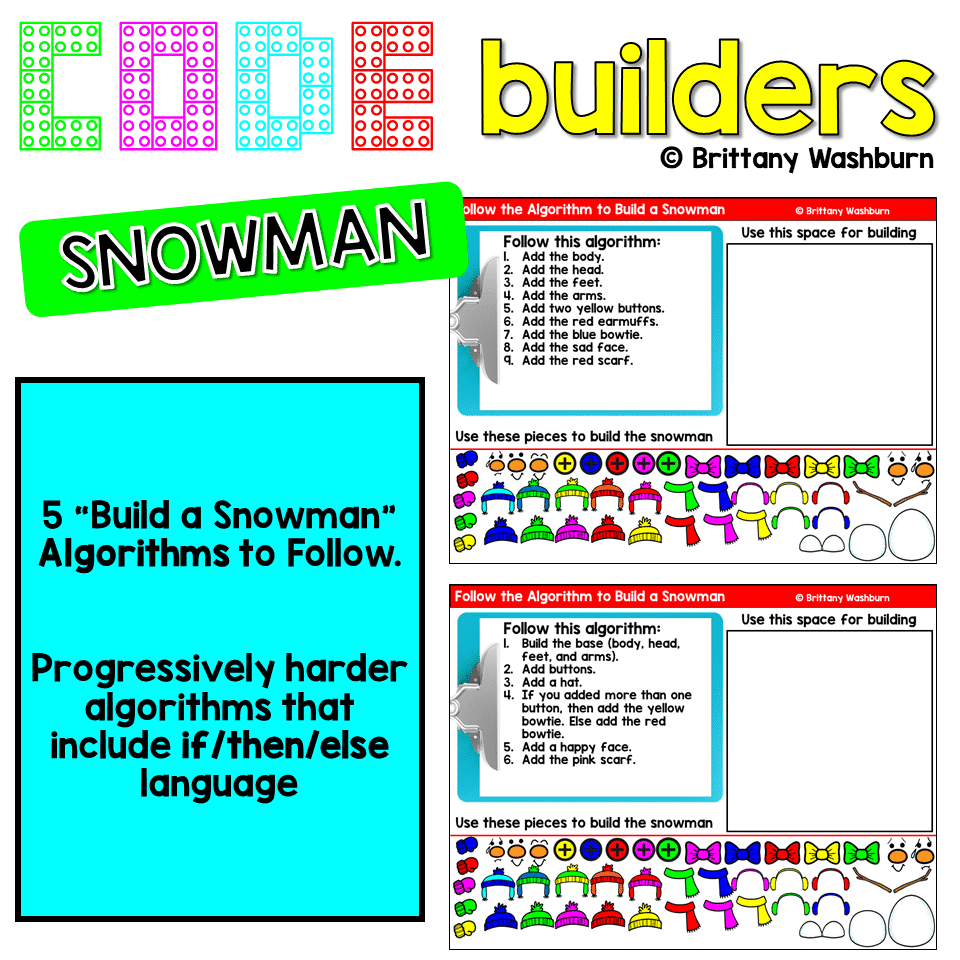
Teach students how to follow and decompose algorithms with these Build a Snowman digital activities. 2 types of digital activities ask students to follow an algorithm to put a Snowman together and then look at a pre-built Snowman and type their own algorithm for it.
Use these activities as a lesson on understanding what an algorithm is, how to write one, follow one, and decompose one. I even included printable posters and vocabulary cards.
You may also like…

Snowman Code Builders Digital Activities
$3.00
Description
Teach students how to follow and decompose algorithms with these Build a Snowman digital activities. 2 types of digital activities ask students to follow an algorithm to put a Snowman together and then look at a pre-built Snowman and type their own algorithm for it.
Use these activities as a lesson on understanding what an algorithm is, how to write one, follow one, and decompose one. I even included printable posters and vocabulary cards.
TABLE OF CONTENTS:
2 Link to the Digital file (5 slides of Following and Algorithm, 5 Slides of Decomposing an Algorithm, and 2 Vocab Posters)
3 Algorithm poster (prints on standard printer paper)
4-5 Vocab words
6-7 Terms of Use and Credits
ISTE Standards
Strand: Computational Thinker
Standard: 5.a. formulate problem definitions suited for technology assisted methods such as data analysis, abstract models and algorithmic thinking in exploring and finding solutions.
I Can Statements:
• I can follow an algorithm.
• I can create an algorithm.
• I can write a problem for the computer to
I highly recommend the picture book Kids Get Coding as an introduction to this topic for you and your students.
Product Terms:
Copyright © Brittany Washburn 2020. Purchasing this file entitles you to ONE classroom use. You may use this with multiple classes but may not share with any other teachers. Copying for more than one teacher, classroom, department, school, or school system is prohibited. This product may not be distributed or displayed digitally for public view. Failure to comply is a copyright infringement and a violation of the Digital Millennium Copyright Act (DMCA). Clipart and elements found in this PDF are copyrighted and cannot be extracted and used outside of this file without permission or license. If multiple licenses are needed for use my more than one teacher or in more than one computer lab, additional licenses are discounted.
Connect with other Technology Teachers:
If you’re interested in connecting with other technology teachers, check out the Technology Teacher Talk Group on Facebook.
Connect with me on social media!
Additional information
| Resource Type | Digital Activity |
|---|---|
| Format | Google Apps, PDF |
| Season / Holiday | Winter |
1 review for Snowman Code Builders Digital Activities
You must be logged in to post a review.
What teachers said on TPT
Rated 4.8 out of 5 by 45 teachers on Teachers Pay Teachers.
“This was a wonderful winter themed activity. My 3rd graders really enjoyed doing this activity. I liked it because it made them think about coding. As they follow the steps, it creates a character, which they enjoyed. Students created different ones based on the choices they selected. All of them were very engaged and it did not feel like a "filler" activity - it contained valuable and productive content. Thank you for sharing this resource. Everything worked as anticipated!”
— Jackie M R., TPT review
“My school went remote recently, right when we had started coding. I used this as an assignment while they were remote and when they returned I printed their coding directions and then had them follow them on outlined floor grids. They loved it!”
— Gretchen L., TPT review
“My fifth grade enjoyed this immensely! And I was able to go over so many things to do with images in Slides (and other programs of course) concepts such as copy/paste, resize, rotate, flip, crop, etc. We had a blast. THANK YOU!”
— Erica W., TPT review
You may be interested in…
-

Basic Robotics Printable Task Cards
Add to cartOriginal price was: $6.00.$3.00Current price is: $3.00.

Related Products
-
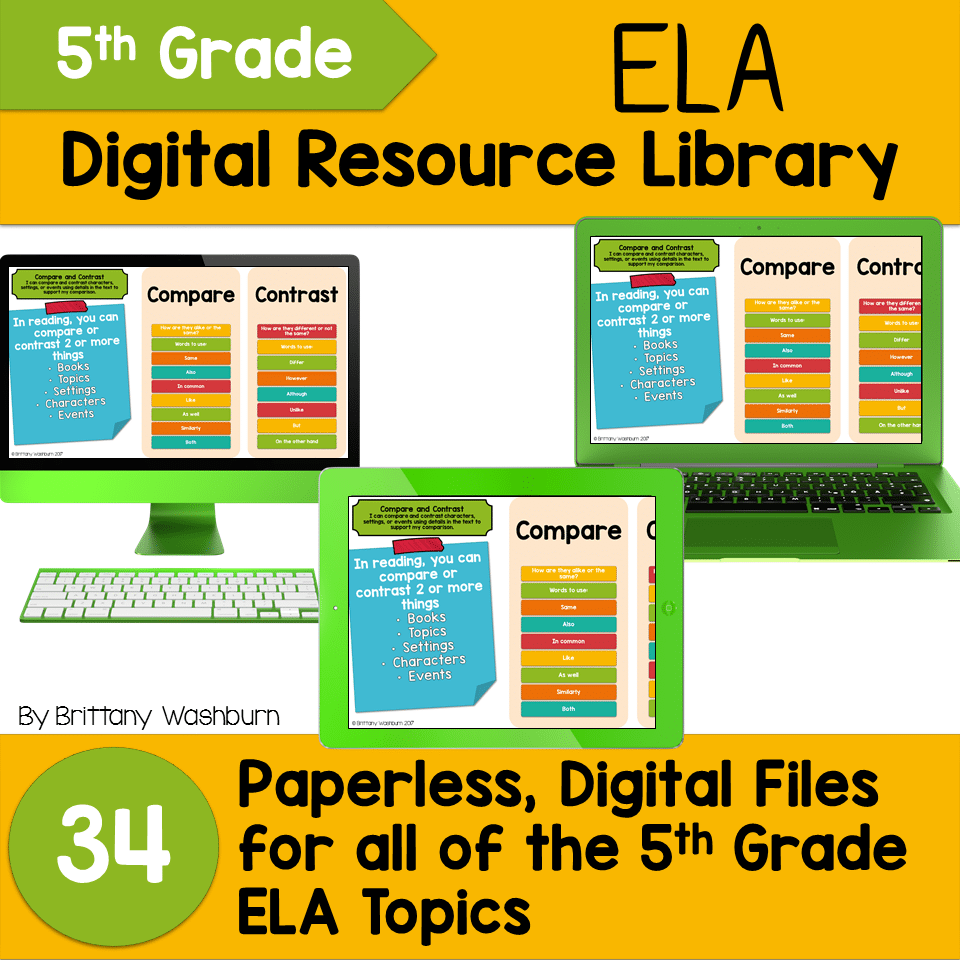
5th Grade ELA Standards Digital Resource Library BUNDLE
Add to cartOriginal price was: $27.20.$24.48Current price is: $24.48. -
5th Grade Language Standards Digital Resource Library
Add to cartOriginal price was: $16.00.$14.40Current price is: $14.40. -
5th Grade Reading Standards Digital Resource Library
Add to cartOriginal price was: $16.00.$12.80Current price is: $12.80. -

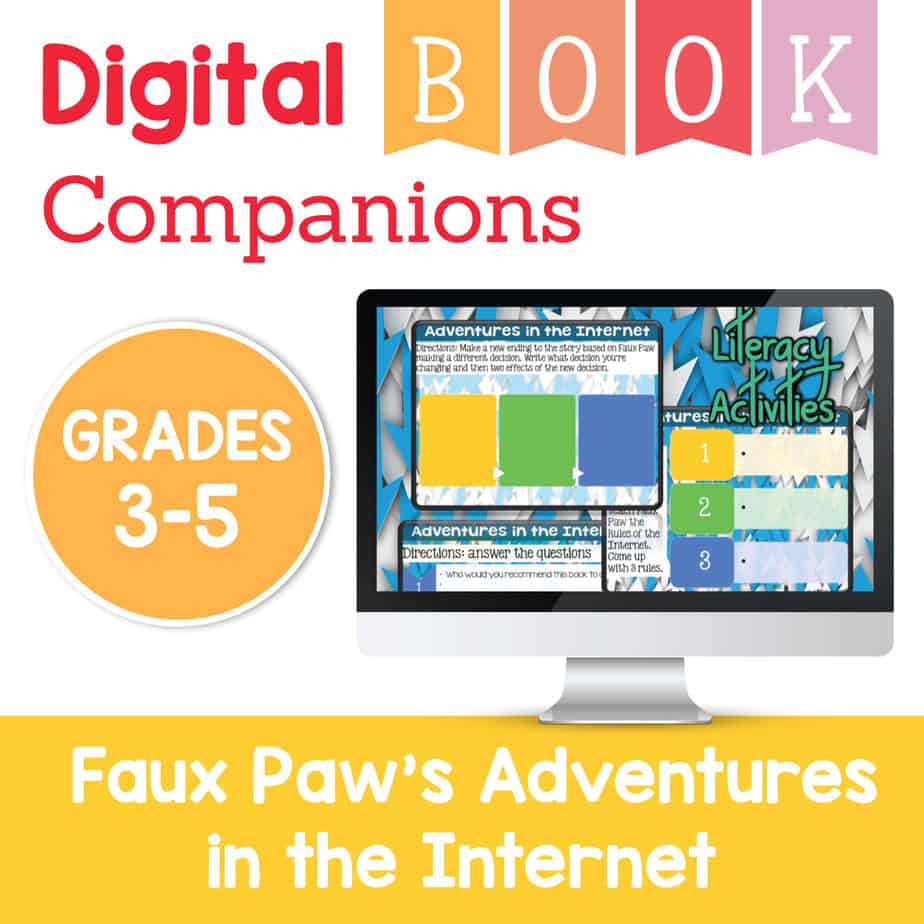
Adventures in the Internet Digital Book Companion – Grades 3-5
Add to cart$3.00



You didn’t become a tech teacher to spend your weekends building lessons from scratch. I’m Brittany, a technology curriculum specialist with 1,000+ ISTE-aligned resources designed specifically for K–8 computer lab teachers.
My ready-made digital and printable resources cover everything from digital citizenship and coding fundamentals to multimedia creation and computer essentials, so your planning is handled and your students stay engaged.
Every resource is built to align with ISTE Standards, save you time, and actually work in a computer lab setting, because I’ve taught in one myself.
Browse my bestsellers, or explore by grade level or topic to find exactly what you need.


Emahni Grant (verified owner) –
This was so helpful, and the kids enjoyed it. I repurposed the slides as a copy and paste activity. I used the premade snowmen and had the students copy and paste the parts to recreate the snowmen.