


✅ Shop with Confidence
- 🔒 Secure Checkout – Your payment is safe and protected.
- ⭐ Quality Guaranteed – Store credit refunds if something isn’t right.
- 🎉 Earn Rewards – Get points for every dollar spent & redeem as store credit!
👉 Add to Cart and start using this resource today
Grades K-1 Digital Activities Full Year Monthly Themed
Original price was: $64.00.$35.20Current price is: $35.20.
Digital interactive slides for grades K-1 students with monthly themes for the entire school year. Timely Tech is designed to help your students build tech skills while incorporating monthly themed digital activities.
Grades K-1 Digital Activities Full Year Monthly Themed
Original price was: $64.00.$35.20Current price is: $35.20.
Description
- K-1 Timely Tech Summer Themed Computer Lab Lessons Original price was: $6.00.Current price is: .
- K-1 Timely Tech May Themed Computer Lab Lessons Original price was: $6.00.Current price is: .
- K-1 Timely Tech April Themed Computer Lab Lessons Original price was: $6.00.Current price is: .
- K-1 Timely Tech March Themed Computer Lab Lessons Original price was: $6.00.Current price is: .
- K-1 Timely Tech February Themed Computer Lab Lessons Original price was: $6.00.Current price is: .
- K-1 Timely Tech January Themed Computer Lab Lessons Original price was: $6.00.Current price is: .
- K-1 Timely Tech December Themed Computer Lab Lessons Original price was: $6.00.Current price is: .
- K-1 Timely Tech November Themed Technology Activities Original price was: $6.00.Current price is: .
- K-1 Timely Tech October Themed Computer Lab Lessons Original price was: $6.00.Current price is: .
- K-1 Timely Tech September Themed Computer Lab Lessons Original price was: $6.00.Current price is: .
- K-1 Timely Tech Back to School Themed Computer Lab Lessons Original price was: $6.00.Current price is: .
Digital interactive slides for grades K-1 students with monthly themes for the entire school year. Timely Tech is designed to help your students build tech skills while incorporating monthly themed digital activities.
When I teach my students with monthly themed activities that bring in the other subject areas, I find that they are more engaged and empowered to learn. There is intentionally lots of repetition from month to month with these Timely Tech activities because students are building both tech and academic skills.
How to Use:
In the Google Slides file you will find activities for both levels K-1. I didn’t split them up because I want to leave that decision up to you based on your student needs.
Here is an idea of the activity types included:
- Nouns and verbs 4 different ways
- Base 10 counting
- Comparing measurements
- Build CVC words
- Adding number sentences
- Hundreds chart puzzles
- Short and long vowel sounds
- Beginning Letter
- Number Words
- Counting by 10s
- Before and After Numbers
- Base 10 building
- Vowel sorts
What I recommend:
-Make a copy of the original file for each grade level
-Take out the slides you don’t need
-Rename each file for the grade level you’ll use it with
-Send through Google Classroom or download and use as a PowerPoint file
ISTE Standards Addressed:
1d Students understand the fundamental concepts of technology operations, demonstrate the ability to choose, use and troubleshoot current technologies and are able to transfer their knowledge to explore emerging technologies.
*************************************************************************
Product Terms: Copyright © Brittany Washburn. Purchasing this file entitles you to ONE classroom use. You may use this with multiple classes but may not share with any other teachers. Copying for more than one teacher, classroom, department, school, or school system is prohibited. This product may not be distributed or displayed digitally for public view. Failure to comply is a copyright infringement and a violation of the Digital Millennium Copyright Act (DMCA). Clipart and elements found in this PDF are copyrighted and cannot be extracted and used outside of this file without permission or license. If multiple licenses are needed for use my more than one teacher or in more than one computer lab, additional licenses are discounted.
If you’re interested in connecting with other technology teachers, check out the Technology Teacher Talk Group on Facebook.
Connect with me on social media!
Additional information
| Resource Type | Bundle, Digital Activity |
|---|---|
| Format | Google Apps |
14 reviews for Grades K-1 Digital Activities Full Year Monthly Themed
You must be logged in to post a review.
What teachers said on TPT
Rated 4.8 out of 5 by 14 teachers on Teachers Pay Teachers.
“Teaching kindergarteners how to use Chromebooks and Google products while remote is not easy. These products are well made and at the student's levels. It is refreshing to find something done so well. I did use some of these last winter before we went remote. My kinders loved them. Nice that they are themed for the months, which adds some freshness to the learning activities.”
— De N., TPT review
“My students have enjoyed using these activities to practice different skills throughout the year. Very easy to use and great for quick activities, sub days, shorter class period days, and even fast finishers instead of games.”
— Cara M., TPT review
“My students loved using this resource. It provided them with a variety of choices ! I was able to use this resource with my 1st and 2nd graders! Very well organized !”
— Gwen V., TPT review
Related Products
-

Full Year Timely Tech All in One
Original price was: $198.00.$158.40Current price is: $158.40. -

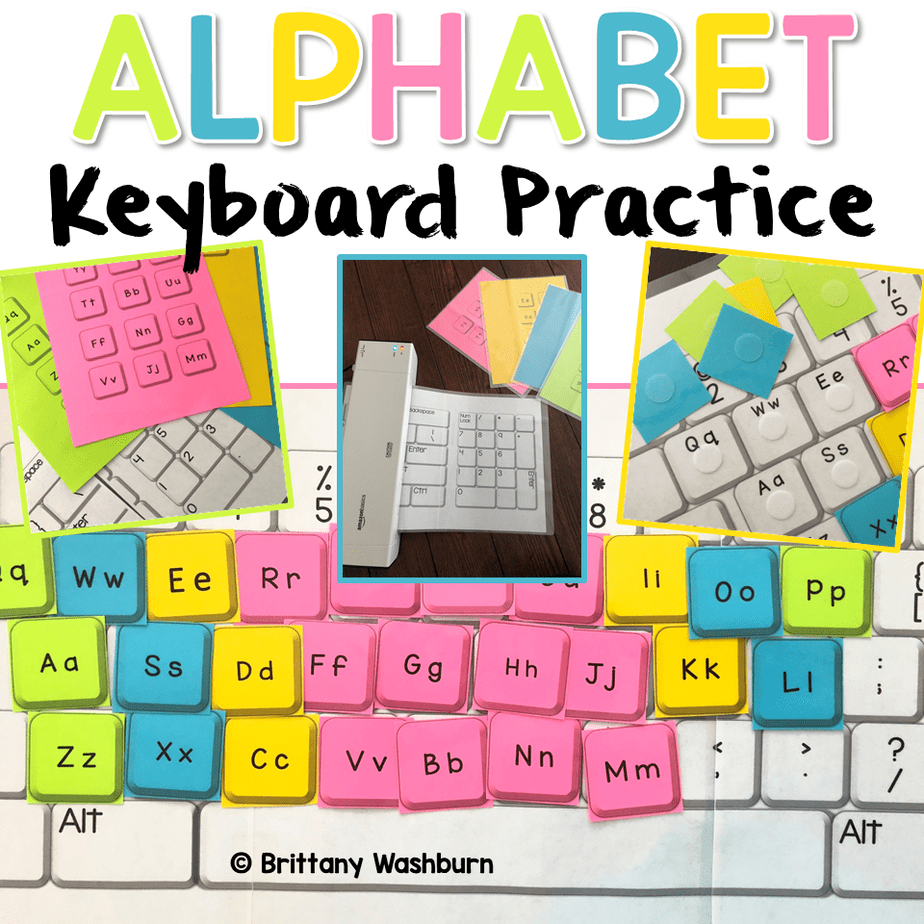
Alphabet Keyboard Practice
$5.00 -

Christmas Digital Pixel Art STEM Challenges
$4.00 -
Cinco de Mayo Digital Pixel Art STEM Challenges
$4.00




You didn’t become a tech teacher to spend your weekends building lessons from scratch. I’m Brittany, a technology curriculum specialist with 1,000+ ISTE-aligned resources designed specifically for K–8 computer lab teachers.
My ready-made digital and printable resources cover everything from digital citizenship and coding fundamentals to multimedia creation and computer essentials, so your planning is handled and your students stay engaged.
Every resource is built to align with ISTE Standards, save you time, and actually work in a computer lab setting, because I’ve taught in one myself.
Browse my bestsellers, or explore by grade level or topic to find exactly what you need.

Cara M. –
Verified TPT reviewMy students have enjoyed using these activities to practice different skills throughout the year. Very easy to use and great for quick activities, sub days, shorter class period days, and even fast finishers instead of games.
Dawn G. –
Verified TPT reviewUsed as pre-emerging readers to help them learn where keys are located on their iPad.
Miranda M. –
Verified TPT reviewI enjoy having actual lessons for my Kinder kiddos to learn basic computer skills with. In the past, I chose a lot of games to practice those main introductory skills for using a computer, and while it worked, I felt like I could have been doing more/better for my students. I don’t utilize these right away during the school year, but use them once students have a decent grasp on how to use a mouse.
Amy H. –
Verified TPT reviewI have used this activity in the computer lab as part of my curriculum. The activity aligns with our state standards.
Laura S. –
Verified TPT reviewA great intro to mouse and keyboard skills.
Kathleen P. (verified owner) –
Verified TPT reviewSuch a great intro to mouse skills, keyboard skills and a smooth transition to using MS suite programs.
Diane W. (verified owner) –
Verified TPT reviewGreat way to introduce computer skills while also reinforcing classroom skills
Buyer (verified owner) –
Verified TPT reviewThis resource worked well with my 1st graders. It was easy for them to figure out what to do and find success. I have only used April and May so far, but it’s been a great way to ease into distance learning.
De N. (verified owner) –
Verified TPT reviewTeaching kindergarteners how to use Chromebooks and Google products while remote is not easy. These products are well made and at the student’s levels. It is refreshing to find something done so well. I did use some of these last winter before we went remote. My kinders loved them. Nice that they are themed for the months, which adds some freshness to the learning activities.
Gwen V. (verified owner) –
Verified TPT reviewMy students loved using this resource. It provided them with a variety of choices ! I was able to use this resource with my 1st and 2nd graders! Very well organized !
mary crum –
Verified TPT reviewI love how this puts a computer at their fingertips but also works other skills they need. I haven’t used all of it but will get to it this year! lots to use.
Shelly R. –
Verified TPT reviewMy students loved these activities.
KATHERINE F. –
Verified TPT reviewMy 1st graders have LOVED these all year long – both in school and for distant learning! They keep asking for more!
Gabrielle V. –
Verified TPT reviewLoved the creative ideas