


✅ Shop with Confidence
- 🔒 Secure Checkout – Your payment is safe and protected.
- ⭐ Quality Guaranteed – Store credit refunds if something isn’t right.
- 🎉 Earn Rewards – Get points for every dollar spent & redeem as store credit!
👉 Add to Cart and start using this resource today
Digital Tools and Apps Task Cards
$6.00
Empower your students to become confident digital creators with this set of 24 Digital Tools & Apps Task Cards! Perfect for elementary and middle grade students, this activity introduces learners to essential software and applications, helping them build foundational digital skills. Each task card guides students through the basic functions of commonly used tools, such as word processors, presentation software, digital painting apps, and spreadsheets.
Digital Tools and Apps Task Cards
$6.00
Description
-
24 Task Cards covering a variety of digital tools and their functions
-
Printable and Digital (PDF) Formats for flexible use in any learning environment
-
Answer Key & Suggested Responses for easy facilitation and assessment
-
Teacher Guide with implementation ideas and extension activities
-
Standards-Aligned: Meets ISTE Standards for Empowered Learner, Knowledge Constructor, Innovative Designer, and Creative Communicator.
-
Hands-On Learning: Provides opportunities for students to practice and demonstrate skills using real digital tools.
-
Variety of Activities: Explores word processors, presentation software, digital painting apps, and spreadsheet tools.
-
Real-World Relevance: Equips students with practical skills that apply to academic projects, creative pursuits, and future careers.
-
Word Processing Basics: Formatting text, inserting images, and creating simple documents.
-
Presentation Tools: Designing slides, adding transitions, and organizing content.
-
Digital Painting Apps: Using drawing tools, colors, and layers to create digital art.
-
Spreadsheet Skills: Entering data, creating simple formulas, and making charts.
-
Choosing the Right Tool: Identifying which digital tool is best for different tasks.
-
Introduce the Activity: Start with a discussion on digital tools and their role in everyday tasks. Emphasize that these tools go beyond basic functions and can be used creatively.
-
Task Card Implementation:
-
Independent Learning: Assign cards for students to work through at their own pace, using the appropriate software to complete the tasks.
-
Stations: Set up different stations for word processors, presentation software, painting apps, and spreadsheets. Rotate students through each station to explore each tool in detail.
-
Group Collaboration: Organize small groups, with each group assigned to explore and present a specific application to the class.
-
Hands-On Practice: Allow students to practice typing documents, creating presentations, drawing with digital tools, and entering data into spreadsheets, reinforcing the skills learned.
-
Class Reflection: After completing the cards, hold a class discussion to review key takeaways, share new discoveries, and highlight favorite tools.
-
Printed or digital task cards
-
Access to devices with word processing, presentation, painting, and spreadsheet software (e.g., Microsoft Office, Google Workspace, Paint apps)
-
Printed response forms
-
Have students create a “Digital Tools Handbook” that summarizes the purpose and basic functions of each tool.
-
Assign students a project where they use multiple digital tools to complete a creative project, such as a report with illustrations and a simple data table.
You must be logged in to post a review.
Related Products
-

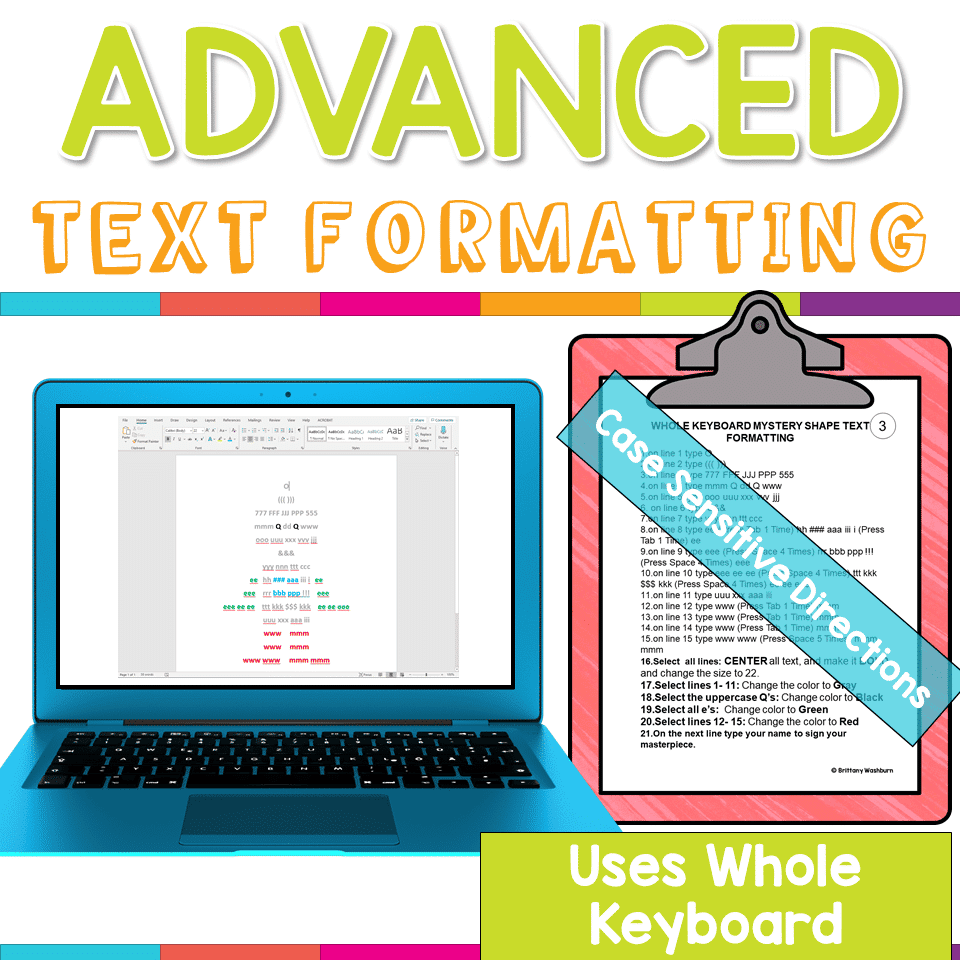
Advanced Keyboarding Text Formatting Activities
$7.00 -

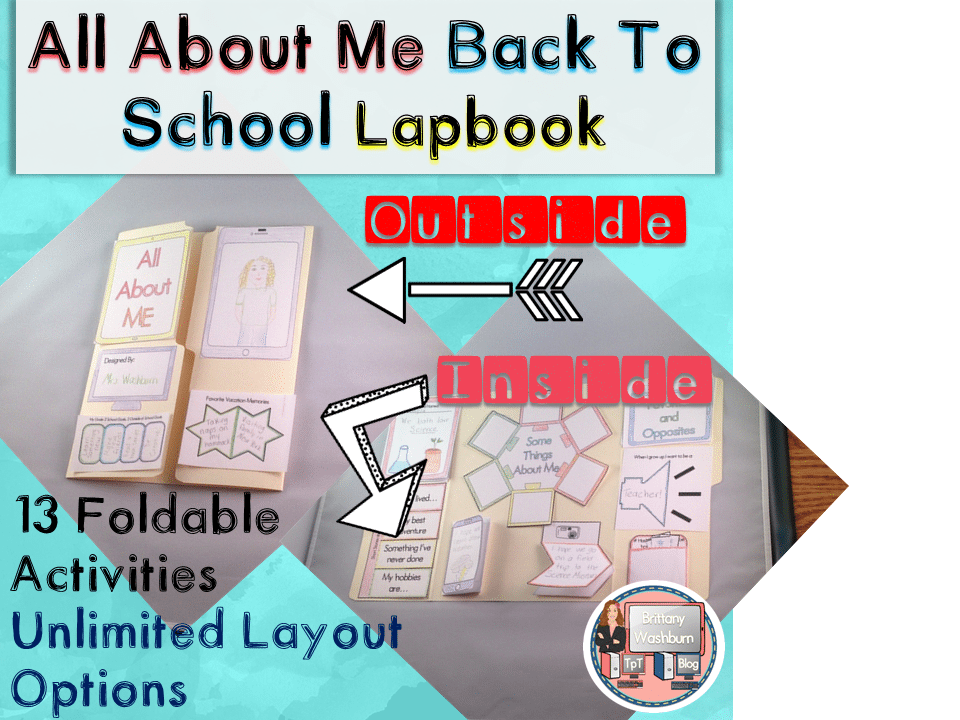
All About Me Book with Technology Theme
$3.50 -
Basic Robotics Printable Task Cards
Original price was: $6.00.$3.00Current price is: $3.00. -
Basic Troubleshooting Printable Task Cards
$6.00



You didn’t become a tech teacher to spend your weekends building lessons from scratch. I’m Brittany, a technology curriculum specialist with 1,000+ ISTE-aligned resources designed specifically for K–8 computer lab teachers.
My ready-made digital and printable resources cover everything from digital citizenship and coding fundamentals to multimedia creation and computer essentials, so your planning is handled and your students stay engaged.
Every resource is built to align with ISTE Standards, save you time, and actually work in a computer lab setting, because I’ve taught in one myself.
Browse my bestsellers, or explore by grade level or topic to find exactly what you need.

Reviews
There are no reviews yet.