
✅ Shop with Confidence
- 🔒 Secure Checkout – Your payment is safe and protected.
- ⭐ Quality Guaranteed – Store credit refunds if something isn’t right.
- 🎉 Earn Rewards – Get points for every dollar spent & redeem as store credit!
👉 Add to Cart and start using this resource today
Digital Libraries Lesson
$5.00
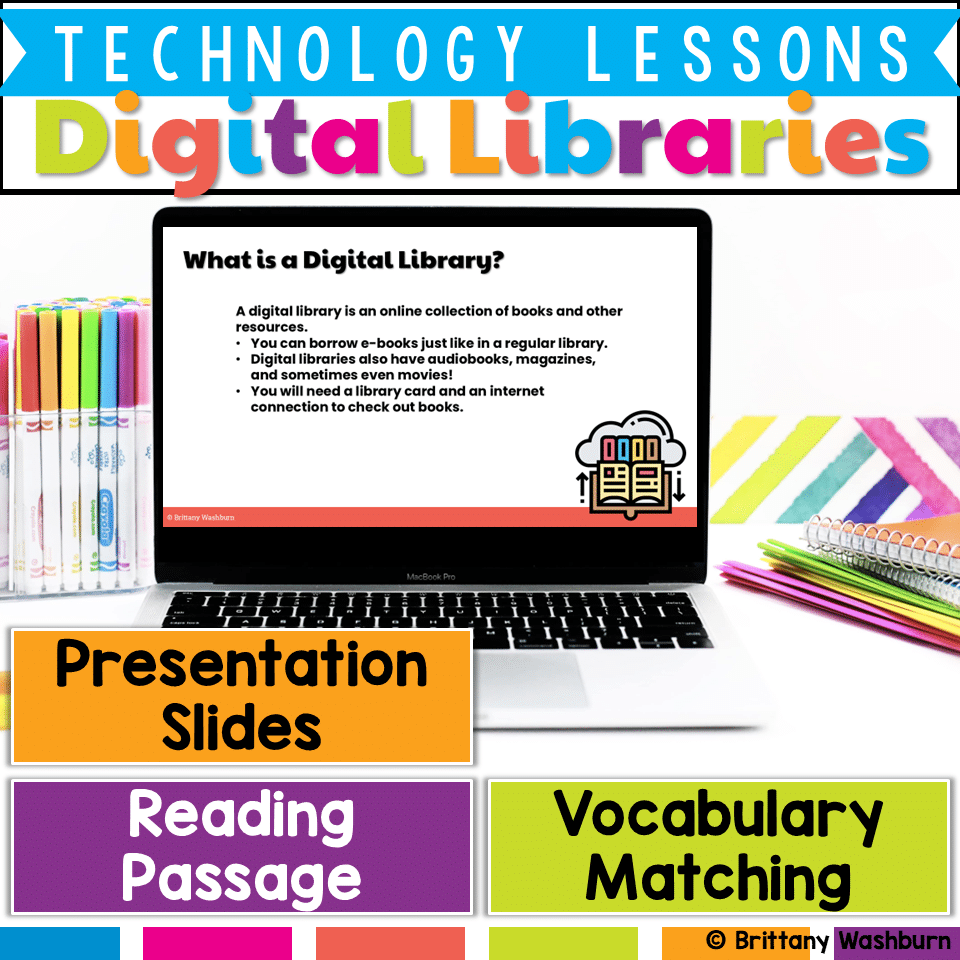
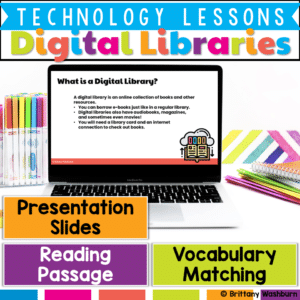
Help your students confidently navigate the world of digital reading with this E-Books and Digital Libraries Lesson! Designed to support digital literacy skills, this engaging resource teaches what e-books and digital libraries are, how they work, and how they compare to traditional print books. Students will build vocabulary, strengthen comprehension, and reflect on the benefits of digital resources.
Digital Libraries Lesson
$5.00
Description
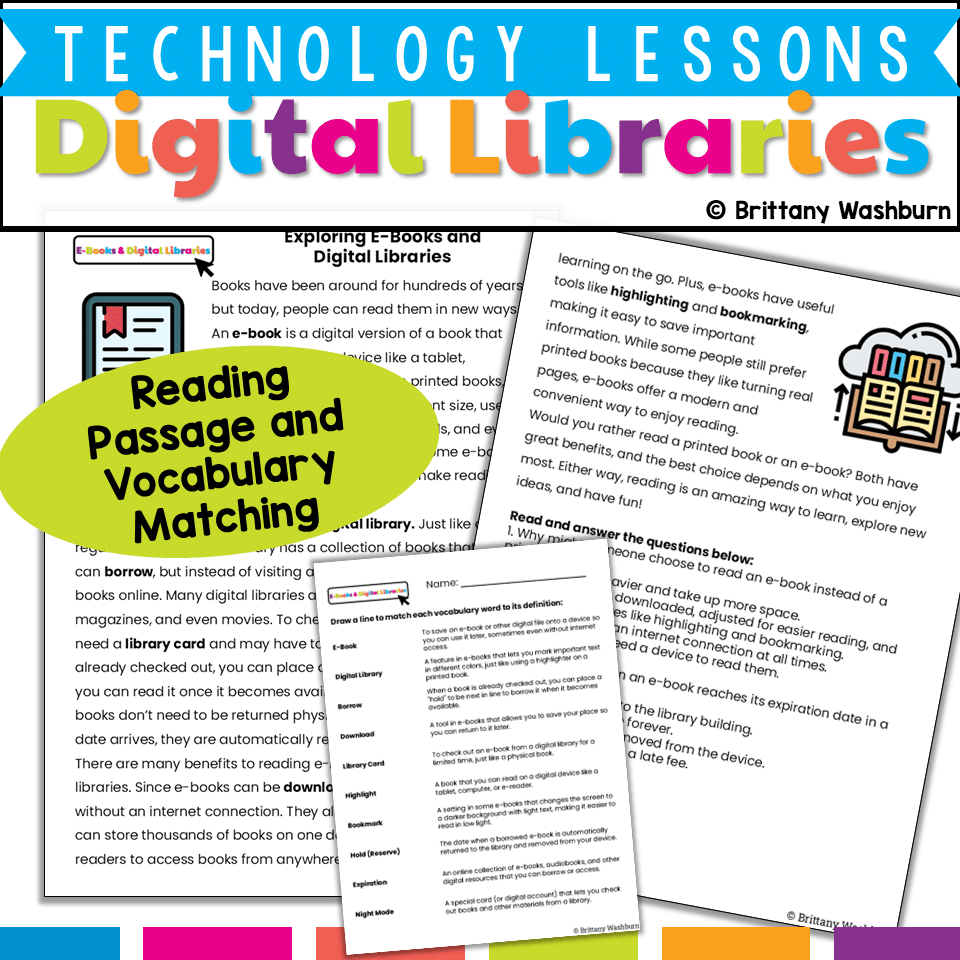
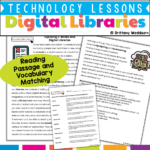
✅ Reading Passage – Informational text explaining e-books, digital libraries, and their features
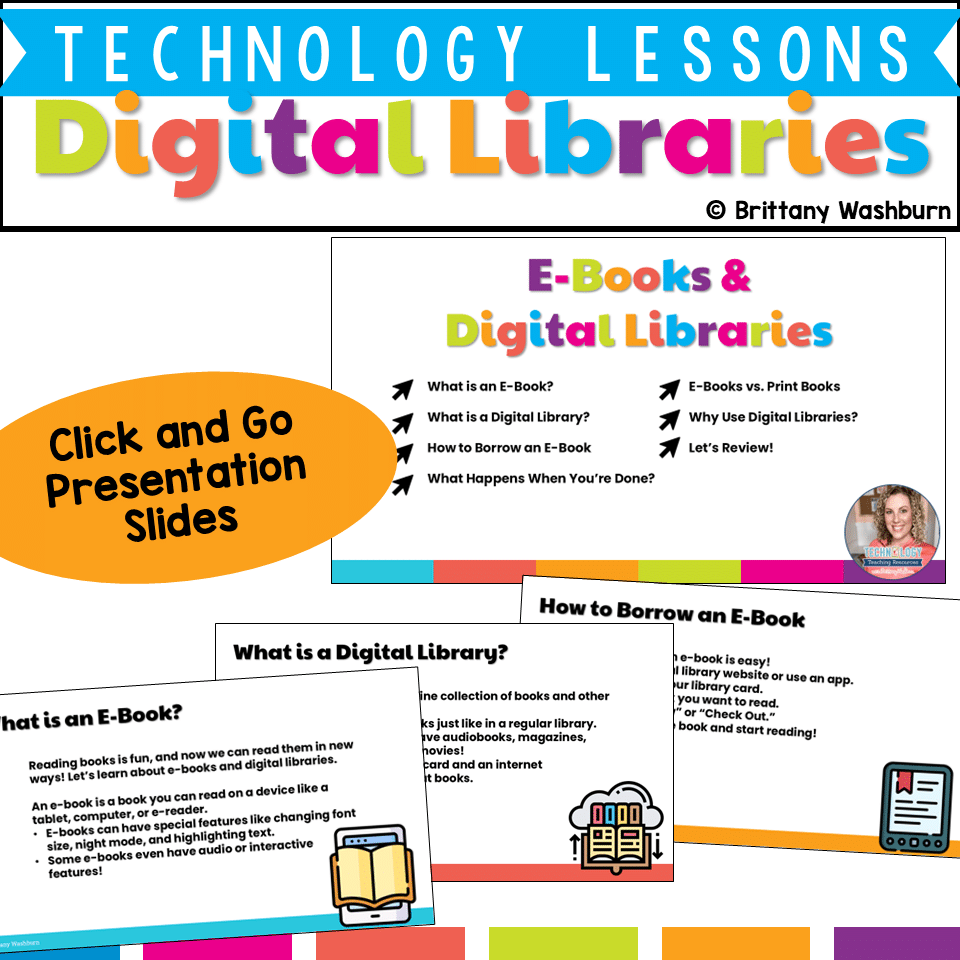
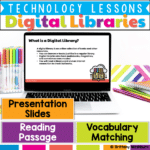
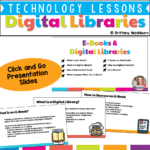
✅ Presentation Slides – Visual, easy-to-follow slides with guided questions
✅ Student Handouts – Printable or digital (PDF) comprehension and reflection activities
-
The definition and purpose of e-books
-
How digital libraries function and what they offer (books, audiobooks, magazines, etc.)
-
Comparing e-books and print books
-
Understanding expiration dates, borrowing limits, and digital reading features
-
Exploring how and why people access digital libraries
-
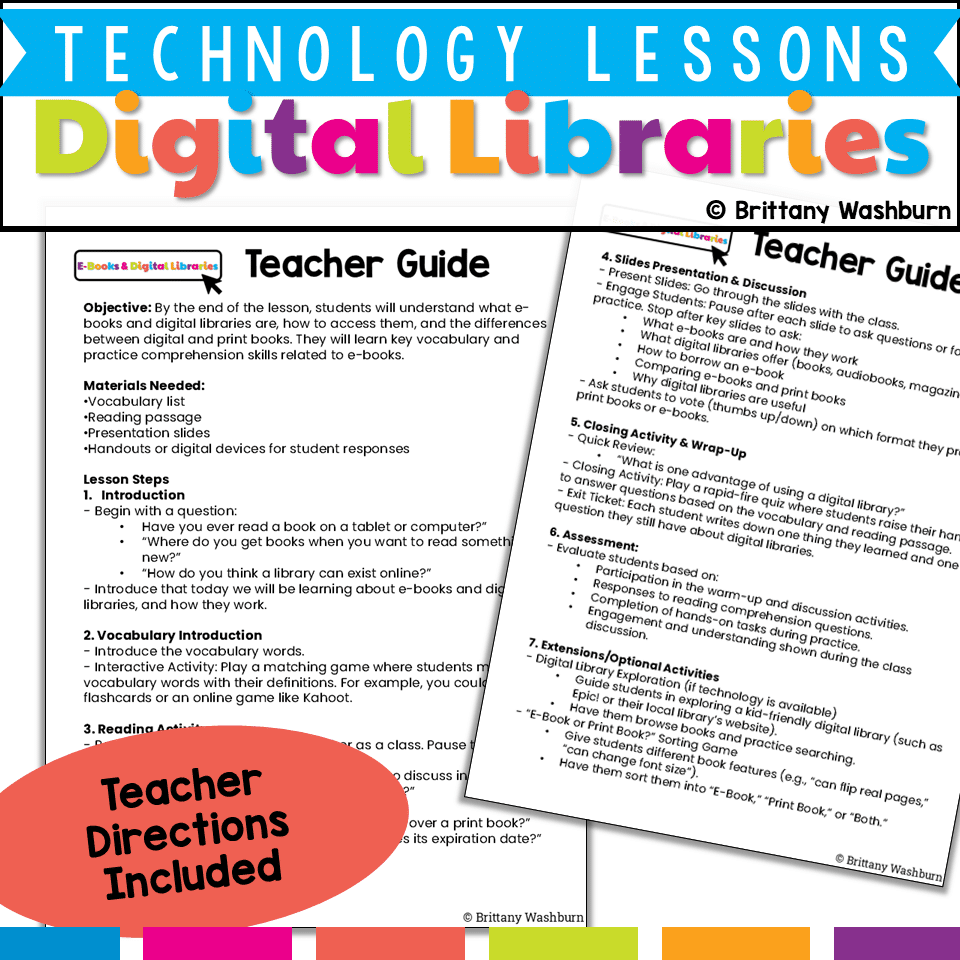
Interactive Vocabulary Game (suggested: flashcards or Kahoot-style review)
-
Whole-Class Read Aloud with discussion breaks to check understanding
-
Think-Pair-Share Prompts (e.g., “Why might someone choose an e-book over a print book?”)
-
Slide Presentation with built-in discussion prompts and comprehension checks
-
Wrap-Up Quiz Game & Exit Ticket for review and reflection
-
Digital Library Exploration: Guide students through platforms like Epic! or a local digital library.
-
“E-Book or Print Book?” Sorting Game: A hands-on way to compare formats based on features.
✔ Completion of the reading passage and comprehension questions
✔ Responses to discussion prompts and exit ticket reflections
✔ Engagement during hands-on or extension activities
You must be logged in to post a review.
You may be interested in…
-

eBooks and Digital Libraries Printable Task Cards
Original price was: $6.00.$3.00Current price is: $3.00.

Related Products
-
15 Word Processing Modules Bundle
Original price was: $15.00.$12.00Current price is: $12.00. -

Christmas Coding Digital Interactive Activities
$4.00 -
Christmas Digital Pixel Art STEM Challenges
$4.00 -
Cinco de Mayo Digital Pixel Art STEM Challenges
$4.00



You didn’t become a tech teacher to spend your weekends building lessons from scratch. I’m Brittany, a technology curriculum specialist with 1,000+ ISTE-aligned resources designed specifically for K–8 computer lab teachers.
My ready-made digital and printable resources cover everything from digital citizenship and coding fundamentals to multimedia creation and computer essentials, so your planning is handled and your students stay engaged.
Every resource is built to align with ISTE Standards, save you time, and actually work in a computer lab setting, because I’ve taught in one myself.
Browse my bestsellers, or explore by grade level or topic to find exactly what you need.
Reviews
There are no reviews yet.