




✅ Shop with Confidence
- 🔒 Secure Checkout – Your payment is safe and protected.
- ⭐ Quality Guaranteed – Store credit refunds if something isn’t right.
- 🎉 Earn Rewards – Get points for every dollar spent & redeem as store credit!
👉 Add to Cart and start using this resource today
Digital Hundreds Chart Mystery Pictures | Thanksgiving Theme
$3.00
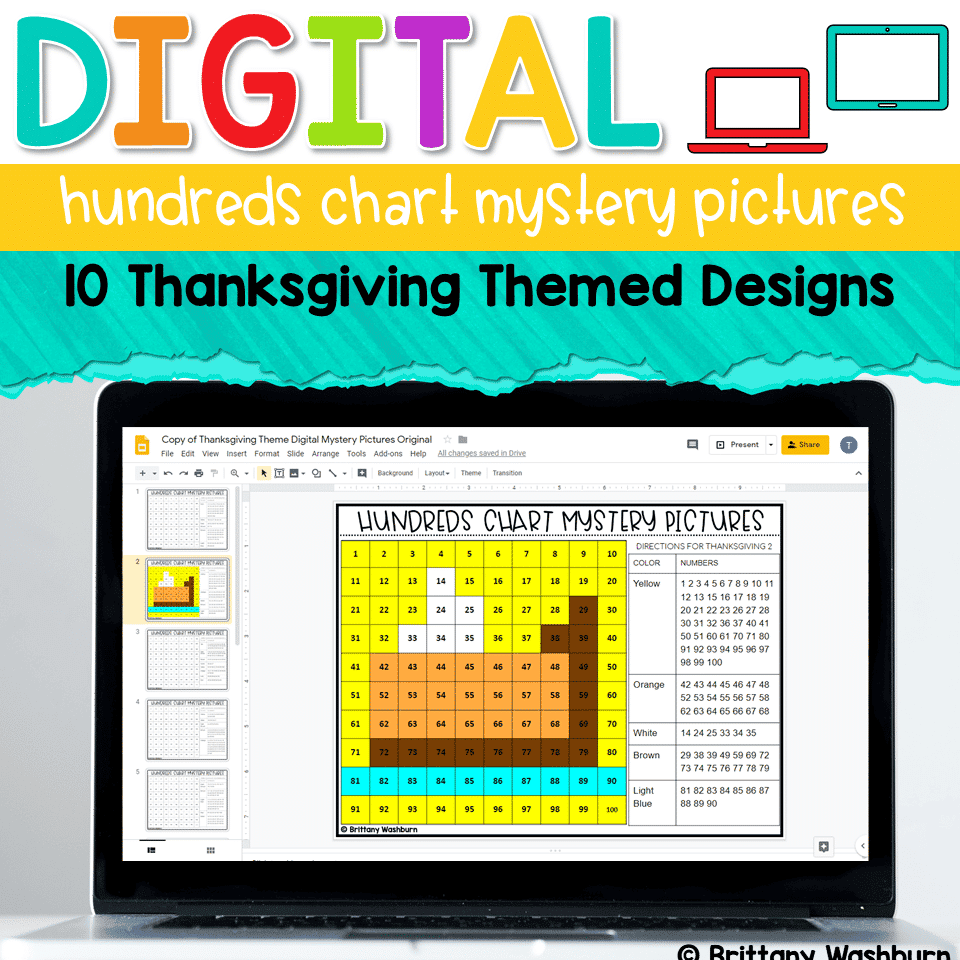
Students are going to love discovering what Thanksgiving themed design is hidden in the hundreds chart mystery picture and you’ll love that they are practicing so many different skills. While students may be familiar with paper and pencil hundreds charts, it takes it to a whole new level to do it digitally. Students will really master the toolbar in whatever program you use. The activity has them filling 100 cells in a table per design, making it a mastery activity.
Digital Hundreds Chart Mystery Pictures | Thanksgiving Theme
$3.00
Description
Students are going to love discovering what Thanksgiving themed design is hidden in the hundreds chart mystery picture and you’ll love that they are practicing so many different skills. While students may be familiar with paper and pencil hundreds charts, it takes it to a whole new level to do it digitally. Students will really master the toolbar in whatever program you use. The activity has them filling 100 cells in a table per design, making it a mastery activity.
Teacher Prep:
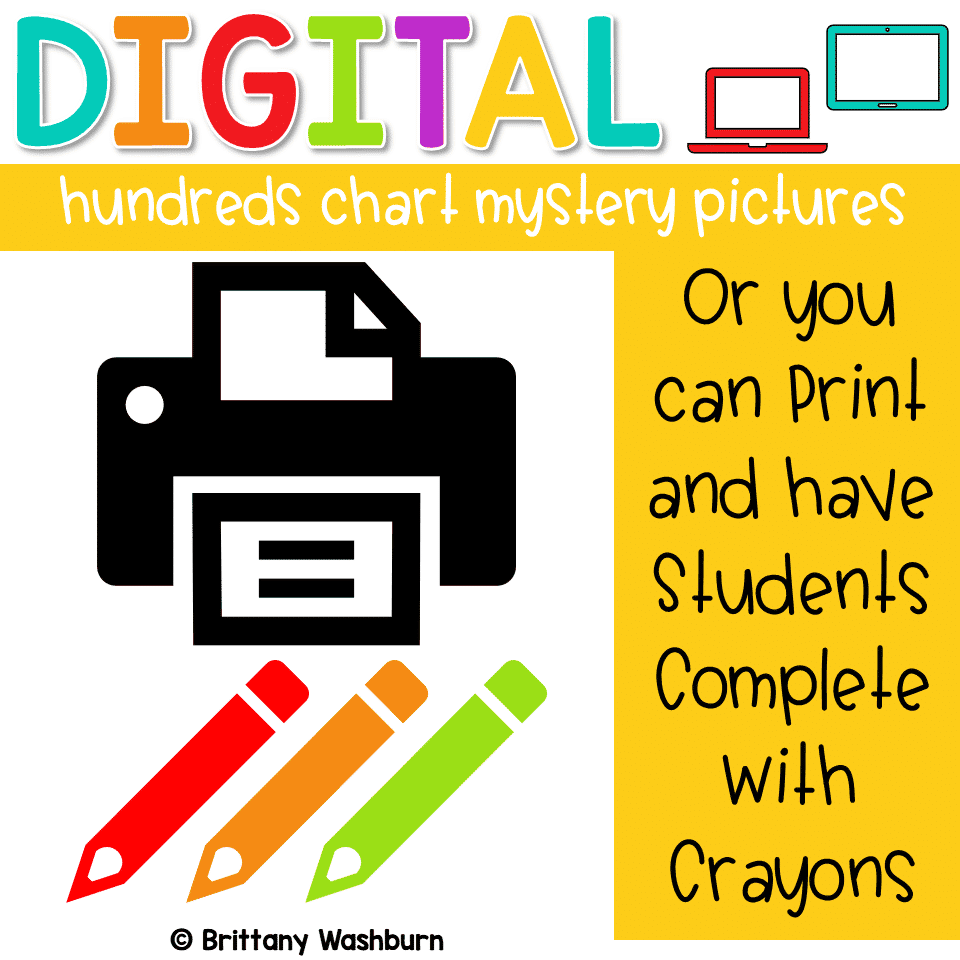
- Plan how you want to share the file with your students. I’m providing the Google Slides file link (on page 3) but you can also use this as a PowerPoint file. Using Google Classroom makes it really easy, but any learning management system can be used to send the file to students.
- Make a finished example if you think your students need one. I didn’t include answer keys.
- Decide whether or not to have students do slide 11, which has a place to type what they think each design is.
Skills Addressed:
- Navigating to the digital file
- Working in a hundreds chart table
- Fill cell with color
- Repeat fill color based on directions
- Perseverance to complete all 100 cells
STANDARDS ADDRESSED
Strand: Innovative Designer
Standard: 4.b. select and use digital tools to plan and manage a design process that considers design constraints and calculated risks.
I Can Statements:
I can create visual representations of the solution to a problem.
I can stick with a problem until it is solved.
I can use the materials around me to help me solve a problem.
Strand: Empowered Learner
Standard: 1.c. Students use technology to demonstrate their learning in a variety of ways.
I Can Statements:
I can click on an individual cell in a table.
I can fill a cell with any color.
I can use a shortcut for repeated actions.
Product Terms:
Copyright © Brittany Washburn. Purchasing this file entitles you to ONE classroom use. You may use this with multiple classes but may not share with any other teachers. Copying for more than one teacher, classroom, department, school, or school system is prohibited. This product may not be distributed or displayed digitally for public view. Failure to comply is a copyright infringement and a violation of the Digital Millennium Copyright Act (DMCA). Clipart and elements found in this PDF are copyrighted and cannot be extracted and used outside of this file without permission or license. If multiple licenses are needed for use my more than one teacher or in more than one computer lab, additional licenses are discounted.
If you’re interested in connecting with other technology teachers, check out the Technology Teacher Tribe Group on Facebook.
Connect with me on social media!
You must be logged in to post a review.
Related Products




You didn’t become a tech teacher to spend your weekends building lessons from scratch. I’m Brittany, a technology curriculum specialist with 1,000+ ISTE-aligned resources designed specifically for K–8 computer lab teachers.
My ready-made digital and printable resources cover everything from digital citizenship and coding fundamentals to multimedia creation and computer essentials, so your planning is handled and your students stay engaged.
Every resource is built to align with ISTE Standards, save you time, and actually work in a computer lab setting, because I’ve taught in one myself.
Browse my bestsellers, or explore by grade level or topic to find exactly what you need.

Reviews
There are no reviews yet.