


✅ Shop with Confidence
- 🔒 Secure Checkout – Your payment is safe and protected.
- ⭐ Quality Guaranteed – Store credit refunds if something isn’t right.
- 🎉 Earn Rewards – Get points for every dollar spent & redeem as store credit!
👉 Add to Cart and start using this resource today
Computer Skills Task Cards – MS Office Skills
$3.00
Computer Skills Task Cards. Use these task cards as essential questions to guide your student’s learning and/or as an assessment tool. They are ideal for intermediate grades students. Each card was designed to guide a lesson using the MS Office suite of products. All of the lessons could be done in MS PPT as an introduction and then students can transfer their knowledge to the other MS Office products like Word and Excel.
Computer Skills Task Cards – MS Office Skills
$3.00
Description
Computer Skills Task Cards. Use these task cards as essential questions to guide your student’s learning and/or as an assessment tool. They are ideal for intermediate grades students. Each card was designed to guide a lesson using the MS Office suite of products. All of the lessons could be done in MS PPT as an introduction and then students can transfer their knowledge to the other MS Office products like Word and Excel.
This download is for one classroom only. Sharing this file physically or digitally violates the DMCA and the copyright for the product.
Check out these related products for intermediate students:
Fifth Grade Skills Statements
Fifth Grade Technology Statements
Fourth Grade Skills Statements
Fourth Grade Technology Statements
Third Grade Skills Statements
Third Grade Technology Statements
Additional information
| Resource Type | Assessment, Task Cards |
|---|---|
| Format | |
| Topic | Computer Basics, Microsoft Office |
49 reviews for Computer Skills Task Cards – MS Office Skills
You must be logged in to post a review.
What teachers said on TPT
Rated 4.9 out of 5 by 49 teachers on Teachers Pay Teachers.
“Great resource. I used this with my 4th and 5th graders near the end of the year to get a sense of their learning. Next year I think I will use them two times - once as a baseline and once as an assessment of learning. Thanks!”
— Randi S., TPT review
“My students enjoy using these task cards. It helps them review what we are learning and leads to discussions of things that need reviewed again.”
— sally S., TPT review
“This is a great resource and a wonderful way to teach students about paying attention to detail on projects and reports.”
— Jacqueline R Brown, TPT review
Related Products
-

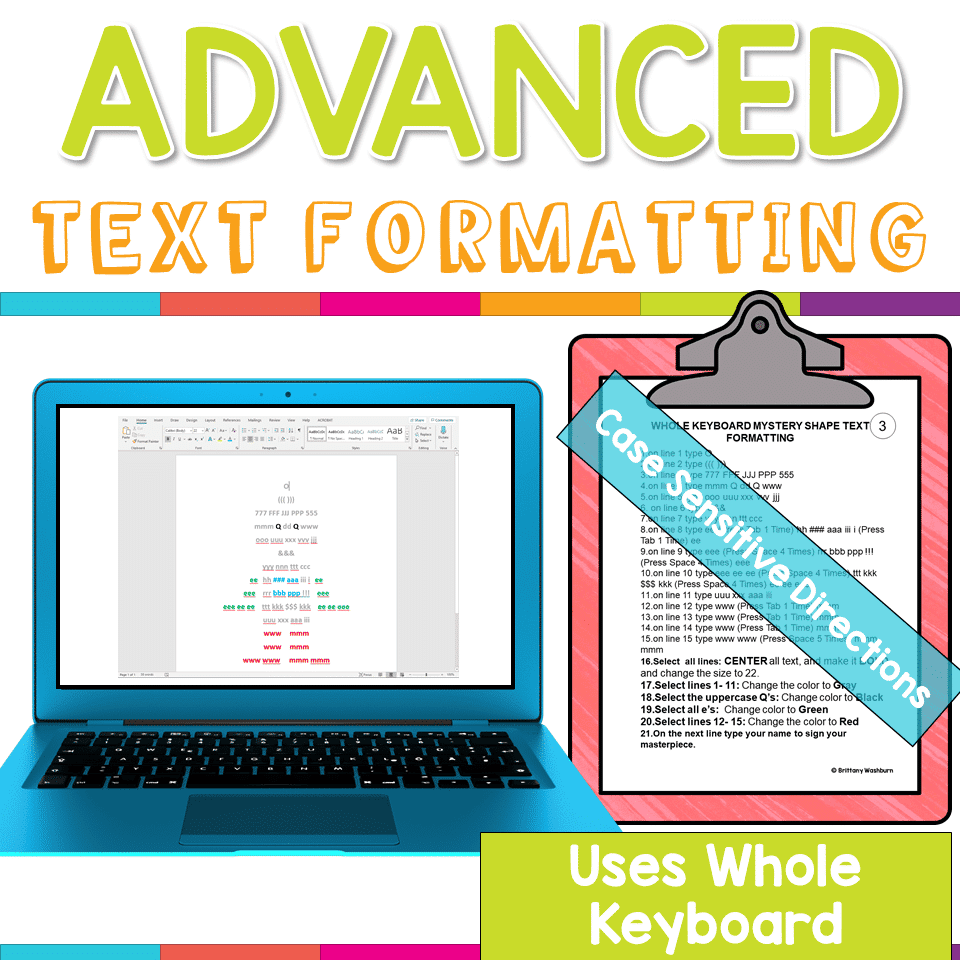
Advanced Keyboarding Text Formatting Activities
$7.00 -

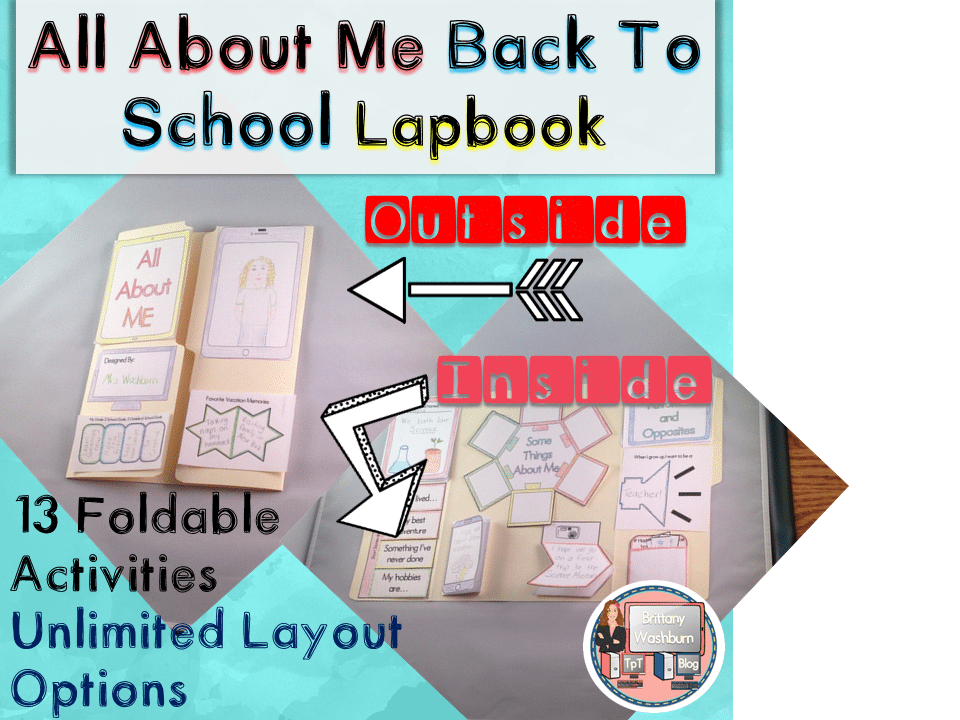
All About Me Book with Technology Theme
$3.50 -

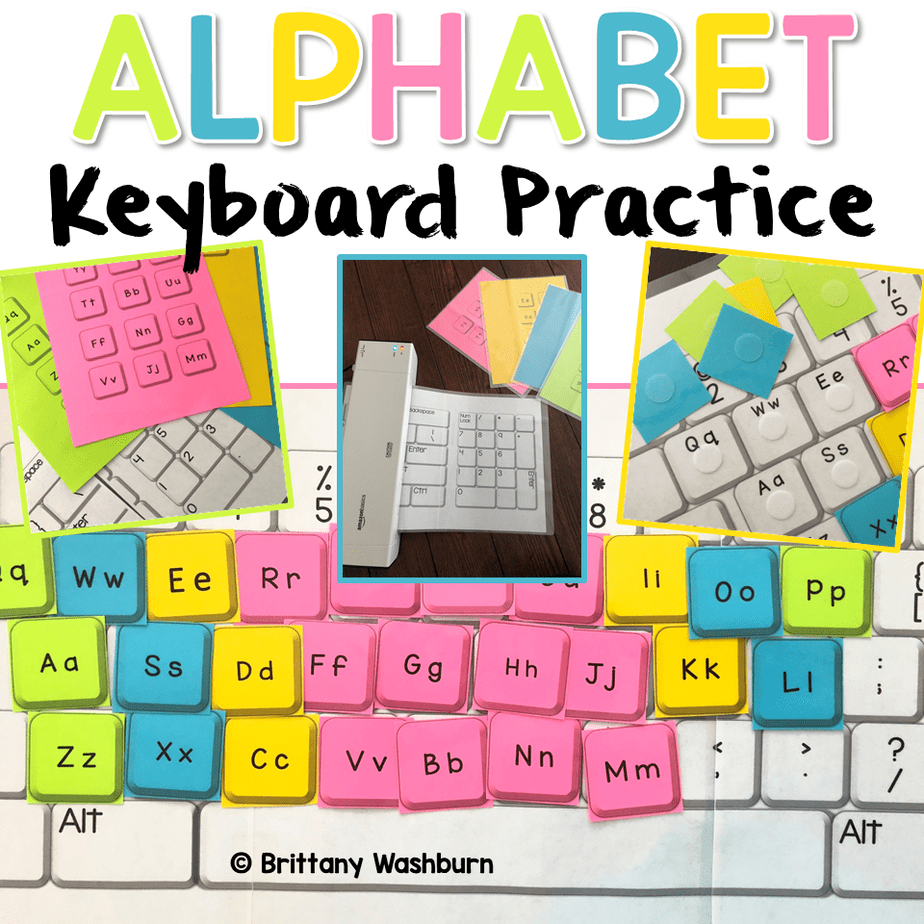
Alphabet Keyboard Practice
$5.00 -
Basic Robotics Printable Task Cards
Original price was: $6.00.$3.00Current price is: $3.00.


You didn’t become a tech teacher to spend your weekends building lessons from scratch. I’m Brittany, a technology curriculum specialist with 1,000+ ISTE-aligned resources designed specifically for K–8 computer lab teachers.
My ready-made digital and printable resources cover everything from digital citizenship and coding fundamentals to multimedia creation and computer essentials, so your planning is handled and your students stay engaged.
Every resource is built to align with ISTE Standards, save you time, and actually work in a computer lab setting, because I’ve taught in one myself.
Browse my bestsellers, or explore by grade level or topic to find exactly what you need.

sally S. –
Verified TPT reviewMy students enjoy using these task cards. It helps them review what we are learning and leads to discussions of things that need reviewed again.
Jacqueline R Brown –
Verified TPT reviewThis is a great resource and a wonderful way to teach students about paying attention to detail on projects and reports.
Linda B. –
Verified TPT reviewkids love the different activities
Kathleen H. –
Verified TPT reviewThese are great for early finishers or unplugged technology lessons.
Pamela H. –
Verified TPT reviewI use this with my early finishers. Not only are students reinforcing skills; but, I’m also seeing skills some students need to work on. Thanks for sharing.
Tiffany M. –
Verified TPT reviewA great resource for learning independent skills, practice, and reinforcement of skills. User friendly and was enjoyed by my students.
Kaitlin M. –
Verified TPT reviewI love these!
Audrey R. –
Verified TPT reviewI used the resources while the school was testing and I was working on a cart. I was great to get to listen my students share what they already knew.
Time 4 Tech –
Verified TPT reviewHelpful!
Joana Bell –
Verified TPT reviewawesome
Rosa L. –
Verified TPT reviewThis is a great activity for Technology classes; either for emergency sub plans or for early finishers!
Andrea Wheatley –
Verified TPT reviewgreat product
Vandana B. –
Verified TPT reviewGreat resource!
Brandi S. –
Verified TPT reviewGreat to use for a substitute activity or for when students finish in class assignemnts early.
Liz C. –
Verified TPT reviewExcellent tool! Thank you so much. Very easy to use.
Jessica L. –
Verified TPT reviewThanks for the great resource.
Randi Solomon –
Verified TPT reviewGreat resource. I used this with my 4th and 5th graders near the end of the year to get a sense of their learning. Next year I think I will use them two times – once as a baseline and once as an assessment of learning. Thanks!
Amy P. –
Verified TPT reviewThanks! Great Work!
Ana G. –
Verified TPT reviewThanks for the resources! Love them!
Brenda Wilkey –
Verified TPT reviewI bought these with the intention of using for Google. I did not see a Google version but these should be interchangeable almost completely from what I read after downloading.