


✅ Shop with Confidence
- 🔒 Secure Checkout – Your payment is safe and protected.
- ⭐ Quality Guaranteed – Store credit refunds if something isn’t right.
- 🎉 Earn Rewards – Get points for every dollar spent & redeem as store credit!
👉 Add to Cart and start using this resource today
Coded Keyboard Secret Messages
Original price was: $5.00.$3.00Current price is: $3.00.
15 coded keyboard secret messages in 5 sets of 3 fun themes. Both printable and digital versions are included so you can choose the format that works best for you.
Coded Keyboard Secret Messages
Original price was: $5.00.$3.00Current price is: $3.00.
Description
-
Option 1: Print and laminate or put in sheet protectors and use with dry erase markers
-
Share Google Slides file with students for them to complete the puzzles digitally
-
Use for warmups, station activities, early finishers, sub plans, or as an activity during your keyboarding unit
-
Students use the keyboards to find each character. The letter is below the character on each key.
-
Then at the bottom of the page students write the letter on the lines above the characters to spell out the secret message.
-
There aren’t any capital letters or punctuation.
-
Optional: have students record the messages on the recording sheet as they complete the pages.
Additional information
| Resource Type | Digital Activity, Printable |
|---|---|
| Format | Google Apps, PDF |
| Standards | ISTE, TEKS Technology Applications |
| Topic | Keyboarding & Typing |
This resource supports the following standards.
ISTE Standards for Students
- 1.1.d – Understand technology operations and troubleshoot
Texas TEKS: Technology Applications (19 TAC Chapter 126)
- Gr 1: (c)(9)(D) Keyboarding
- Gr 2: (c)(10)(D) Keyboarding
- Gr 3-5: (c)(12)(C) Keyboarding
47 reviews for Coded Keyboard Secret Messages
You must be logged in to post a review.
What teachers said on TPT
Rated 4.9 out of 5 by 47 teachers on Teachers Pay Teachers.
“I wanted to share my appreciation for the Secret Messages Keyboards resource. My students love it — I regularly use it when the internet or Wi‑Fi is down and always keep several copies ready to go. It’s an excellent tool that encourages keyboarding and helps students learn where each letter is on the keyboard. Thank you for creating such a practical and engaging resource.”
— Mallissa G., TPT review
“I wanted to extend a heartfelt thank you for the fantastic technology resource you created for my students. Your innovation and dedication shine through, providing an engaging and effective learning experience. The resource's user-friendly design and relevant content have truly made a positive impact on my students' educational journey. Your commitment to enhancing learning through technology is commendable, and I'm grateful for the positive influence you have on my students.”
— The Digital Apple, TPT review
“I have used this as an early finisher activity as well as an activity left with a substitute. Students were able to independently complete this activity in my absence without any issues. Thank you for another great resource!”
— North GA Educator, TPT review
You may be interested in…
-

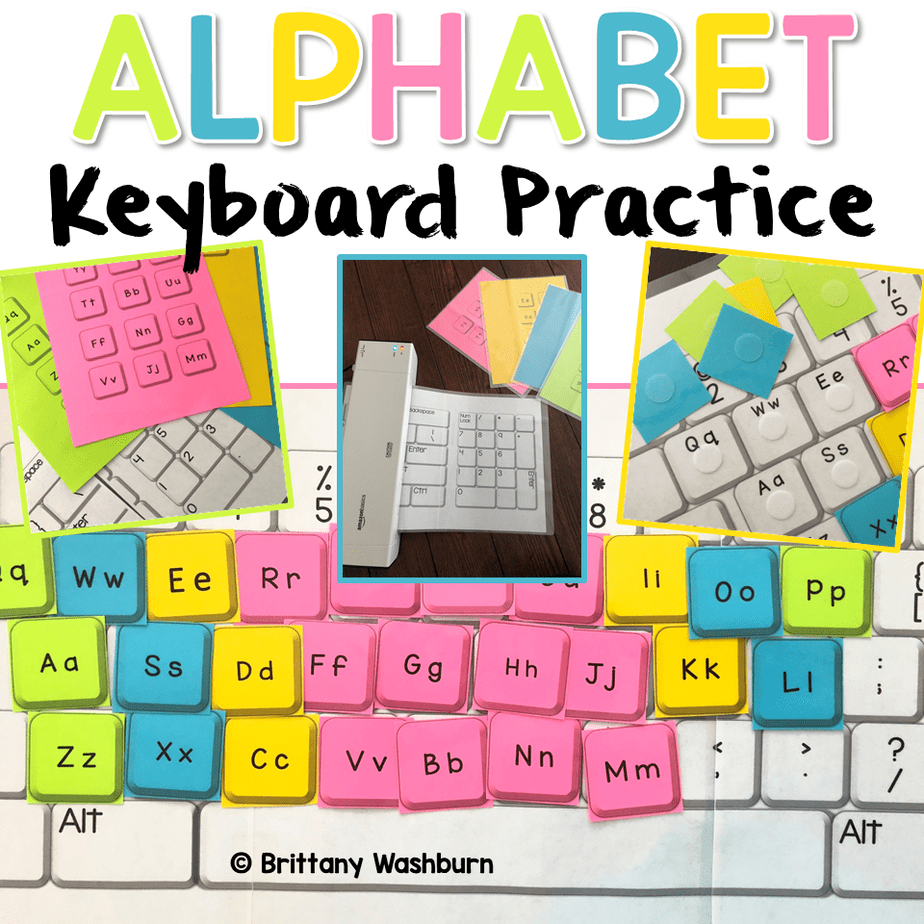
Alphabet Keyboard Practice
$5.00 -

Build Your Own Computer Paper and Digital Bundle
Original price was: $7.50.$6.00Current price is: $6.00.

Related Products
-

Full Year Timely Tech All in One
Original price was: $198.00.$158.40Current price is: $158.40. -
3rd Grade Language Standards Digital Resource Library
Original price was: $31.00.$24.80Current price is: $24.80. -
3rd Grade Reading and Language Digital Resource Library BUNDLE
Original price was: $36.80.$29.44Current price is: $29.44. -
3rd Grade Reading Standards Digital Resource Library
Original price was: $15.00.$12.00Current price is: $12.00.


You didn’t become a tech teacher to spend your weekends building lessons from scratch. I’m Brittany, a technology curriculum specialist with 1,000+ ISTE-aligned resources designed specifically for K–8 computer lab teachers.
My ready-made digital and printable resources cover everything from digital citizenship and coding fundamentals to multimedia creation and computer essentials, so your planning is handled and your students stay engaged.
Every resource is built to align with ISTE Standards, save you time, and actually work in a computer lab setting, because I’ve taught in one myself.
Browse my bestsellers, or explore by grade level or topic to find exactly what you need.

Meagan M. –
Verified TPT reviewA great early finisher activity in technology class
This was a great activity to give to early finishers in my technology class
Happy Little Voices –
Verified TPT reviewThanks so much
Thanks so much for sharing your great ideas and resources!
Kellie P. –
Verified TPT reviewSTudents loved this!
My students loved this. They really like the secret code part.
Laura L. –
Verified TPT reviewGreat way to support learning they keys
My students thought this was so fun! It kept them engaged and it was great practice for learning the keys.
Mallissa G. –
Verified TPT reviewKeyboard Secret Messages
I wanted to share my appreciation for the Secret Messages Keyboards resource. My students love it — I regularly use it when the internet or Wi‑Fi is down and always keep several copies ready to go. It’s an excellent tool that encourages keyboarding and helps students learn where each letter is on the keyboard. Thank you for creating such a practical and engaging resource.
Kristen Evans –
Verified TPT reviewGreat resource
This is an excellent resource for me to use in my Tech Time centers.
Megan M. –
Verified TPT reviewUsed for summer school
I sent these home with students weekly during our summer program. Fun activity!
Stacey B. –
Verified TPT reviewFun and engaging
My second graders LOVED this activity. After doing an activity on the smart board with the letters on a keyboard, the students paired up to decode the messages. They enjoyed it so much, some wanted to do more!
Becky W. –
Verified TPT reviewgood resource
The kids really enjoyed this activity. It definitely helps them to learn the keyboard.
Megan E. –
Verified TPT reviewWe use this in small groups with students that have autism ages K-5
Cara M. –
Verified TPT reviewI like this for fun practice typing, but it also works well to print and put in dry erase packets so kids that forget their devices, or need a tech break can work with a marker.
Erin C. –
Verified TPT reviewTyping and learning can be a challenge for second graders. This activity was fun and help my students learn where the letters are on their keyboard.
Tiny Tech Thinkers –
Verified TPT reviewMy students in first and second grades both loved this resource. It also helped them with an intro into coding in 1st grade.
Julia M. –
Verified TPT reviewMy students really enjoyed the activities and stayed engaged throughout. This is perfect for sub plans as well. . I would recommend it to other educators looking for an effective and engaging resource!
Holly R. –
Verified TPT reviewThis was such a fun and engaging resource! My students loved using it, and I loved that they were practicing their keyboarding skills at the same time. A wide variety of puzzles so it will last us a long time!
Evy’s Place –
Verified TPT reviewStudents loved the secret messages. The emojis were a hit because they have seen them before. I liked that it was a good unplugged activity that still hits my Comoputer Science standards.
Julia F. –
Verified TPT reviewMy students enjoyed the activity. they were able to practice reading and typing sight words which is a bonus! I thought it would be awesome if it would have included a section where they could make their own secret code. I ended up printing blank keyboards on paper for them to do so and they really loved making their own but maybe it could be included with the activity in the future for some open ended fun.
Courtney Schneider –
Verified TPT reviewMy students loved this assignment in decoding the secret message. Great introduction to coding and problem solving skills.
Speckles13 –
Verified TPT reviewGreat way to teach solving codes and give them practice with keyboard review!
Mathematically Enthused –
Verified TPT reviewMy second-grade students LOVED decoding these keyboard messages. I used this resource in my STEAM Lab to help my second graders practice locating the letters on a keyboard.