✅ Shop with Confidence

  • 🔒 Secure Checkout – Your payment is safe and protected.
  • Quality Guaranteed – Store credit refunds if something isn’t right.
  • 🎉 Earn Rewards – Get points for every dollar spent & redeem as store credit!

👉 Add to Cart and start using this resource today

Canva Lessons for Beginners

$5.00

or Buy from TPT
Add to wishlist
Canva Quests: Creative Missions to Learn About Canva. A Guided Canva Introduction for Upper Elementary & Middle School. Looking for a structured, student-friendly way to teach Canva, without overwhelming your students or yourself? Canva Quests is a guided, mission-based Canva lesson that walks students step by step through essential design and photo-editing tools. Instead of open-ended “just explore Canva” activities, students complete clear, focused missions that build confidence and real skill mastery.
 
This resource works beautifully as an introduction to Canva, a design fundamentals lesson, or a technology center or project-based activity.

Canva Lessons for Beginners

$5.00

or Buy from TPT
Add to wishlist

Description

Canva Quests: Creative Missions to Learn About Canva. A Guided Canva Introduction for Upper Elementary & Middle School. Looking for a structured, student-friendly way to teach Canva, without overwhelming your students or yourself? Canva Quests is a guided, mission-based Canva lesson that walks students step by step through essential design and photo-editing tools. Instead of open-ended “just explore Canva” activities, students complete clear, focused missions that build confidence and real skill mastery.
 
This resource works beautifully as an introduction to Canva, a design fundamentals lesson, or a technology center or project-based activity.
⭐ What Students Will Learn
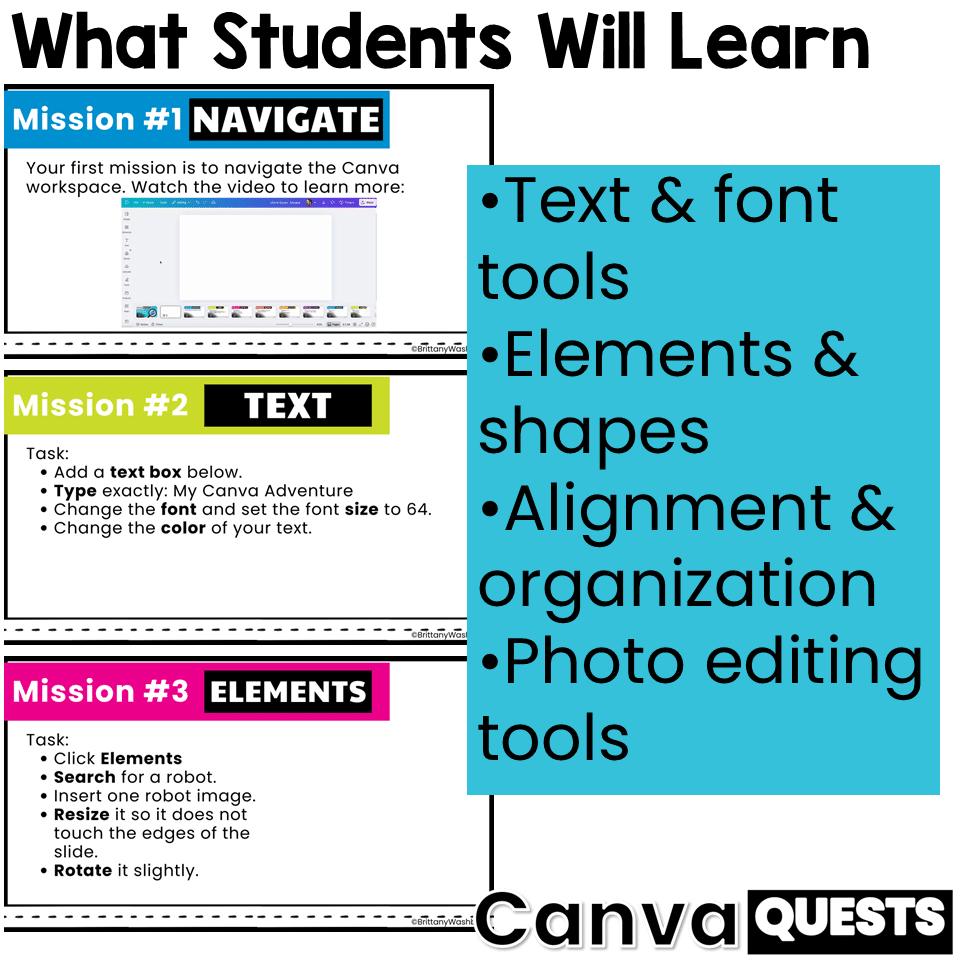
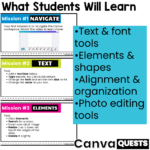
Through a series of creative “quests,” students practice essential Canva skills, including:
Text & Design Tools
  • Adding and editing text
  • Changing fonts, sizes, and colors
  • Creating and customizing shapes
Elements & Organization
  • Searching for and inserting elements
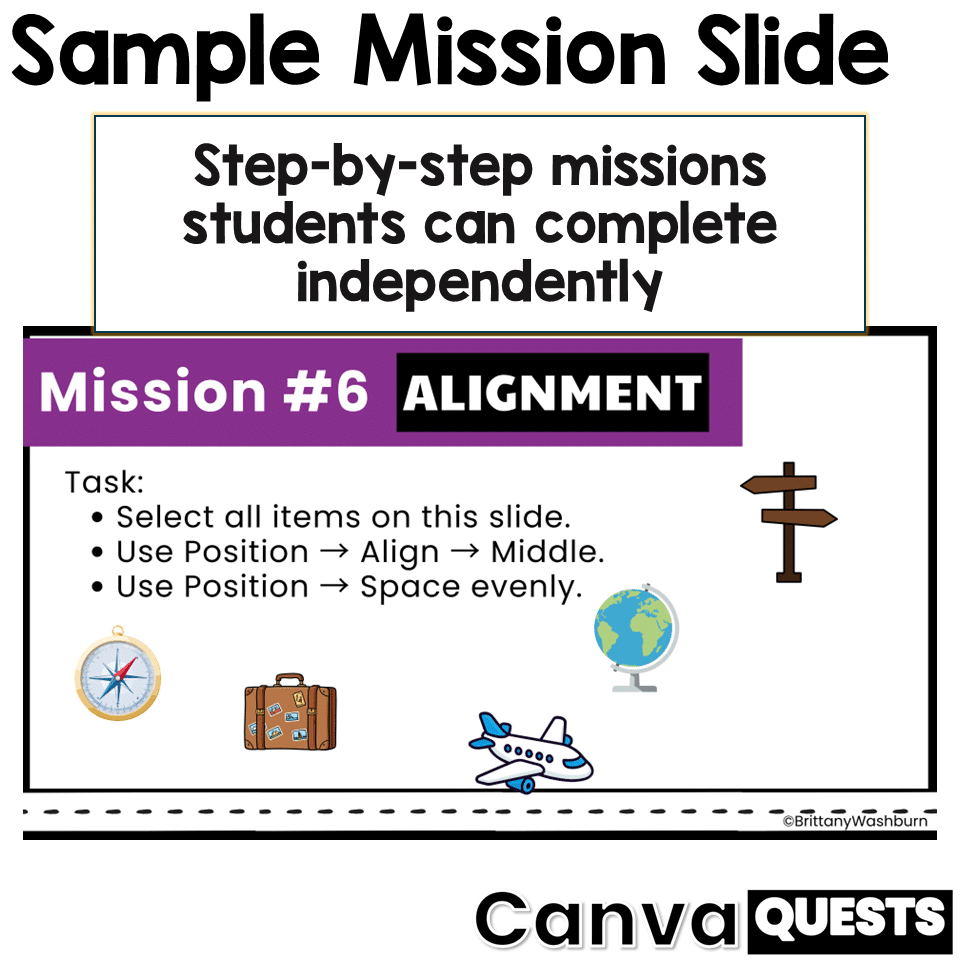
  • Resizing, rotating, layering, grouping, and duplicating
  • Using alignment and spacing tools
Photo Editing
  • Working with frames
  • Applying filters
  • Using background remover and magic eraser
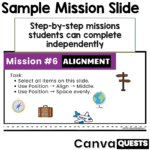
Each mission focuses on one core skill at a time, keeping tasks clear, achievable, and age-appropriate.
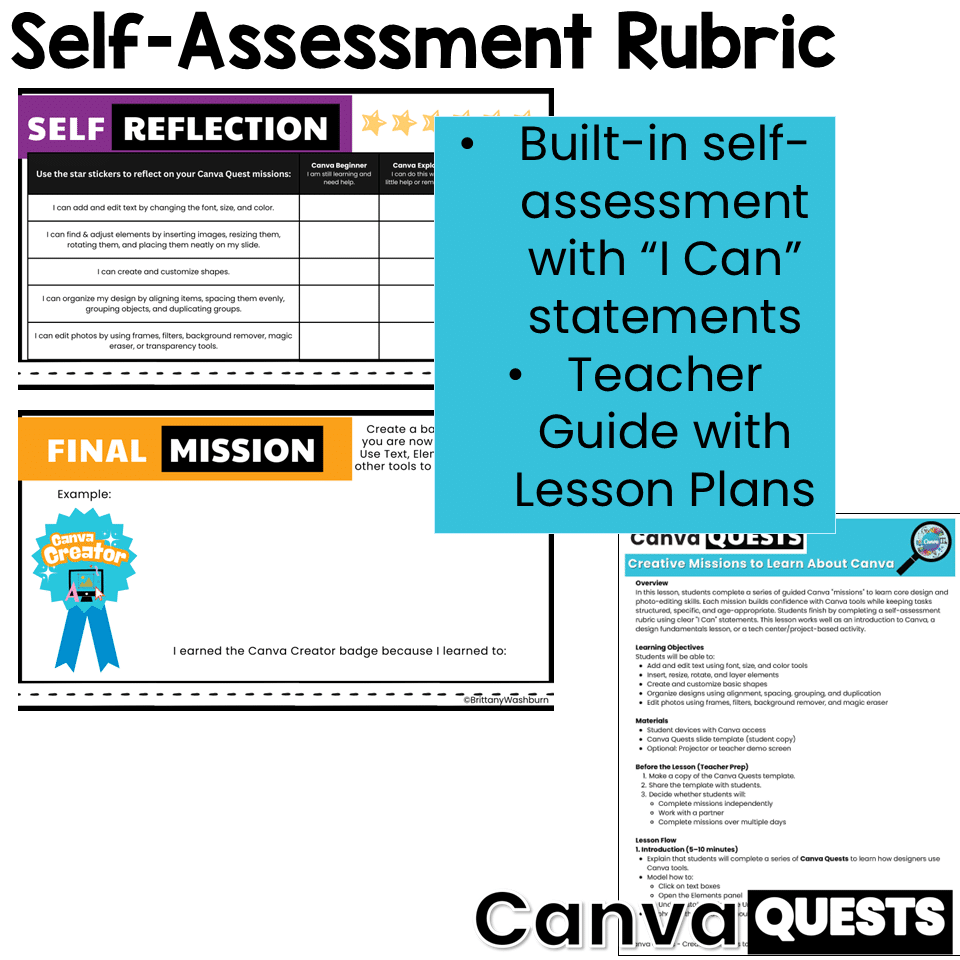
🧠 Built-In Assessment (No Extra Prep)
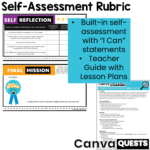
Students finish by completing a self-assessment rubric using simple “I Can” statements:
  • 3 – Quest Master: I can do this on my own
  • 2 – Quest Explorer: I can do this with help
  • 1 – Quest Beginner: I am still practicing
Teachers can collect the final slide as evidence or use the rubric for informal grading and feedback.
 
📂 What’s Included
  • ✔ Canva Quests student slide template (shared via editable Canva template link)
  • ✔ Detailed teacher lesson plan PDF
  • ✔ Clear lesson flow, support tips, differentiation ideas, and extensions
  • ✔ Built-in student self-assessment rubric
👩‍🏫 Teacher-Friendly & Flexible
This lesson is designed to work in many settings:
  • Whole-group instruction
  • Independent or partner work
  • Tech centers
  • Multi-day projects
No single “right” design outcome—the focus is on tool use and skill completion, not artistic perfection.
💻 Tech Requirements
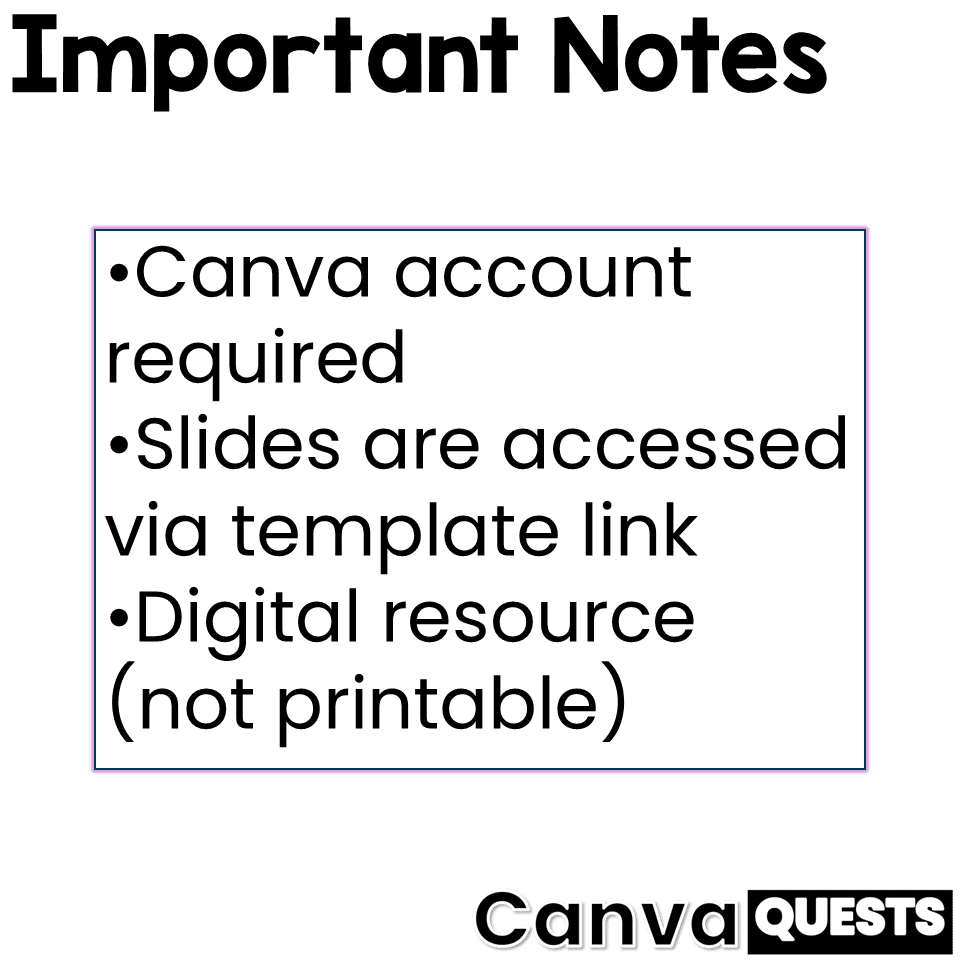
  • Students need access to Canva
  • A free Canva account is required
  • Slides are accessed using a “Use as a template” link, so each student works on their own copy
📌 Important Notes
  • This is a digital resource (not printable)
  • Canva Quests prioritizes process over polish, making it ideal for beginners
  • Perfect for upper elementary and middle school technology, design, and digital creativity lessons


Product Terms:
Copyright © Brittany Washburn. Purchasing this file entitles you to ONE classroom use. You may use this with multiple classes but may not share with any other teachers. Copying for more than one teacher, classroom, department, school, or school system is prohibited. This product may not be distributed or displayed digitally for public view. Failure to comply is a copyright infringement and a violation of the Digital Millennium Copyright Act (DMCA). Clipart and elements found in this PDF are copyrighted and cannot be extracted and used outside of this file without permission or license. If multiple licenses are needed for use my more than one teacher or in more than one computer lab, additional licenses should be purchased. 
 
If you would like to get updates on NEW and CURRENT resources for technology teachers…

Reviews

There are no reviews yet.

Be the first to review “Canva Lessons for Beginners”
Brittany Washburn Logo Tech Teaching Resources compressed

Welcome to my website! My name is Brittany, and I’m excited to introduce myself as a technology standards expert specializing in creating top-notch technology curriculum resources for elementary computer lab teachers. If you’re searching for innovative and effective ways to teach tech skills to your students, you’ve come to the right place.

At the heart of my work is a genuine passion for crafting age-appropriate and engaging activities that empower young learners to become tech-savvy individuals. With my ready-made digital and printable resources, you can reclaim your weekends and rest easy knowing that your planning is taken care of.

With a vast collection of over 1,000 resources, I cater to grades K-8 teachers who are eager to seamlessly integrate technology skills into their lessons. Whether you’re looking to introduce coding concepts, explore multimedia creation, or delve into digital citizenship, I have you covered.

By incorporating my curriculum resources into your classroom, you’ll unlock a world of exciting possibilities for your students. Each resource has been carefully designed to align with technology standards (ISTE Standards for Students), ensuring that your learners receive a comprehensive and well-rounded education.

As you navigate through my product pages, you’ll discover a wealth of practical materials, from interactive presentations and worksheets to engaging project ideas and assessment tools. These resources are designed to save you time and energy, allowing you to focus on what you do best—inspiring young minds.

I understand the unique challenges and opportunities faced by educators in today’s digital age, and I am committed to supporting you every step of the way. Whether you’re a seasoned technology teacher or just starting your journey, my resources are here to assist you in creating an enriching and impactful learning experience.

Thank you for considering my technology curriculum resources. Together, let’s equip your students with the skills they need to thrive in our ever-evolving digital world.